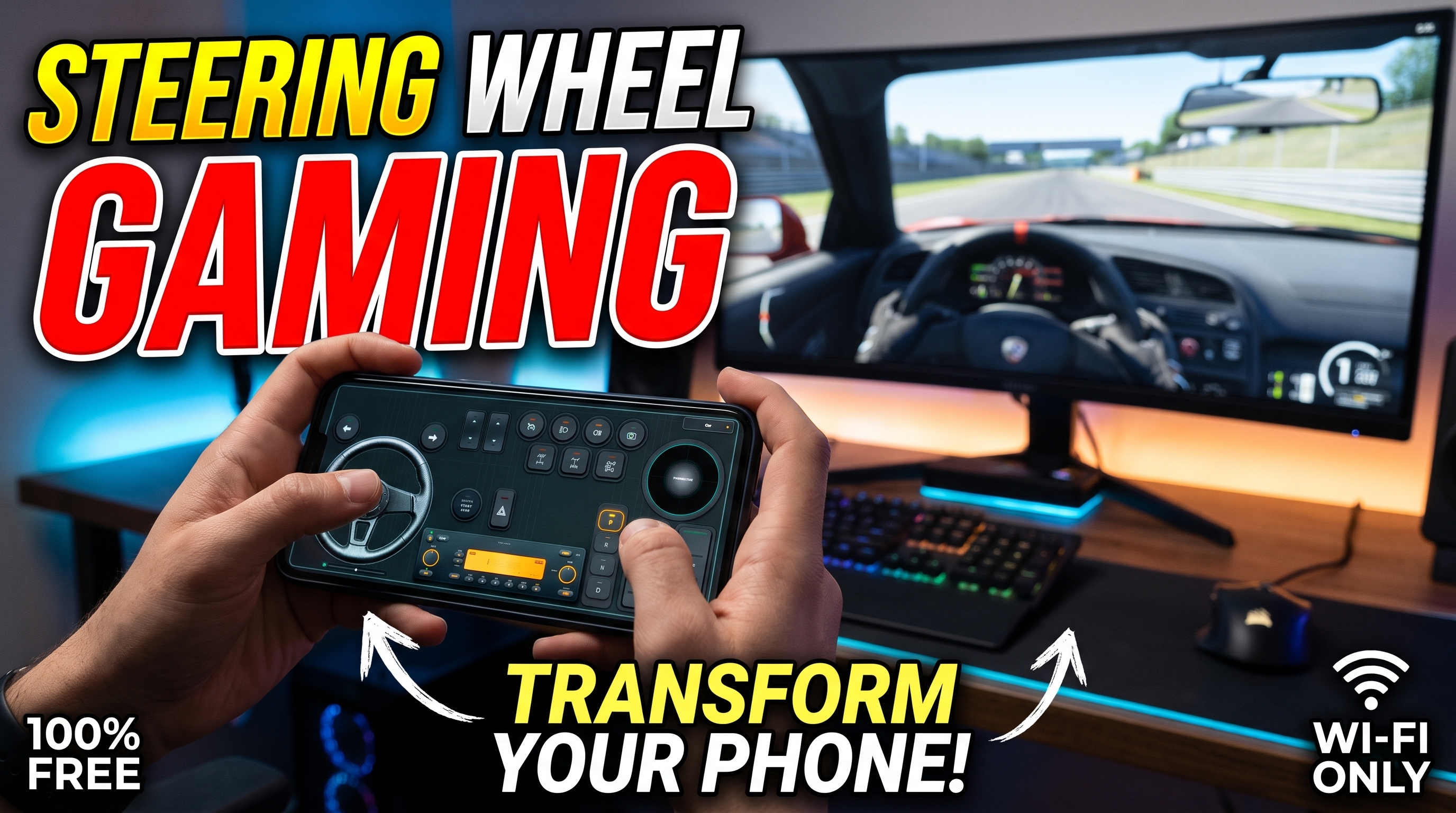



Professional-grade sim racing hardware is notoriously gatekept behind four-figure price tags. Entry-level Direct Drive bundles and load-cell pedal sets demand massive financial investment before you can even slide into a virtual cockpit. However, the smartphone sitting in your pocket already packs an industrial-grade 6-axis Inertial Measurement Unit (IMU)—the exact sensor array required for high-precision rotational tracking. By leveraging RojX to bridge mobile hardware with Windows, you can bypass expensive peripherals entirely and step straight into immersive steering wheel gaming with zero capital outlay.
#Decoding the 6-Axis IMU: How Tilt-to-Steer Replicates 900° Rotation
The fundamental challenge of converting a handheld or clamped touchscreen device into a believable steering wheel lies in translating angular velocity into smooth game axis inputs. Cheap mobile racing apps fail because they map linear tilt directly to 180 degrees of stiff, twitchy steering, resulting in unplayable, hyper-sensitive twitch gameplay.
Modern sim titles demand a full 900-degree lock-to-lock rotation range to handle tight hairpin turns in rally games or precise counter-steering drifts. RojX tackles this by polling the phone's internal gyroscope and accelerometer at 100Hz+, running real-time sensor fusion algorithms to filter out micro-jitters.
To configure this properly on your desktop, ensure you first turn your phone into a PC gaming controller using the native ViGEmBus driver architecture. When you tilt your phone left or right, the software applies mathematical non-linearity curves (typically set to a 1.25 exponent) to soften center-position sensitivity while preserving rapid outer-rim responsiveness.
⚠️ IMPORTANT: Always calibrate your phone on a completely flat, stable surface right before launching your racing simulator. Allowing the IMU gyroscope to zero-out eliminates baseline drift, ensuring your virtual steering wheel stays perfectly centered when your physical phone is level.
#Sim Racing Rig Build Breakdown: Budget vs. Performance
| Component | DIY Phone Wheel Approach | Traditional Hardware Alternative | Cost Difference | Feel & Immersion |
|---|---|---|---|---|
| Steering Wheel | Smartphone mounted on a 3D-printed desk bracket running RojX 900° gyro | Entry-level Force Feedback wheel (e.g., Logitech G29) | Saves $250 - $400 | Excellent rotational accuracy with auto-centering spring physics; lacks motor torque feedback. |
| Pedals | Lower half of touch layout or split-screen Bluetooth gamepad triggers | 2 or 3-pedal floor set with potentiometer springs | Saves $100 - $200 | Good progressive travel via customizable screen buttons; lacks hydraulic resistance. |
| Shifter | Dedicated touch-button grid or swipe-to-shift macros in RojX | H-pattern metal gated mechanical shifter | Saves $60 - $150 | Immediate gear selection with zero mechanical wear and tear. |
| Head Tracking | RojX AI webcam head tracking integration | TrackIR infrared clip or VR headset | Saves $150 - $400 | Fully dynamic in-game camera movement tied to head posture without heavy headgear. |
#USB Tethering vs. 5GHz Wi-Fi: Eliminating Input Lag
In competitive sim racing, latency is the ultimate enemy. A delay of even 50 milliseconds between turning your physical setup and seeing the front wheels bite into the asphalt destroys vehicle predictability.
When configuring your steering wheel gaming rig, network topology matters immensely. RojX supports two primary transmission protocols:
- High-Speed UDP over Local Wi-Fi: Operating on a dedicated 5GHz wireless channel, packets transfer with an average latency of 3ms to 8ms. You must ensure your gaming PC is hardwired via Ethernet to your router to prevent wireless packet collisions.
- Direct USB Tethering: By enabling USB debugging or tethering on iOS and Android, the data stream tunnels directly through copper wiring, completely eliminating wireless interference and dropping latency down to near-zero analog response times.
💡 PRO TIP: If you experience intermittent stuttering over Wi-Fi, check your Windows Firewall settings to ensure UDP port 27015 is explicitly allowed through. Additionally, isolate your phone to an uncluttered 5GHz channel away from crowded neighbor router frequencies.
#Building Your DIY Cockpit: Ergonomics, Mounting, and Touch Pedals
Hardware stability makes or breaks a DIY sim rig. Taping your phone to a loose cardboard tube will yield disastrous results during high-speed cornering phases. To achieve professional ergonomics, look into inexpensive universal phone desk clamps or print a modular 3D-printed steering wheel shell that snaps securely around your chassis.
Once mounted securely to your desk, tackle the pedal configuration:
- Accelerator & Brake: Set up your screen layout with split-zone sliders. Utilize progressive deadzones so the initial 20% of thumb or foot travel applies gentle braking, avoiding instant wheel lock-ups.
- Clutch & Handbrake: Map auxiliary touch buttons directly underneath your fingertips for instantaneous rally-style handbrake flicks.
For deep-dive configuration walkthroughs tailored to specific physics engines, consult the official BeamNG.drive Physics & Steering Guide or optimize your hauling physics using the Euro Truck Simulator 2 Setup Guide. By combining clever DIY mounting, precise IMU physics, and robust Xbox 360 controller emulation, entry barrier costs vanish—allowing anyone to experience authentic motorsport simulation right from their desktop.
Turn your smartphone into a virtual 900° steering wheel right now
No expensive $300 wheel hardware required. Play Forza, Euro Truck Simulator 2, BeamNG, and Assetto Corsa with butter-smooth gyro steering and zero lag over Wi-Fi.
Point your iPhone or Android camera to install.