Turn Your Phone Into aPC Gaming Controller


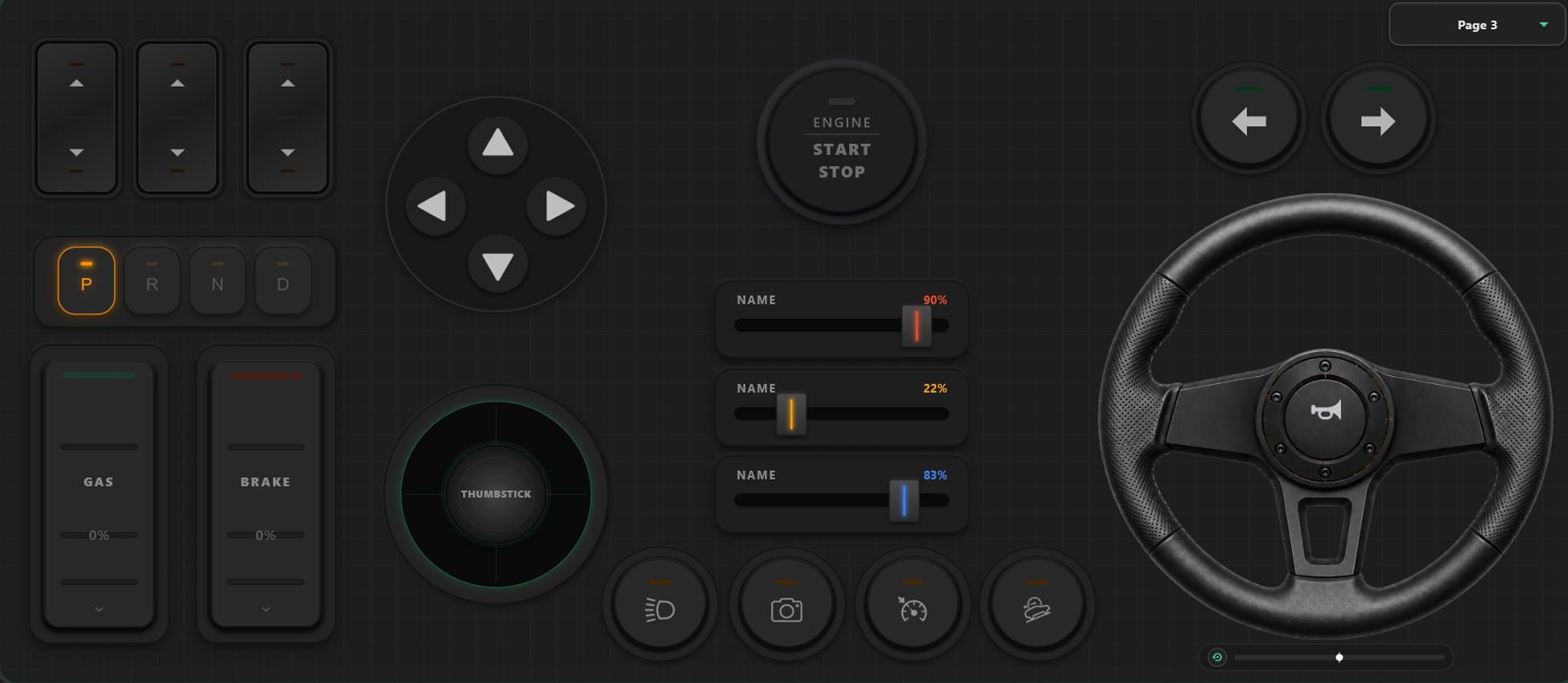
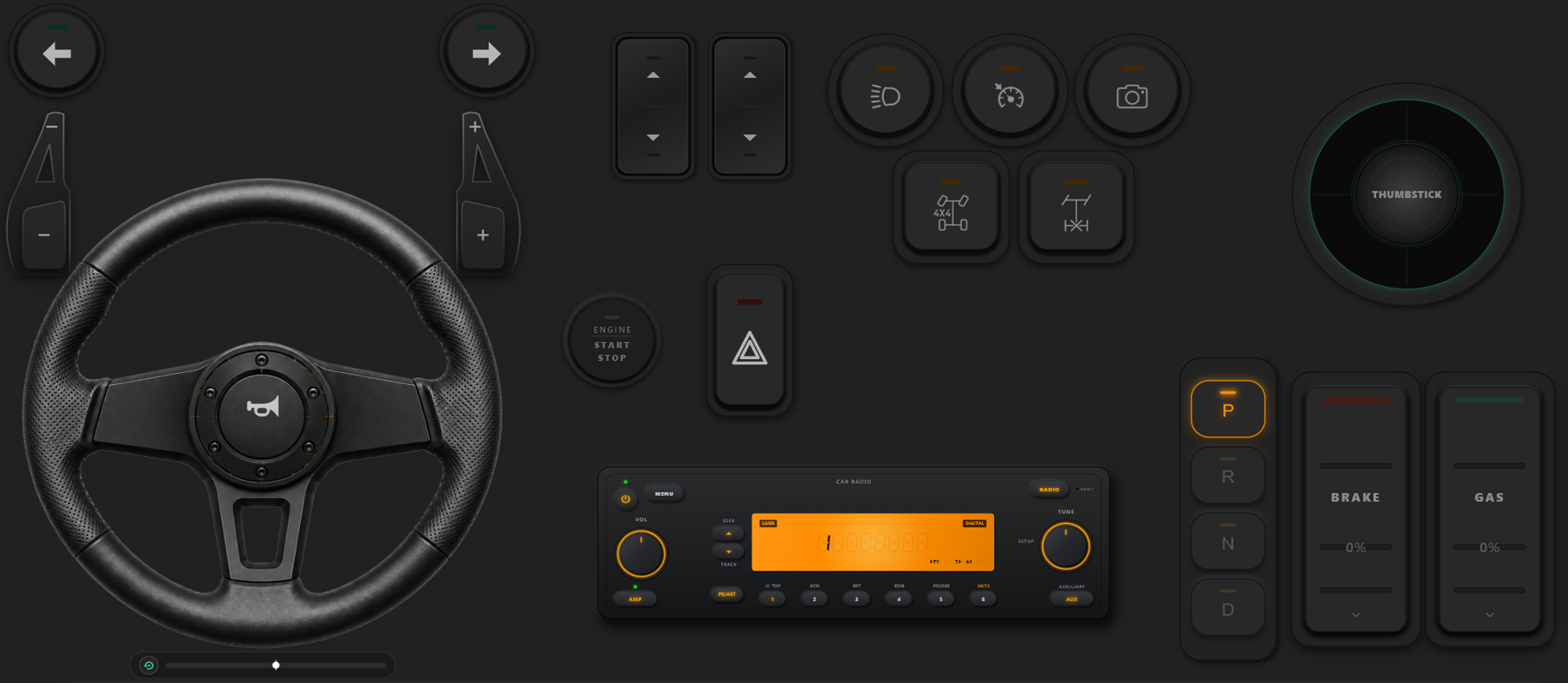
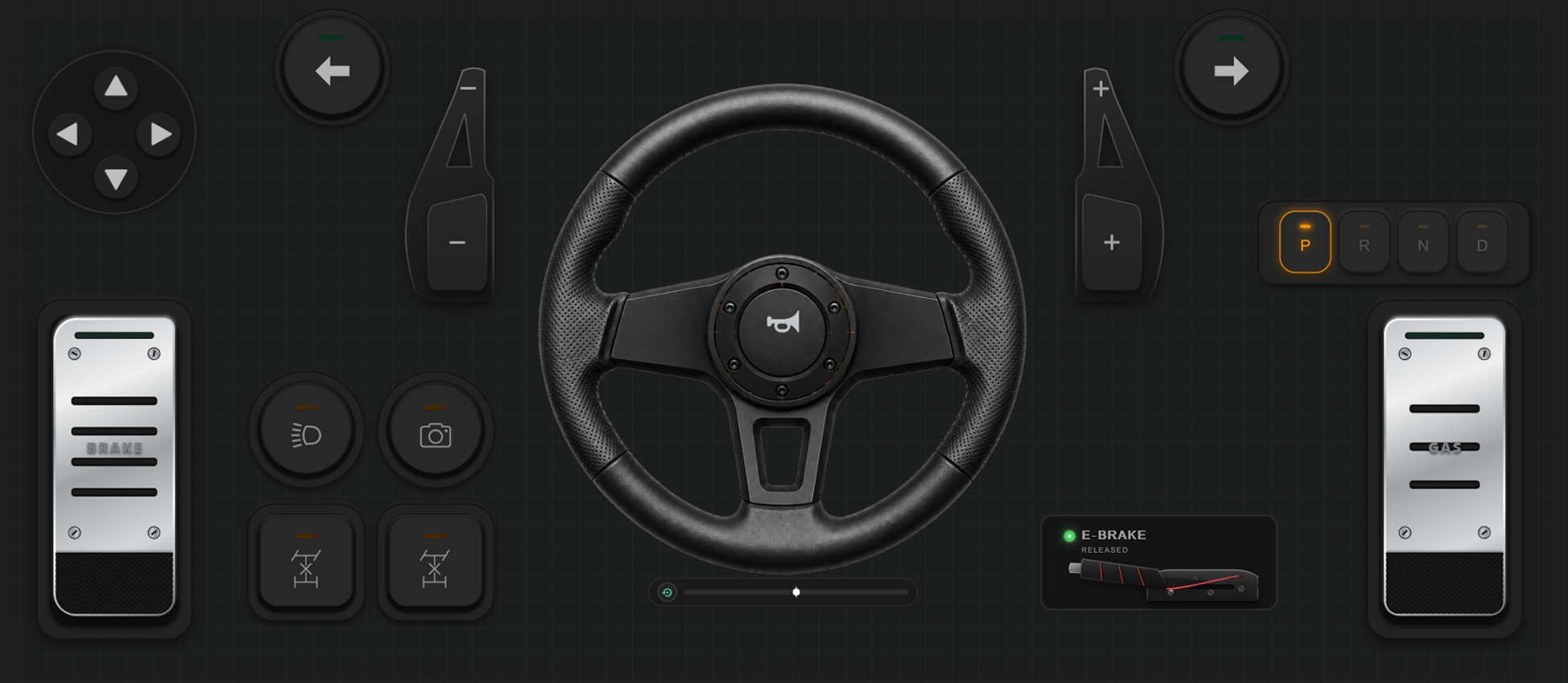
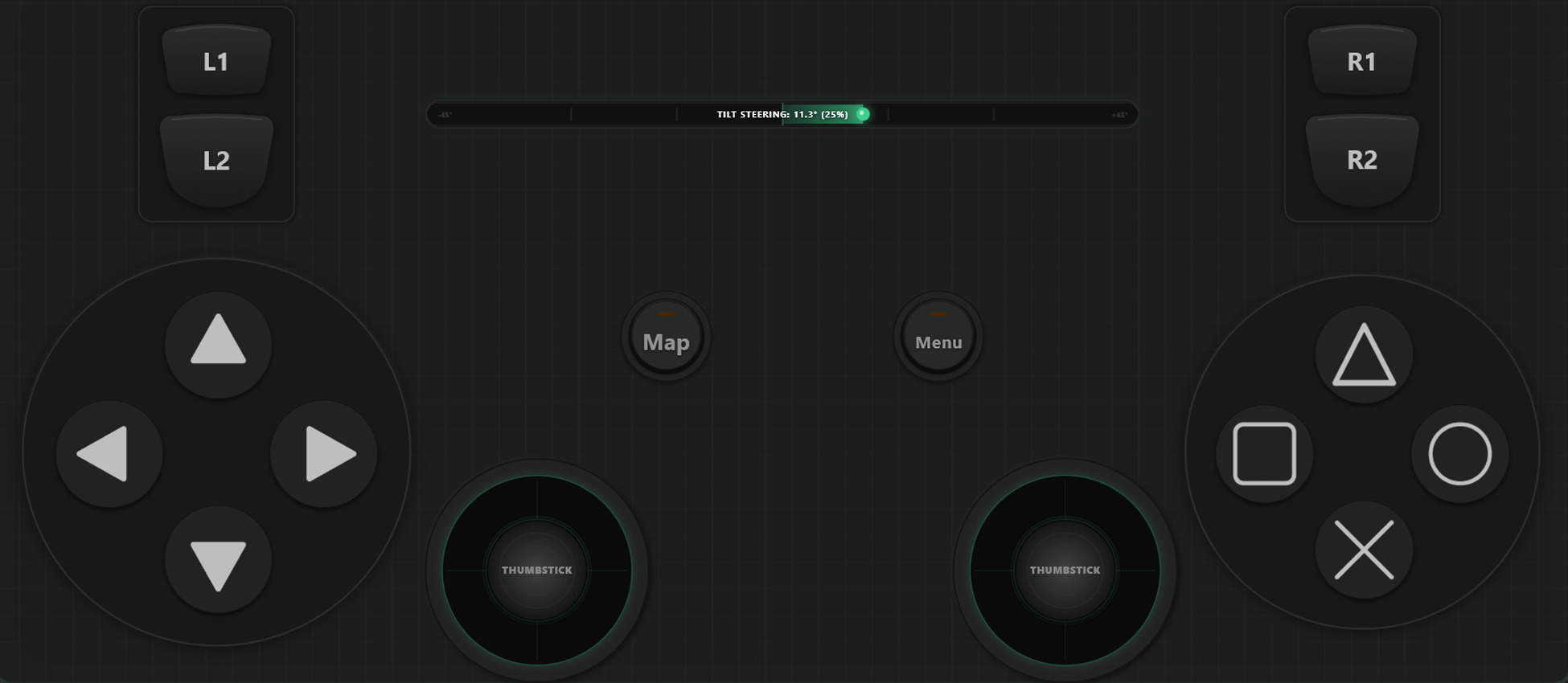
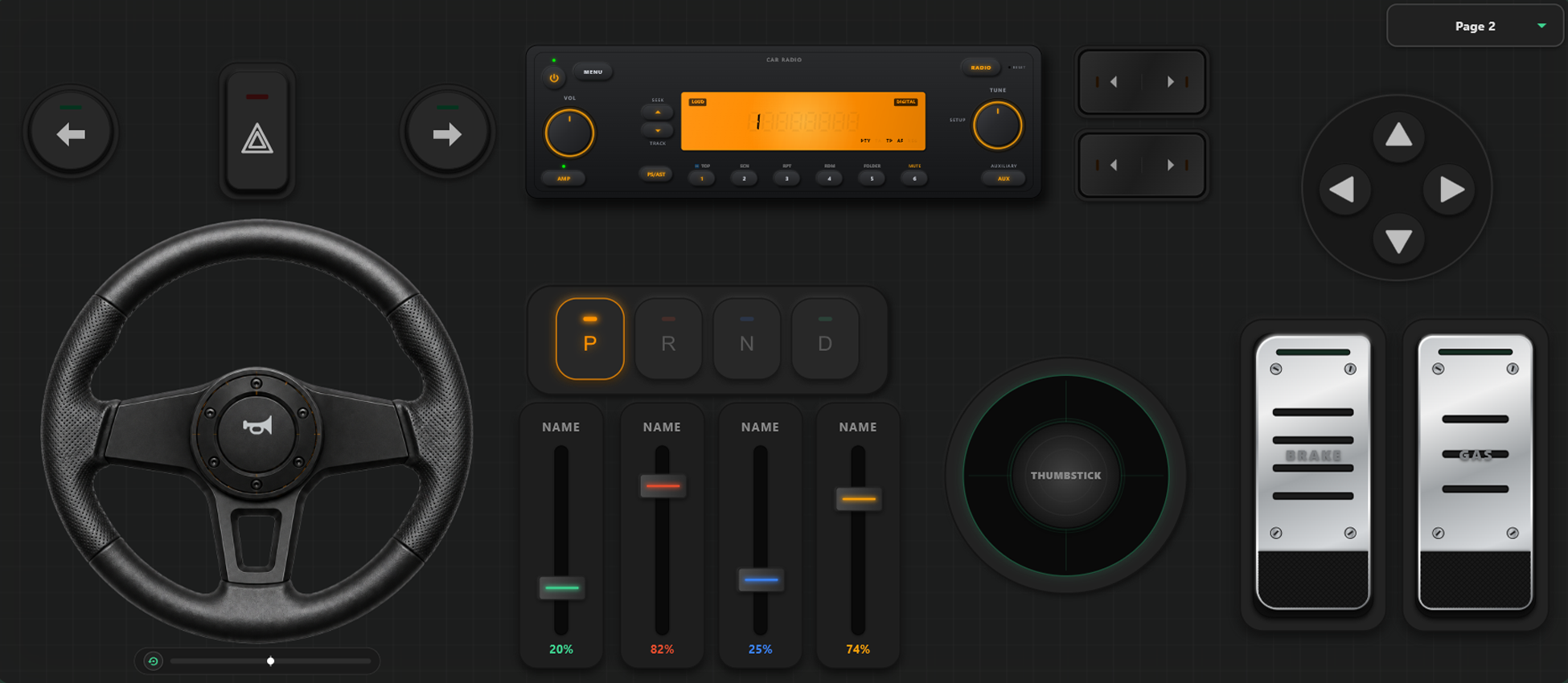
Powerful Customization Tools
Custom Drag & Drop Controller Builder
- User can create a custom template, button, and axes controller with just a drag and drop.
- There is no limit for adding buttons and axes; add as many as you like to the template.
Take Full Control of Your Game
Unleash the power of custom configuration. Swap layouts instantly mid-game and calibrate controls to match your personal racing or action style.
Instant In-Game Template Switching
Create and store multiple layout templates to swap between on the fly. In games like GTA V, you can design a custom layout for walking around, switch to a steering layout when hopping into a sports car, and toggle to an aviation setup when taking off in a plane.
Axis Calibration & Gyroscopic Steering
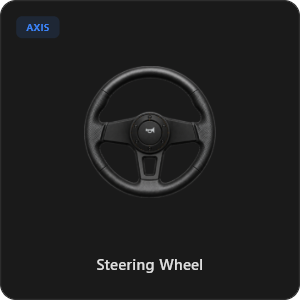
Fine-tune every joystick, trigger, and wheel input to absolute precision. Calibrate axis settings, including linearity, sensitivity, and deadzone. Enable the virtual steering wheel with up to 900-degree rotation and auto-centering, or turn your phone’s internal gyroscope into a physical tilt-to-steer wheel.
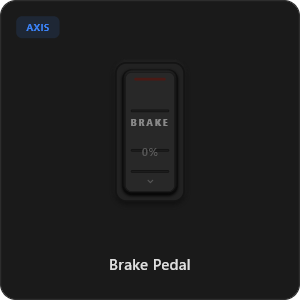
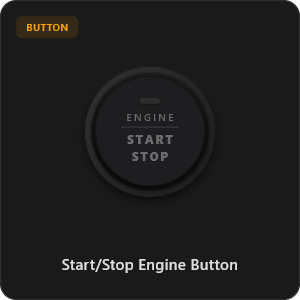
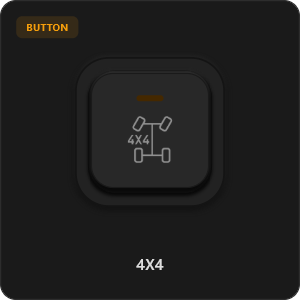
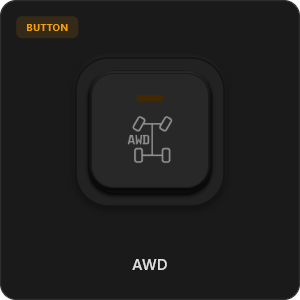
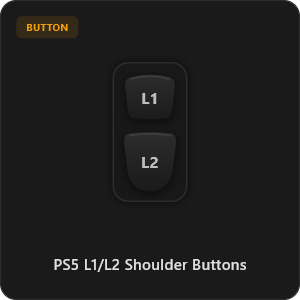
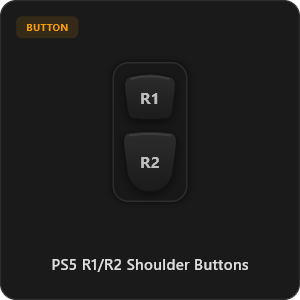
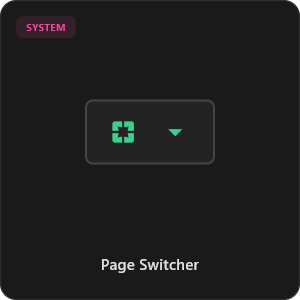
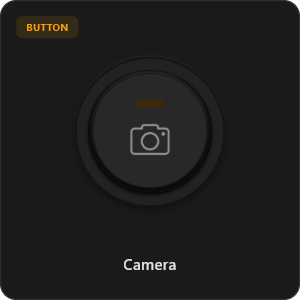
44+ Pre-made Controller Elements
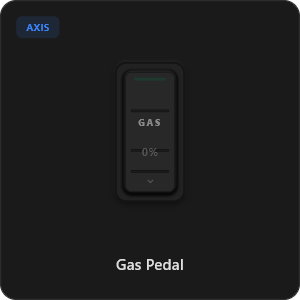
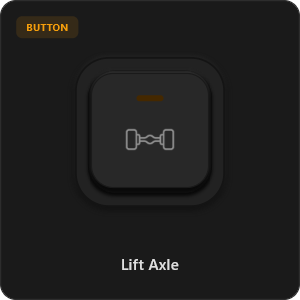
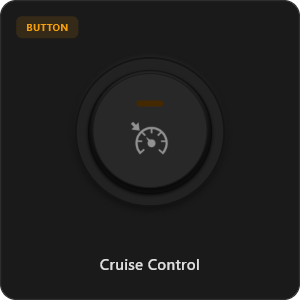
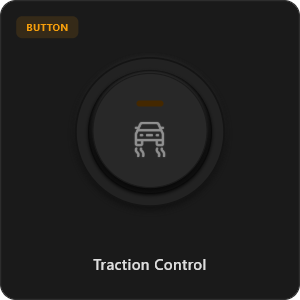
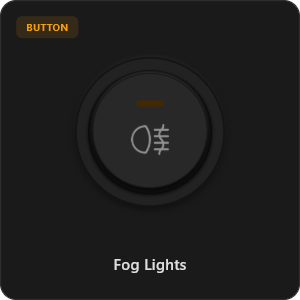
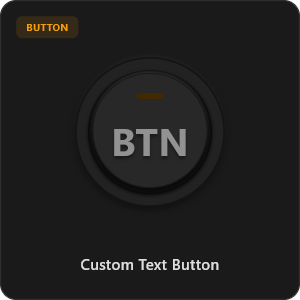
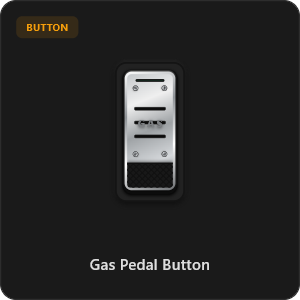
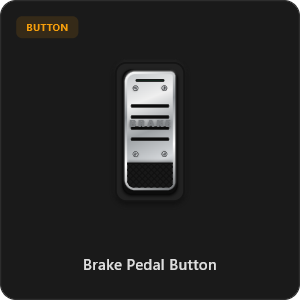
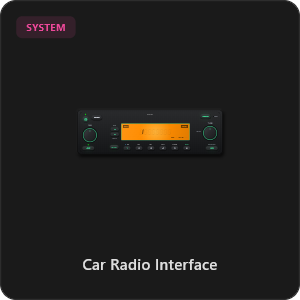
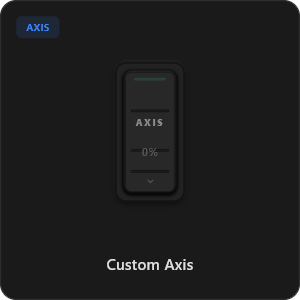
Drag and drop directly from our growing library of elements, or customize every button, switch, and axis. We add more inputs with every update, and you can also create your own.
.png&w=3840&q=75)
.png&w=3840&q=75)
.png&w=3840&q=75)
.png&w=3840&q=75)
.png&w=3840&q=75)
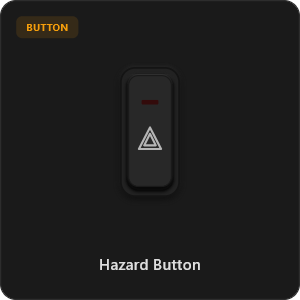
.png&w=3840&q=75)
.png&w=3840&q=75)
.png&w=3840&q=75)
.png&w=3840&q=75)
.png&w=3840&q=75)
.png&w=3840&q=75)
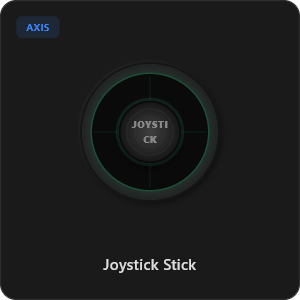
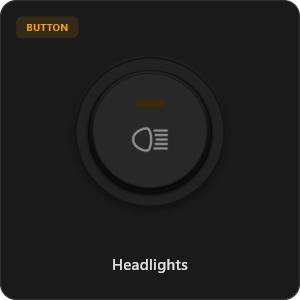
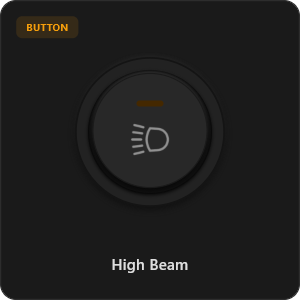
.png&w=3840&q=75)
.png&w=3840&q=75)
Work With Any Games









Engineered for Hardcore Gaming
Experience responsive gameplay. RojX is designed from the ground up to match the responsiveness of physical USB hardware.
100% Wireless Play
Turn your iOS or Android device into a PC game controller over Wi-Fi. Enjoy high-responsiveness with completely wire-free gameplay.
Drag & Drop Builder
Customize your own buttons, switches, and axes. Add as many controls to your custom templates as you want—there is no limit.
In-Game Template Switcher
Save multiple templates and switch on the fly. Create specific layouts for walking, driving, or flying in games like GTA.
Precision Axis Settings
Fine-tune every joystick and axis independently. Adjust linearity, sensitivity, and deadzones to match your driving or aiming style.
900° Steering & Gyro
Race with a virtual steering wheel featuring 900° rotation and auto-centering, or steer using your phone's internal gyroscope.
Ultra Low Latency
UDP-based network transmission ensures response times under 8ms over Wi-Fi, mirroring a physical USB hardware connection.
Master Your Setup in Minutes
Watch our step-by-step tutorial to discover how easily you can transform your smartphone into a premium PC gaming controller. Experience zero-latency gameplay instantly.
Start Playing in 3 Simple Steps
No complicated drivers or configurations. Set up in less than 2 minutes and start gaming.
Download PC Receiver
Download the lightweight, open-source RojX Receiver app onto your Windows PC. It configures the virtual controller drivers in a single click.
Get the Mobile App
Install the RojX controller app on your Android or iOS device from your preferred store.
Connect & Play
Ensure both devices are on the same Wi-Fi network, launch RojX, and pair. Experience responsive gaming completely wirelessly—no connection cable needed!
Download RojX Controller & Client
Get the free mobile application and the desktop driver utility to start playing.
Windows PC Host
Required driver host client to interface virtual controllers with Xbox gaming APIs.

Android Controller
RojX Android controller client with virtual touchpads, gyro, and custom profiles.

iOS Controller
RojX Apple iOS mobile client supporting iPhone, iPad, and Apple gyroscope frameworks.

Frequently Asked Questions
Find answers to the most common questions about the virtual controller and latency setup.