
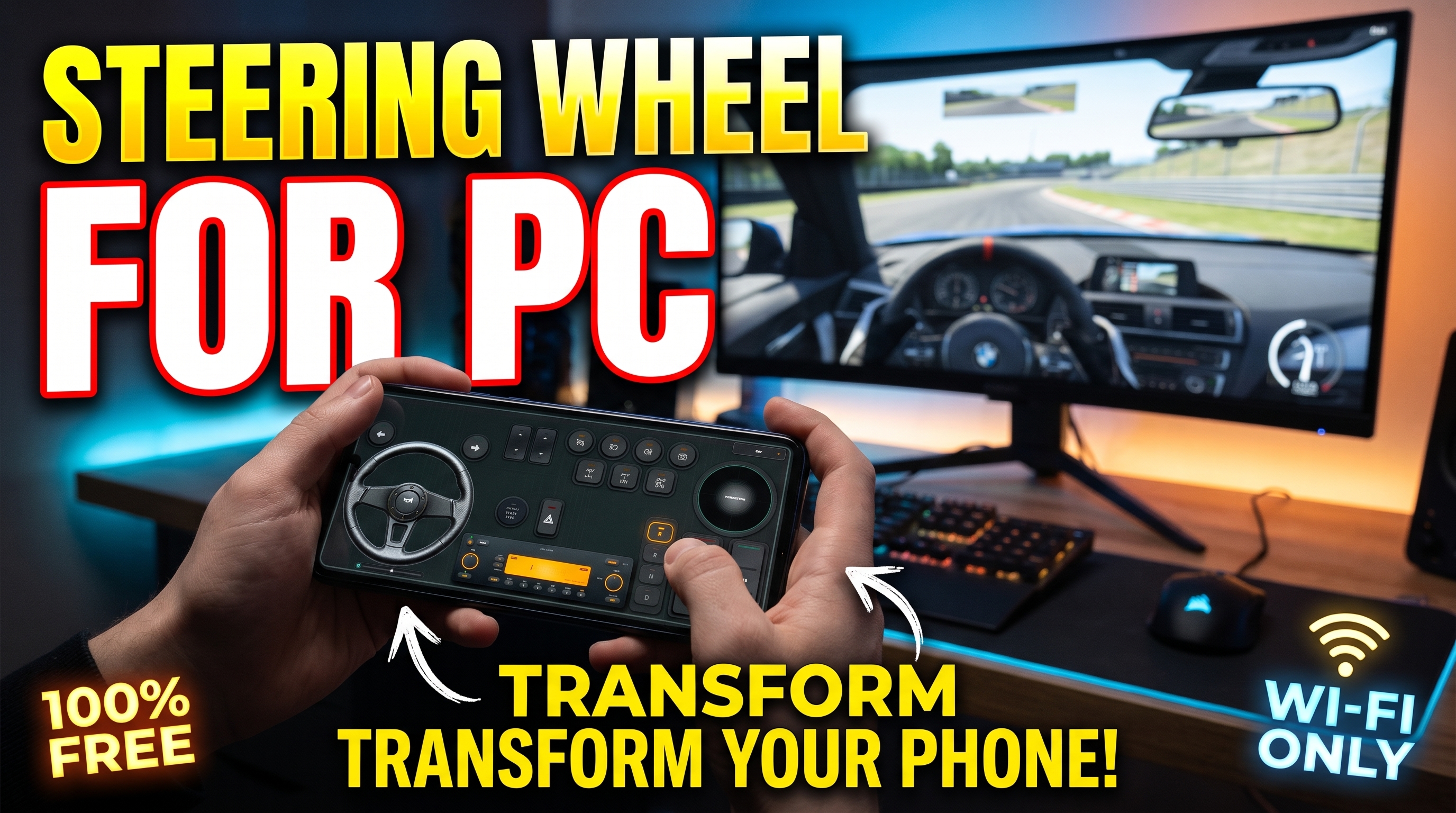



Physical direct-drive force feedback bases and pedal sets regularly command prices upwards of $400 to $1,000, creating a prohibitive financial barrier for anyone wanting to get serious about virtual motorsport. But if you already own an iOS or Android smartphone, you are carrying a high-precision 6-axis inertial measurement unit (IMU) in your pocket. By deploying RojX to bridge your mobile hardware directly into Windows, you can convert your phone into an authentic 900-degree steering wheel for PC games without investing in expensive desktop peripherals.
#Translating 6-Axis IMU Data Into 900-Degree Steering Fidelity
The secret behind transforming a handheld glass slab into a precise steering wheel for PC lies in high-frequency sensor fusion. Inside modern smartphones, microscopic micro-electromechanical systems (MEMS) continuously track rotational velocity and linear acceleration at polling rates exceeding 100Hz.
RojX captures this raw telemetry, filtering out high-frequency handheld jitter while preserving responsive rotational mapping. When you tilt your phone left or right, the software scales those physical degrees of inclination across a full 900-degree lock-to-lock rotational range. Coupled with intelligent auto-centering spring physics that simulate pneumatic trail and self-aligning torque, your steering inputs feel weighted, predictable, and progressive rather than twitchy and digital.
⚠️ IMPORTANT: Always calibrate your phone's gyroscope on a completely flat, stable surface right after launching the host application to eliminate zero-point drift before you hit the racetrack.
#Sim Racing Rig Build Breakdown: Budget vs. Performance
| Component | DIY Phone Wheel Approach | Traditional Hardware Alternative | Cost Difference | Feel & Immersion |
|---|---|---|---|---|
| Steering Input | Smartphone + RojX 900° Gyro Mapping | Entry-level gear-driven wheel (e.g., Logitech G29) | Save $250+ | Smooth variable rotation with adjustable auto-centering springs |
| Mounting Mechanism | 3D printed desk clamp or modified phone grip | Bolt-on aluminum table clamp | Save $40-$80 | Rigid, adjustable angle positioning suited for tight desks |
| Pedal System | Touchscreen virtual pedals / split-zone touch layout | Spring-loaded floor pedal set | Save $100+ | Digital or progressive touch input with customizable deadzones |
| Shifting Controls | Customizable on-screen paddle touch buttons | H-pattern shifter or standalone sequential paddle | Save $60-$150 | Instant thumb-actuated gear changes with zero mechanical travel |
#USB Tethering vs. 5GHz Wi-Fi: Eliminating Input Lag
Competitive sim racing requires reaction times measured in milliseconds. High-speed UDP streaming over local wireless networks bridges your phone and computer, typically delivering latency between 3ms and 8ms when configured correctly.
However, congested 2.4GHz Wi-Fi networks plagued by Bluetooth interference and microwave ovens will introduce packet loss and micro-stutters into your steering inputs. For absolute zero-latency performance:
- Connect your PC and mobile device to an isolated 5GHz Wi-Fi channel with a clean signal path.
- Alternatively, utilize a direct USB tethering connection. Sharing your mobile network connection via USB cable routes all UDP telemetry packets over a physical copper connection, dropping packet jitter to near-zero.
💡 PRO TIP: If you are diving into long-haul logistics simulation, read our in-depth Euro Truck Simulator 2 Setup Guide to configure multi-template switching for seamless transitions between steering wheel layouts and cabin camera controls.
#Configuring Xbox 360 Controller Bindings in Your Simulator
Because RojX interfaces with the Windows host receiver via the ViGEmBus virtual bus driver, Windows 10 and Windows 11 treat your smartphone exactly like a native Microsoft Xbox 360 controller. This hardware-level emulation bypasses the compatibility issues common with generic smartphone controller apps.
When launching physics-heavy titles like BeamNG.drive, navigate to your game's controller settings menu. Bind the primary steering axis to your phone's horizontal tilt axis, adjust your steering non-linearity to approximately 1.25 for balanced center sensitivity, and map your touch buttons to accelerate, brake, and shift gears. For physics tuning insights, check out our BeamNG.drive Physics & Steering Guide.
#Ergonomics and DIY Mounting Solutions for Zero Wrist Fatigue
Steering with a phone in mid-air will fatigue your arms within minutes. To build a true cockpit feel, construct a DIY desk mount using inexpensive materials:
- The 3D-Printed Clamp: Print an open-source phone wheel bracket that snaps onto a cheap bicycle handlebar or plastic ring, giving you physical handles to grip.
- The Cardboard Rig: Cut a secure slot into a sturdy cardboard housing or tablet wedge, clamping it down at a 45-degree angle to mimic a real dashboard steering column.
- Ergonomic Positioning: Position your makeshift wheel at chest height, ensuring your elbows maintain a comfortable 90-degree bend. This posture prevents muscular strain during long endurance sessions and guarantees smooth, repeatable steering inputs across every apex.
Turn your smartphone into a virtual 900° steering wheel right now
No expensive $300 wheel hardware required. Play Forza, Euro Truck Simulator 2, BeamNG, and Assetto Corsa with butter-smooth gyro steering and zero lag over Wi-Fi.
Point your iPhone or Android camera to install.