
Transformez Votre Téléphone enManette de Jeu PC


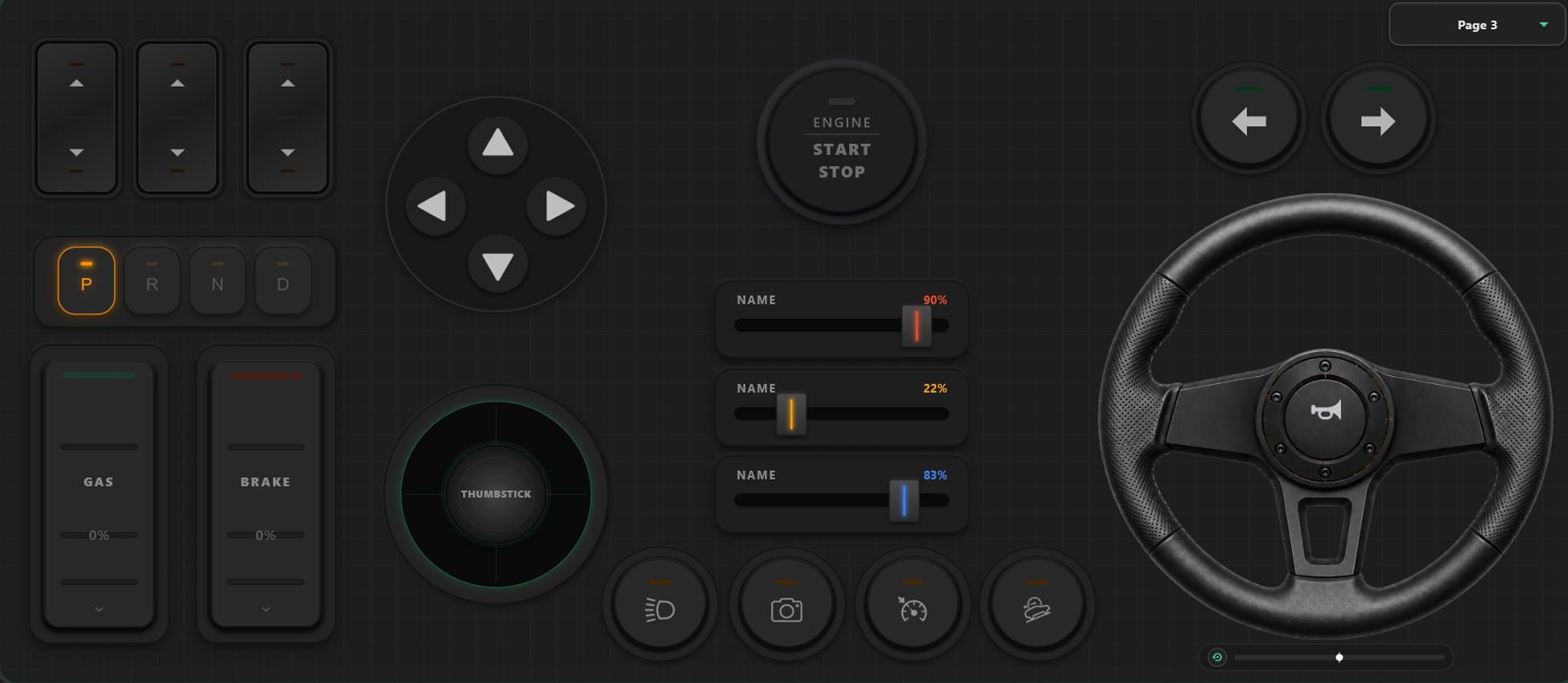
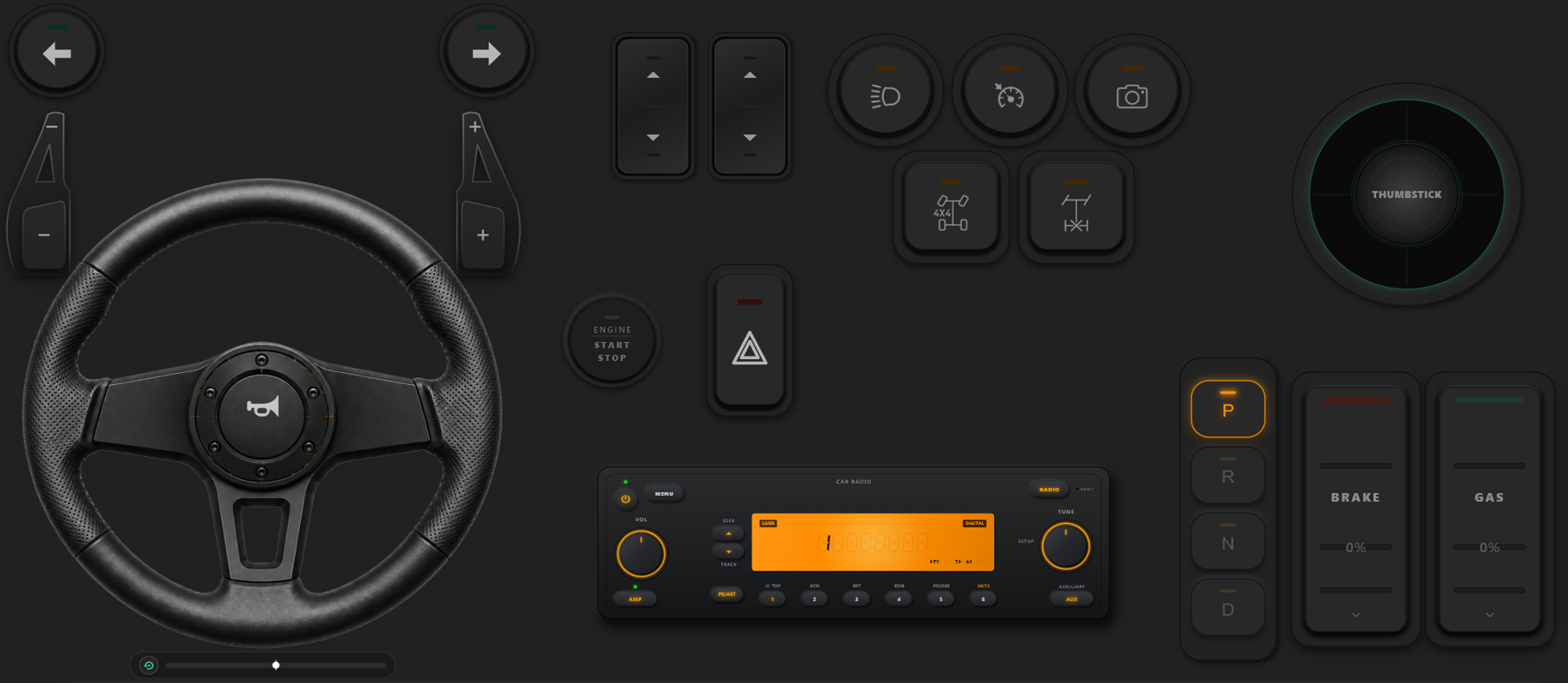
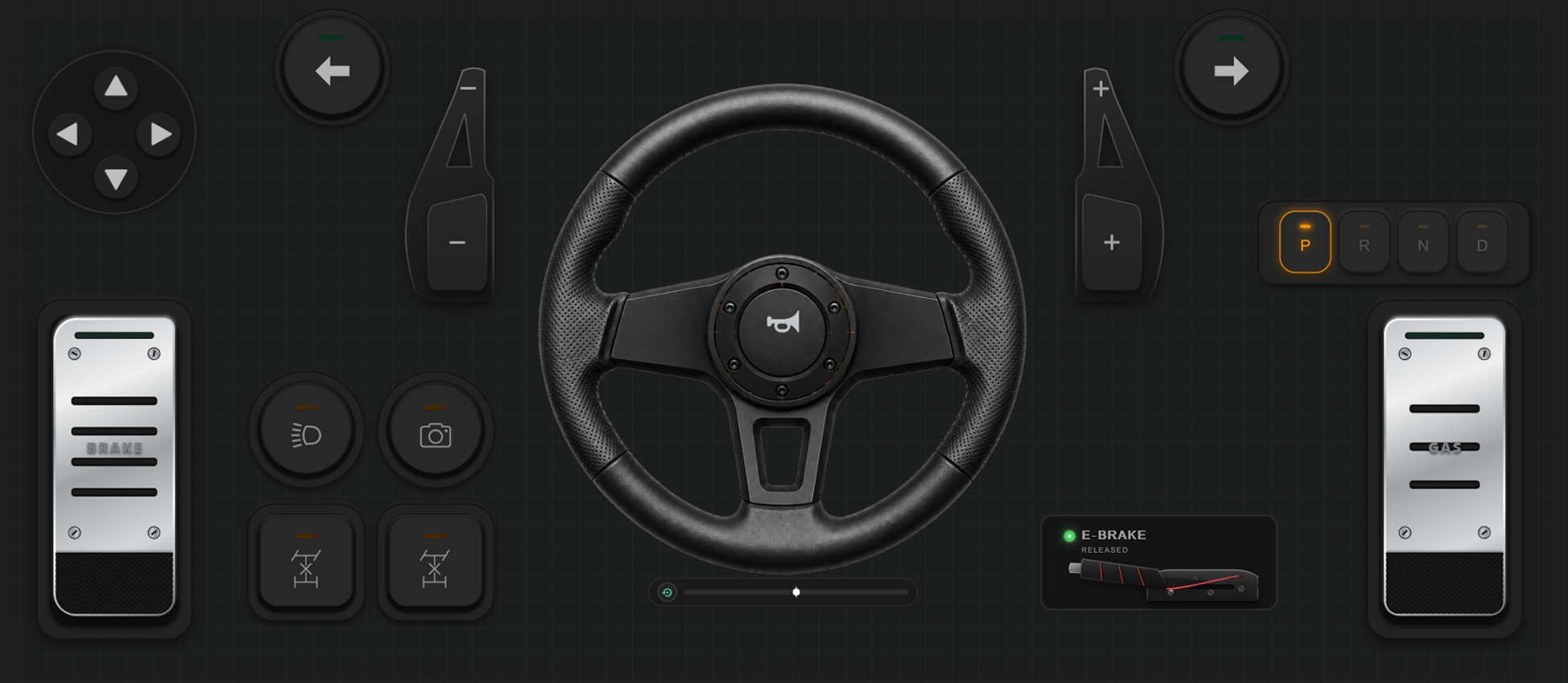
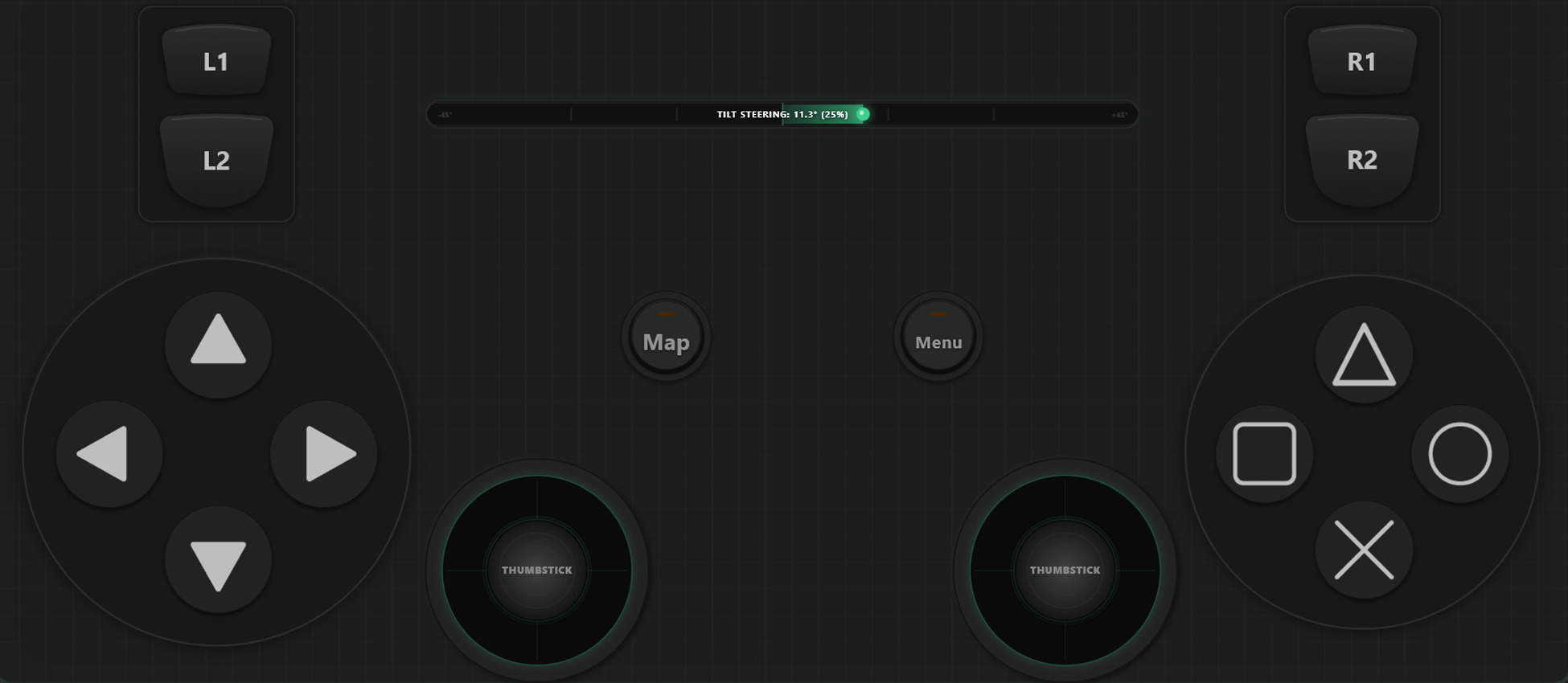
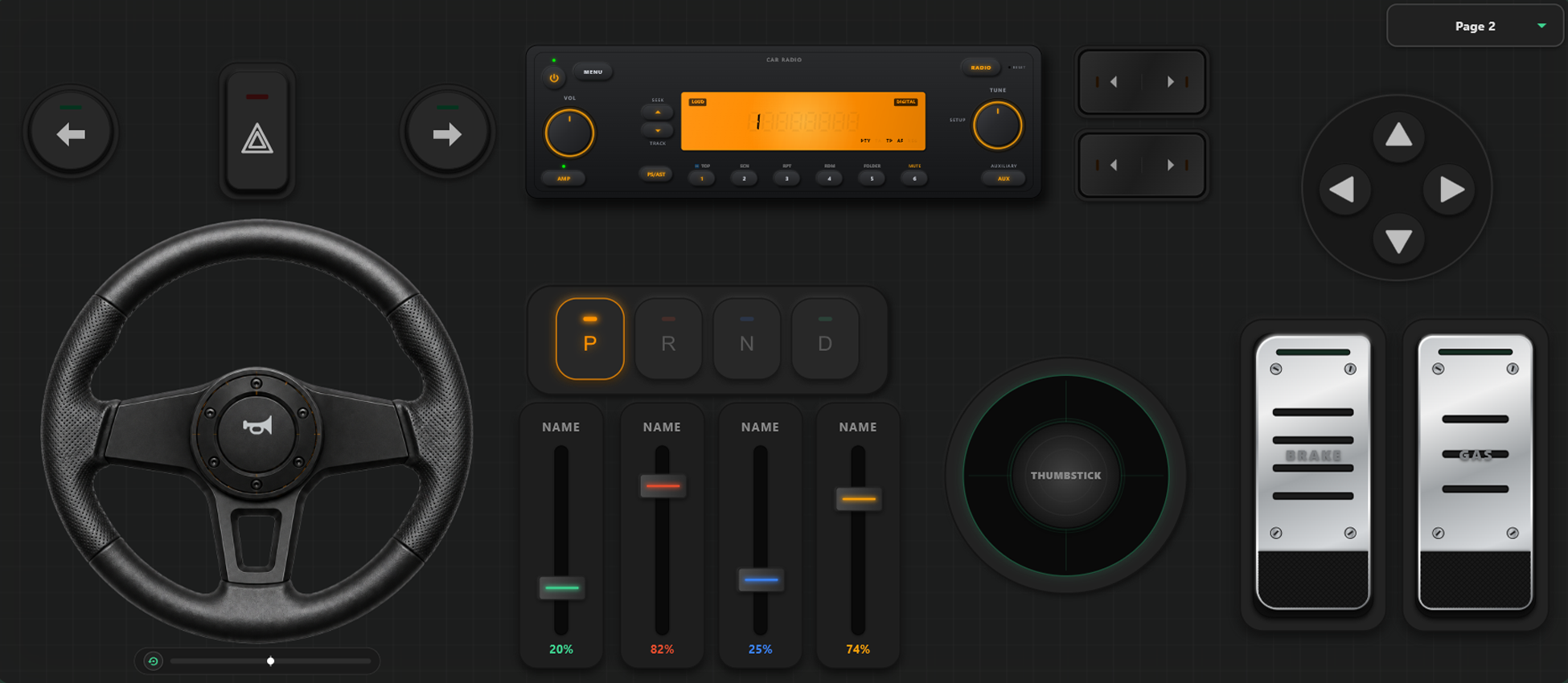
Outils de Personnalisation Puissants
Créateur de Manette Glisser-Déposer
- Créez facilement vos modèles de manette, boutons et axes par simple glisser-déposer.
- Aucune limite pour l'ajout de boutons et d'axes : ajoutez-en autant que vous voulez.
Prenez le Contrôle Total de Votre Jeu
Libérez la puissance de la configuration personnalisée. Changez de disposition en pleine partie et calibrez vos commandes pour la course ou l'action.
Changement Immédiat de Profil en Jeu
Créez et sauvegardez plusieurs modèles de manette. Dans des jeux comme GTA V, marchez à pied, passez au volant en montant dans une voiture, et activez le manche à balai en décollant.
Étalonnage des Axes & Volant Gyroscopique
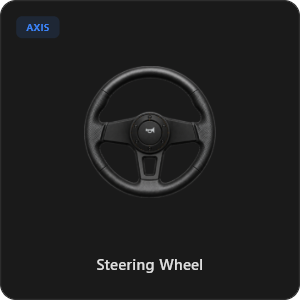
Ajustez chaque joystick, gâchette et volant avec une précision chirurgicale. Calibrez la linéarité, la sensibilité et la zone morte. Activez le volant virtuel à 900° avec recentrage automatique.
Plus de 44 Commandes Prêtes à l'Emploi
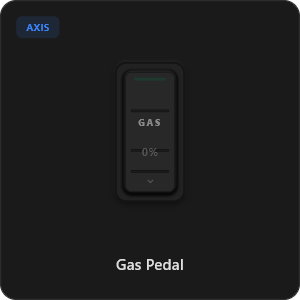
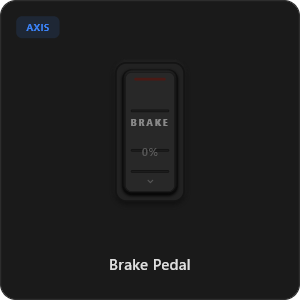
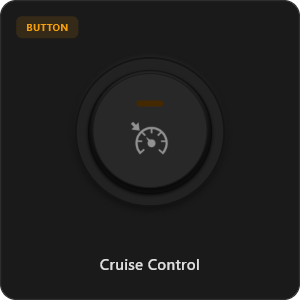
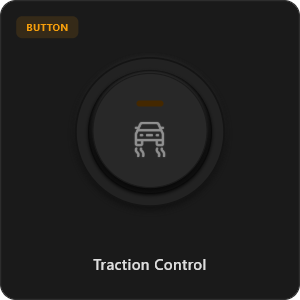
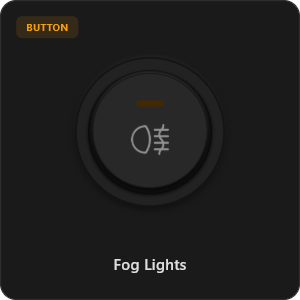
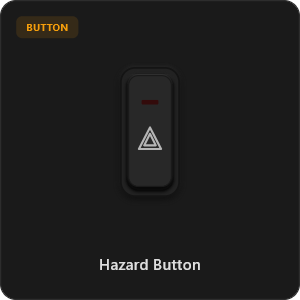
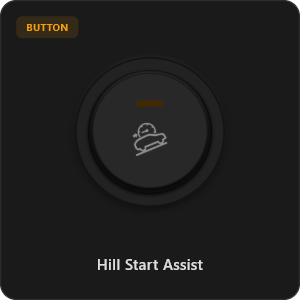
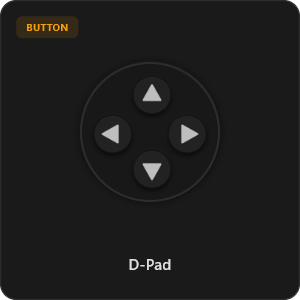
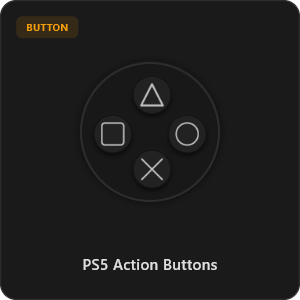
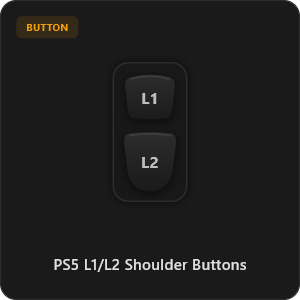
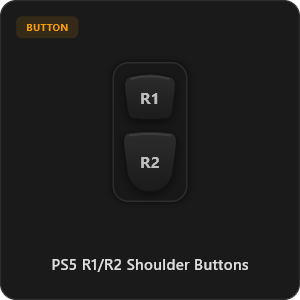
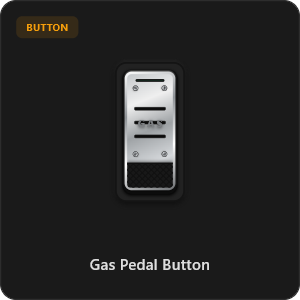
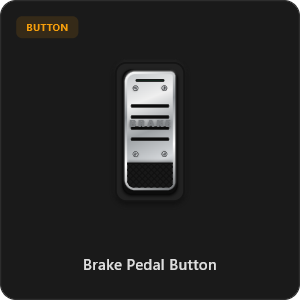
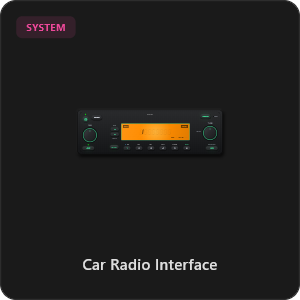
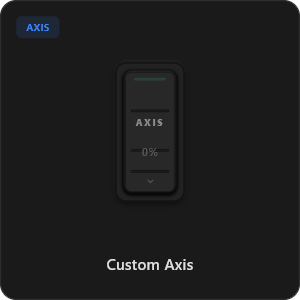
Glissez et déposez directement depuis notre catalogue de composants ou personnalisez chaque bouton et axe selon vos besoins.
.png&w=3840&q=75)
.png&w=3840&q=75)
.png&w=3840&q=75)
.png&w=3840&q=75)
.png&w=3840&q=75)
.png&w=3840&q=75)
.png&w=3840&q=75)
.png&w=3840&q=75)
.png&w=3840&q=75)
.png&w=3840&q=75)
.png&w=3840&q=75)
.png&w=3840&q=75)
.png&w=3840&q=75)
Compatible avec tous les jeux








Conçu pour les Vrais Gamers
Profitez d'une réactivité instantanée. RojX a été pensé pour égaler la précision d'une connexion USB physique.
100% Wireless Play
Turn your iOS or Android device into a PC game controller over Wi-Fi. Enjoy high-responsiveness with completely wire-free gameplay.
Drag & Drop Builder
Customize your own buttons, switches, and axes. Add as many controls to your custom templates as you want—there is no limit.
In-Game Template Switcher
Save multiple templates and switch on the fly. Create specific layouts for walking, driving, or flying in games like GTA.
Precision Axis Settings
Fine-tune every joystick and axis independently. Adjust linearity, sensitivity, and deadzones to match your driving or aiming style.
900° Steering & Gyro
Race with a virtual steering wheel featuring 900° rotation and auto-centering, or steer using your phone's internal gyroscope.
Ultra Low Latency
UDP-based network transmission ensures response times under 8ms over Wi-Fi, mirroring a physical USB hardware connection.
Maîtrisez Votre Configuration en Quelques Minutes
Regardez notre guide pas à pas pour découvrir comment transformer votre smartphone en une manette PC haut de gamme sans latence.
Commencez en 3 Étapes Simples
Aucun pilote complexe, configuration facile. Prêt à jouer en moins de deux minutes.
Download PC Receiver
Download the lightweight RojX Receiver app onto your Windows PC to configure the virtual controller drivers in a single click.
Get the Mobile App
Install the RojX controller app on your Android or iOS device from Google Play or Apple App Store.
Connect & Play
Connect both devices to the same local Wi-Fi or via USB cable, launch your PC game, and start playing.
Télécharger RojX Manette & Récepteur PC
Obtenez l'application mobile gratuite et le logiciel Windows pour commencer à jouer dès maintenant.
Windows PC Host Receiver
Required host client to bridge virtual inputs with Windows Xbox controller APIs.

Android Controller App
Full mobile controller app for Android with touch controls, gyro, and custom skins.

iOS Controller App
Mobile controller app for iPhone and iPad with native Apple motion sensors.

Foire Aux Questions
Réponses aux questions les plus fréquentes sur notre manette virtuelle et la faible latence.