
Convierte Tu Teléfono en unMando para Juegos de PC


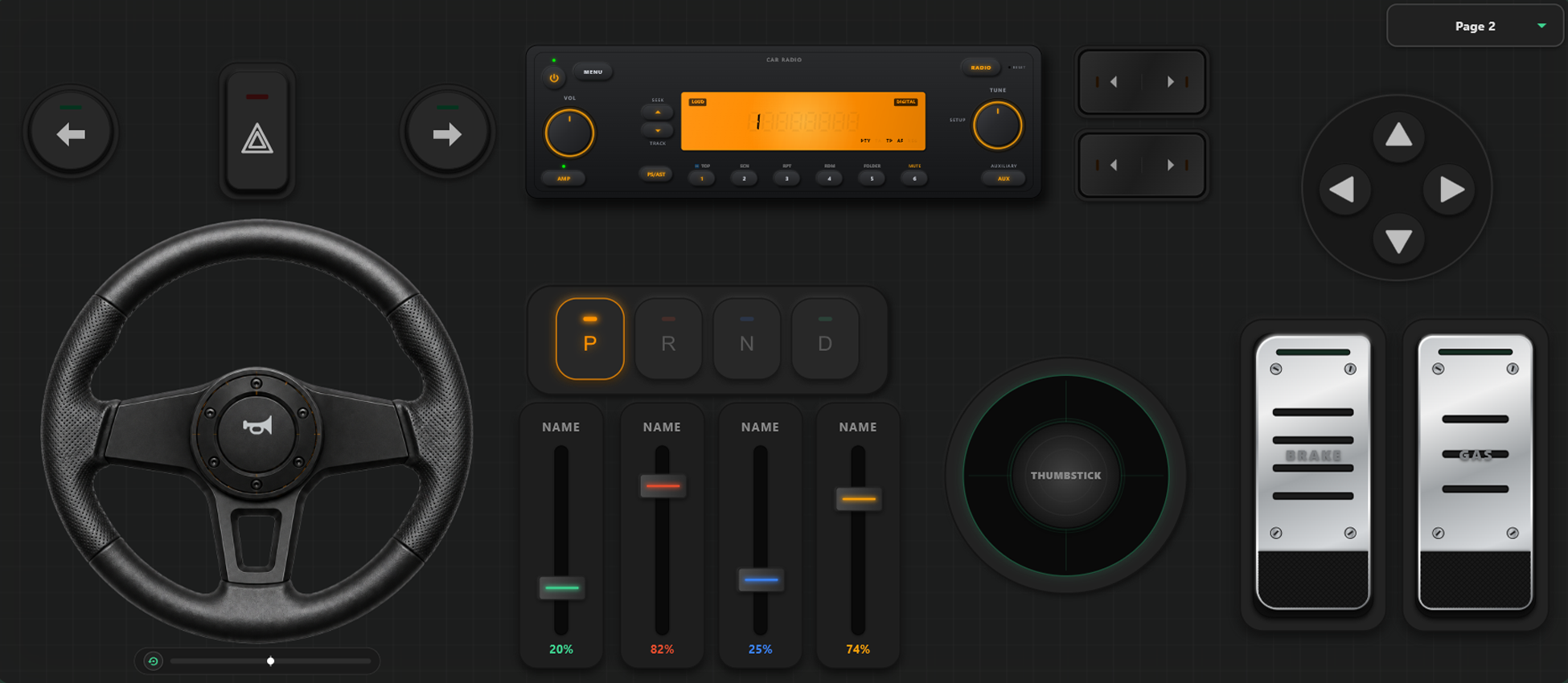
Herramientas de Personalización Avanzadas
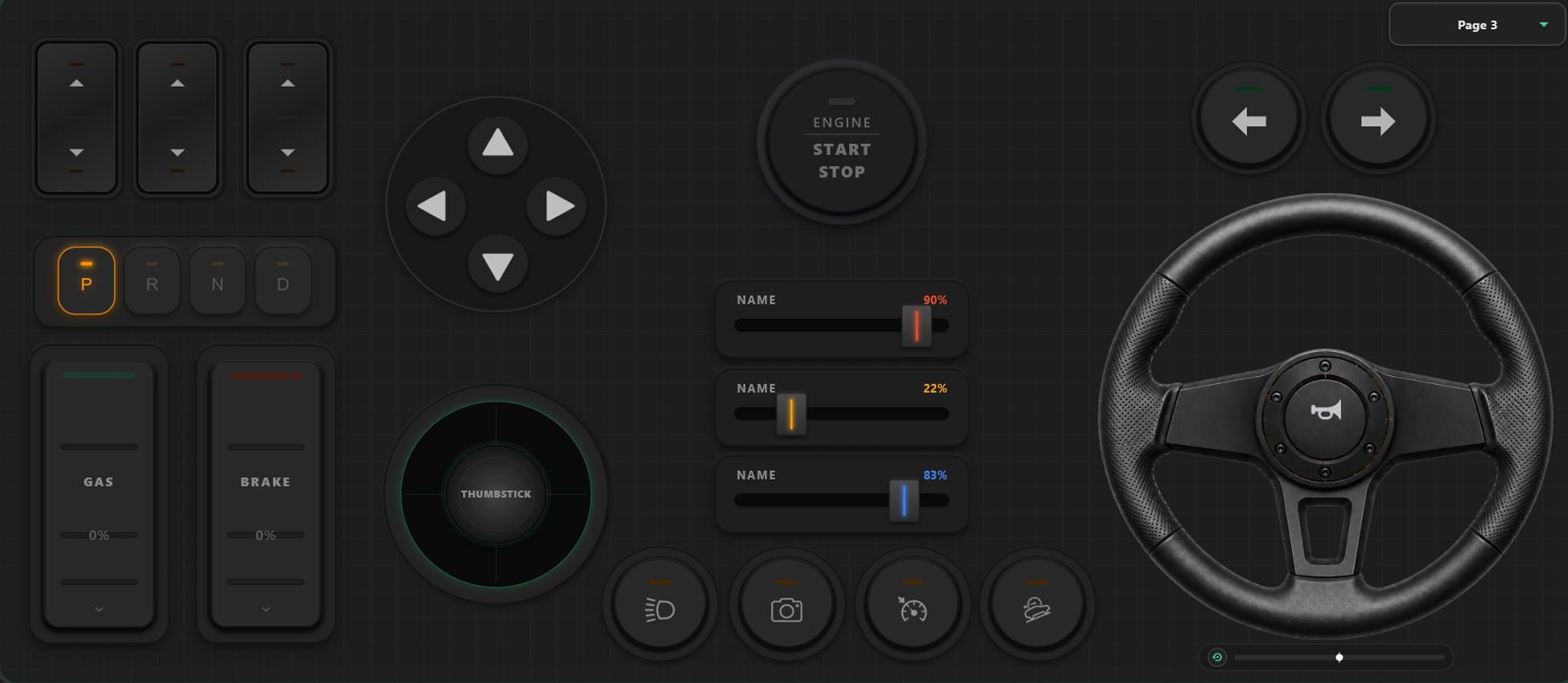
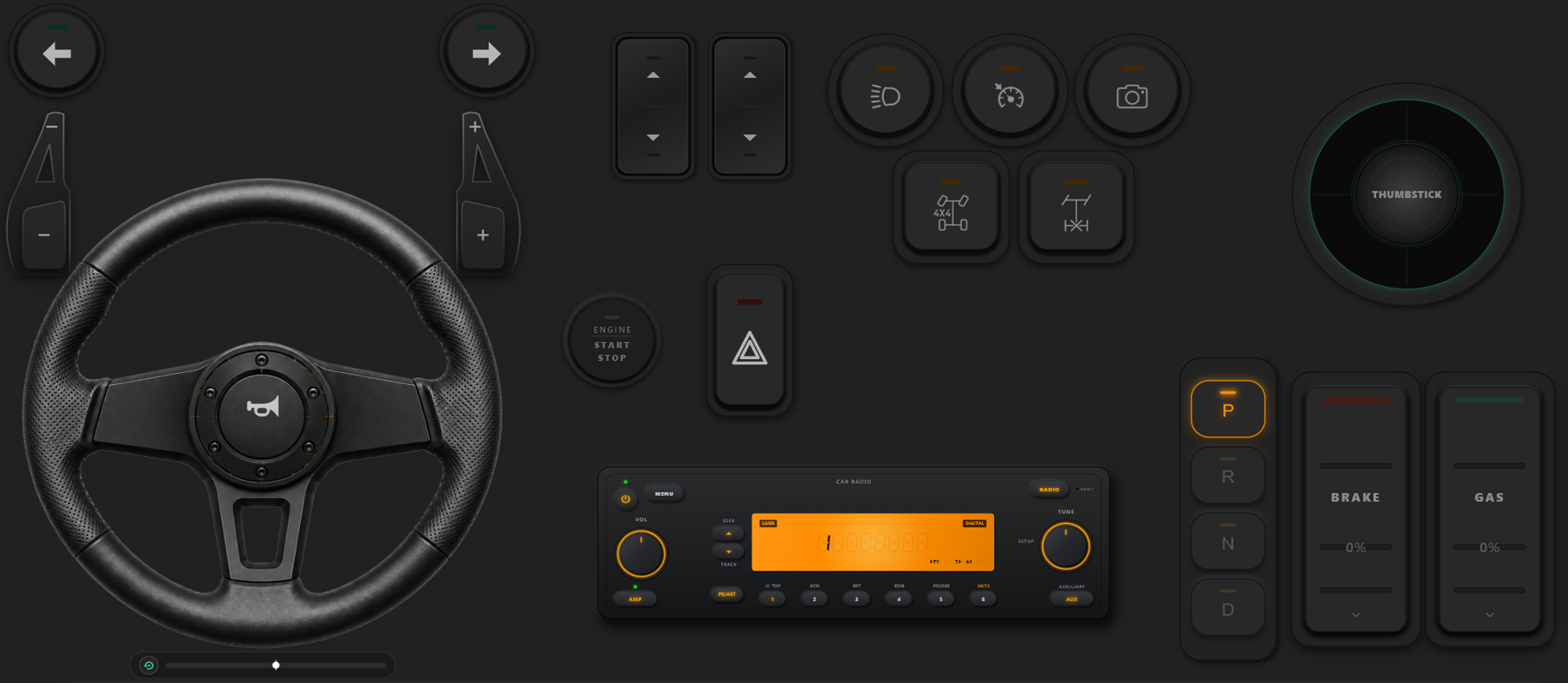
Constructor de Mandos Arrastrar y Soltar
- Crea plantillas personalizadas, botones y ejes simplemente arrastrando y soltando.
- No hay límite para agregar botones y ejes; añade tantos como quieras a la plantilla.
Toma el Control Total de tu Juego
Desata el poder de la configuración personalizada. Cambia diseños al instante en pleno juego y calibra controles para tu estilo de carreras o acción.
Cambio Instantáneo de Plantillas en Juego
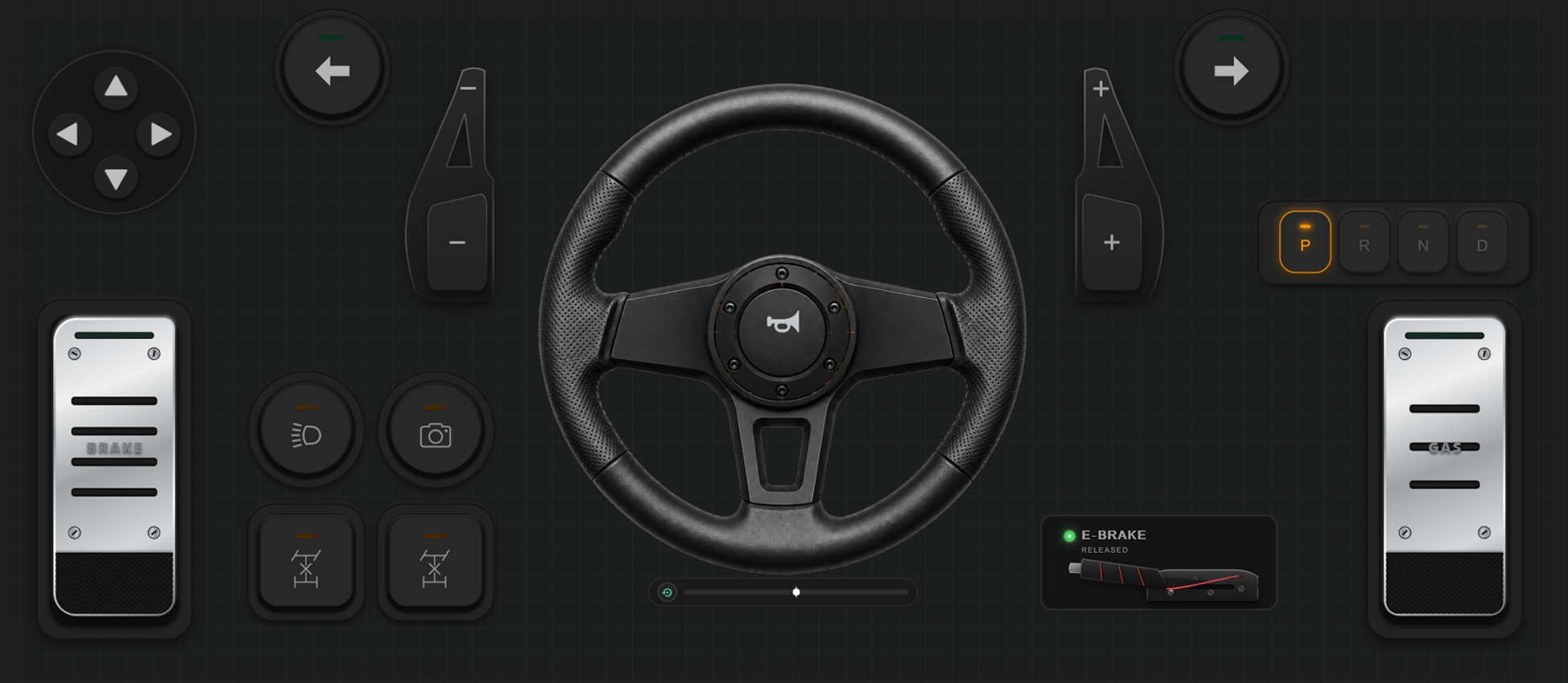
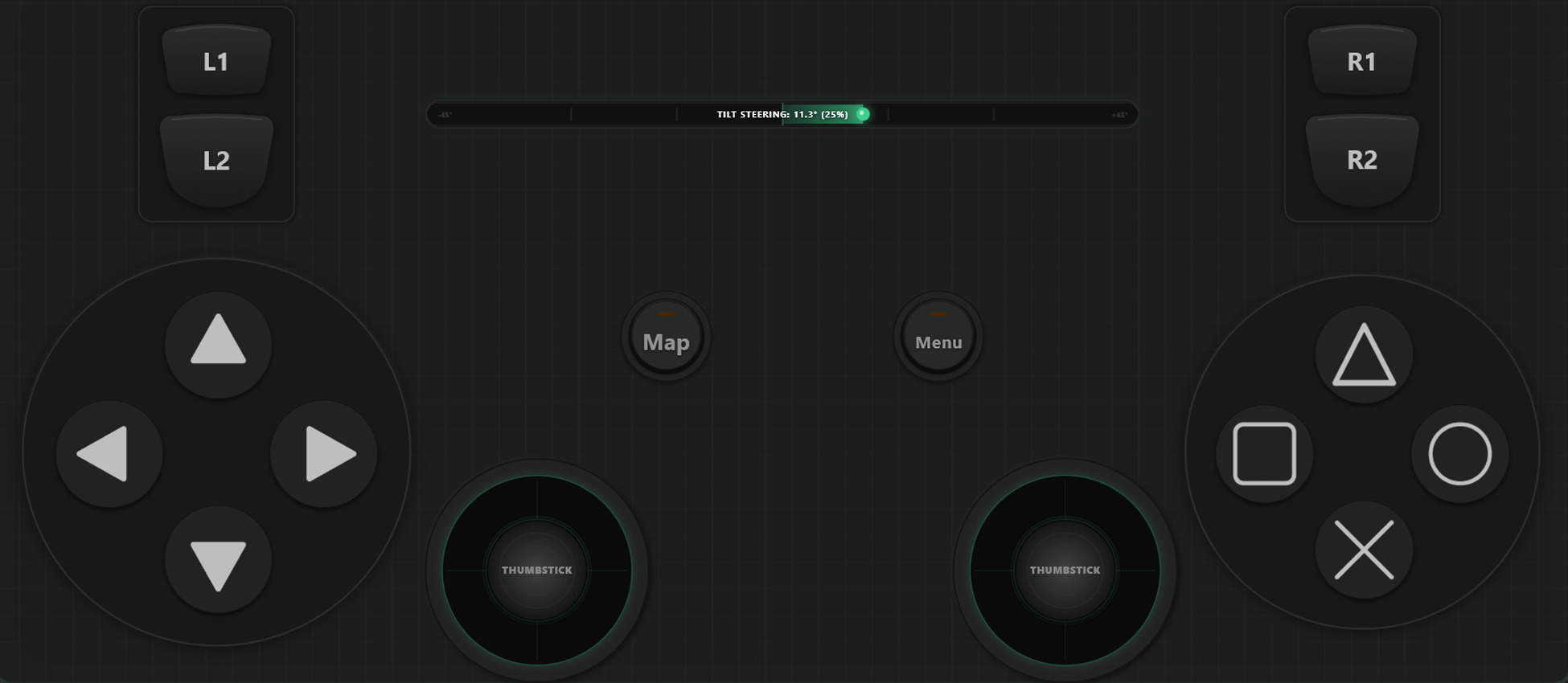
Crea y guarda múltiples plantillas para alternar sobre la marcha. En GTA V, camina a pie con un diseño, cambia a volante al subir a un coche y activa control de vuelo al pilotar un avión.
Calibración de Ejes y Volante Giroscópico
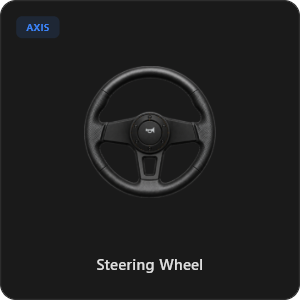
Ajusta cada palanca, gatillo y volante con máxima precisión. Calibra linealidad, sensibilidad y zona muerta. Activa el volante virtual con 900 grados de rotación y autocentrado, o inclina el teléfono para girar.
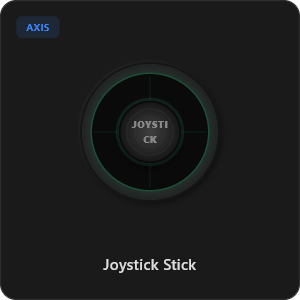
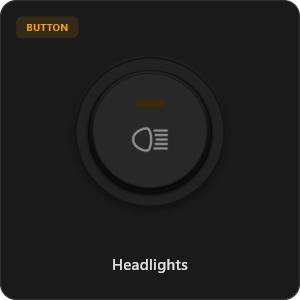
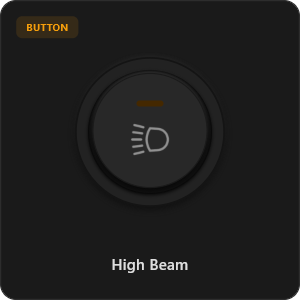
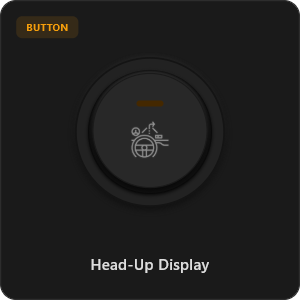
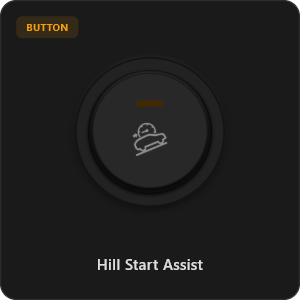
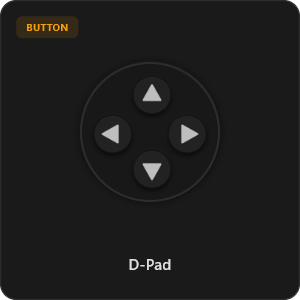
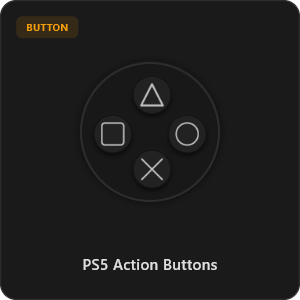
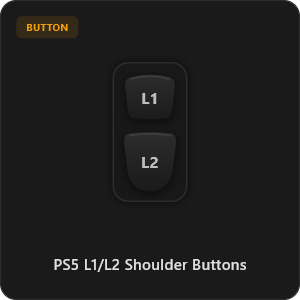
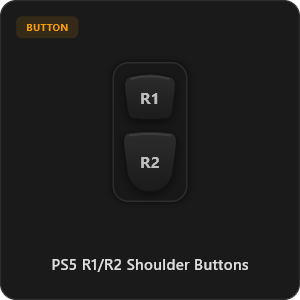
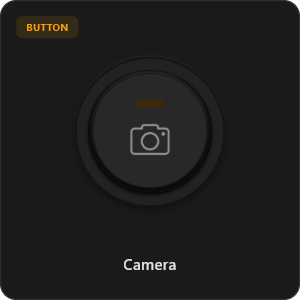
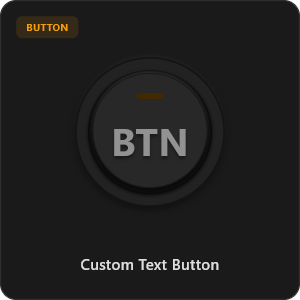
Más de 44 Elementos Preconfigurados
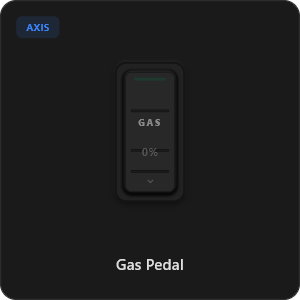
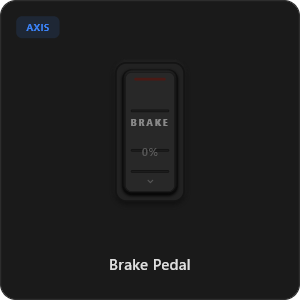
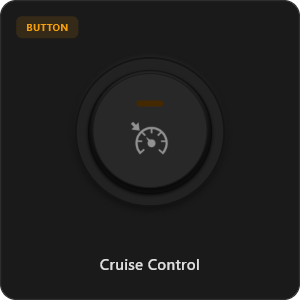
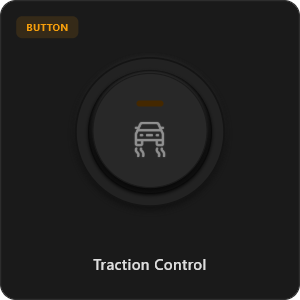
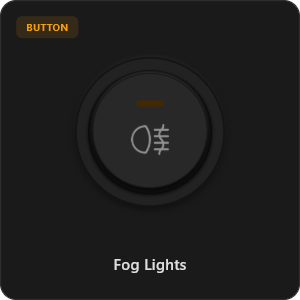
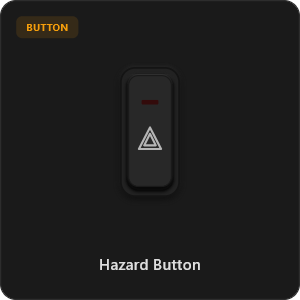
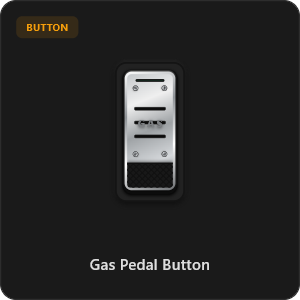
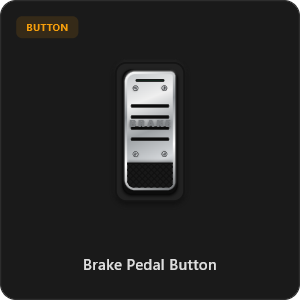
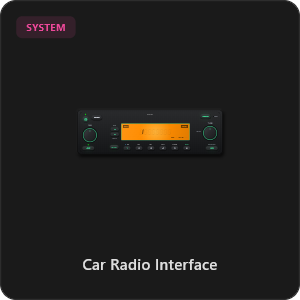
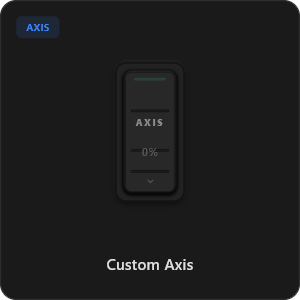
Arrastra y suelta directamente desde nuestra biblioteca de componentes o personaliza cada botón, interruptor y eje a tu gusto.
.png&w=3840&q=75)
.png&w=3840&q=75)
.png&w=3840&q=75)
.png&w=3840&q=75)
.png&w=3840&q=75)
.png&w=3840&q=75)
.png&w=3840&q=75)
.png&w=3840&q=75)
.png&w=3840&q=75)
.png&w=3840&q=75)
.png&w=3840&q=75)
.png&w=3840&q=75)
.png&w=3840&q=75)
Compatible con cualquier juego









Diseñado para Juegos Exigentes
Disfruta de una jugabilidad ultra sensible. RojX está diseñado desde cero para igualar la respuesta del hardware USB físico.
100% Wireless Play
Turn your iOS or Android device into a PC game controller over Wi-Fi. Enjoy high-responsiveness with completely wire-free gameplay.
Drag & Drop Builder
Customize your own buttons, switches, and axes. Add as many controls to your custom templates as you want—there is no limit.
In-Game Template Switcher
Save multiple templates and switch on the fly. Create specific layouts for walking, driving, or flying in games like GTA.
Precision Axis Settings
Fine-tune every joystick and axis independently. Adjust linearity, sensitivity, and deadzones to match your driving or aiming style.
900° Steering & Gyro
Race with a virtual steering wheel featuring 900° rotation and auto-centering, or steer using your phone's internal gyroscope.
Ultra Low Latency
UDP-based network transmission ensures response times under 8ms over Wi-Fi, mirroring a physical USB hardware connection.
Domina la Configuración en Minutos
Mira nuestro tutorial paso a paso y descubre lo fácil que es transformar tu smartphone en un mando de juegos para PC de alto rendimiento.
Empieza a Jugar en 3 Pasos Simples
Sin controladores complicados ni configuraciones lentas. Listo en menos de 2 minutos.
Download PC Receiver
Download the lightweight RojX Receiver app onto your Windows PC to configure the virtual controller drivers in a single click.
Get the Mobile App
Install the RojX controller app on your Android or iOS device from Google Play or Apple App Store.
Connect & Play
Connect both devices to the same local Wi-Fi or via USB cable, launch your PC game, and start playing.
Descargar RojX Mando y Cliente PC
Obtén la app móvil gratuita y el software de escritorio para empezar a jugar.
Windows PC Host Receiver
Required host client to bridge virtual inputs with Windows Xbox controller APIs.

Android Controller App
Full mobile controller app for Android with touch controls, gyro, and custom skins.

iOS Controller App
Mobile controller app for iPhone and iPad with native Apple motion sensors.

Preguntas Frecuentes
Respuestas a las dudas más comunes sobre mandos virtuales y calibración de latencia.