
將你的手機打造成高效能電腦遊戲手把


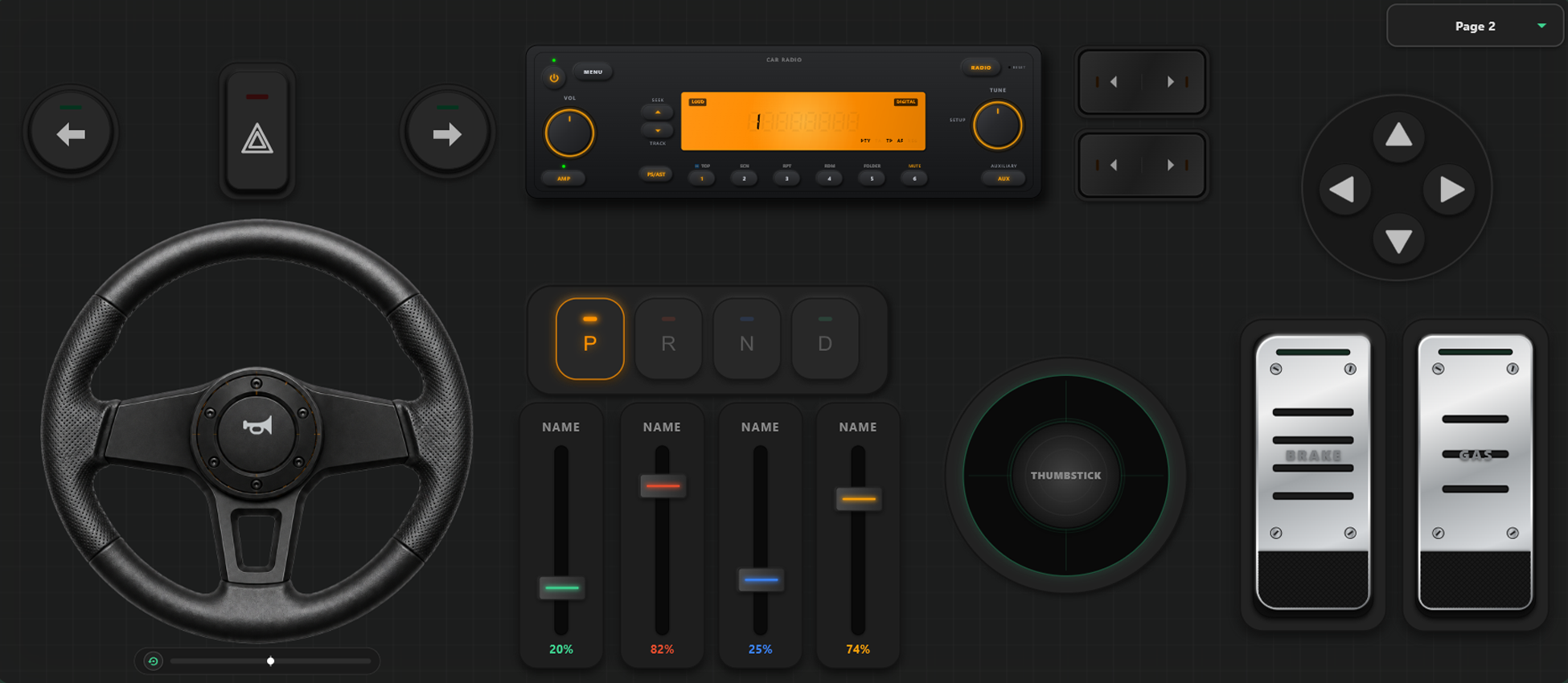
強大的自訂工具
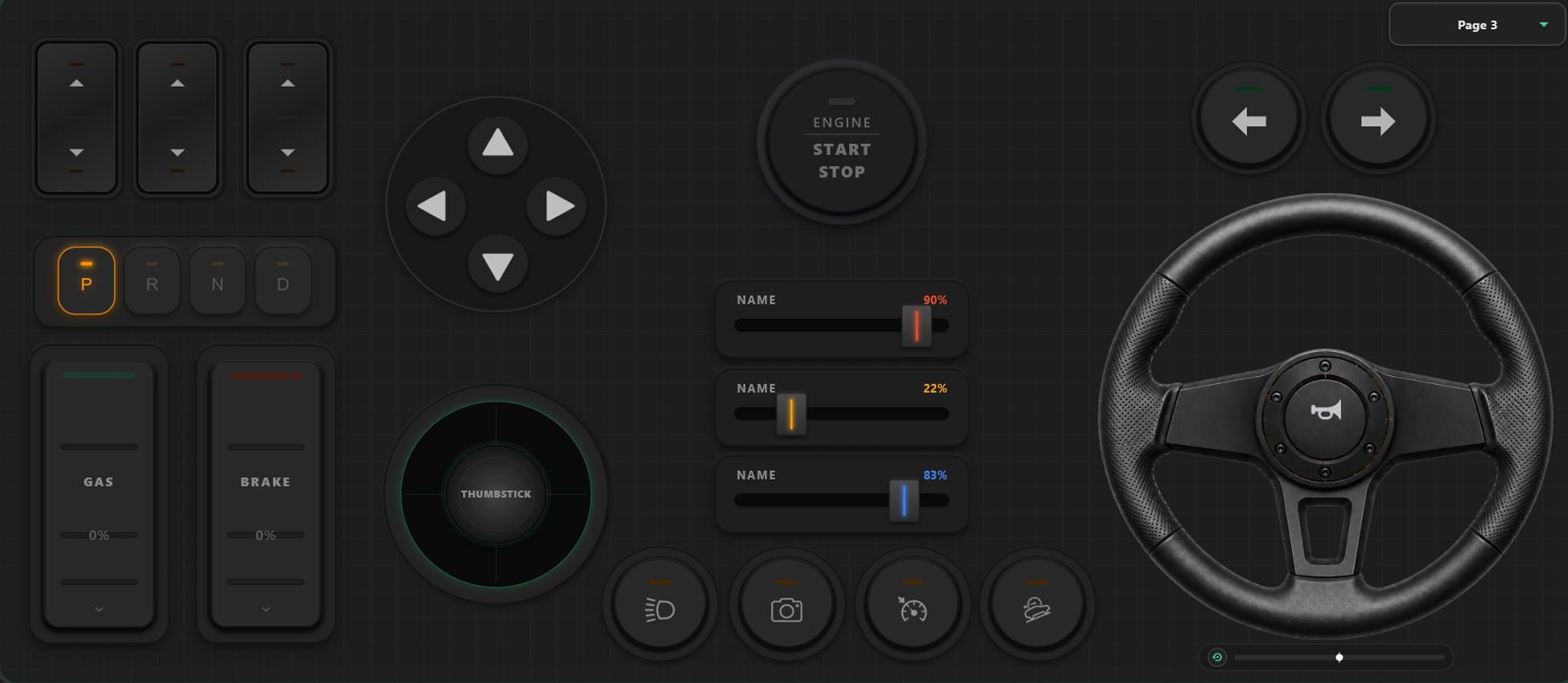
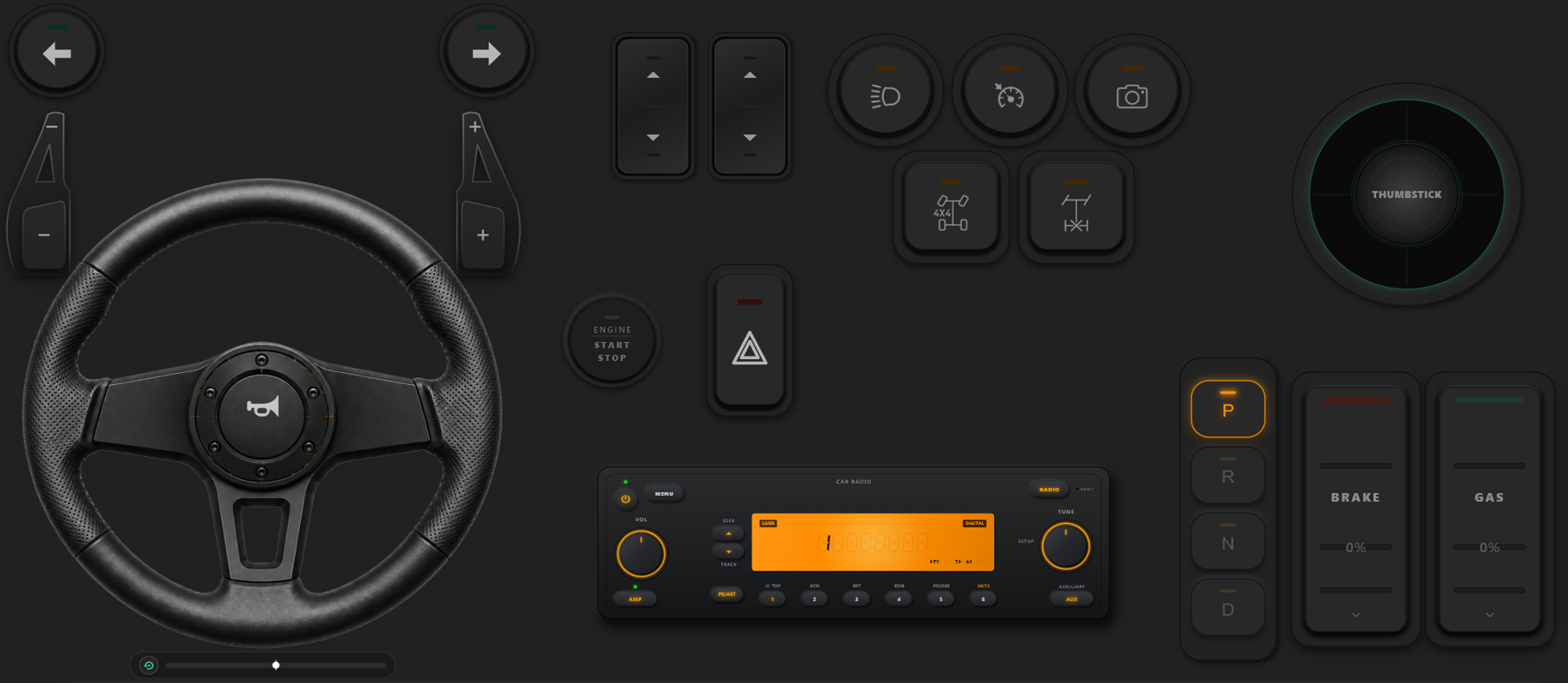
拖放式控制器建置器
- 只需透過拖放,就能輕鬆建立自訂範本、按鈕與軸向控制器。
- 完全沒有按鍵或軸向數量限制,盡情加入您需要的控制項。
全面掌控您的遊戲世界
釋放個人化設定的強大威力。在遊戲中隨時無縫切換按鍵配置,為賽車或射擊調校最佳手感。
遊戲中即時切換設定檔
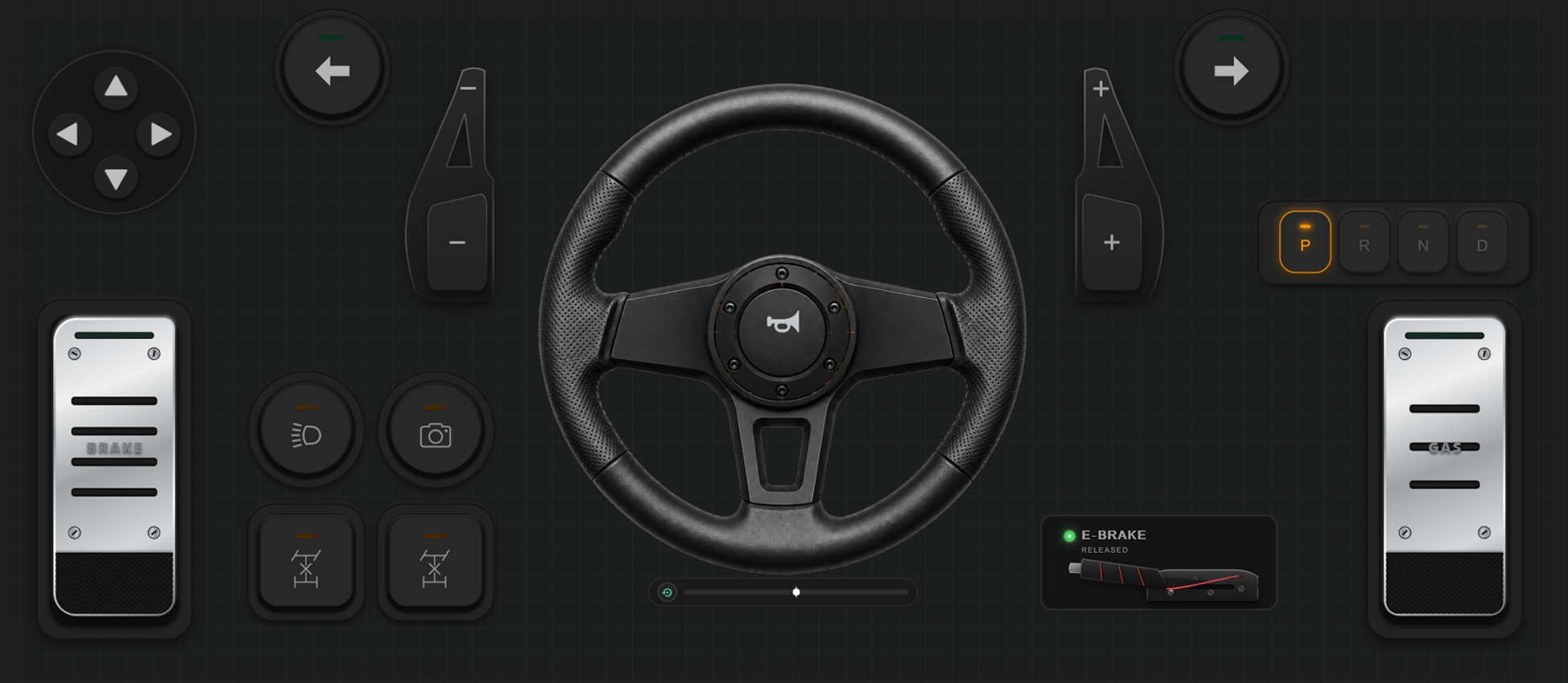
儲存多組版面設定,隨時切換。在《GTA V》中步行使用基本按鈕,坐上跑車切換成方向盤,駕駛飛機時切換為飛行搖桿。
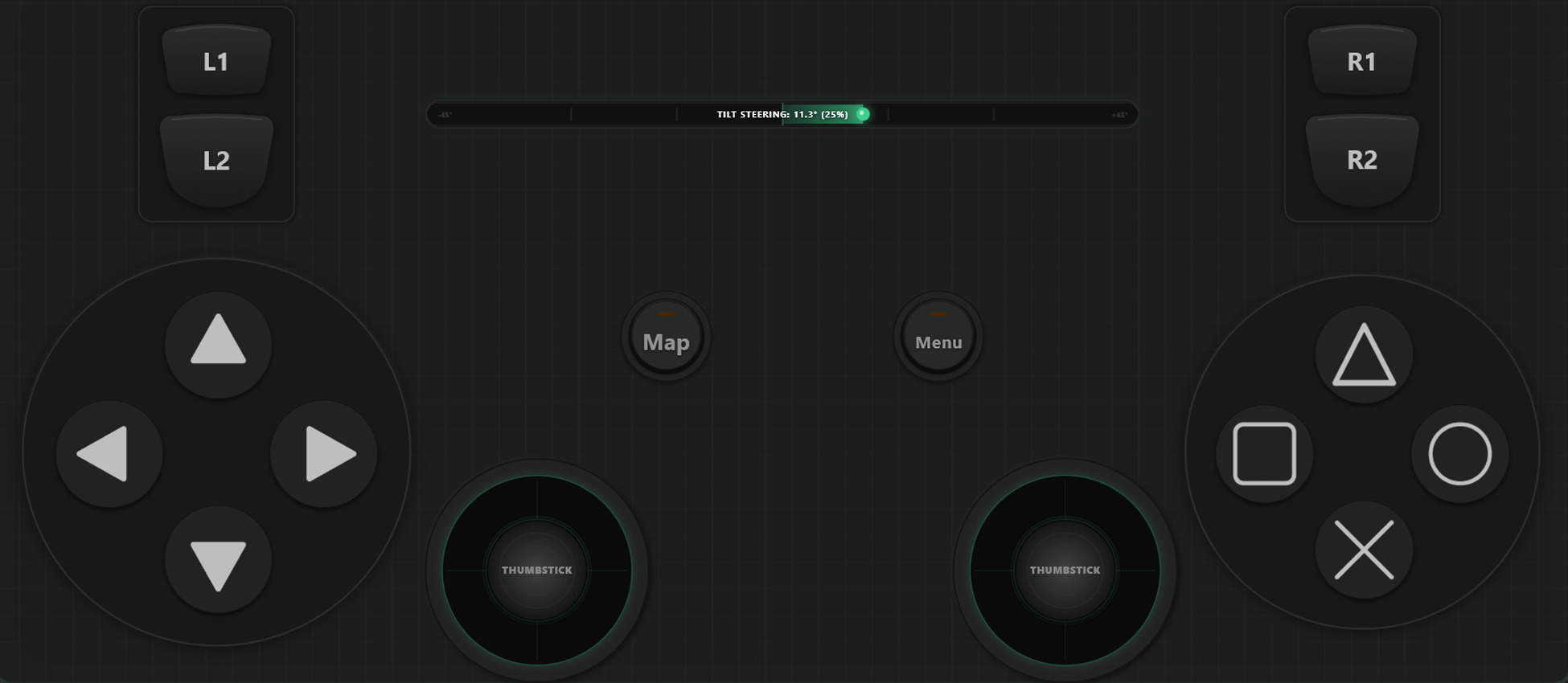
軸向校準與陀螺儀體感轉向
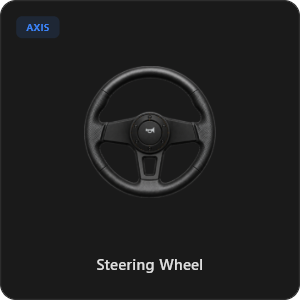
極致精準調校每組搖桿、板機與轉向。自由調整線性度、靈敏度與死區。支援 900 度虛擬方向盤回正與手機陀螺儀體感操控。
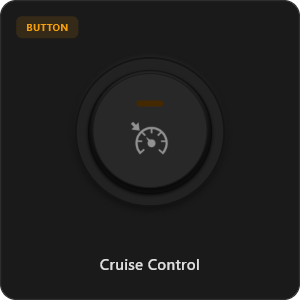
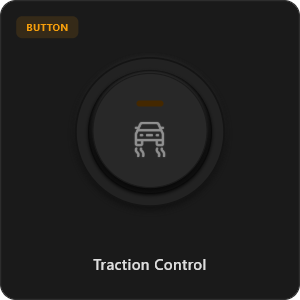
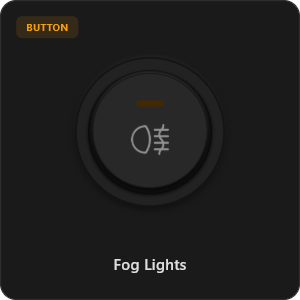
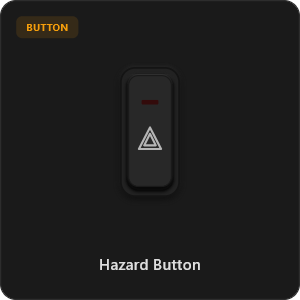
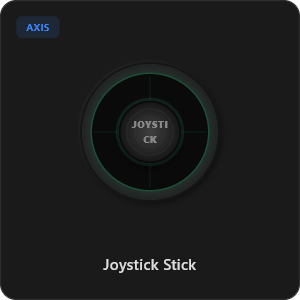
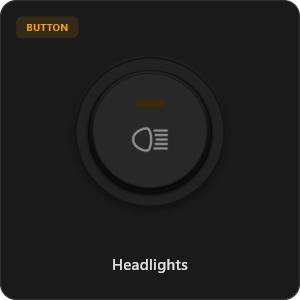
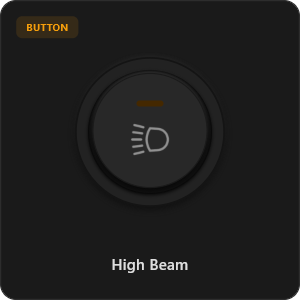
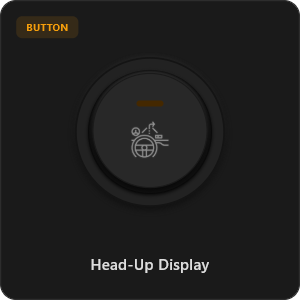
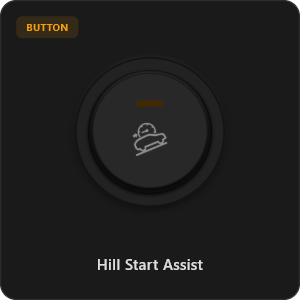
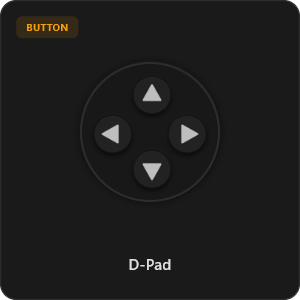
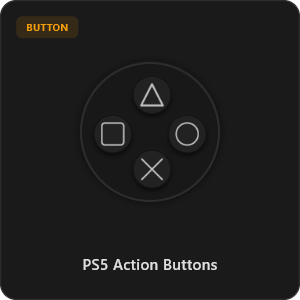
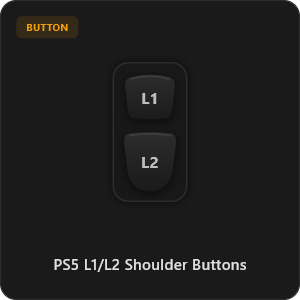
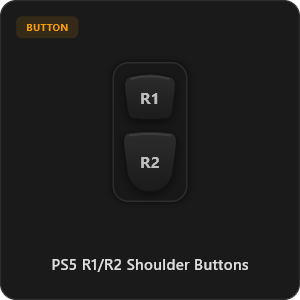
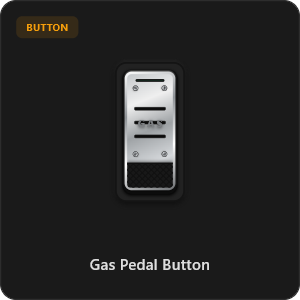
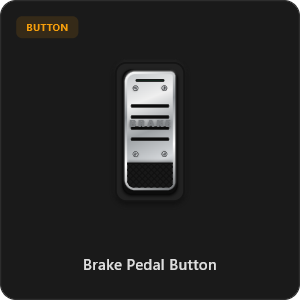
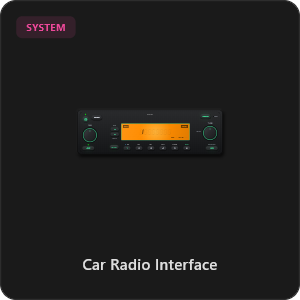
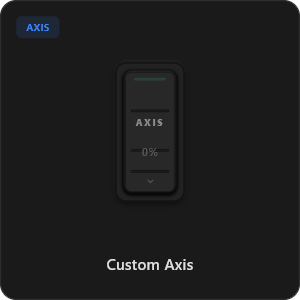
超過 44 種預設控制元件
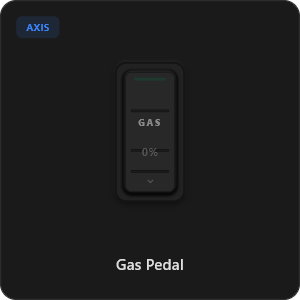
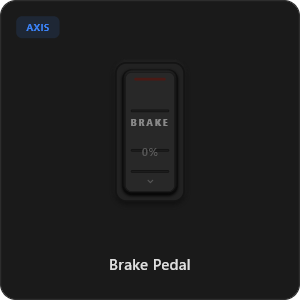
直接從元件庫中拖曳放置,自由設定每一個按鍵、開關與搖桿軸向。
.png&w=3840&q=75)
.png&w=3840&q=75)
.png&w=3840&q=75)
.png&w=3840&q=75)
.png&w=3840&q=75)
.png&w=3840&q=75)
.png&w=3840&q=75)
.png&w=3840&q=75)
.png&w=3840&q=75)
.png&w=3840&q=75)
.png&w=3840&q=75)
.png&w=3840&q=75)
.png&w=3840&q=75)
適用於任何遊戲







專為極致遊戲體驗打造
享受超敏捷的極速反應。RojX 原生打造,媲美實體 USB 有線手把的即時反應。
100% Wireless Play
Turn your iOS or Android device into a PC game controller over Wi-Fi. Enjoy high-responsiveness with completely wire-free gameplay.
Drag & Drop Builder
Customize your own buttons, switches, and axes. Add as many controls to your custom templates as you want—there is no limit.
In-Game Template Switcher
Save multiple templates and switch on the fly. Create specific layouts for walking, driving, or flying in games like GTA.
Precision Axis Settings
Fine-tune every joystick and axis independently. Adjust linearity, sensitivity, and deadzones to match your driving or aiming style.
900° Steering & Gyro
Race with a virtual steering wheel featuring 900° rotation and auto-centering, or steer using your phone's internal gyroscope.
Ultra Low Latency
UDP-based network transmission ensures response times under 8ms over Wi-Fi, mirroring a physical USB hardware connection.
數分鐘內完成連線設定
觀看詳細教學影片,瞭解如何輕鬆將智慧型手機化身為超低延遲的專業 PC 遊戲手把。
簡單 3 步驟立即開玩
無需複雜驅動程式,2 分鐘內搞定所有設定。
Download PC Receiver
Download the lightweight RojX Receiver app onto your Windows PC to configure the virtual controller drivers in a single click.
Get the Mobile App
Install the RojX controller app on your Android or iOS device from Google Play or Apple App Store.
Connect & Play
Connect both devices to the same local Wi-Fi or via USB cable, launch your PC game, and start playing.
下載 RojX 搖桿 App 與電腦接收端
立即下載免費行動應用程式與 Windows 主機端軟體,開始遊玩。
Windows PC Host Receiver
Required host client to bridge virtual inputs with Windows Xbox controller APIs.

Android Controller App
Full mobile controller app for Android with touch controls, gyro, and custom skins.
iOS Controller App
Mobile controller app for iPhone and iPad with native Apple motion sensors.

常見問題
解答關於虛擬遊戲控制器與低延遲連線的所有疑問。