
将你的手机打造成高性能电脑游戏手柄


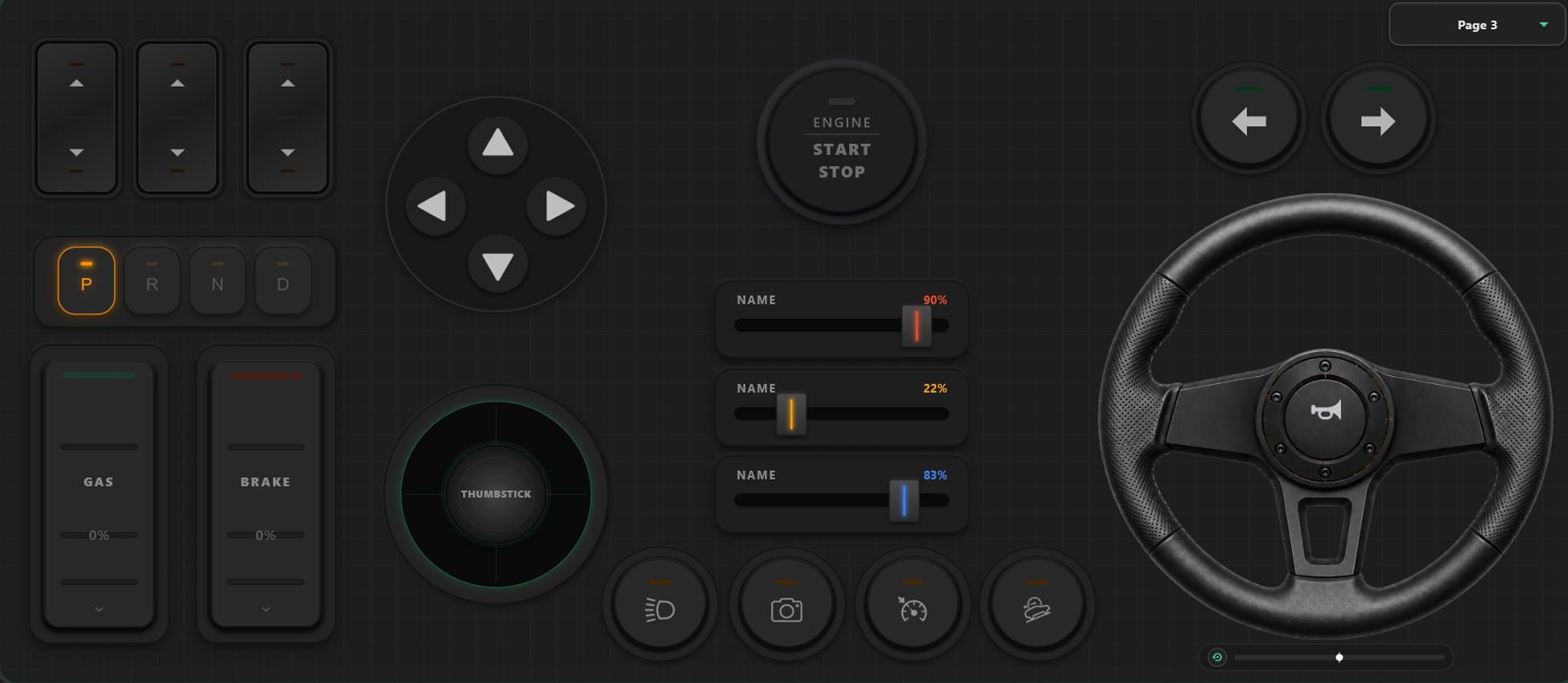
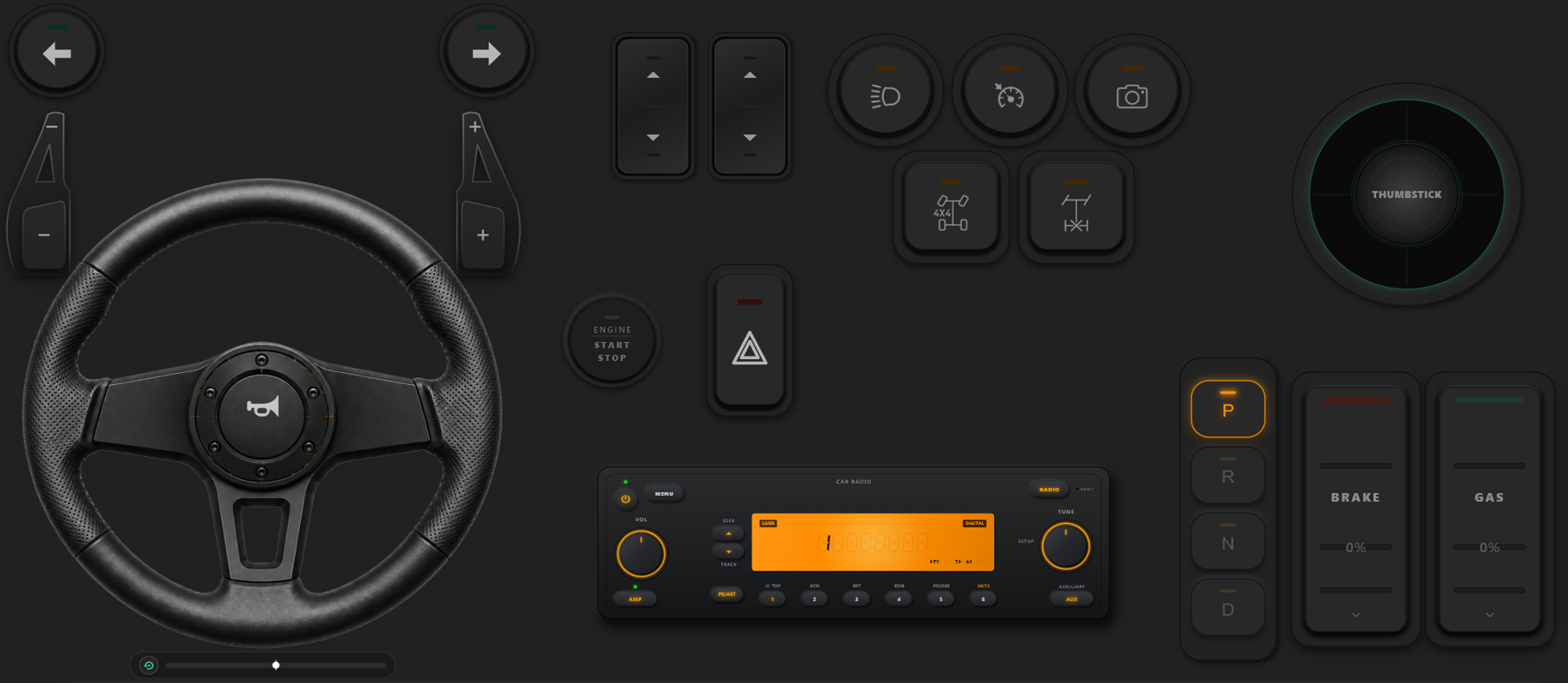
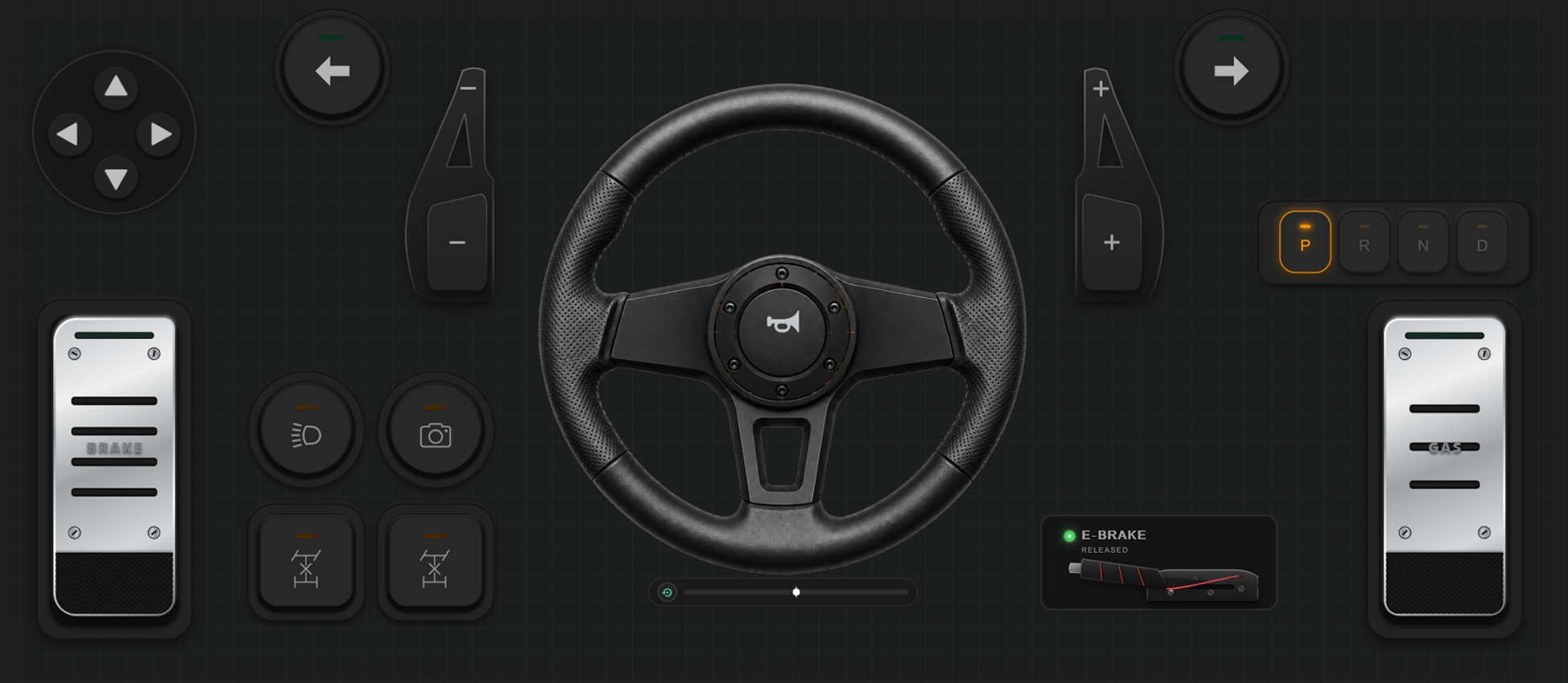
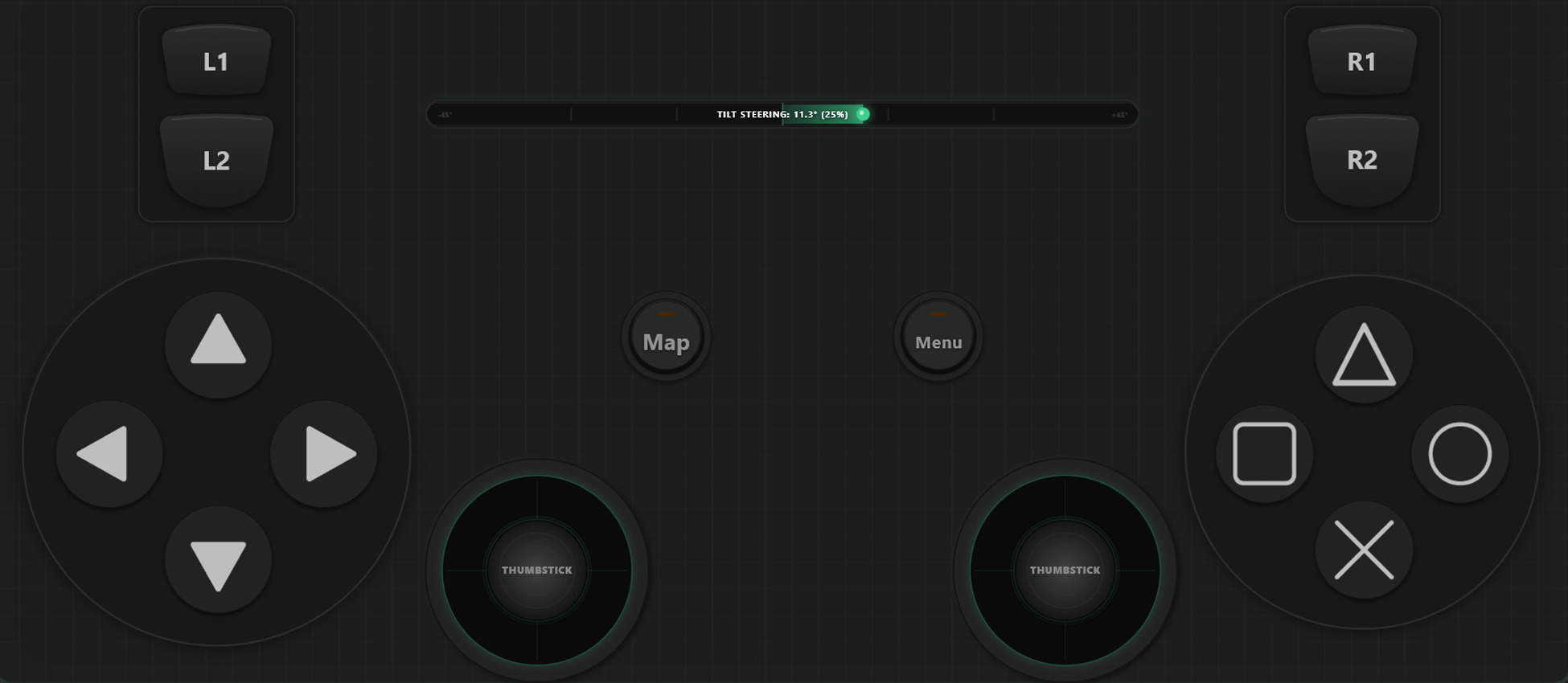
强大的自定义工具
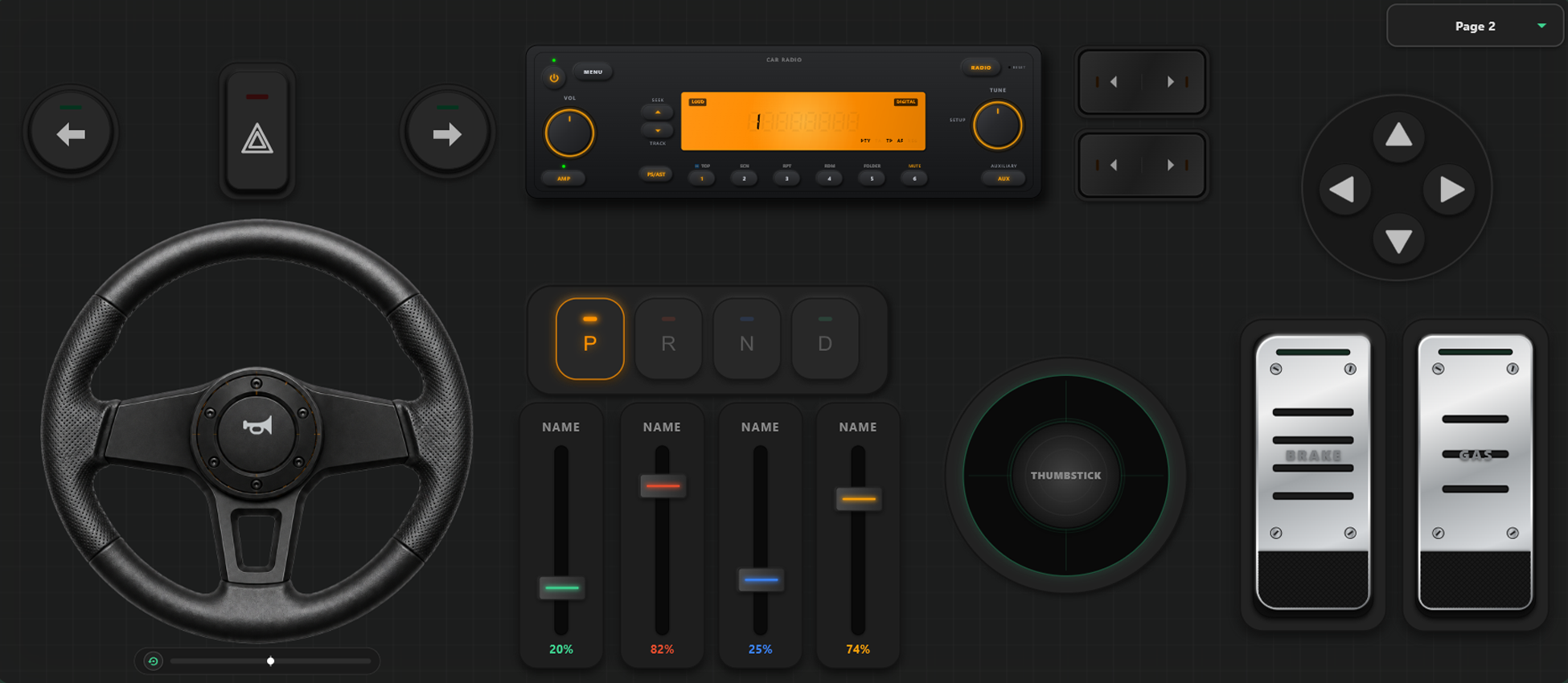
拖拽式控制器编辑器
- 只需拖放操作,即可轻松创建自定义模板、按键和摇杆控制器。
- 按键和摇杆数量没有任何限制,随心所欲添加所需的控制元素。
完全掌控你的游戏世界
释放极致自定义潜力。在游戏中无缝切换布局,并为赛车或动作游戏精准校准控制参数。
游戏内即时模板无缝切换
创建并保存多种布局模板随时切换。在《GTA V》等游戏中,步行时使用动作布局,上车后切换为方向盘,驾驶飞机时即刻变身飞行摇杆。
摇杆轴向校准与陀螺仪体感转向
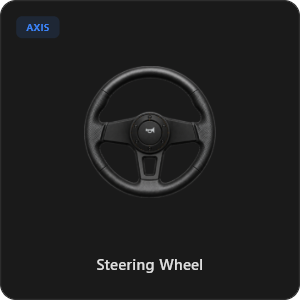
微调每个摇杆、扳机和方向盘的灵敏度。支持线性度、死区精准校准。支持900度大角度旋转及自动回正虚拟方向盘,或直接晃动手机体感转向。
超过 44 种预设控制器组件
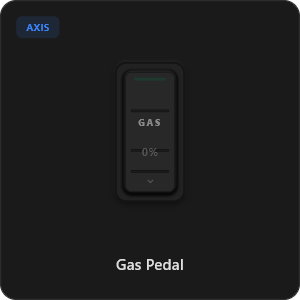
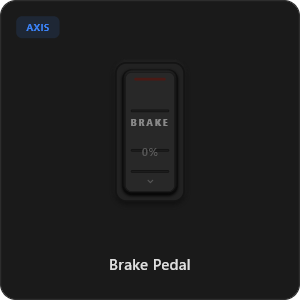
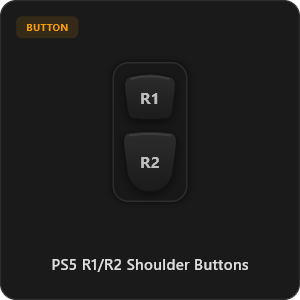
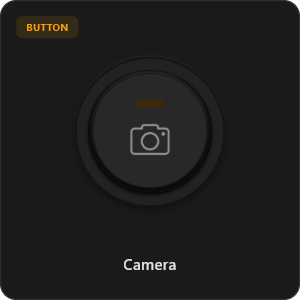
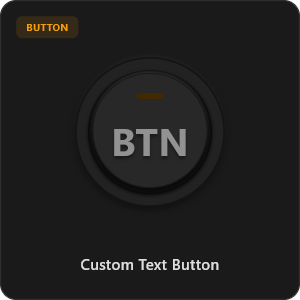
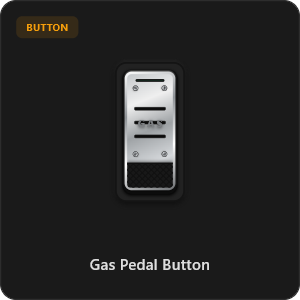
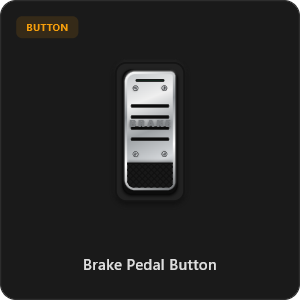
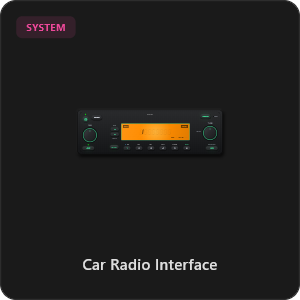
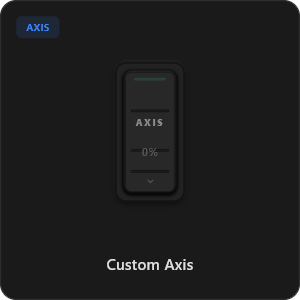
直接从我们持续更新的组件库中拖放组件,轻松自定义每个按钮、开关和轴向。
.png&w=3840&q=75)
.png&w=3840&q=75)
.png&w=3840&q=75)
.png&w=3840&q=75)
.png&w=3840&q=75)
.png&w=3840&q=75)
.png&w=3840&q=75)
.png&w=3840&q=75)
.png&w=3840&q=75)
.png&w=3840&q=75)
.png&w=3840&q=75)
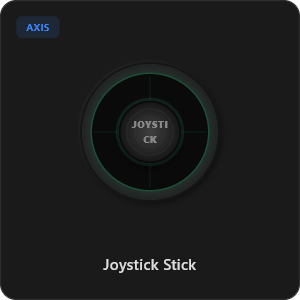
.png&w=3840&q=75)
.png&w=3840&q=75)
适配任意游戏









专为硬核玩家精心打造
享受极致响应速度。RojX 底层重新开发,响应速度媲美原装物理 USB 有线手柄。
100% Wireless Play
Turn your iOS or Android device into a PC game controller over Wi-Fi. Enjoy high-responsiveness with completely wire-free gameplay.
Drag & Drop Builder
Customize your own buttons, switches, and axes. Add as many controls to your custom templates as you want—there is no limit.
In-Game Template Switcher
Save multiple templates and switch on the fly. Create specific layouts for walking, driving, or flying in games like GTA.
Precision Axis Settings
Fine-tune every joystick and axis independently. Adjust linearity, sensitivity, and deadzones to match your driving or aiming style.
900° Steering & Gyro
Race with a virtual steering wheel featuring 900° rotation and auto-centering, or steer using your phone's internal gyroscope.
Ultra Low Latency
UDP-based network transmission ensures response times under 8ms over Wi-Fi, mirroring a physical USB hardware connection.
几分钟内搞定配置
观看我们的详细上手视频,了解如何轻松将智能手机变身为零延迟的专业电脑游戏手柄。
只需简单 3 步即可畅玩
无需繁琐驱动安装,两分钟内准备就绪。
Download PC Receiver
Download the lightweight RojX Receiver app onto your Windows PC to configure the virtual controller drivers in a single click.
Get the Mobile App
Install the RojX controller app on your Android or iOS device from Google Play or Apple App Store.
Connect & Play
Connect both devices to the same local Wi-Fi or via USB cable, launch your PC game, and start playing.
下载 RojX 手机手柄与电脑接收器
立即下载免费移动应用与桌面端软件,开启畅快游戏体验。
Windows PC Host Receiver
Required host client to bridge virtual inputs with Windows Xbox controller APIs.

Android Controller App
Full mobile controller app for Android with touch controls, gyro, and custom skins.

iOS Controller App
Mobile controller app for iPhone and iPad with native Apple motion sensors.

常见问题解答
关于虚拟手柄、连接方式及超低延迟的详细说明与解答。