
Biến Điện Thoại ThànhTay Cầm Chơi Game PC


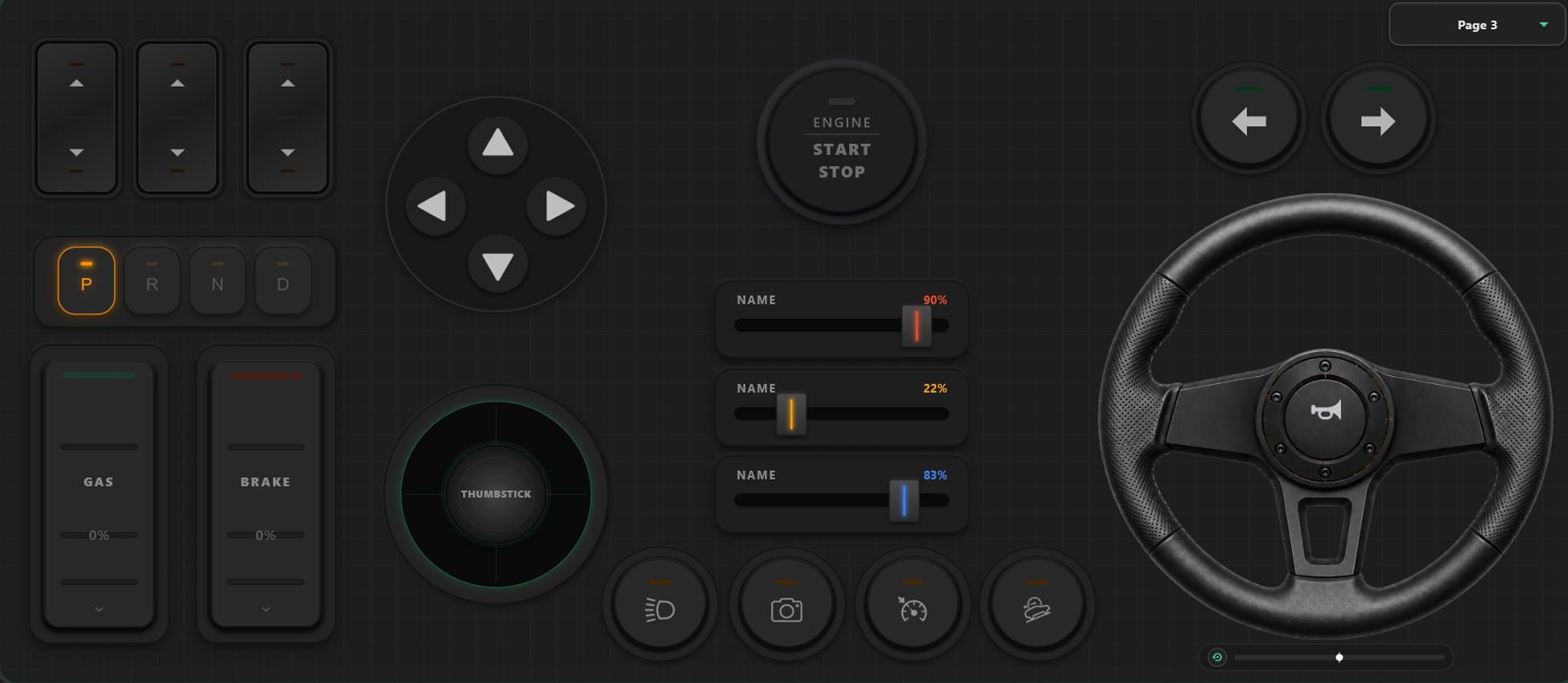
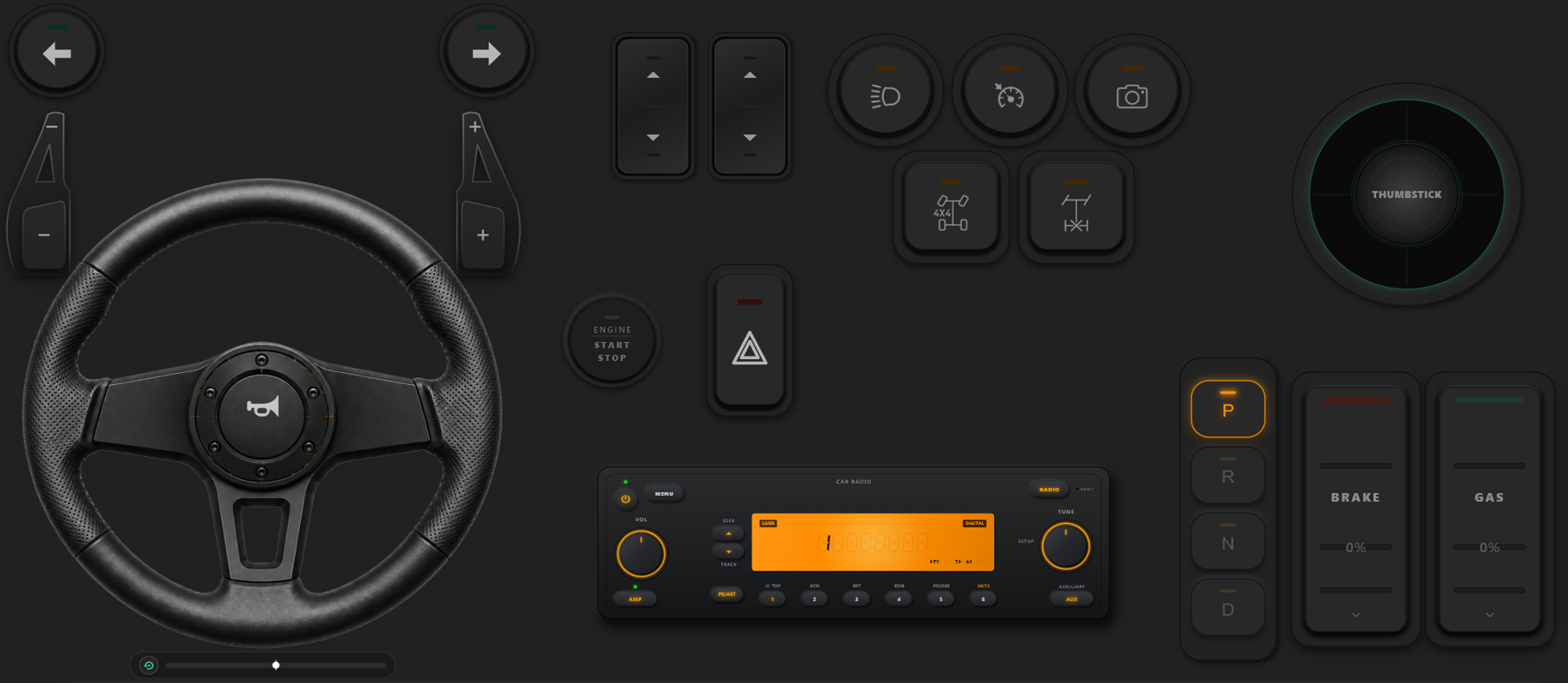
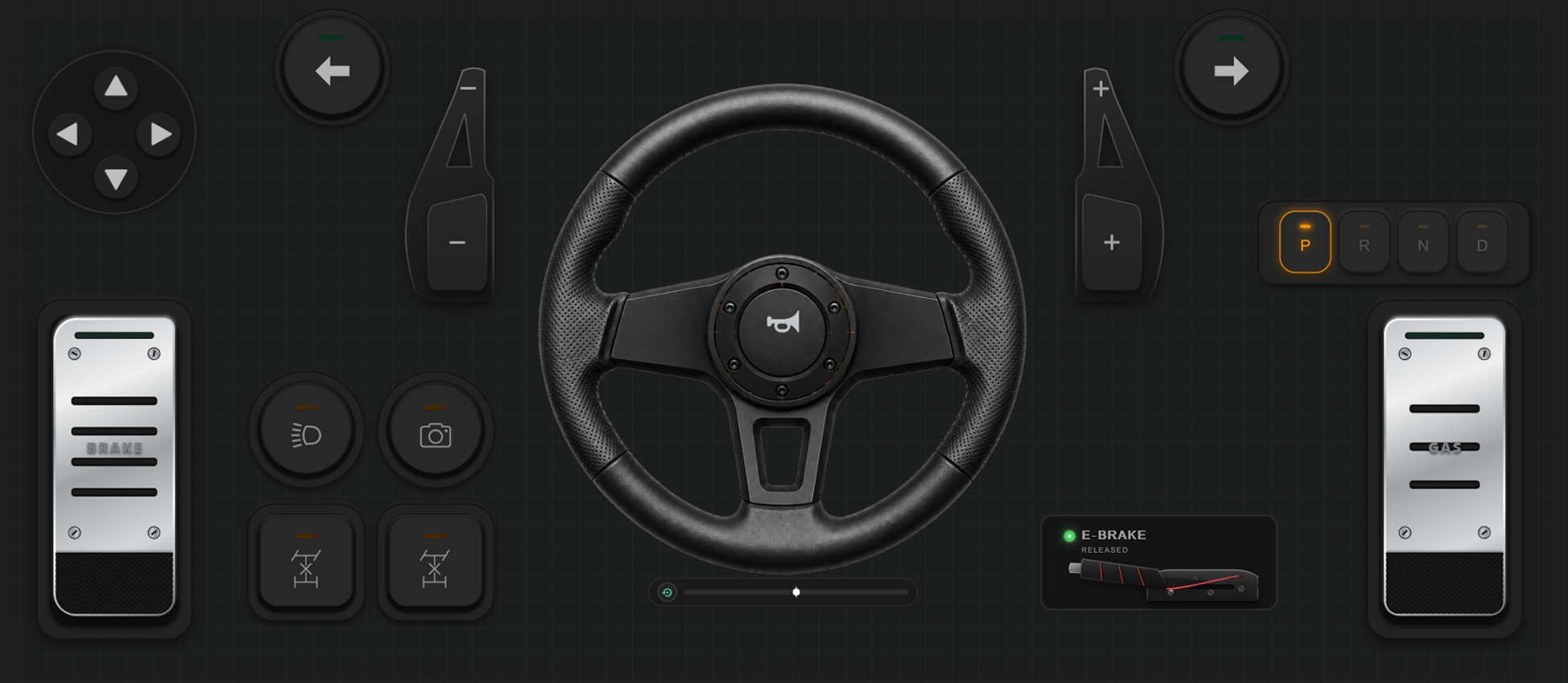
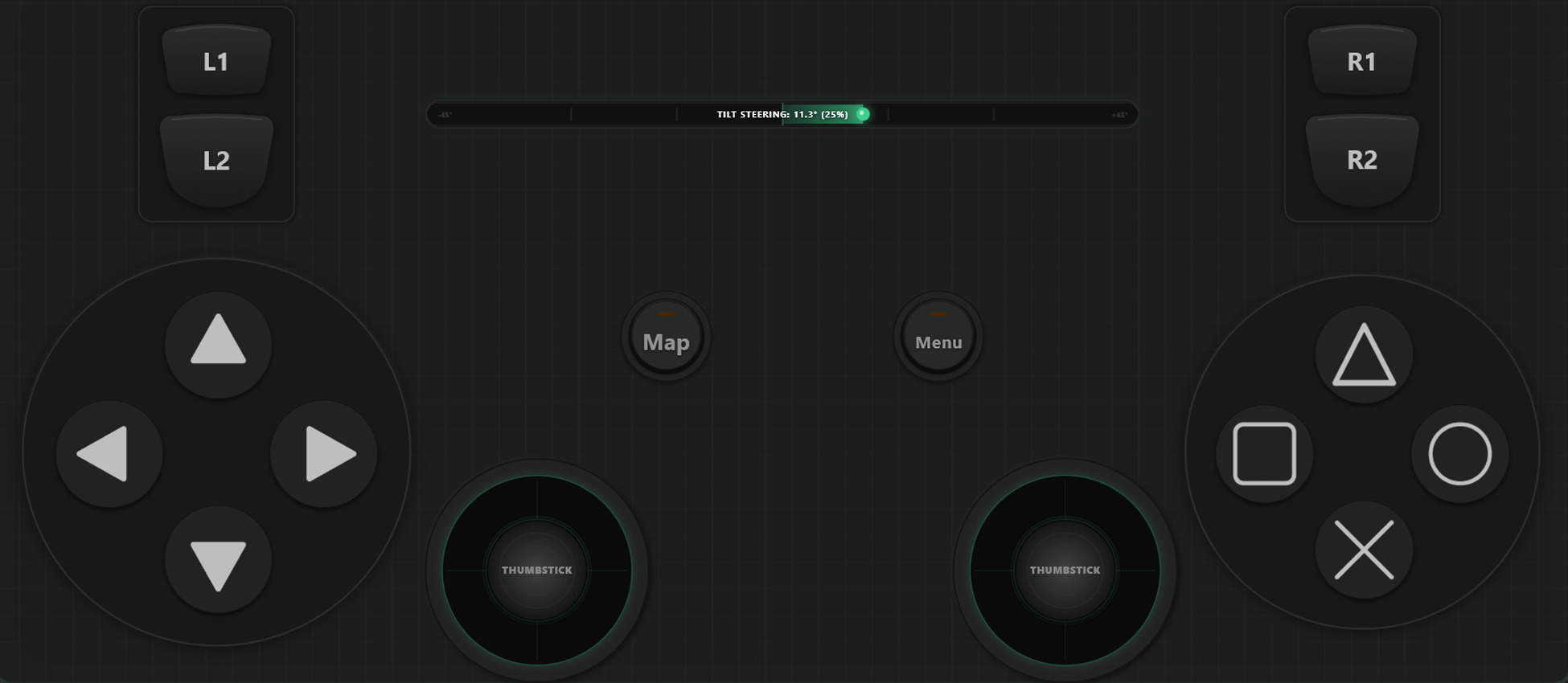
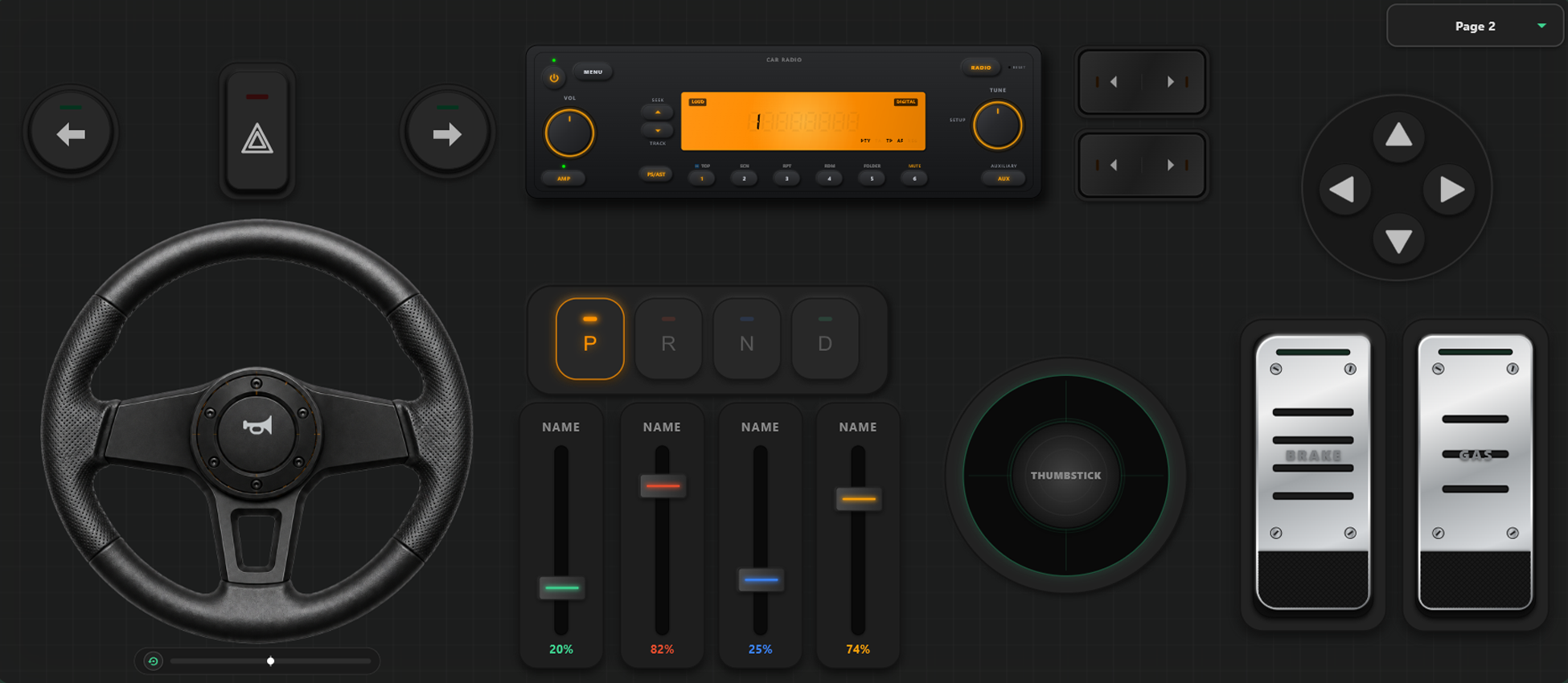
Công Cụ Tùy Biến Mạnh Mẽ
Trình Tạo Tay Cầm Kéo Thả Tùy Biến
- Người dùng có thể tạo mẫu, nút bấm và trục điều khiển chỉ với thao tác kéo và thả đơn giản.
- Không giới hạn số lượng nút và trục; thêm bao nhiêu tùy thích vào giao diện của bạn.
Làm Chủ Mọi Trận Game Của Bạn
Đổi bố cục phím ngay trong lúc chơi và tinh chỉnh độ nhạy để phù hợp với phong cách đua xe hoặc hành động.
Chuyển Đổi Mẫu Phím Tức Thì Trong Game
Tạo và lưu nhiều mẫu bố cục để đổi nhanh. Trong game như GTA V, bạn có thể đi bộ bằng một mẫu phím, đổi sang vô lăng khi lên xe và sang cần lái khi lên máy bay.
Hiệu Chỉnh Trục & Vô Lăng Con Quay Hồi Chuyển
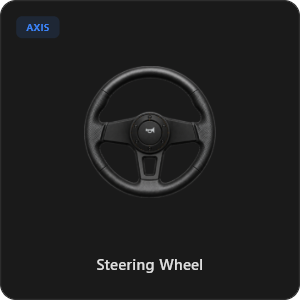
Tinh chỉnh từng cần gạt, nút cò và vô lăng với độ chính xác cao. Vô lăng ảo xoay 900 độ tự động trả về giữa hoặc nghiêng điện thoại để lái.
Hơn 44 Phím Điều Khiển Có Sẵn
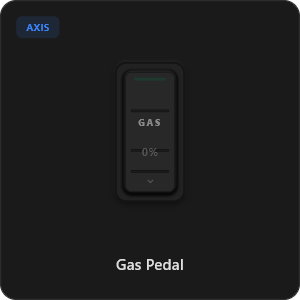
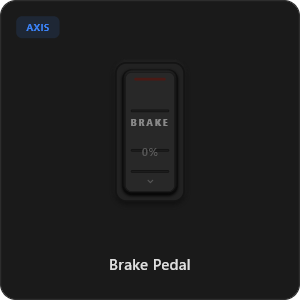
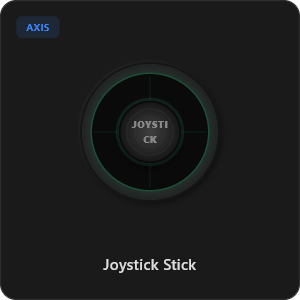
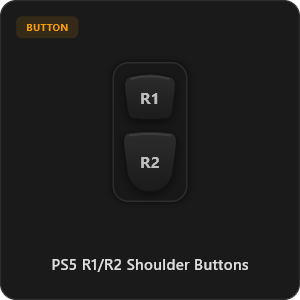
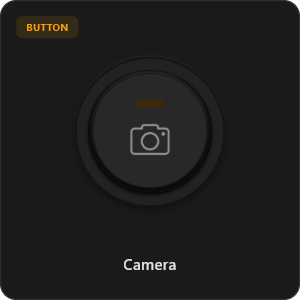
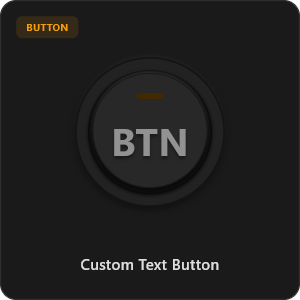
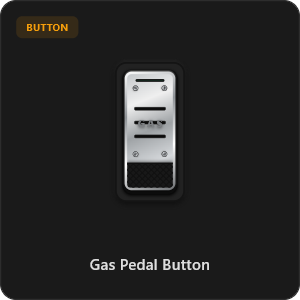
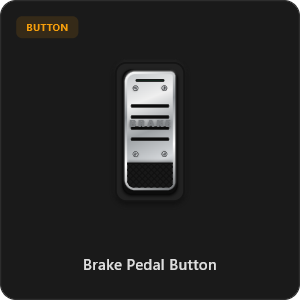
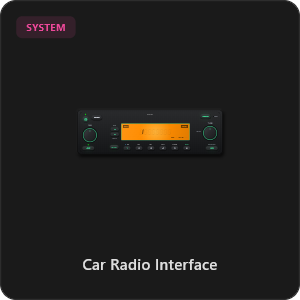
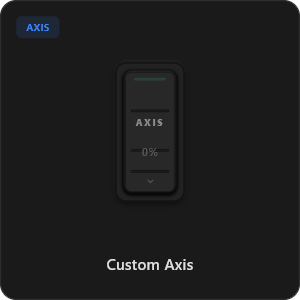
Kéo và thả trực tiếp từ thư viện phím phong phú hoặc tự tùy chỉnh từng nút bấm và cần gạt theo ý bạn.
.png&w=3840&q=75)
.png&w=3840&q=75)
.png&w=3840&q=75)
.png&w=3840&q=75)
.png&w=3840&q=75)
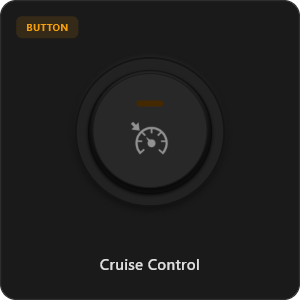
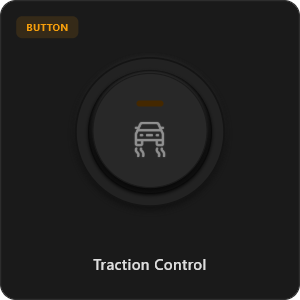
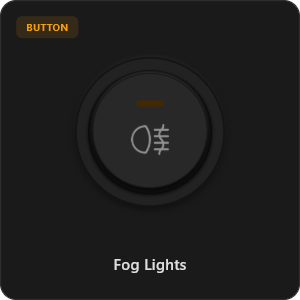
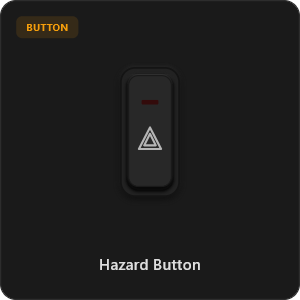
.png&w=3840&q=75)
.png&w=3840&q=75)
.png&w=3840&q=75)
.png&w=3840&q=75)
.png&w=3840&q=75)
.png&w=3840&q=75)
.png&w=3840&q=75)
.png&w=3840&q=75)
Tương Thích Với Mọi Trò Chơi









Thiết Kế Dành Cho Game Thủ Đích Thực
Trải nghiệm phản hồi siêu nhanh, tương đương với tay cầm cắm dây USB vật lý.
100% Wireless Play
Turn your iOS or Android device into a PC game controller over Wi-Fi. Enjoy high-responsiveness with completely wire-free gameplay.
Drag & Drop Builder
Customize your own buttons, switches, and axes. Add as many controls to your custom templates as you want—there is no limit.
In-Game Template Switcher
Save multiple templates and switch on the fly. Create specific layouts for walking, driving, or flying in games like GTA.
Precision Axis Settings
Fine-tune every joystick and axis independently. Adjust linearity, sensitivity, and deadzones to match your driving or aiming style.
900° Steering & Gyro
Race with a virtual steering wheel featuring 900° rotation and auto-centering, or steer using your phone's internal gyroscope.
Ultra Low Latency
UDP-based network transmission ensures response times under 8ms over Wi-Fi, mirroring a physical USB hardware connection.
Thiết Lập Xong Trong Vài Phút
Xem video hướng dẫn từng bước để biến điện thoại thành tay cầm chơi game PC mượt mà không độ trễ.
Bắt Đầu Trong 3 Bước Đơn Giản
Không cần cài driver phức tạp. Sẵn sàng chơi game chỉ dưới 2 phút.
Download PC Receiver
Download the lightweight RojX Receiver app onto your Windows PC to configure the virtual controller drivers in a single click.
Get the Mobile App
Install the RojX controller app on your Android or iOS device from Google Play or Apple App Store.
Connect & Play
Connect both devices to the same local Wi-Fi or via USB cable, launch your PC game, and start playing.
Tải Tay Cầm RojX & Bộ Thu Cho PC
Tải ứng dụng di động miễn phí và phần mềm máy tính để bắt đầu chơi ngay.
Windows PC Host Receiver
Required host client to bridge virtual inputs with Windows Xbox controller APIs.

Android Controller App
Full mobile controller app for Android with touch controls, gyro, and custom skins.

iOS Controller App
Mobile controller app for iPhone and iPad with native Apple motion sensors.

Câu Hỏi Thường Gặp
Giải đáp các thắc mắc phổ biến về tay cầm ảo và kết nối độ trễ thấp.