
เปลี่ยนโทรศัพท์ของคุณให้เป็นจอยเกมคอมพิวเตอร์ PC


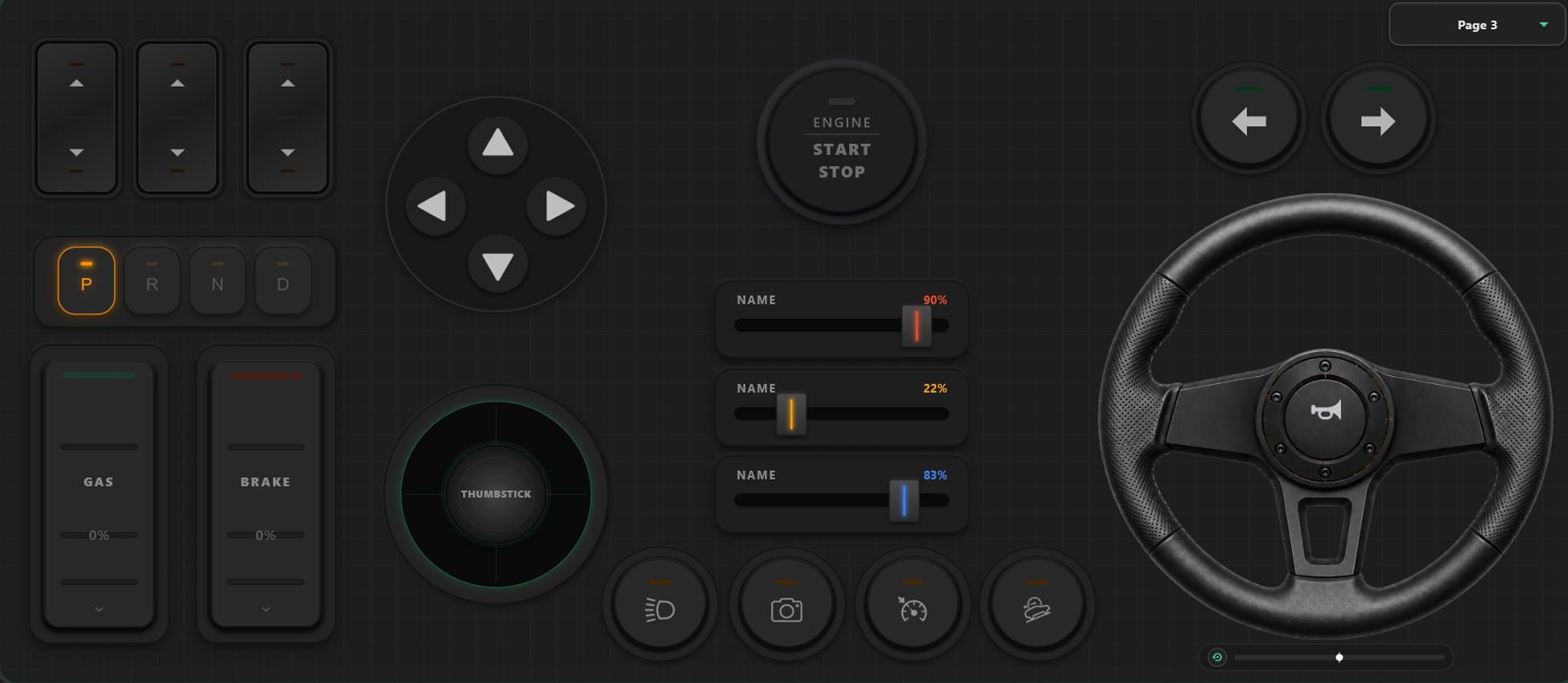
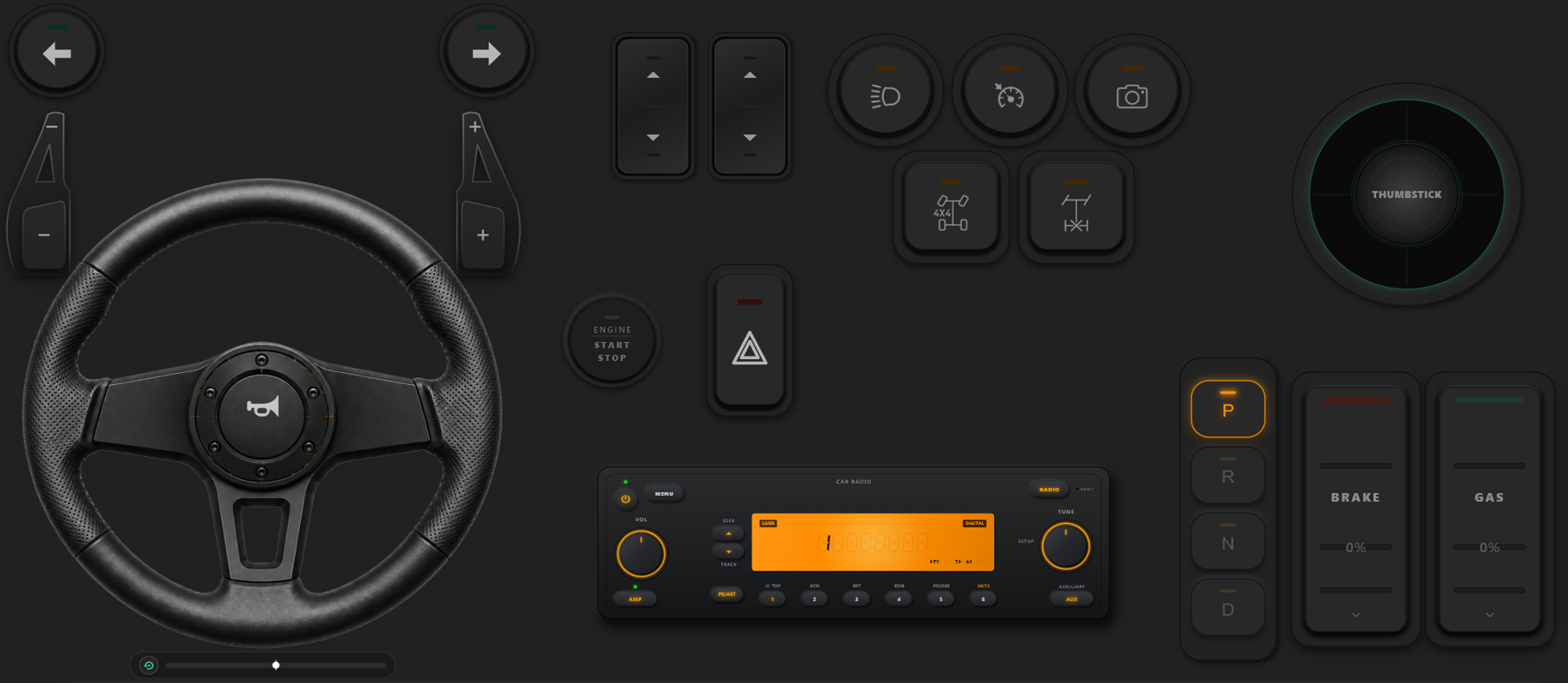
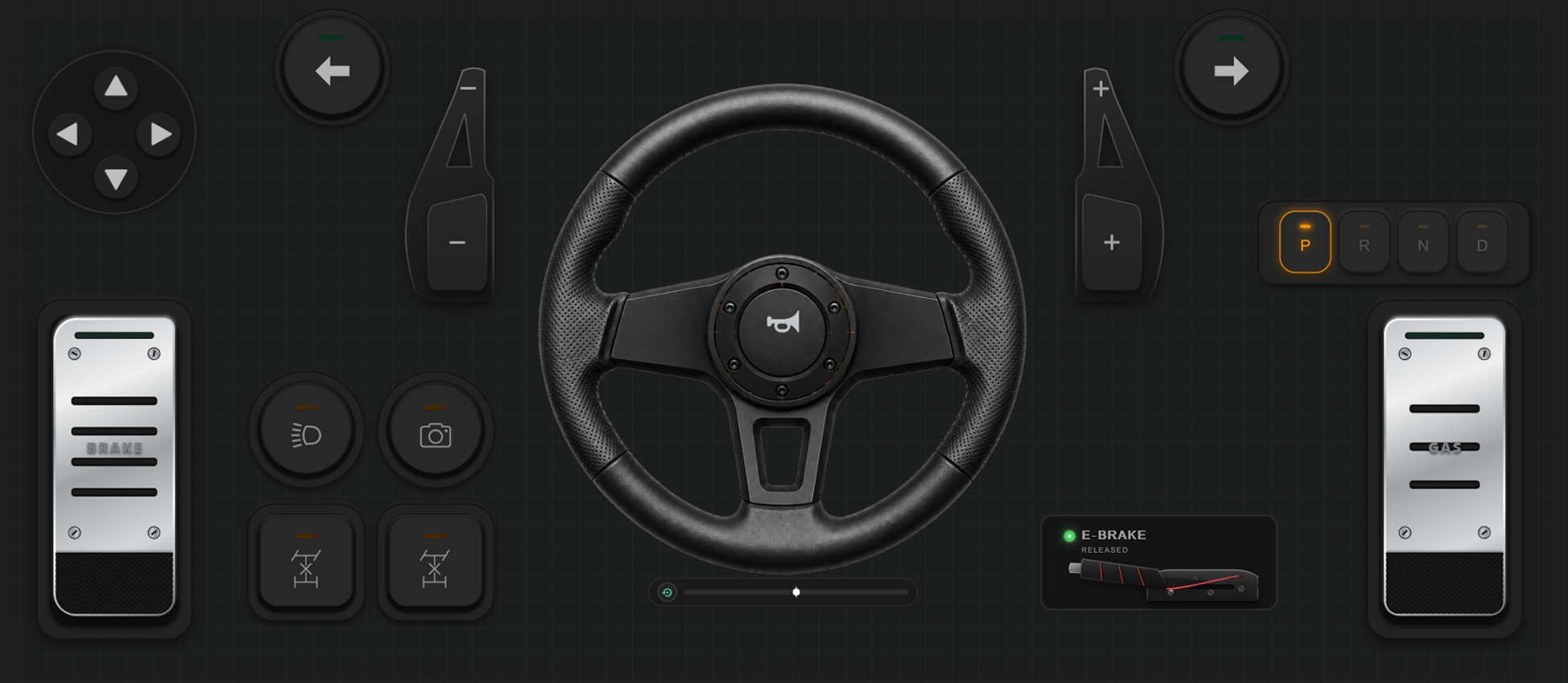
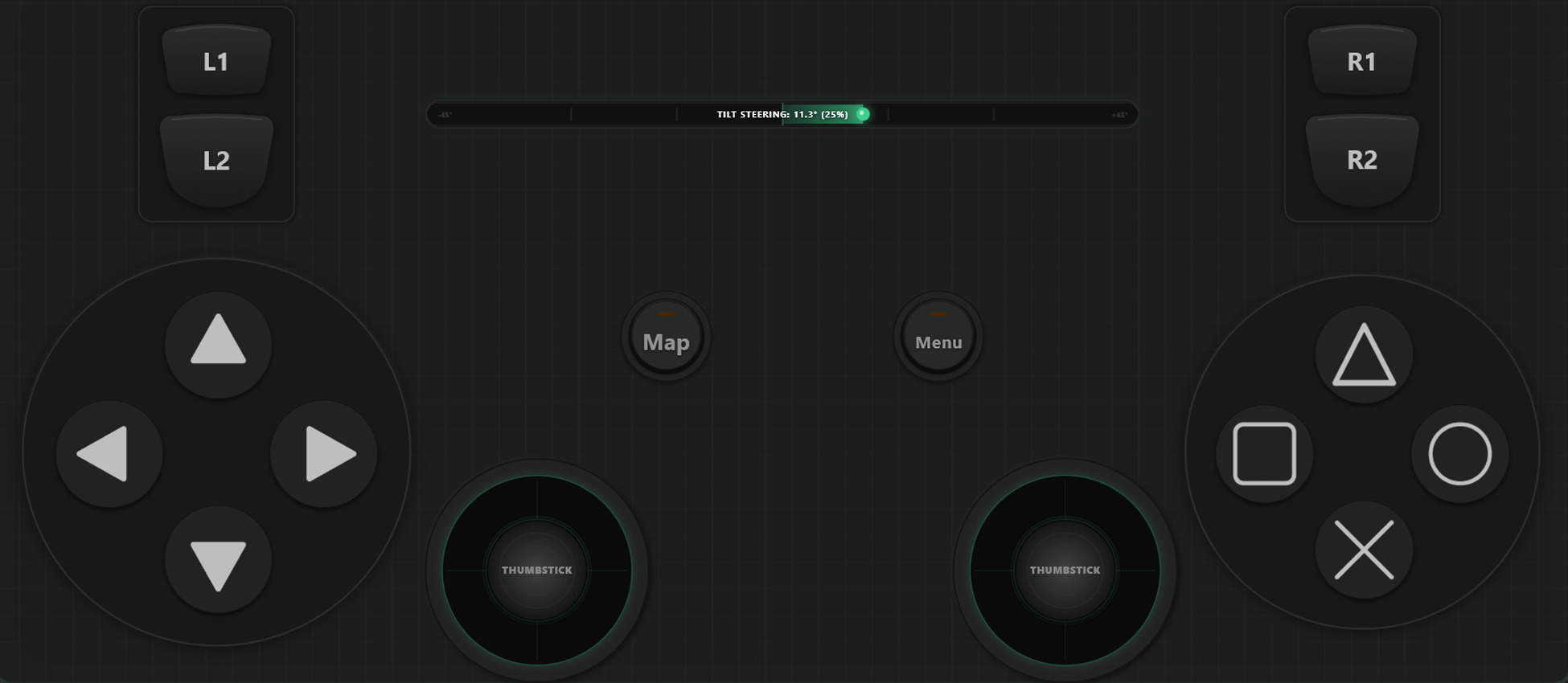
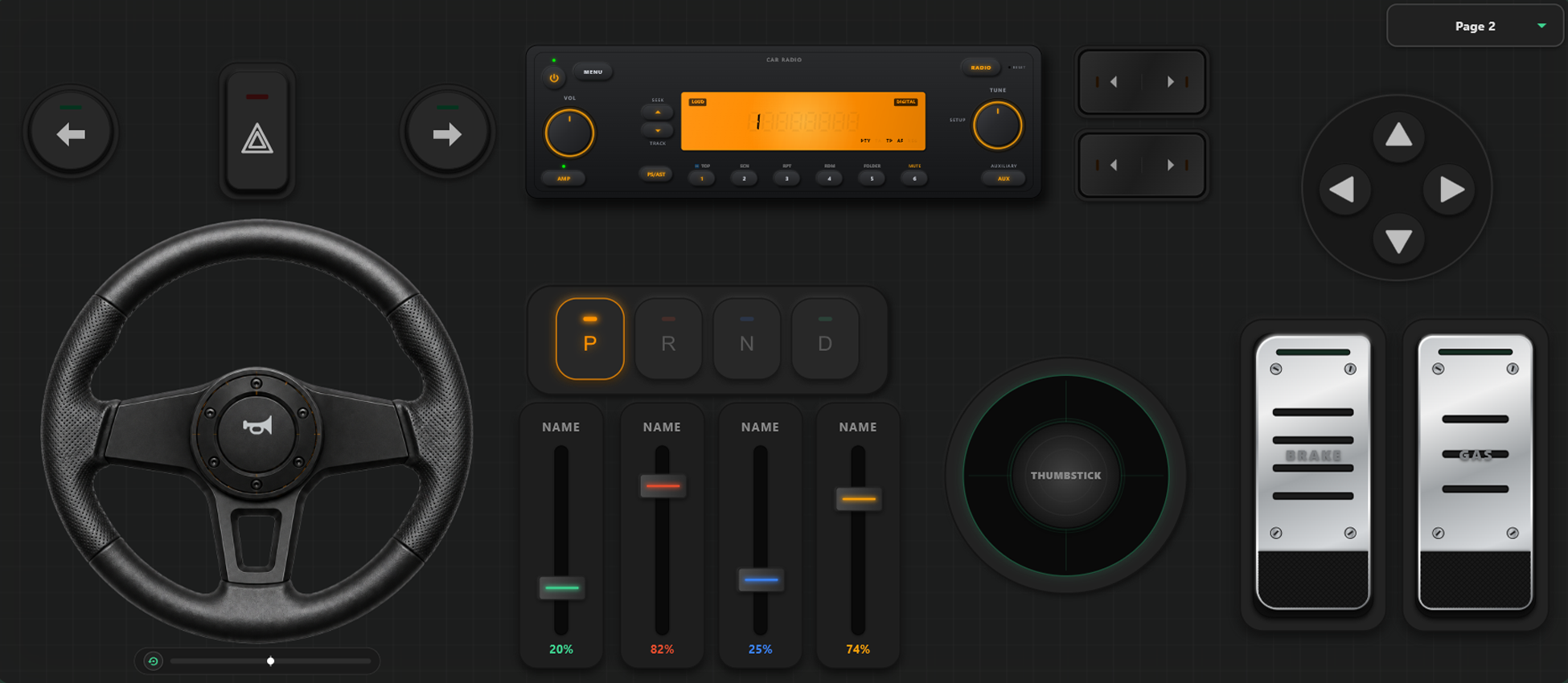
เครื่องมือปรับแต่งที่ทรงพลัง
ระบบสร้างจอยเกมแบบลากวาง
- ผู้ใช้สามารถสร้างเทมเพลต ปุ่ม และแกนควบคุมได้ง่ายๆ เพียงแค่ลากและวาง
- ไม่มีการจำกัดจำนวนปุ่มและแกนควบคุม เพิ่มได้มากเท่าที่คุณต้องการ
ควบคุมเกมของคุณได้อย่างสมบูรณ์แบบ
สลับเลย์เอาต์ได้ทันทีระหว่างเล่นเกม และปรับเทียบการควบคุมให้เข้ากับสไตล์การแข่งรถหรือการต่อสู้ของคุณ
สลับเทมเพลตได้ทันทีในเกม
บันทึกเลย์เอาต์ได้หลายแบบ เช่น ในเกม GTA V คุณสามารถใช้รูปแบบเดินเท้า สลับเป็นพวงมาลัยเมื่อขึ้นรถ และเปลี่ยนเป็นคันบังคับเมื่อขับเครื่องบิน
การปรับเทียบแกนและพวงมาลัยไจโรสโคป
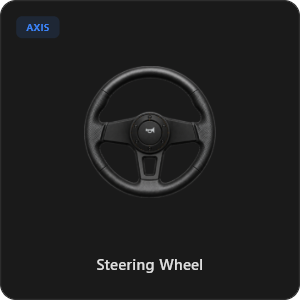
ปรับแต่งจอยสติ๊ก ทริกเกอร์ และพวงมาลัยได้อย่างแม่นยำ พร้อมพวงมาลัยเสมือนหมุนได้ 900 องศาและระบบคืนศูนย์อัตโนมัติ
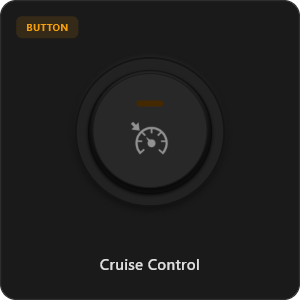
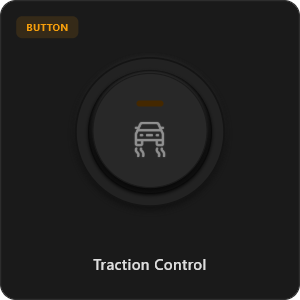
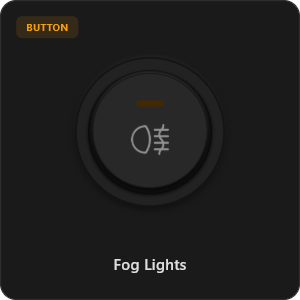
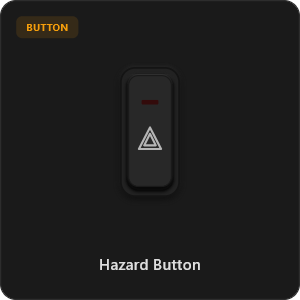
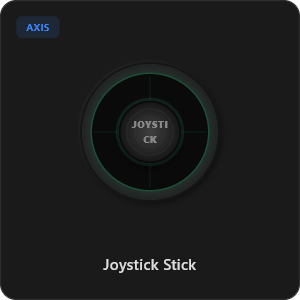
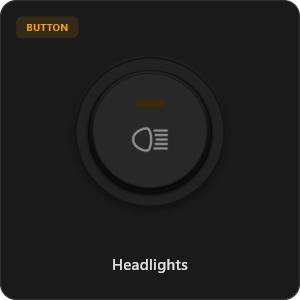
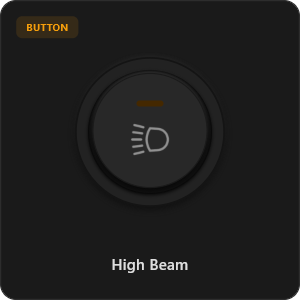
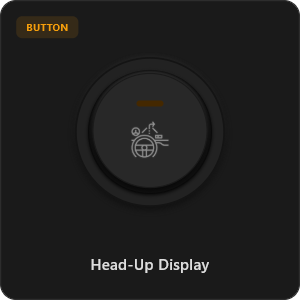
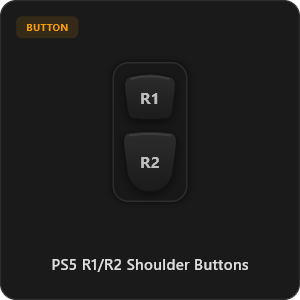
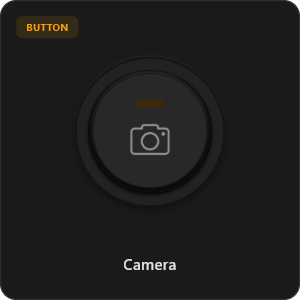
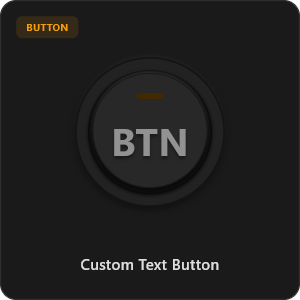
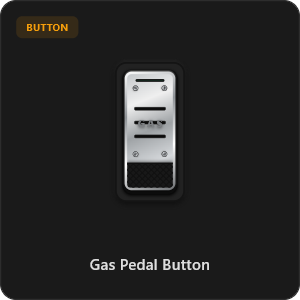
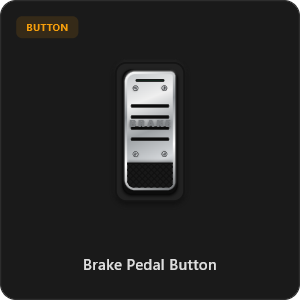
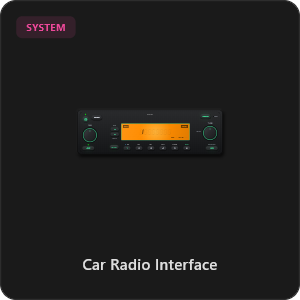
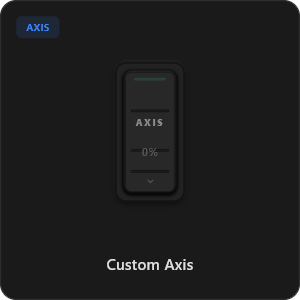
มีปุ่มควบคุมพร้อมใช้กว่า 44 แบบ
ลากและวางได้โดยตรงจากคลังส่วนประกอบ หรือปรับแต่งทุกปุ่ม สวิตช์ และแกนควบคุมได้ตามต้องการ
.png&w=3840&q=75)
.png&w=3840&q=75)
.png&w=3840&q=75)
.png&w=3840&q=75)
.png&w=3840&q=75)
.png&w=3840&q=75)
.png&w=3840&q=75)
.png&w=3840&q=75)
.png&w=3840&q=75)
.png&w=3840&q=75)
.png&w=3840&q=75)
.png&w=3840&q=75)
.png&w=3840&q=75)
ใช้งานได้กับทุกเกม









ออกแบบมาเพื่อเกมเมอร์ตัวจริง
สัมผัสประสบการณ์การตอบสนองที่รวดเร็วเป็นพิเศษ เทียบเท่ากับจอยเกมแบบเสียบสาย USB
100% Wireless Play
Turn your iOS or Android device into a PC game controller over Wi-Fi. Enjoy high-responsiveness with completely wire-free gameplay.
Drag & Drop Builder
Customize your own buttons, switches, and axes. Add as many controls to your custom templates as you want—there is no limit.
In-Game Template Switcher
Save multiple templates and switch on the fly. Create specific layouts for walking, driving, or flying in games like GTA.
Precision Axis Settings
Fine-tune every joystick and axis independently. Adjust linearity, sensitivity, and deadzones to match your driving or aiming style.
900° Steering & Gyro
Race with a virtual steering wheel featuring 900° rotation and auto-centering, or steer using your phone's internal gyroscope.
Ultra Low Latency
UDP-based network transmission ensures response times under 8ms over Wi-Fi, mirroring a physical USB hardware connection.
ตั้งค่าเสร็จสิ้นได้ในไม่กี่นาที
ดูวิดีโอแนะนำทีละขั้นตอนเพื่อเปลี่ยนสมาร์ตโฟนของคุณให้เป็นจอยเกม PC ประสิทธิภาพสูงโดยไม่มีความหน่วง
เริ่มต้นเล่นเกมใน 3 ขั้นตอนง่ายๆ
ไม่ต้องลงไดรเวอร์ที่ซับซ้อน พร้อมเล่นภายในเวลาไม่ถึง 2 นาที
Download PC Receiver
Download the lightweight RojX Receiver app onto your Windows PC to configure the virtual controller drivers in a single click.
Get the Mobile App
Install the RojX controller app on your Android or iOS device from Google Play or Apple App Store.
Connect & Play
Connect both devices to the same local Wi-Fi or via USB cable, launch your PC game, and start playing.
ดาวน์โหลดจอย RojX และตัวรับสัญญาณบน PC
รับแอปมือถือฟรีและซอฟต์แวร์สำหรับคอมพิวเตอร์เพื่อเริ่มเล่นได้ทันที
Windows PC Host Receiver
Required host client to bridge virtual inputs with Windows Xbox controller APIs.

Android Controller App
Full mobile controller app for Android with touch controls, gyro, and custom skins.

iOS Controller App
Mobile controller app for iPhone and iPad with native Apple motion sensors.

คำถามที่พบบ่อย
คำตอบสำหรับข้อสงสัยทั่วไปเกี่ยวกับจอยเกมเสมือนจริงและความหน่วงต่ำ