
Premeňte telefón naOvládač pre PC hry


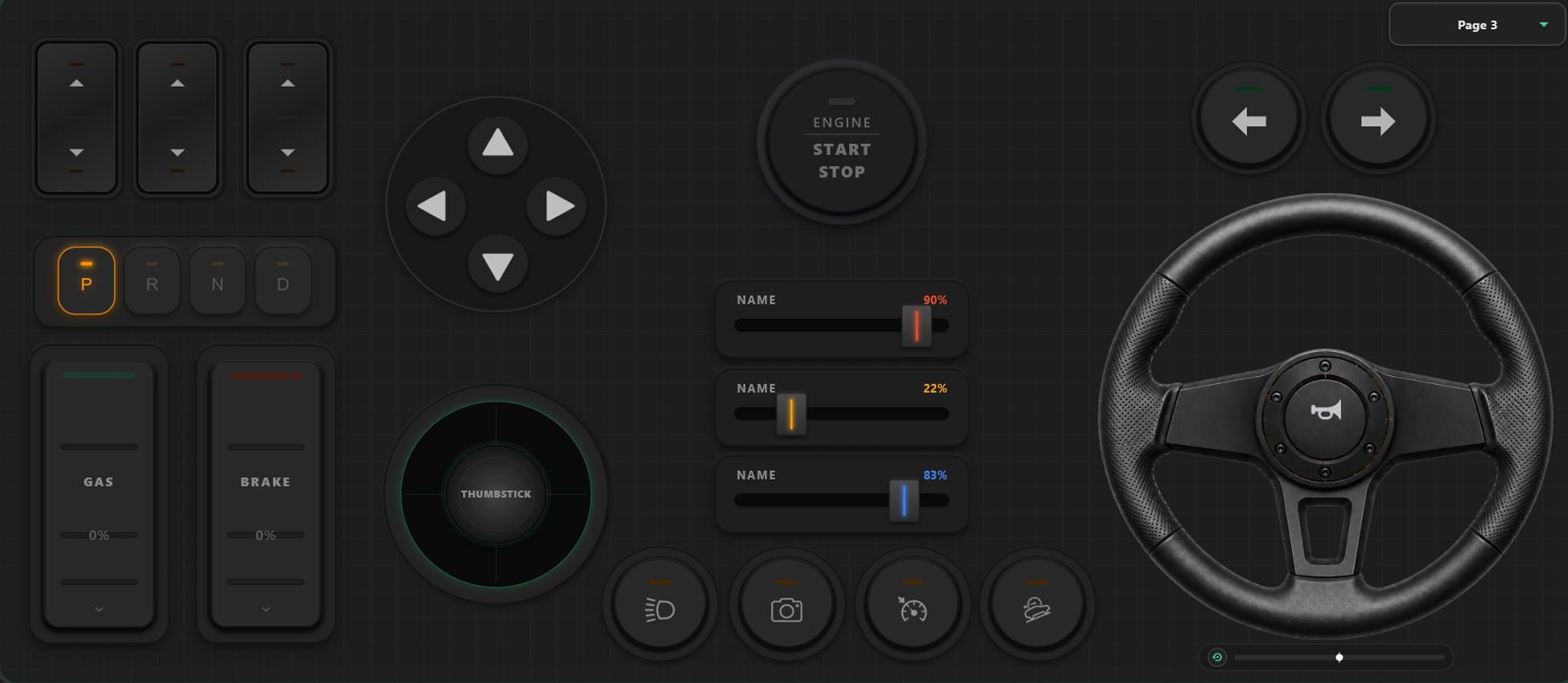
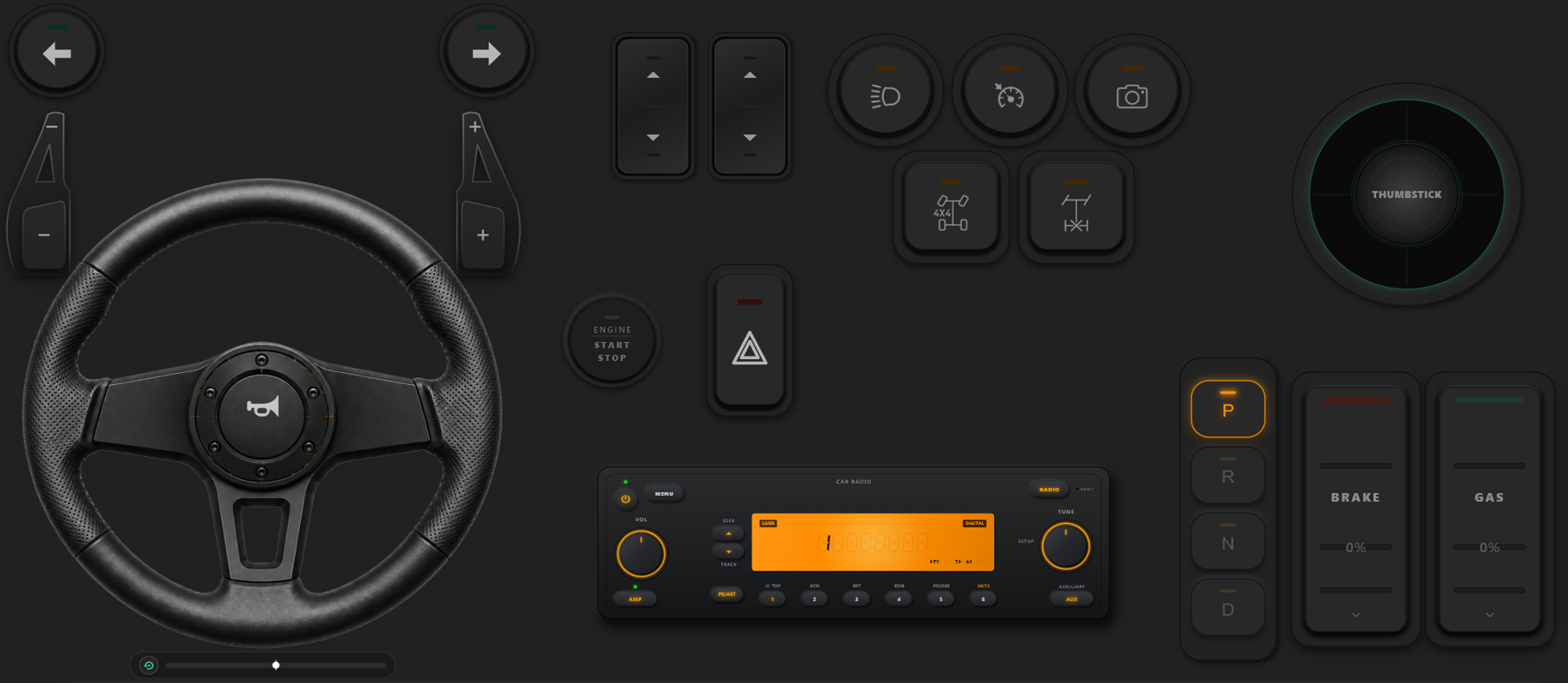
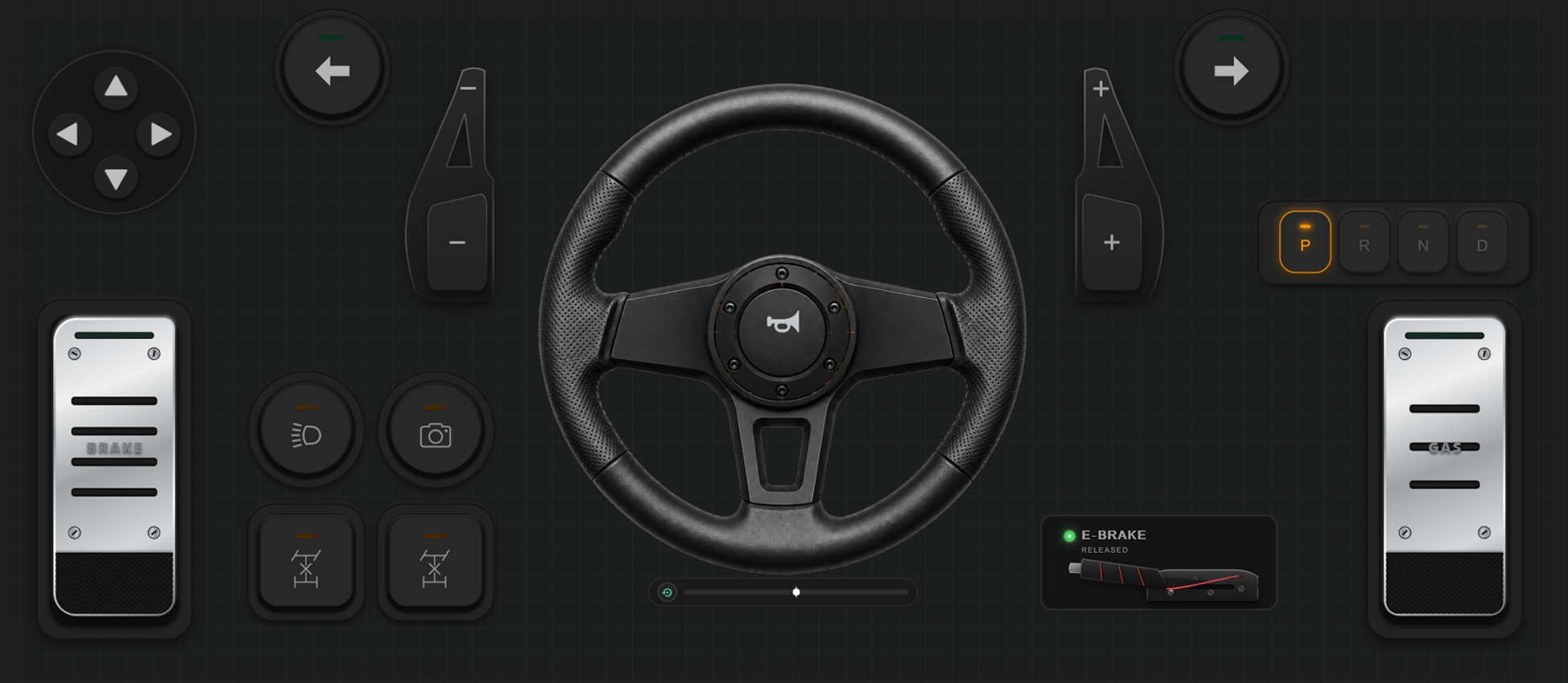
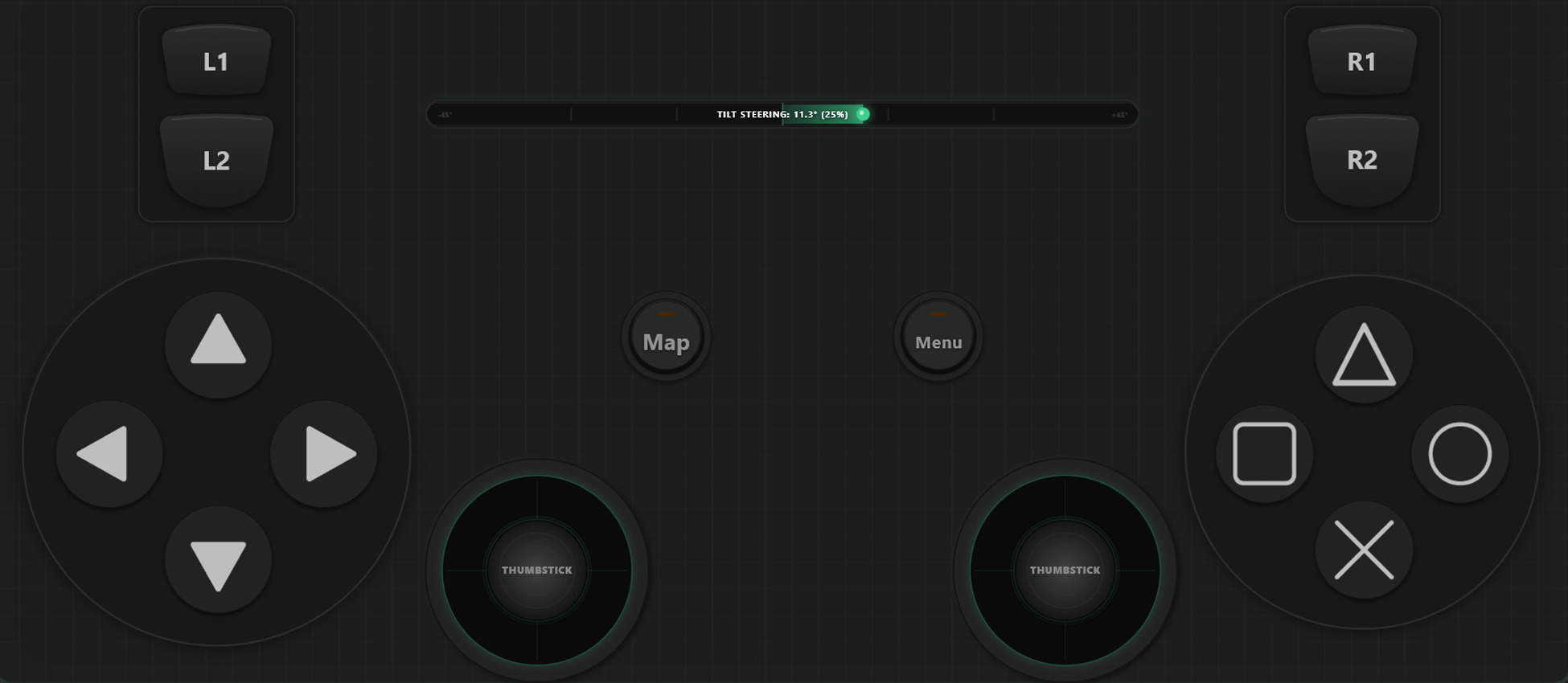
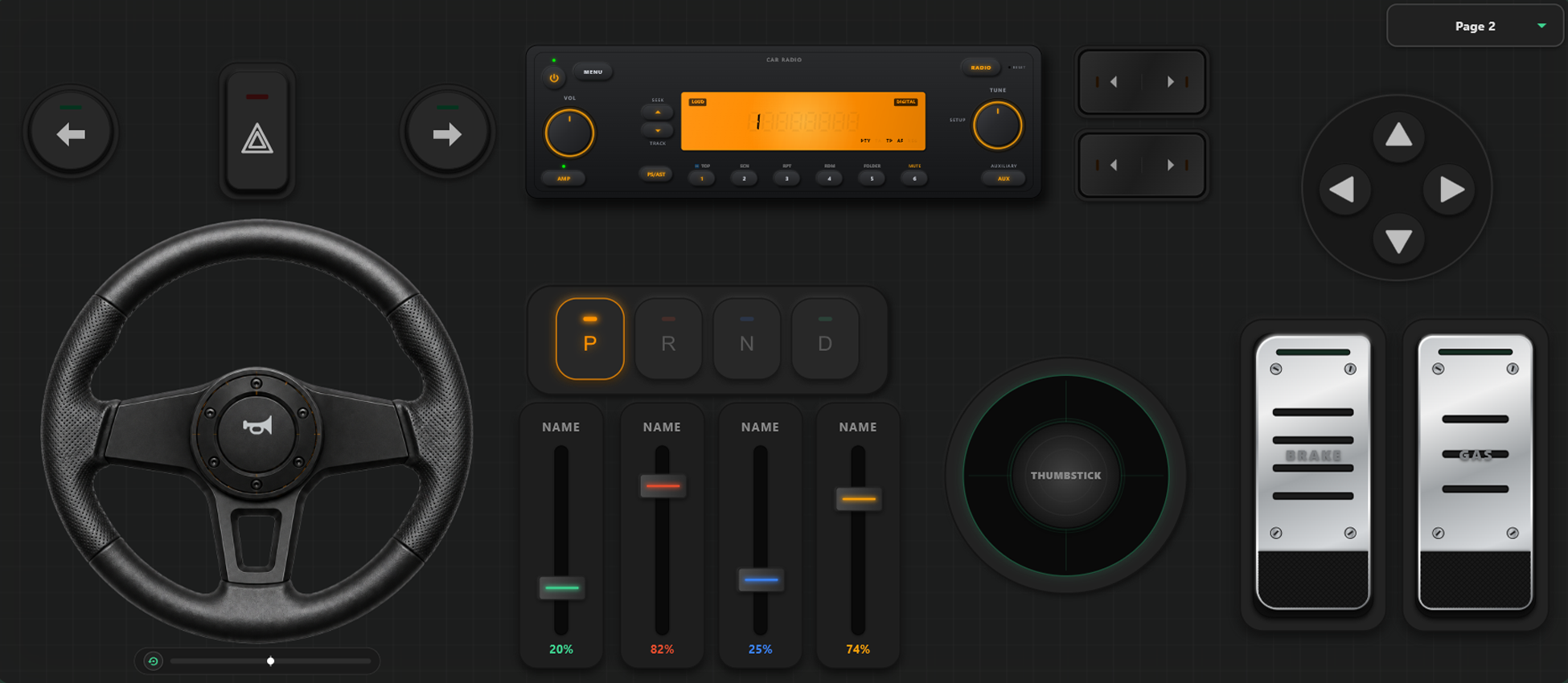
Výkonné Nástroje Prispôsobenia
Vizuálny tvorca ovládača
- Vytvárajte vlastné šablóny, tlačidlá a osi jednoduchým potiahnutím prvkov.
- Žiadne limity: pridajte toľko tlačidiel a osí, koľko pre svoju hru potrebujete.
Získajte Plnú Kontrolu nad Hrou
Mente rozvrhnutie tlačidiel priamo počas hrania a kalibrujte ovládanie pre preteky alebo akčné hry.
Okamžité Prepínanie Šablón v Hre
Ukladajte rôzne profily. V GTA V môžete chodiť pešo s jedným rozvrhnutím, v aute prepnúť na volant a v lietadle na letecký joystick.
Kalibrácia Osí a Gyroskopický Volant
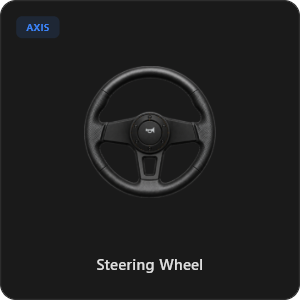
Jemne dolaďte každý joystick, spúšť aj volant. Virtuálny volant s 900 stupňami rotácie a automatickým centrovaním alebo zatáčanie náklonom telefónu.
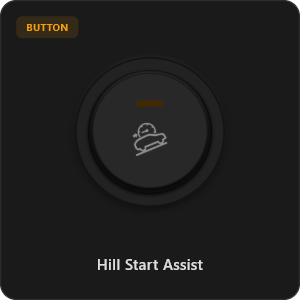
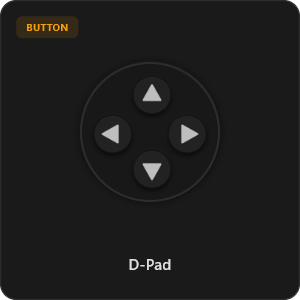
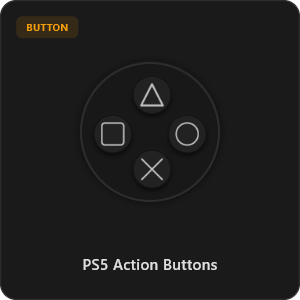
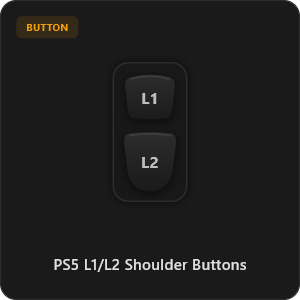
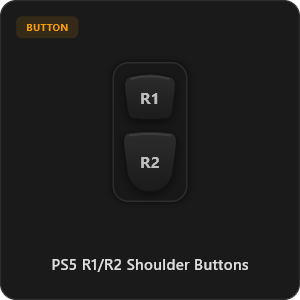
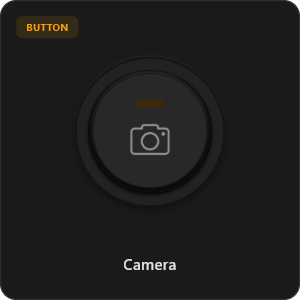
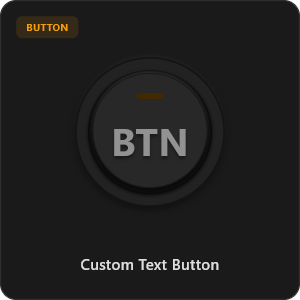
Viac ako 44 Prednastavených Prvkov
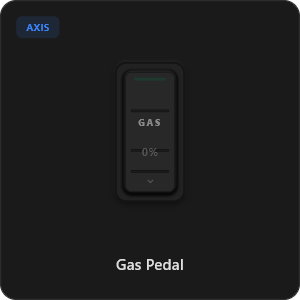
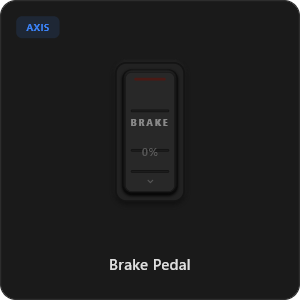
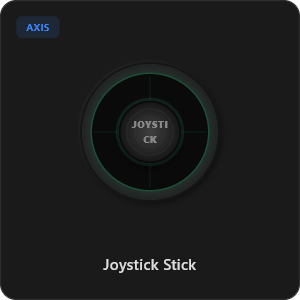
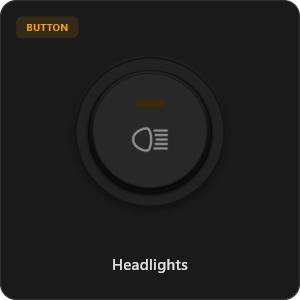
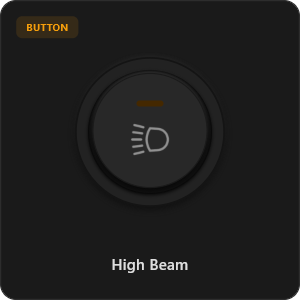
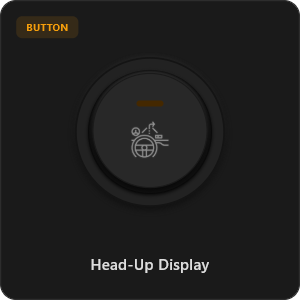
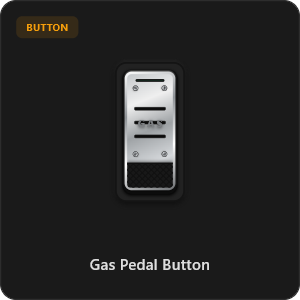
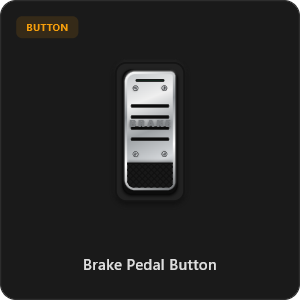
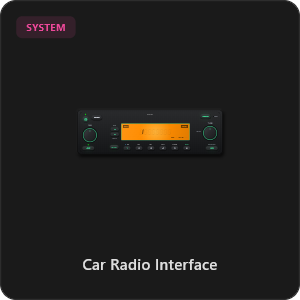
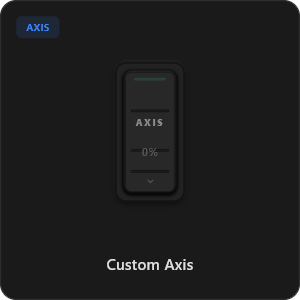
Presúvajte prvky priamo z knižnice alebo si upravte každé tlačidlo a os podľa seba.
.png&w=3840&q=75)
.png&w=3840&q=75)
.png&w=3840&q=75)
.png&w=3840&q=75)
.png&w=3840&q=75)
.png&w=3840&q=75)
.png&w=3840&q=75)
.png&w=3840&q=75)
.png&w=3840&q=75)
.png&w=3840&q=75)
.png&w=3840&q=75)
.png&w=3840&q=75)
.png&w=3840&q=75)
Pracujte so všetkými hrami








Navrhnuté pre Náročných Hráčov
Užite si okamžitú odozvu porovnateľnú s fyzickým káblovým USB ovládačom.
100% Wireless Play
Turn your iOS or Android device into a PC game controller over Wi-Fi. Enjoy high-responsiveness with completely wire-free gameplay.
Drag & Drop Builder
Customize your own buttons, switches, and axes. Add as many controls to your custom templates as you want—there is no limit.
In-Game Template Switcher
Save multiple templates and switch on the fly. Create specific layouts for walking, driving, or flying in games like GTA.
Precision Axis Settings
Fine-tune every joystick and axis independently. Adjust linearity, sensitivity, and deadzones to match your driving or aiming style.
900° Steering & Gyro
Race with a virtual steering wheel featuring 900° rotation and auto-centering, or steer using your phone's internal gyroscope.
Ultra Low Latency
UDP-based network transmission ensures response times under 8ms over Wi-Fi, mirroring a physical USB hardware connection.
Nastavenie za Pár Minút
Pozrite si náš podrobný videonávod a zistite, ako ľahko premeniť telefón na PC ovládač bez oneskorenia.
Začnite v 3 Jednoduchých Krokoch
Žiadne zložité ovládače. Pripravené na hranie za menej ako 2 minúty.
Download PC Receiver
Download the lightweight RojX Receiver app onto your Windows PC to configure the virtual controller drivers in a single click.
Get the Mobile App
Install the RojX controller app on your Android or iOS device from Google Play or Apple App Store.
Connect & Play
Connect both devices to the same local Wi-Fi or via USB cable, launch your PC game, and start playing.
Stiahnuť Ovládač RojX a PC Prijímač
Stiahnite si bezplatnú mobilnú aplikáciu a desktopový softvér a hrajte hneď.
Windows PC Host Receiver
Required host client to bridge virtual inputs with Windows Xbox controller APIs.

Android Controller App
Full mobile controller app for Android with touch controls, gyro, and custom skins.

iOS Controller App
Mobile controller app for iPhone and iPad with native Apple motion sensors.

Často Kladené Otázky
Odpovede na najčastejšie otázky o virtuálnom ovládači a minimálnej latencii.