
Превратите смартфон вГеймпад для ПК игр


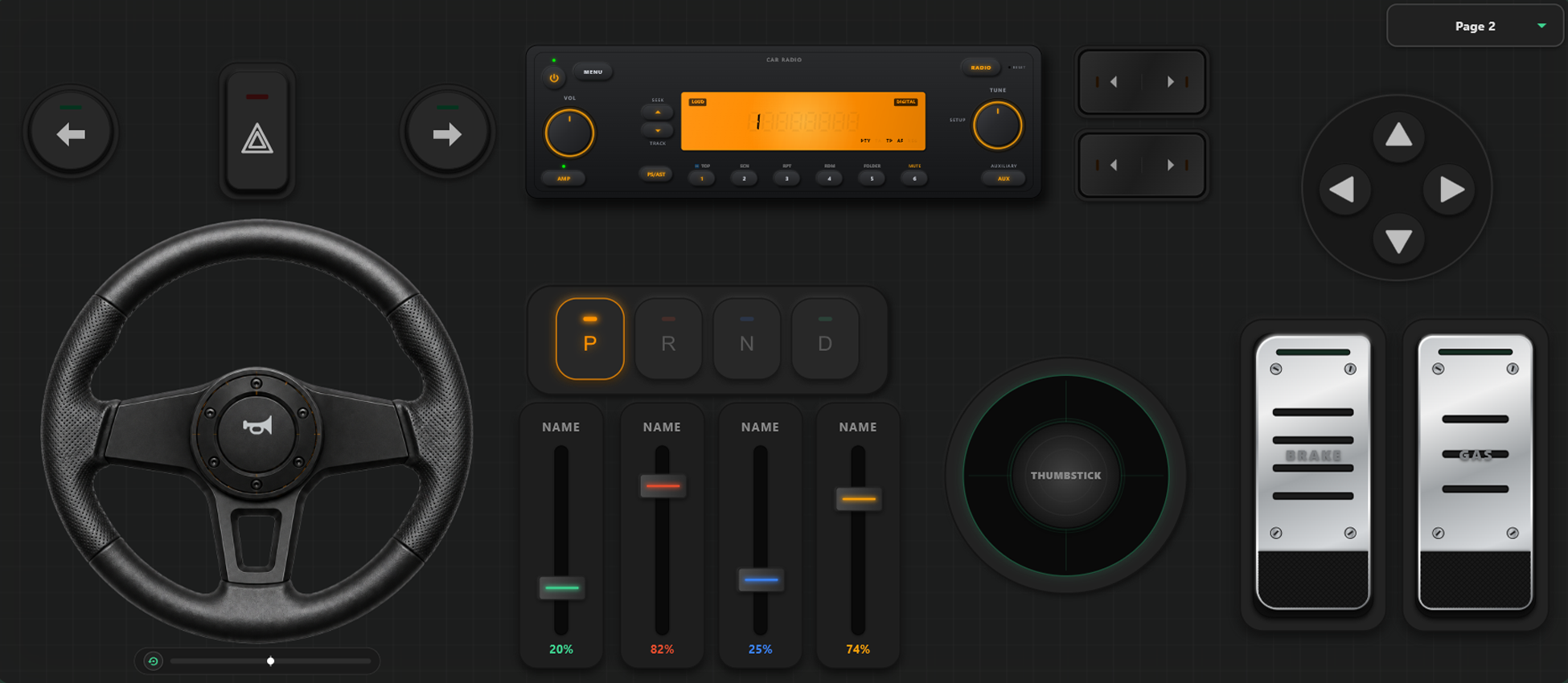
Мощные инструменты настройки
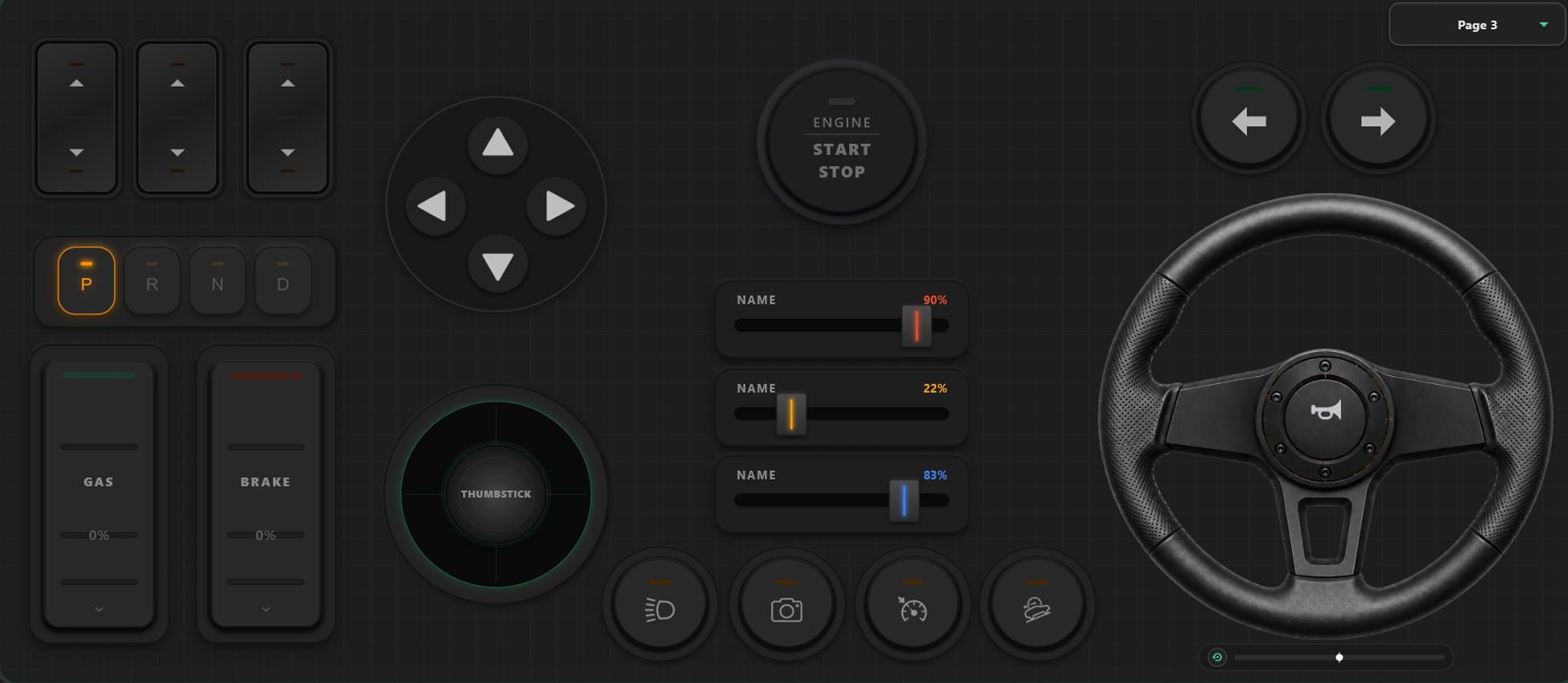
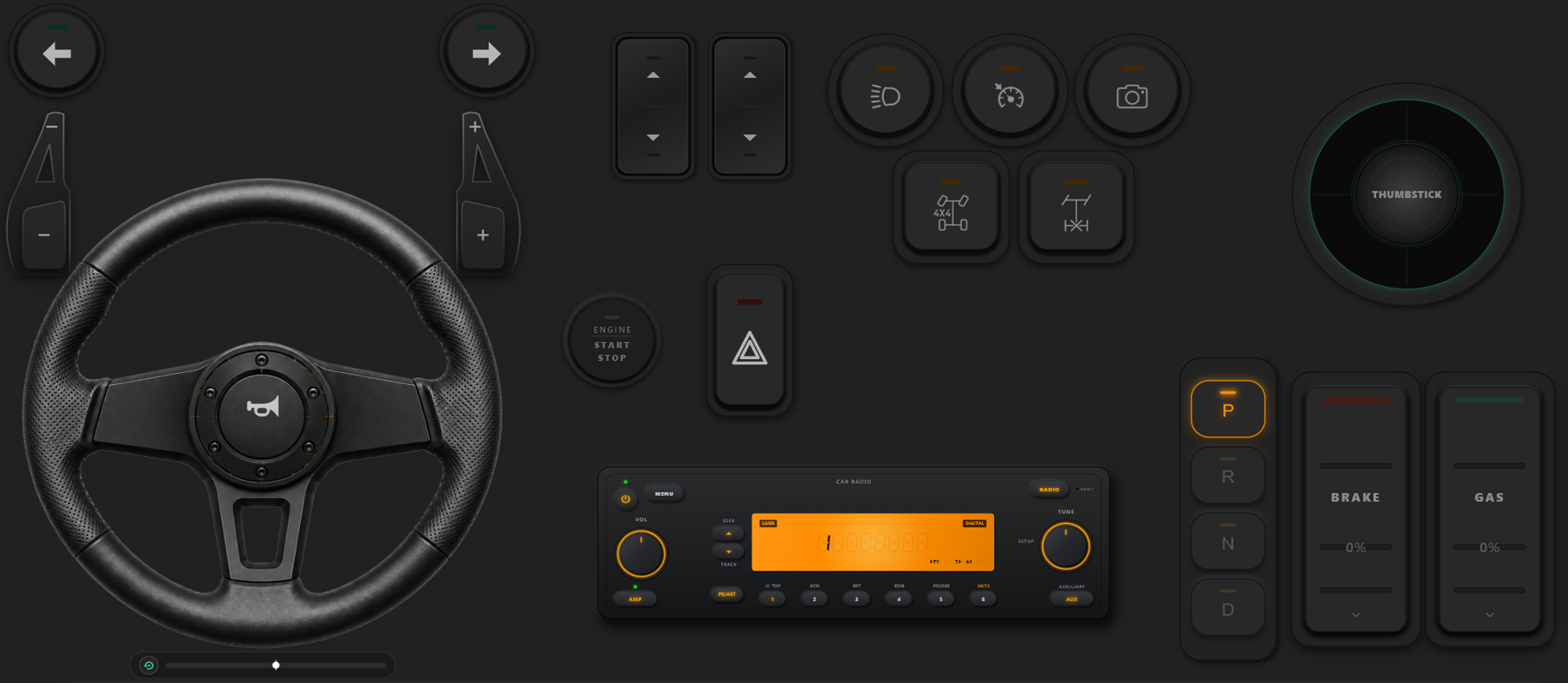
Визуальный редактор раскладки контроллера
- Создавайте собственные шаблоны, кнопки и оси простым перетаскиванием элементов.
- Никаких ограничений: добавляйте сколько угодно кнопок и осей в шаблон.
Полный контроль над вашей игрой
Максимальная гибкость настройки. Мгновенно переключайте раскладки прямо во время игры и калибруйте управление под гонки или экшен.
Быстрое переключение раскладок в игре
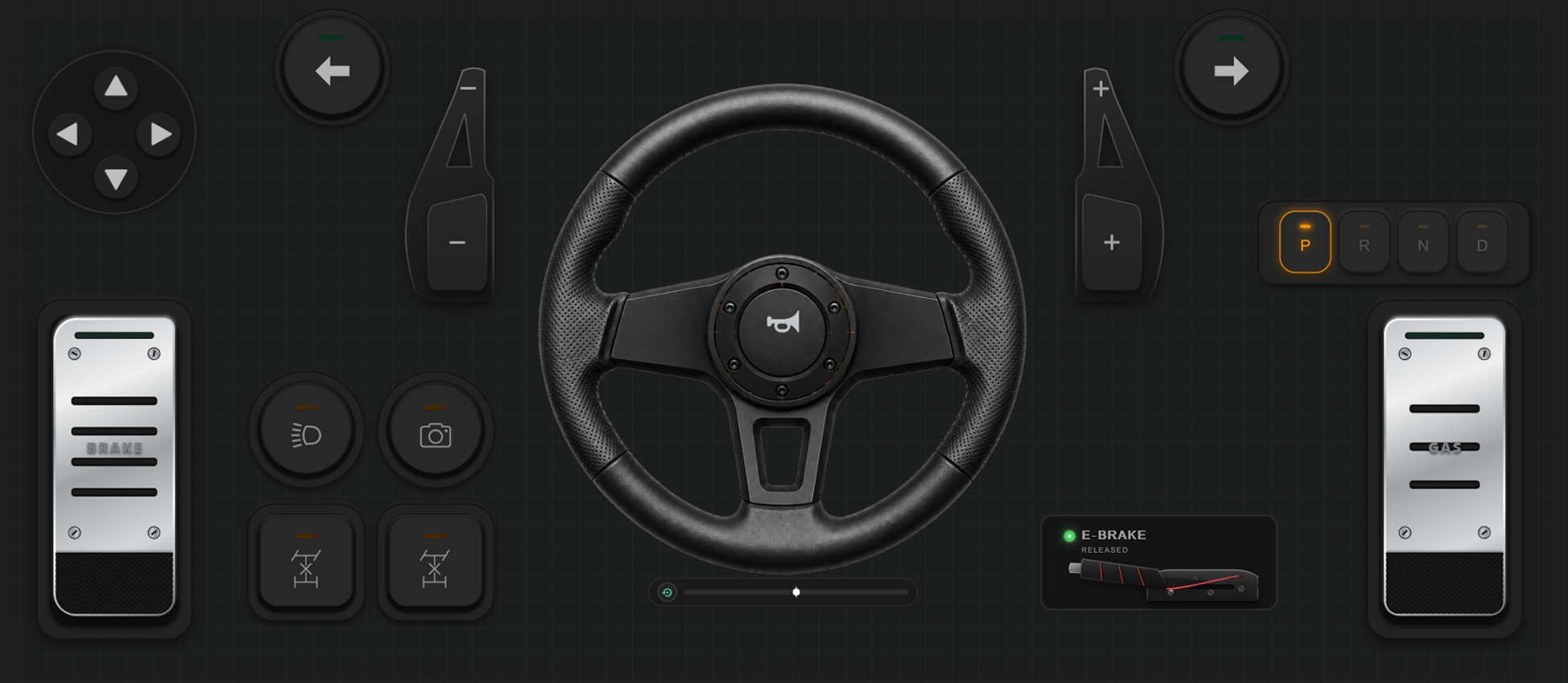
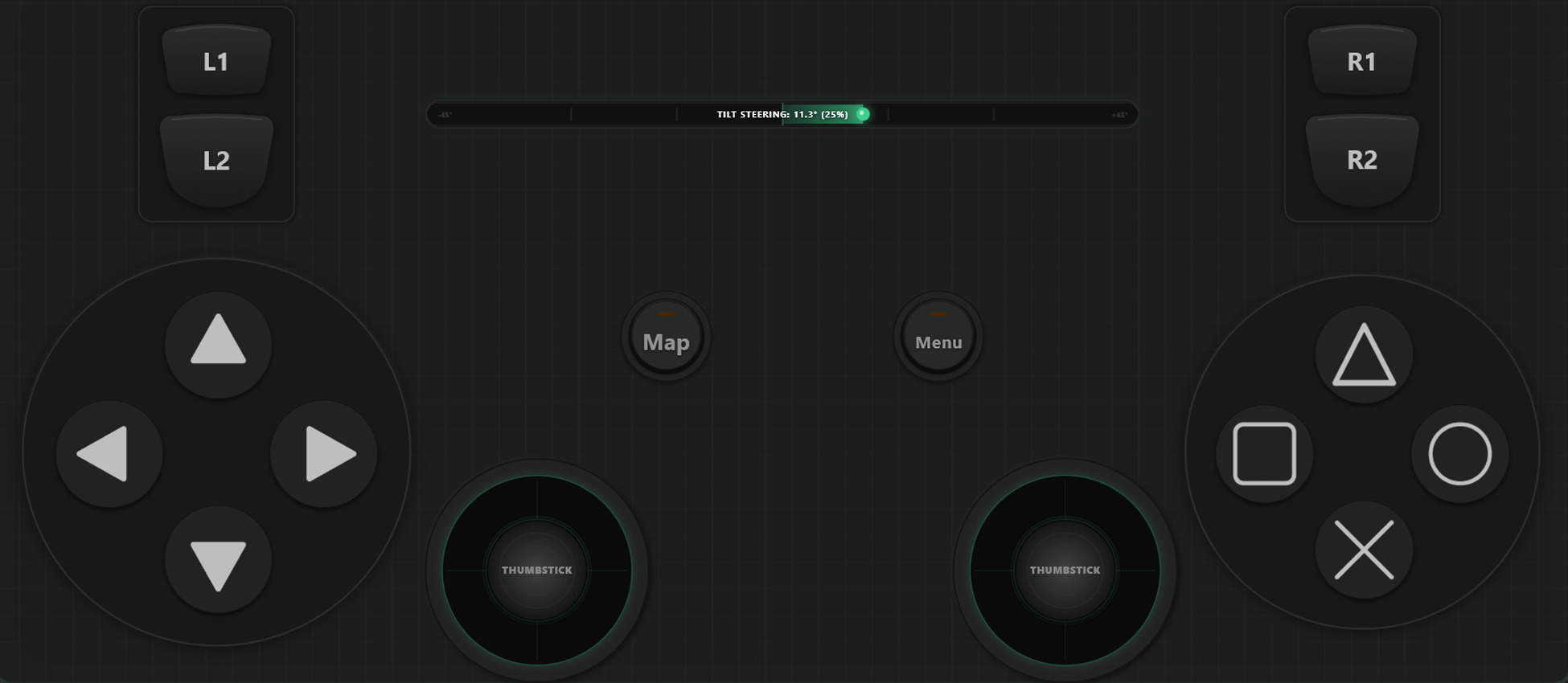
Создавайте и сохраняйте несколько шаблонов. В таких играх, как GTA V, ходите пешком с одной раскладкой, переключайтесь на руль в машине и на штурвал в самолете.
Калибровка осей и гироскопический руль
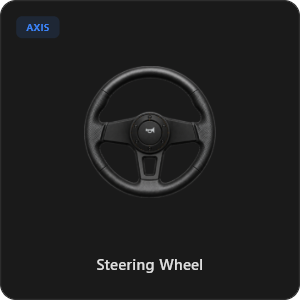
Настройте каждый стик, триггер и руль с идеальной точностью. Калибруйте линейность, чувствительность и мертвую зону. Виртуальный руль 900° с автоцентровкой или руление наклоном телефона.
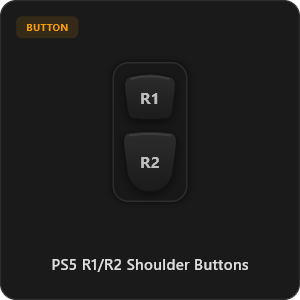
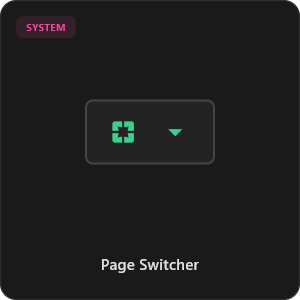
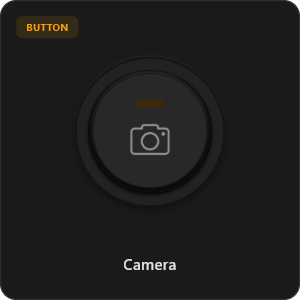
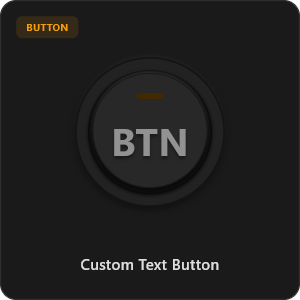
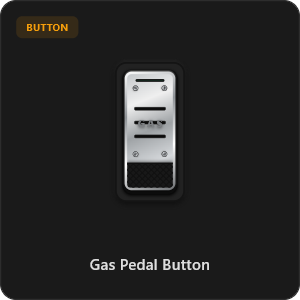
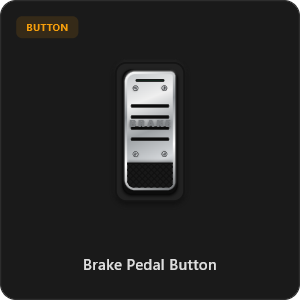
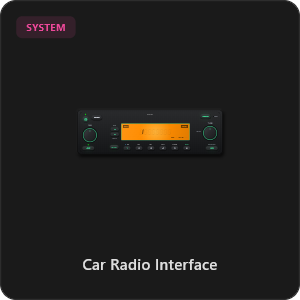
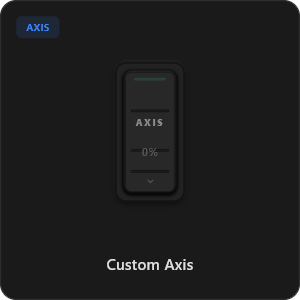
Более 44 готовых элементов управления
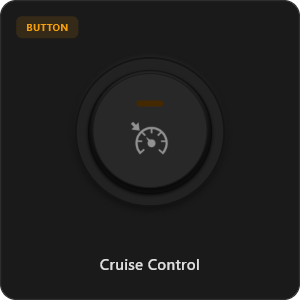
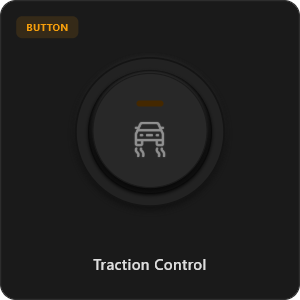
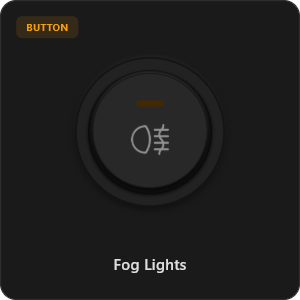
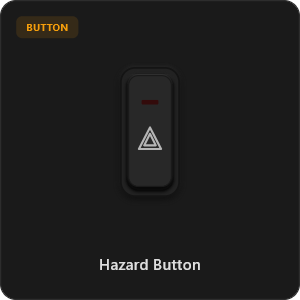
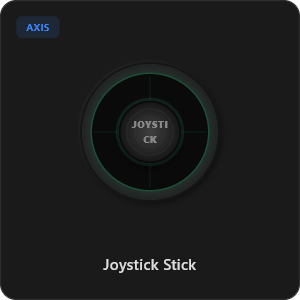
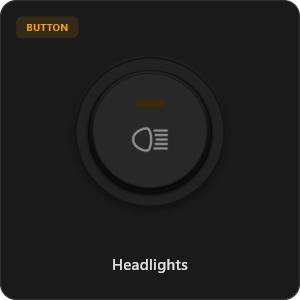
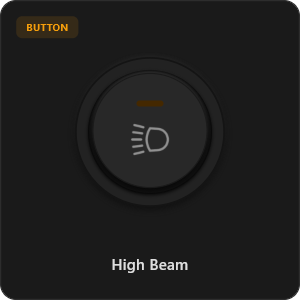
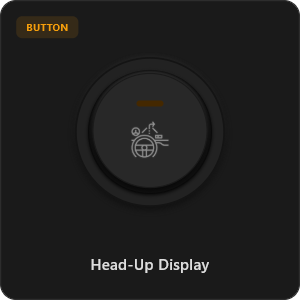
Перетаскивайте элементы прямо из нашей библиотеки или настраивайте каждую кнопку, тумблер и ось под себя.
.png&w=3840&q=75)
.png&w=3840&q=75)
.png&w=3840&q=75)
.png&w=3840&q=75)
.png&w=3840&q=75)
.png&w=3840&q=75)
.png&w=3840&q=75)
.png&w=3840&q=75)
.png&w=3840&q=75)
.png&w=3840&q=75)
.png&w=3840&q=75)
.png&w=3840&q=75)
.png&w=3840&q=75)
Работает с любыми играми








Создано для настоящих геймеров
Ощутите ультрабыстрый отклик. RojX разработан с нуля, чтобы не уступать проводному USB-контроллеру.
100% Wireless Play
Turn your iOS or Android device into a PC game controller over Wi-Fi. Enjoy high-responsiveness with completely wire-free gameplay.
Drag & Drop Builder
Customize your own buttons, switches, and axes. Add as many controls to your custom templates as you want—there is no limit.
In-Game Template Switcher
Save multiple templates and switch on the fly. Create specific layouts for walking, driving, or flying in games like GTA.
Precision Axis Settings
Fine-tune every joystick and axis independently. Adjust linearity, sensitivity, and deadzones to match your driving or aiming style.
900° Steering & Gyro
Race with a virtual steering wheel featuring 900° rotation and auto-centering, or steer using your phone's internal gyroscope.
Ultra Low Latency
UDP-based network transmission ensures response times under 8ms over Wi-Fi, mirroring a physical USB hardware connection.
Настройка за пару минут
Посмотрите пошаговую видеоинструкцию и узнайте, как легко превратить смартфон в премиальный геймпад для ПК без задержек.
Начните играть за 3 простых шага
Никаких сложных драйверов. Готов к игре менее чем за 2 минуты.
Download PC Receiver
Download the lightweight RojX Receiver app onto your Windows PC to configure the virtual controller drivers in a single click.
Get the Mobile App
Install the RojX controller app on your Android or iOS device from Google Play or Apple App Store.
Connect & Play
Connect both devices to the same local Wi-Fi or via USB cable, launch your PC game, and start playing.
Скачать контроллер RojX и сервер для ПК
Загрузите бесплатное мобильное приложение и программу для ПК, чтобы начать играть прямо сейчас.
Windows PC Host Receiver
Required host client to bridge virtual inputs with Windows Xbox controller APIs.

Android Controller App
Full mobile controller app for Android with touch controls, gyro, and custom skins.

iOS Controller App
Mobile controller app for iPhone and iPad with native Apple motion sensors.

Часто задаваемые вопросы
Ответы на популярные вопросы о виртуальном геймпаде и минимальной задержке.