
Verander je telefoon in eenPC Gaming Controller


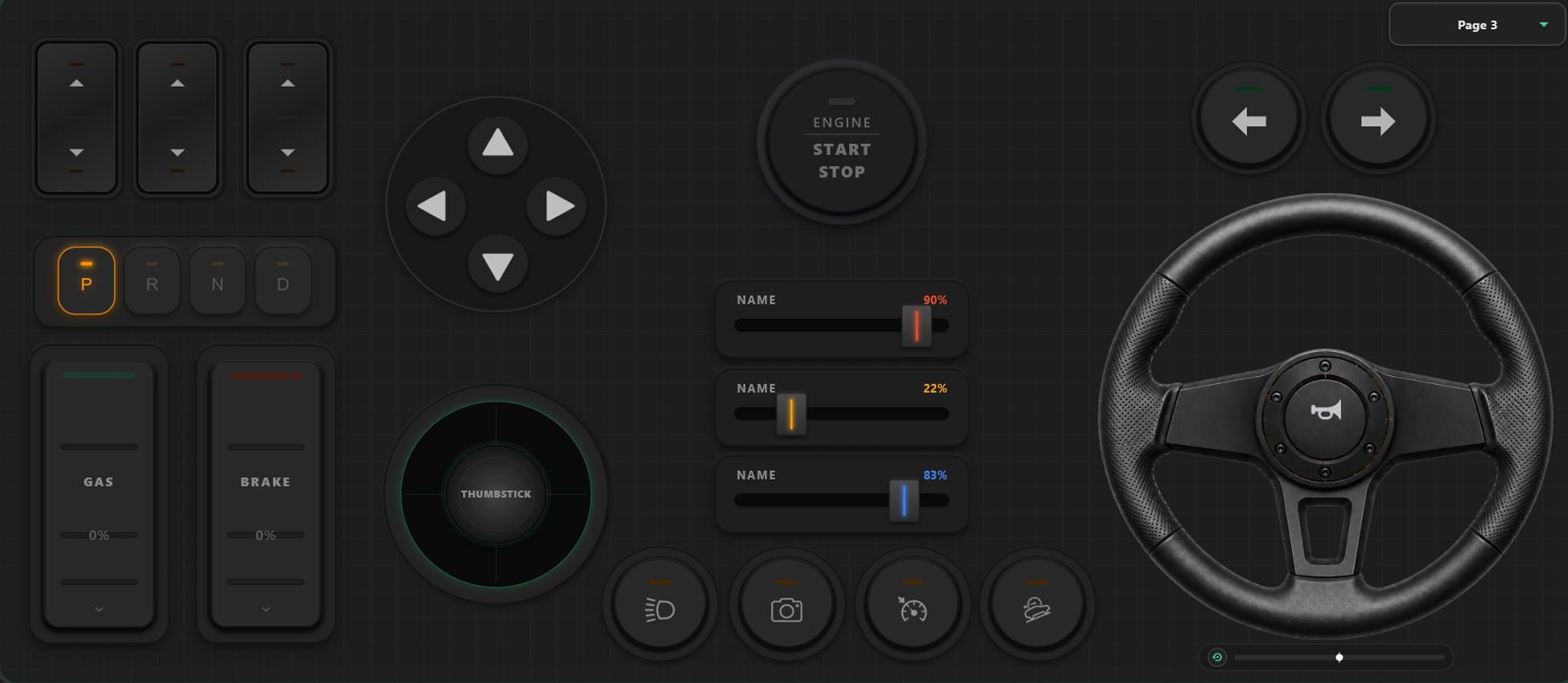
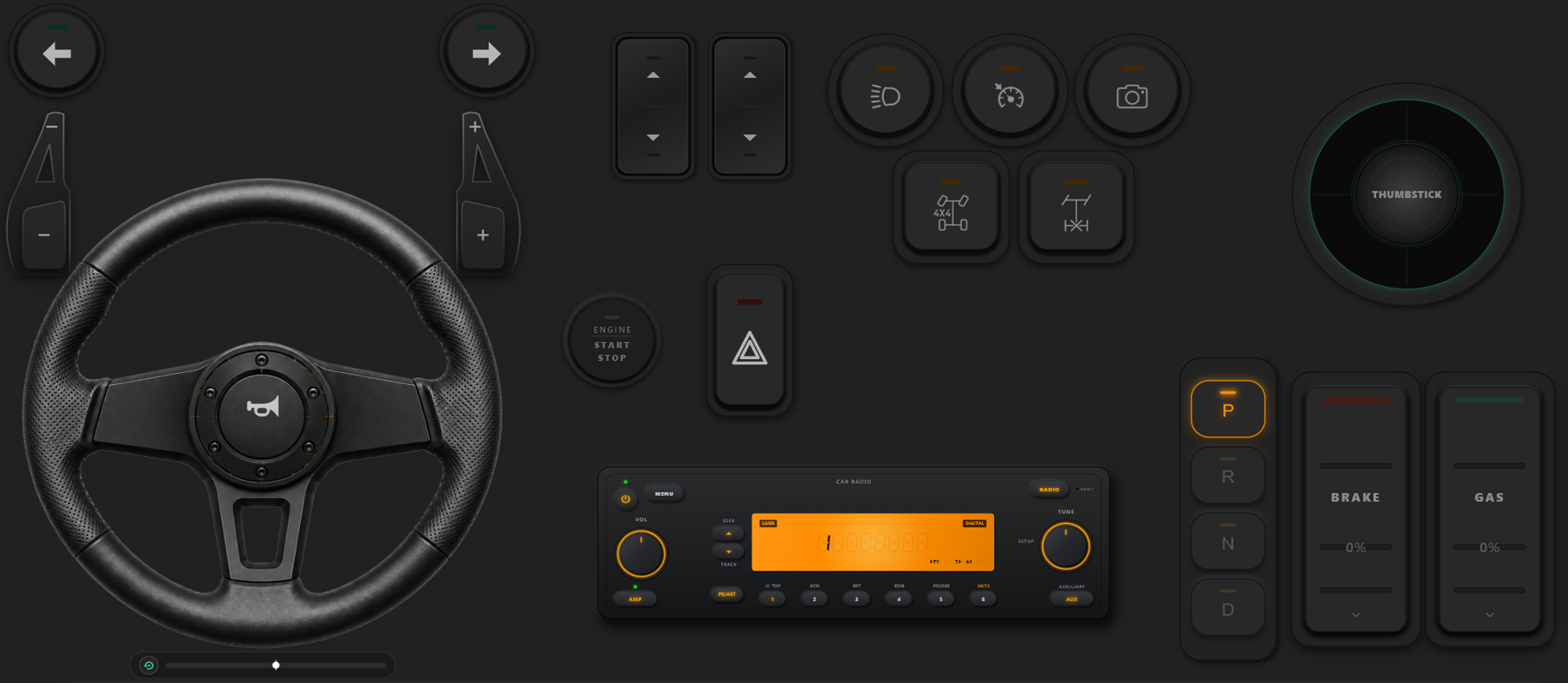
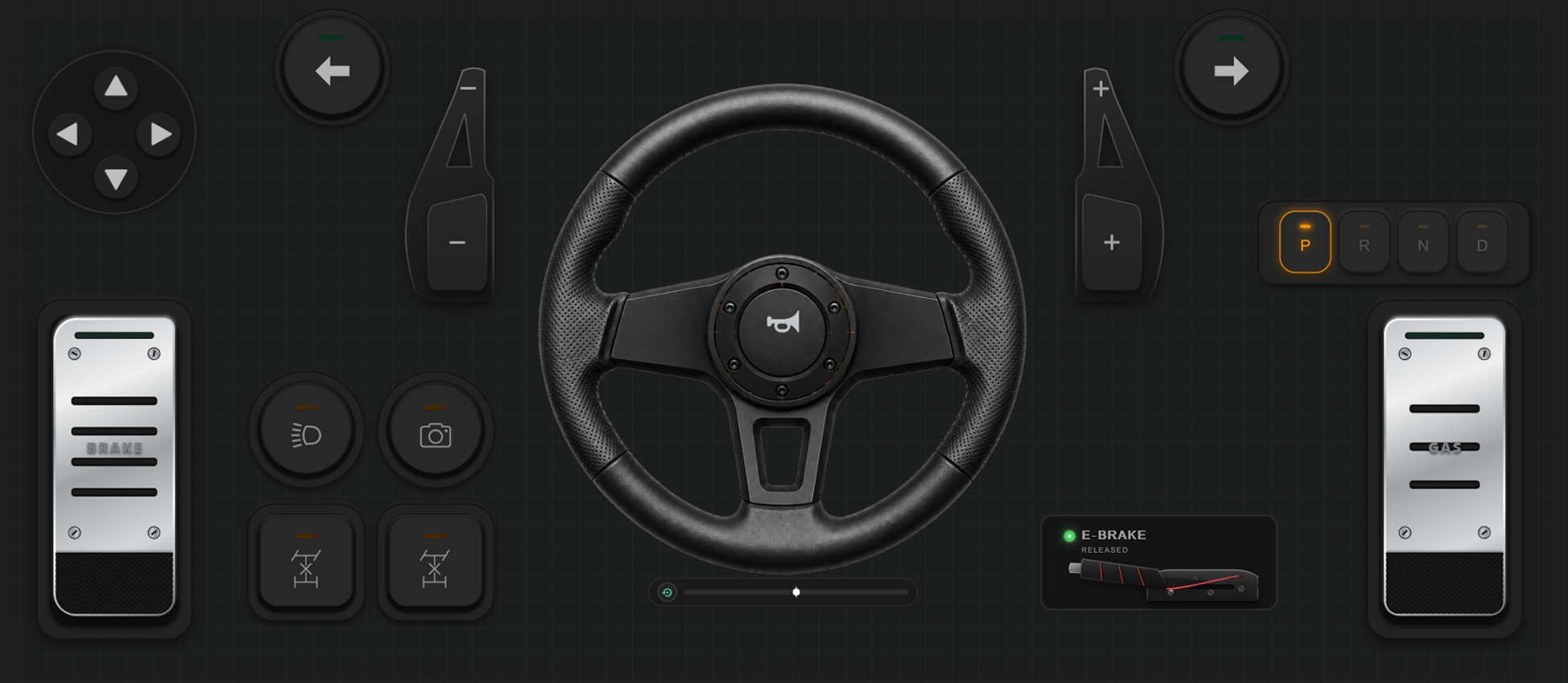
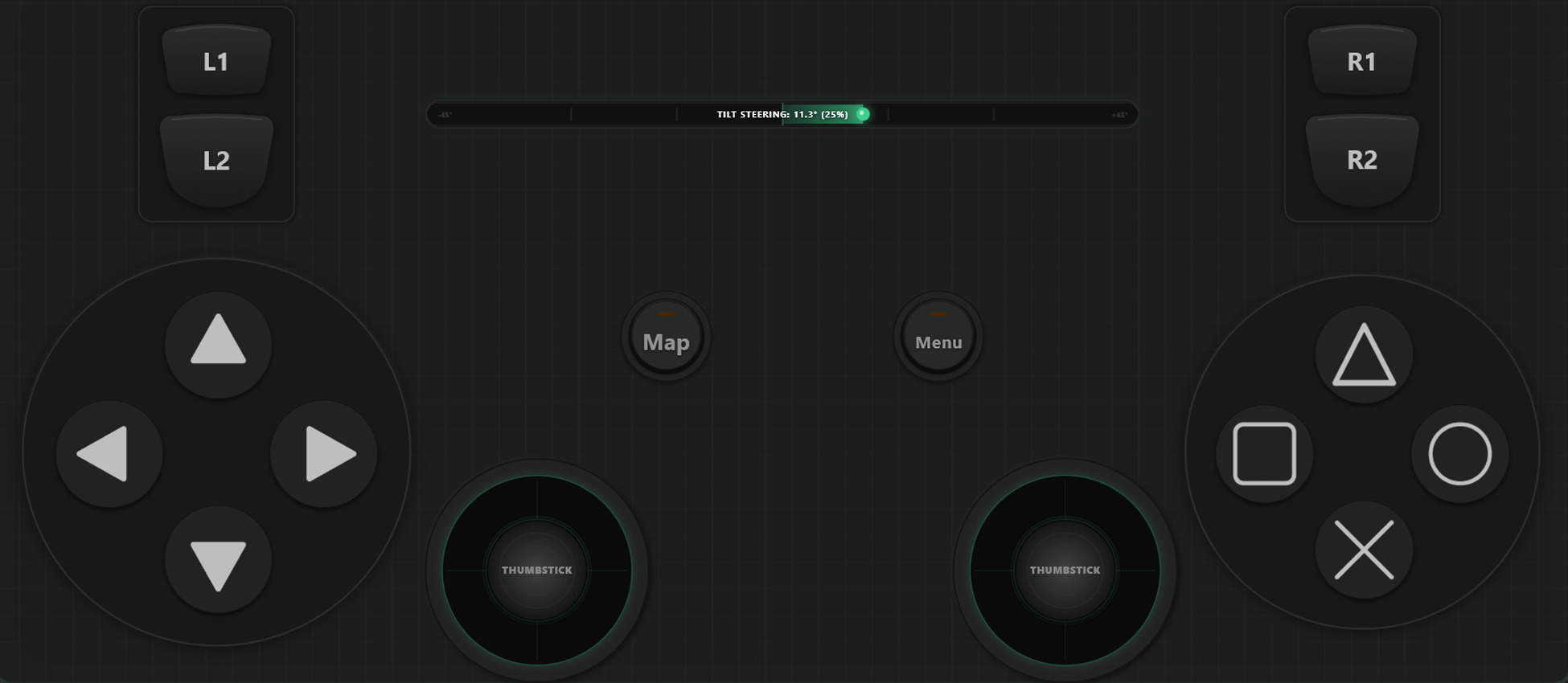
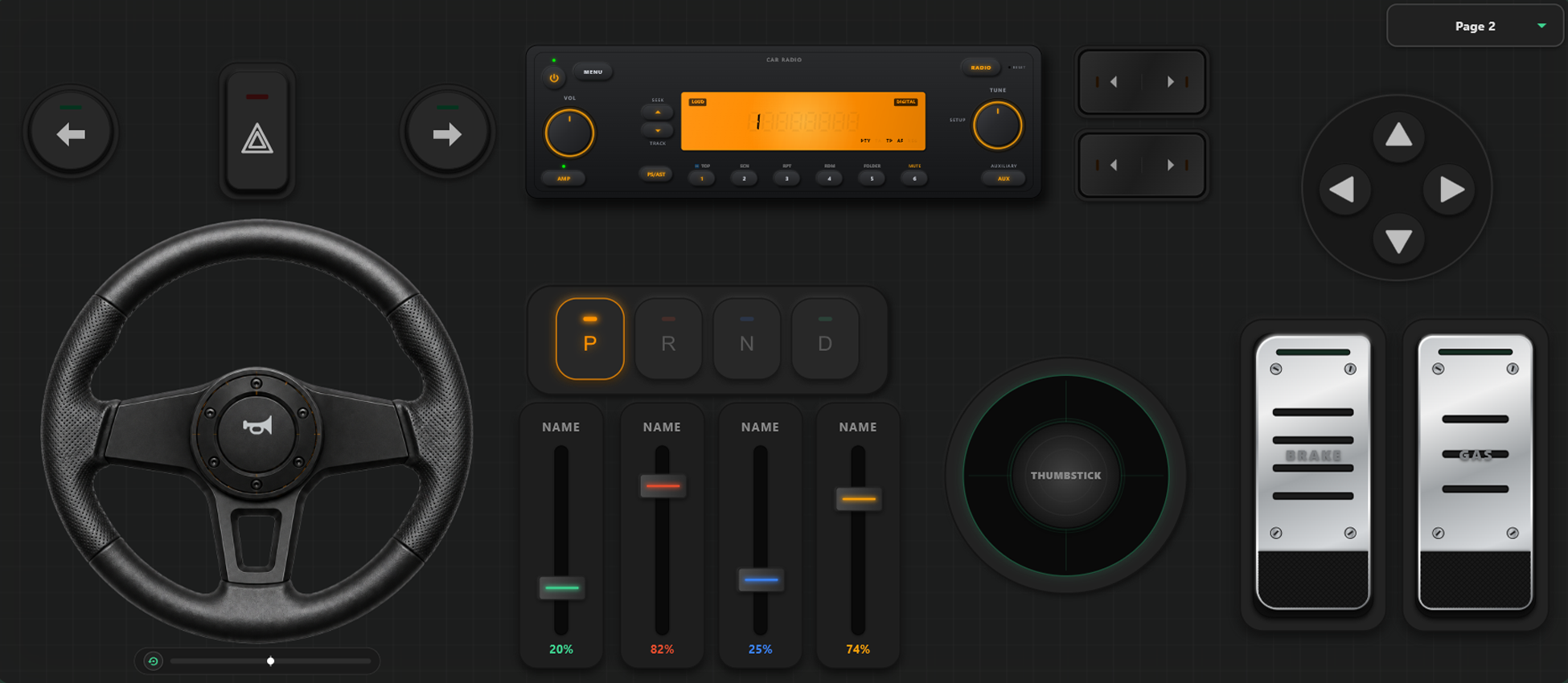
Krachtige Aanpassingstools
Aangepaste Controller Builder
- Maak eenvoudig aangepaste sjablonen, knoppen en joystickassen met slepen en neerzetten.
- Geen limiet: voeg zoveel knoppen en assen toe als je nodig hebt.
Volledige Controle over je Game
Ontdek ongeëvenaarde aanpassingsmogelijkheden. Wissel lay-outs direct tijdens het gamen en kalibreer besturing voor race- of actiegames.
Direct Schakelen Tussen Sjablonen
Sla meerdere lay-outs op en wissel direct. In GTA V wandel je te voet, stap je in de auto met virtueel stuur en vlieg je met vliegtuigbediening.
As-kalibratie & Gyroscoop Sturen
Stel elke joystick, trigger en stuur nauwkeurig af. Pas lineariteit, gevoeligheid en deadzone aan. Virtueel stuur met 900 graden rotatie en automatisch centreren.
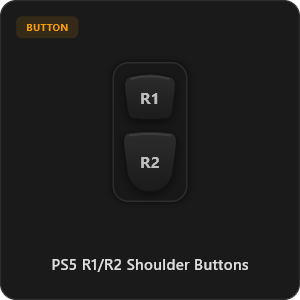
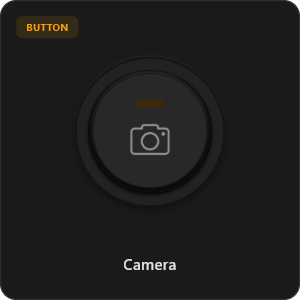
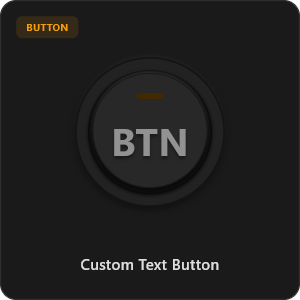
Meer dan 44 Voorgeconfigureerde Knoppen
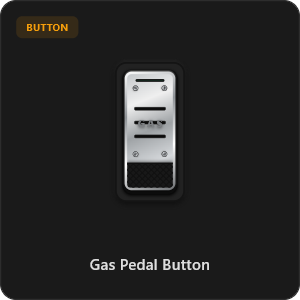
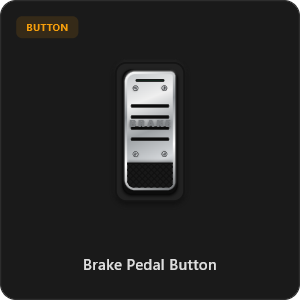
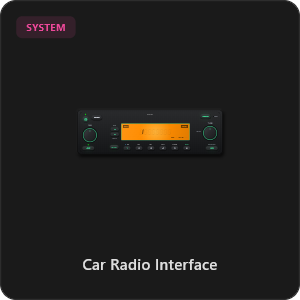
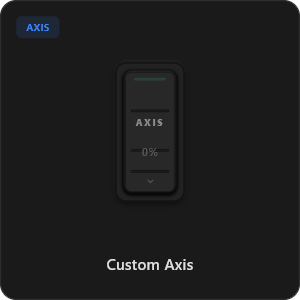
Sleep knoppen direct vanuit onze bibliotheek of pas elke knop en as naar wens aan.
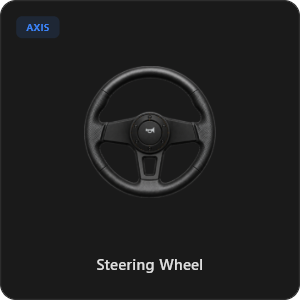
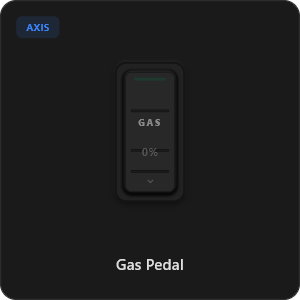
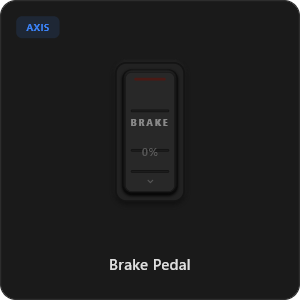
.png&w=3840&q=75)
.png&w=3840&q=75)
.png&w=3840&q=75)
.png&w=3840&q=75)
.png&w=3840&q=75)
.png&w=3840&q=75)
.png&w=3840&q=75)
.png&w=3840&q=75)
.png&w=3840&q=75)
.png&w=3840&q=75)
.png&w=3840&q=75)
.png&w=3840&q=75)
.png&w=3840&q=75)
Werkt met alle games







Ontworpen voor Echte Gamers
Ervaar ultra-responsieve gameplay die kan concurreren met een fysieke bedrade USB-verbinding.
100% Wireless Play
Turn your iOS or Android device into a PC game controller over Wi-Fi. Enjoy high-responsiveness with completely wire-free gameplay.
Drag & Drop Builder
Customize your own buttons, switches, and axes. Add as many controls to your custom templates as you want—there is no limit.
In-Game Template Switcher
Save multiple templates and switch on the fly. Create specific layouts for walking, driving, or flying in games like GTA.
Precision Axis Settings
Fine-tune every joystick and axis independently. Adjust linearity, sensitivity, and deadzones to match your driving or aiming style.
900° Steering & Gyro
Race with a virtual steering wheel featuring 900° rotation and auto-centering, or steer using your phone's internal gyroscope.
Ultra Low Latency
UDP-based network transmission ensures response times under 8ms over Wi-Fi, mirroring a physical USB hardware connection.
In enkele minuten klaar voor gebruik
Bekijk onze video en ontdek hoe eenvoudig je je smartphone verandert in een premium PC-gamecontroller zonder vertraging.
Start in 3 Eenvoudige Stappen
Geen ingewikkelde drivers. Binnen 2 minuten speelklaar.
Download PC Receiver
Download the lightweight RojX Receiver app onto your Windows PC to configure the virtual controller drivers in a single click.
Get the Mobile App
Install the RojX controller app on your Android or iOS device from Google Play or Apple App Store.
Connect & Play
Connect both devices to the same local Wi-Fi or via USB cable, launch your PC game, and start playing.
Download RojX Controller & PC Ontvanger
Download de gratis mobiele app en desktopclient om direct te beginnen.
Windows PC Host Receiver
Required host client to bridge virtual inputs with Windows Xbox controller APIs.

Android Controller App
Full mobile controller app for Android with touch controls, gyro, and custom skins.

iOS Controller App
Mobile controller app for iPhone and iPad with native Apple motion sensors.

Veelgestelde Vragen
Antwoorden op de meest gestelde vragen over virtuele controllers en lage latentie.