
スマホを本格的なPCゲームコントローラーに変身


強力なカスタムツール
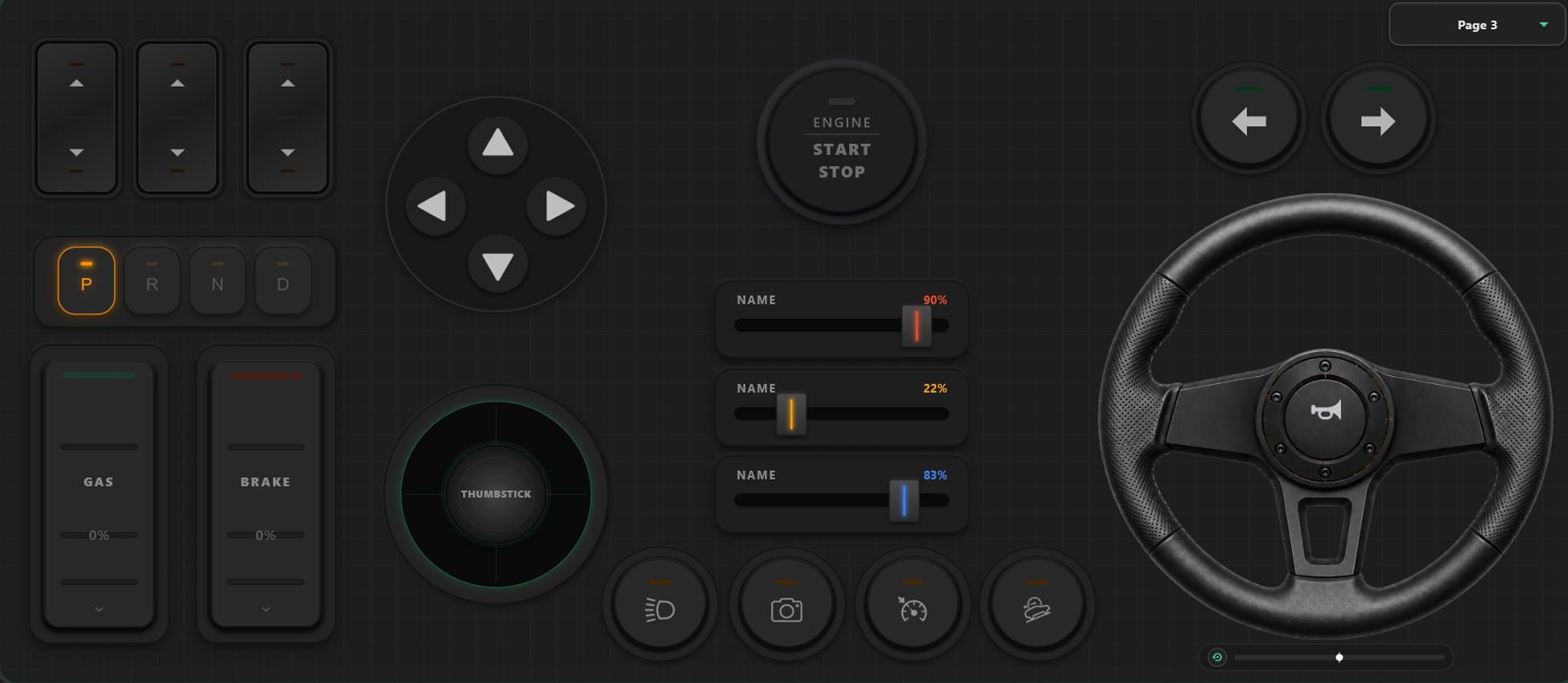
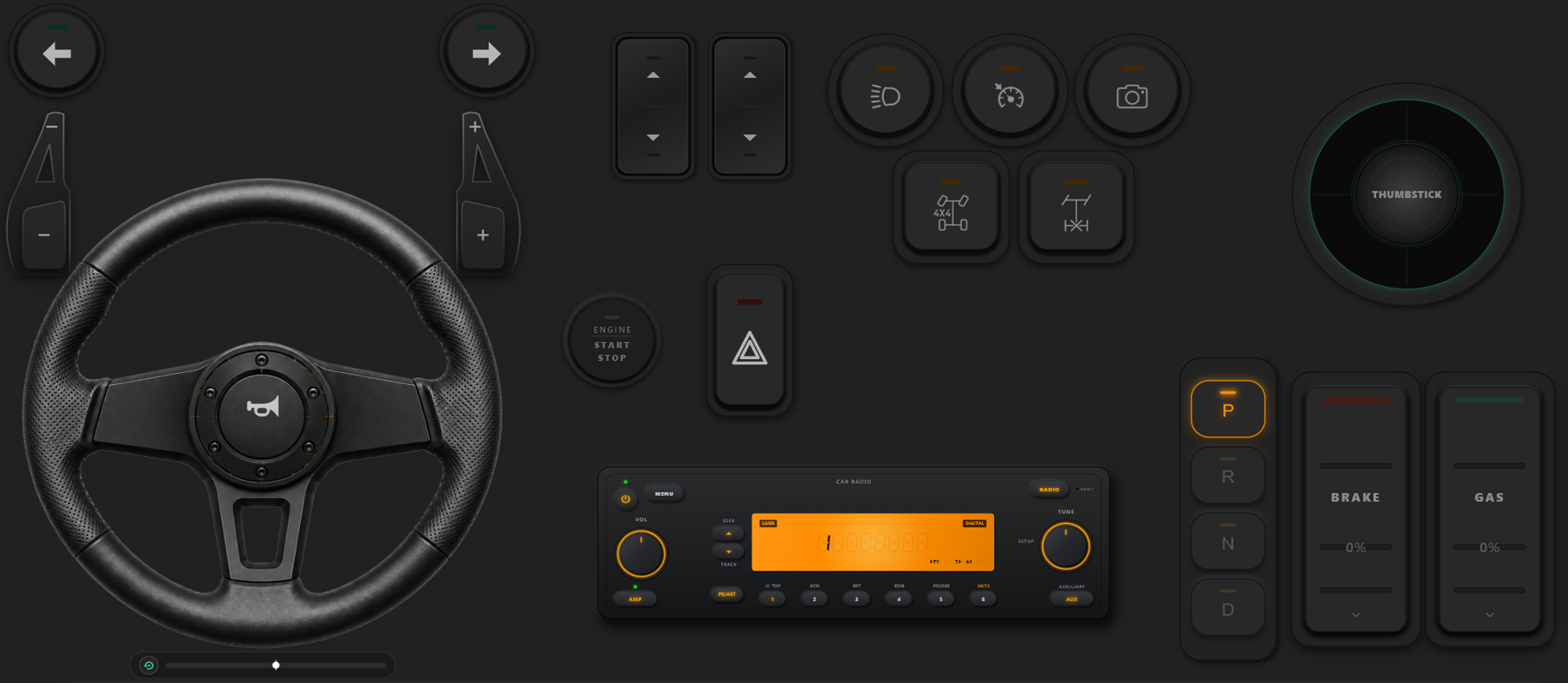
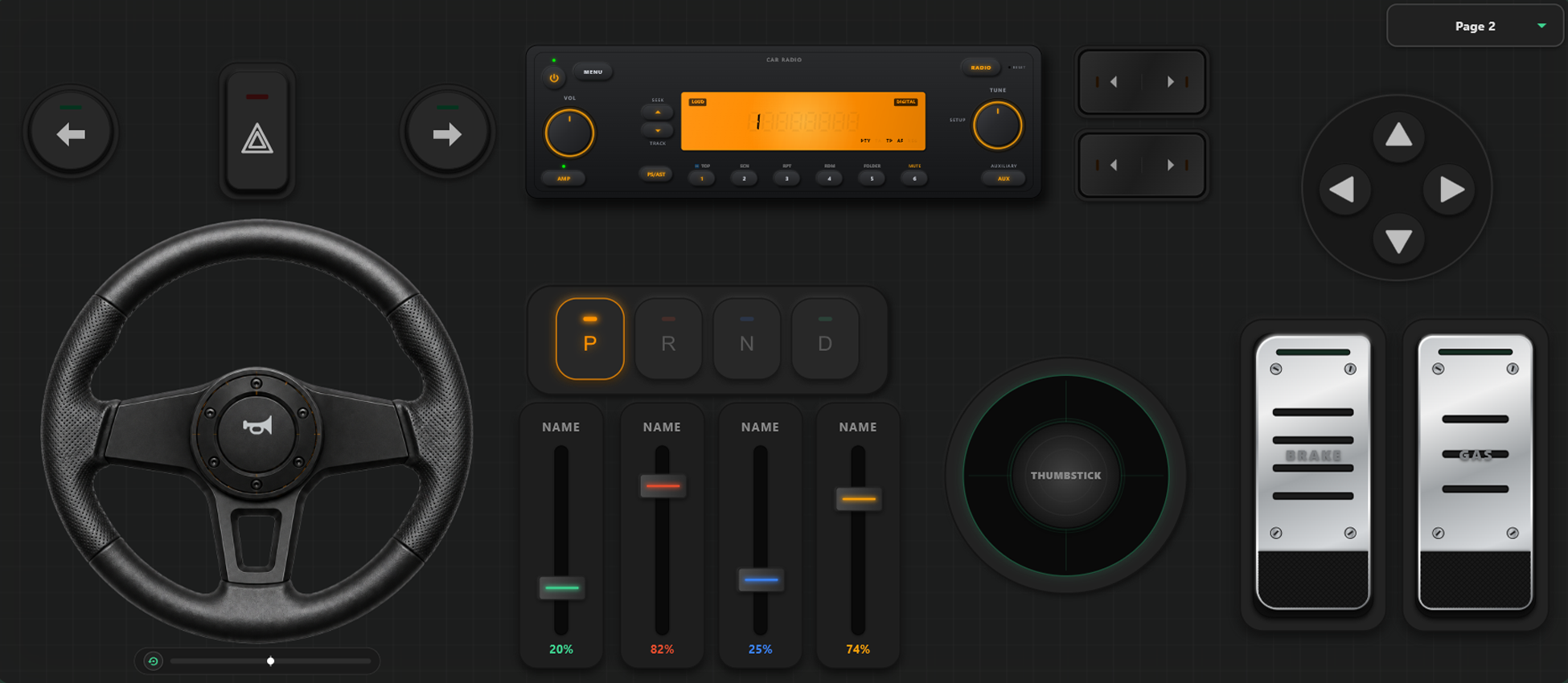
ドラッグ&ドロップ・コントローラービルダー
- ドラッグ&ドロップだけで、自分だけのボタンや軸コントローラーを直感的に作成できます。
- ボタンやスティックの数に制限はありません。好きなだけ配置可能です。
ゲームを意のままにコントロール
完全なカスタマイズの力を解放。プレイ中に瞬時にレイアウトを切り替え、レースやアクションに合わせて微調整できます。
ゲーム内での瞬時テンプレート切り替え
複数のレイアウトを保存してワンタップで切り替え。GTA Vなどで、徒歩時は通常操作、車に乗ったらハンドル、飛行機に乗ったら操縦桿へと即座に切り替えられます。
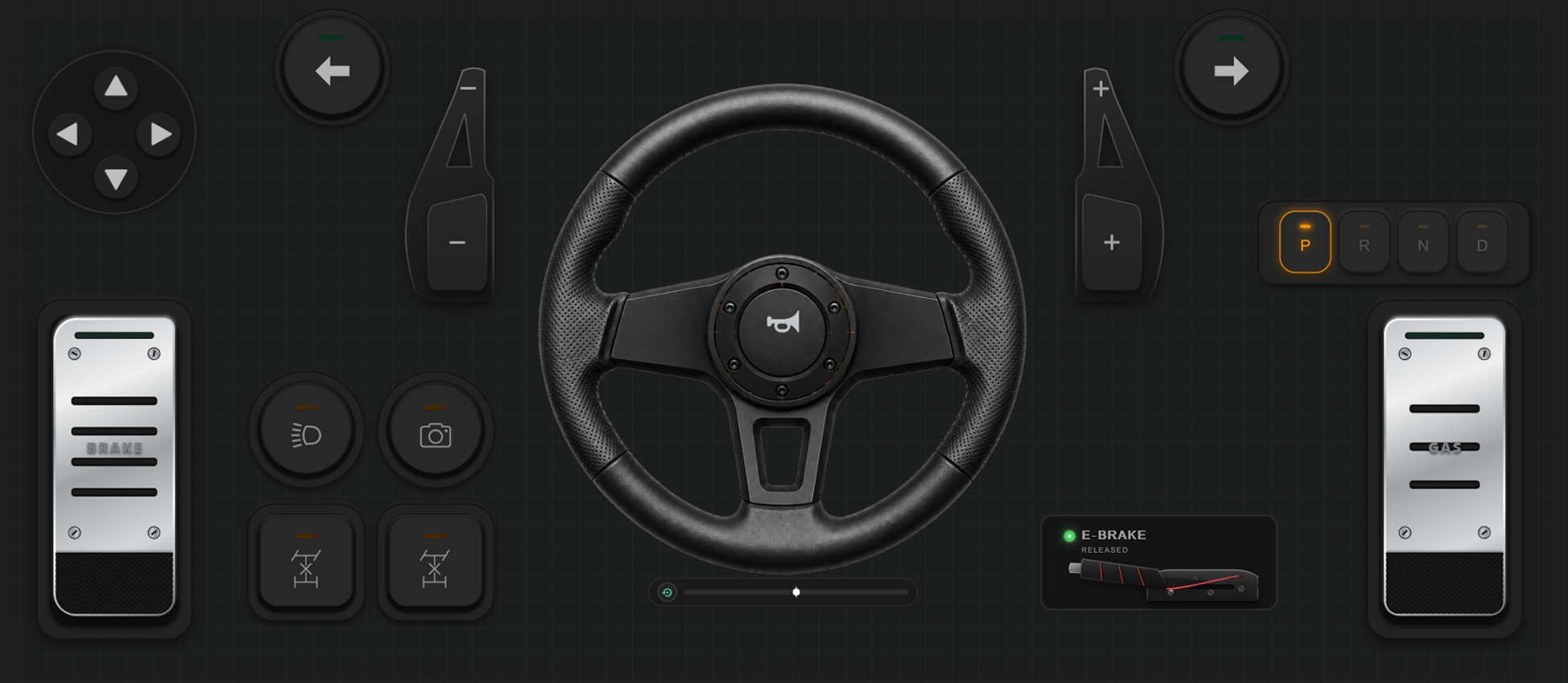
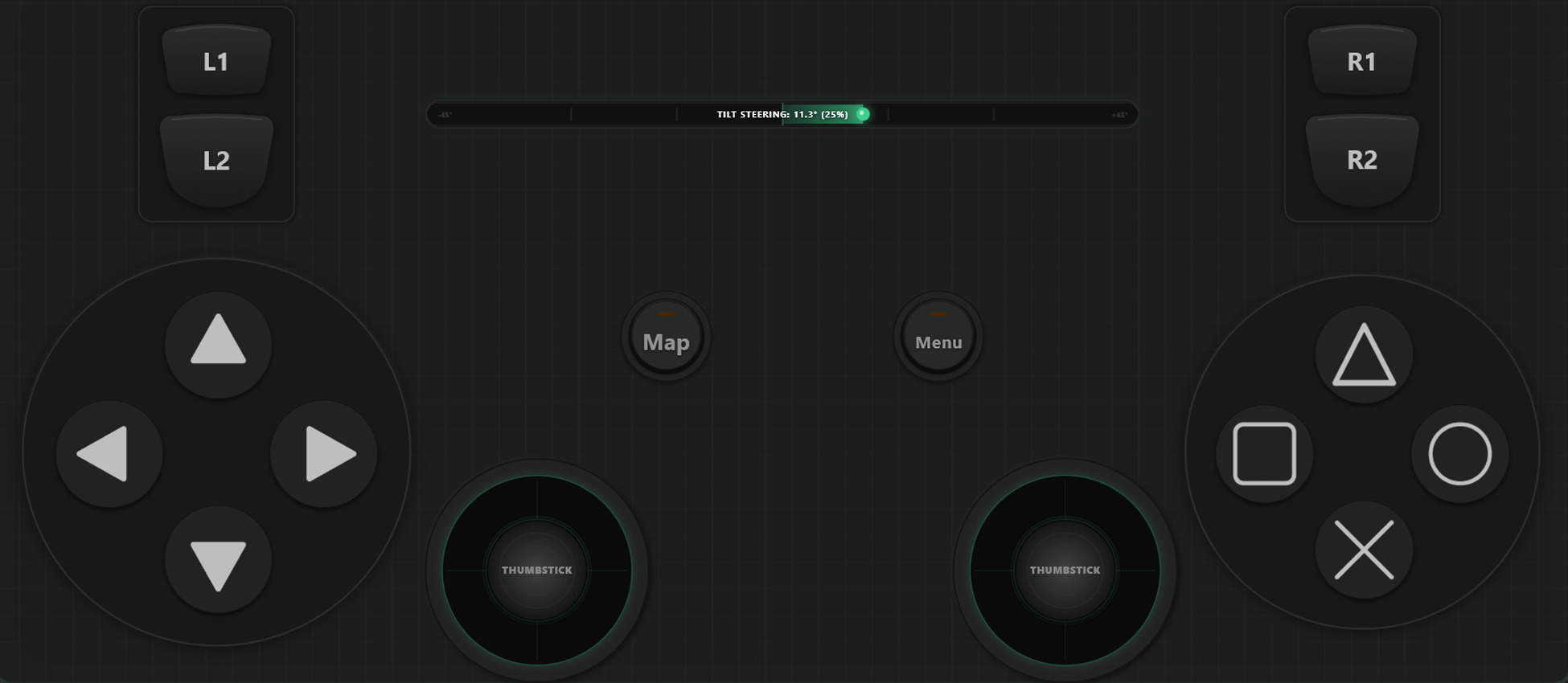
軸キャリブレーション&ジャイロステアリング
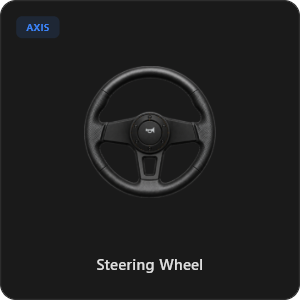
ジョイスティック、トリガー、ステアリングの入力を精密に調整。リニアリティ、感度、デッドゾーンを設定可能。900度回転とセンター復帰付き仮想ハンドルや傾き感知に対応。
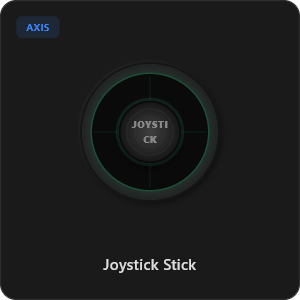
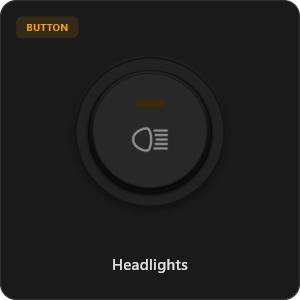
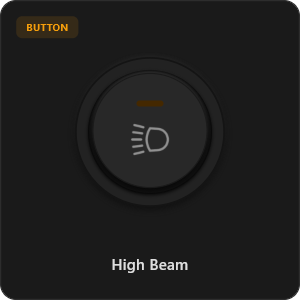
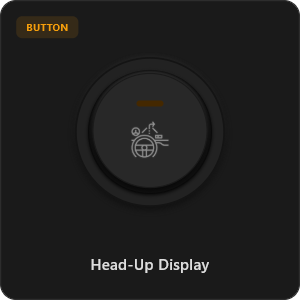
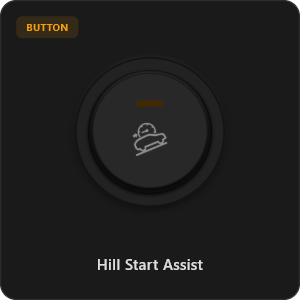
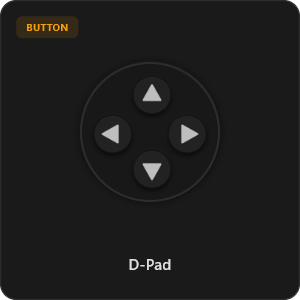
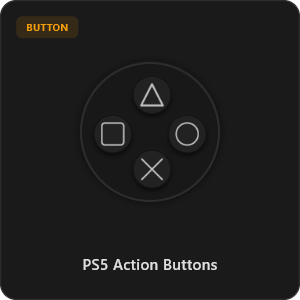
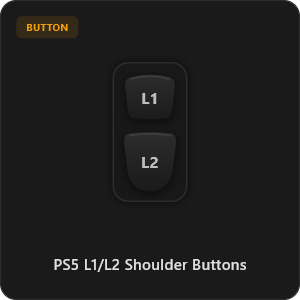
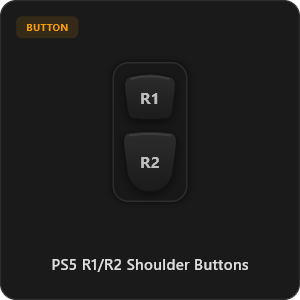
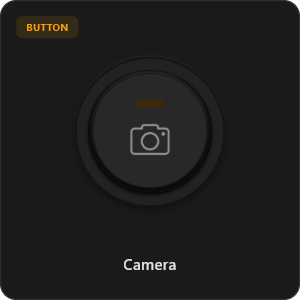
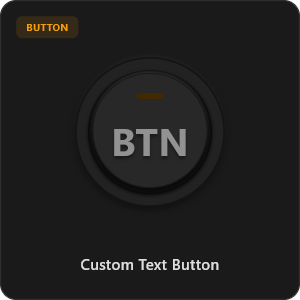
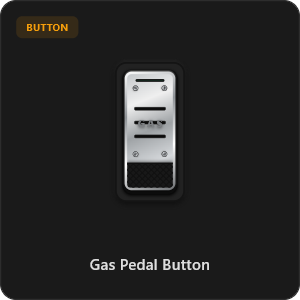
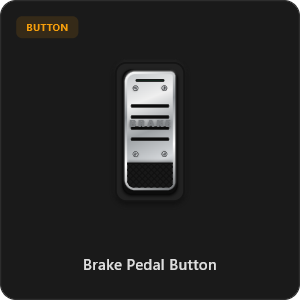
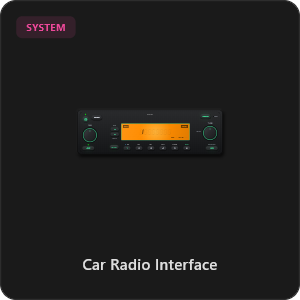
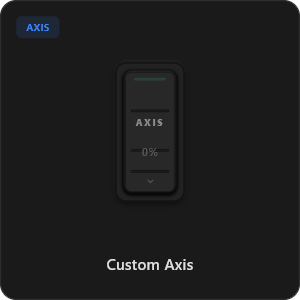
44種以上のプリセットコントロール
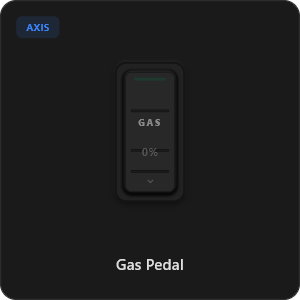
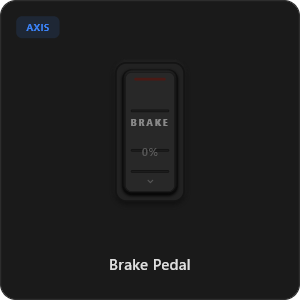
充実したコンポーネントライブラリからドラッグ&ドロップするだけで、あらゆるスイッチや軸を自由自在に配置できます。
.png&w=3840&q=75)
.png&w=3840&q=75)
.png&w=3840&q=75)
.png&w=3840&q=75)
.png&w=3840&q=75)
.png&w=3840&q=75)
.png&w=3840&q=75)
.png&w=3840&q=75)
.png&w=3840&q=75)
.png&w=3840&q=75)
.png&w=3840&q=75)
.png&w=3840&q=75)
.png&w=3840&q=75)
あらゆるゲームに対応







本気のゲーマーのために設計
超高速レスポンスを実現。RojXは有線USBコントローラー同等の応答性を目指してゼロから開発されました。
100% Wireless Play
Turn your iOS or Android device into a PC game controller over Wi-Fi. Enjoy high-responsiveness with completely wire-free gameplay.
Drag & Drop Builder
Customize your own buttons, switches, and axes. Add as many controls to your custom templates as you want—there is no limit.
In-Game Template Switcher
Save multiple templates and switch on the fly. Create specific layouts for walking, driving, or flying in games like GTA.
Precision Axis Settings
Fine-tune every joystick and axis independently. Adjust linearity, sensitivity, and deadzones to match your driving or aiming style.
900° Steering & Gyro
Race with a virtual steering wheel featuring 900° rotation and auto-centering, or steer using your phone's internal gyroscope.
Ultra Low Latency
UDP-based network transmission ensures response times under 8ms over Wi-Fi, mirroring a physical USB hardware connection.
数分でセットアップ完了
わかりやすいチュートリアル動画で、スマホを低遅延なPCゲームパッドに変える方法を今すぐチェック。
簡単3ステップでスタート
面倒なドライバ不要。2分以内にゲームプレイを開始できます。
Download PC Receiver
Download the lightweight RojX Receiver app onto your Windows PC to configure the virtual controller drivers in a single click.
Get the Mobile App
Install the RojX controller app on your Android or iOS device from Google Play or Apple App Store.
Connect & Play
Connect both devices to the same local Wi-Fi or via USB cable, launch your PC game, and start playing.
RojX コントローラー&PC受信ソフトをダウンロード
無料のスマホアプリとWindows用ソフトをダウンロードして、今すぐプレイを開始しましょう。
Windows PC Host Receiver
Required host client to bridge virtual inputs with Windows Xbox controller APIs.

Android Controller App
Full mobile controller app for Android with touch controls, gyro, and custom skins.
iOS Controller App
Mobile controller app for iPhone and iPad with native Apple motion sensors.
よくあるご質問
仮想ゲームパッドの設定や接続遅延に関する疑問にお答えします。