
Trasforma il Tuo Telefono in unController per Giochi PC


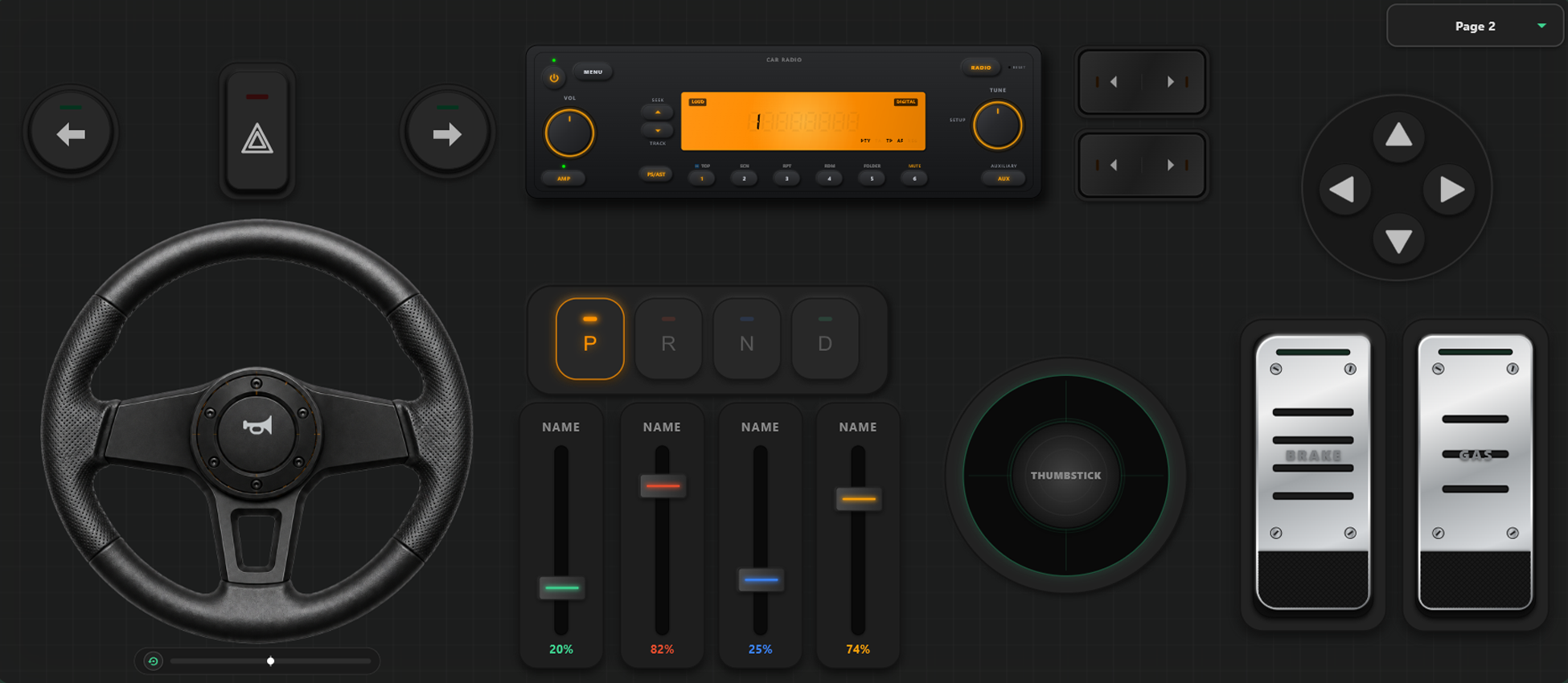
Potenti Strumenti di Personalizzazione
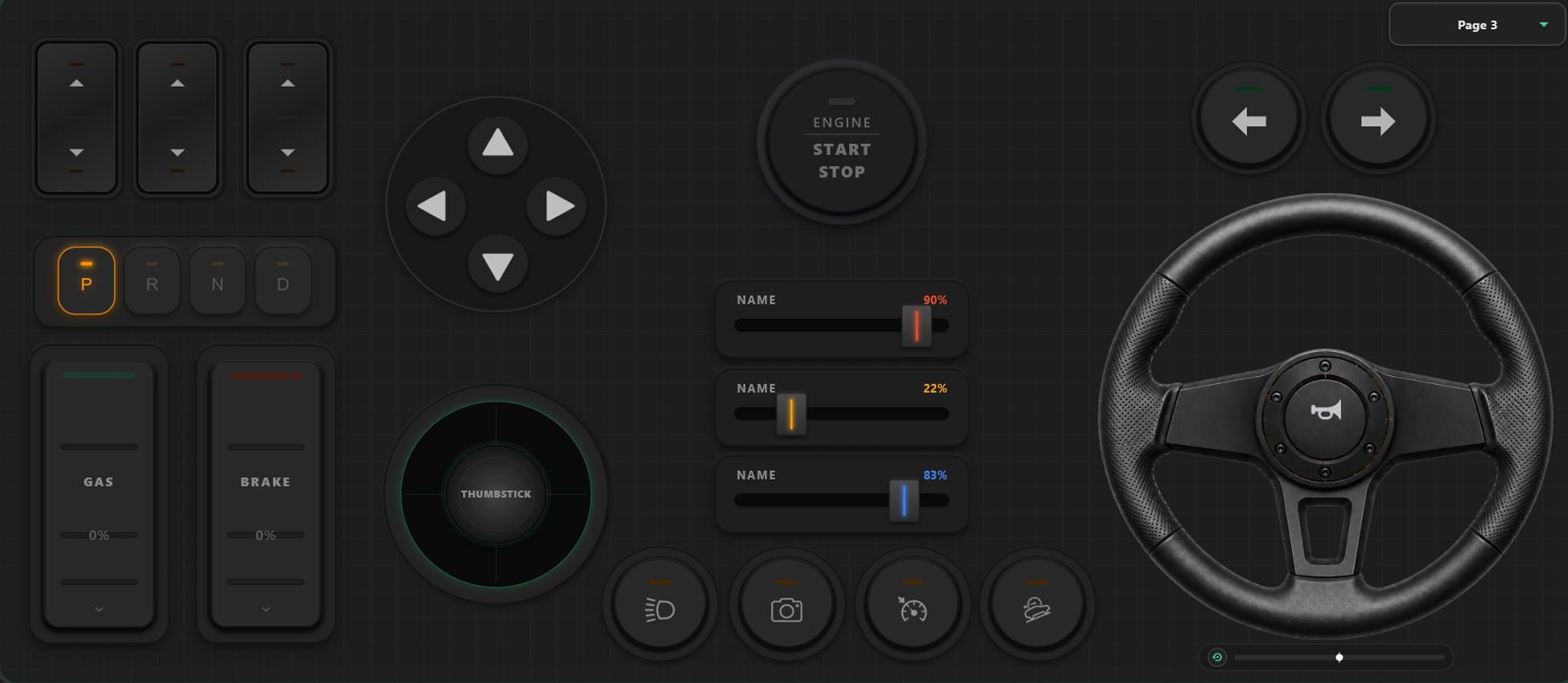
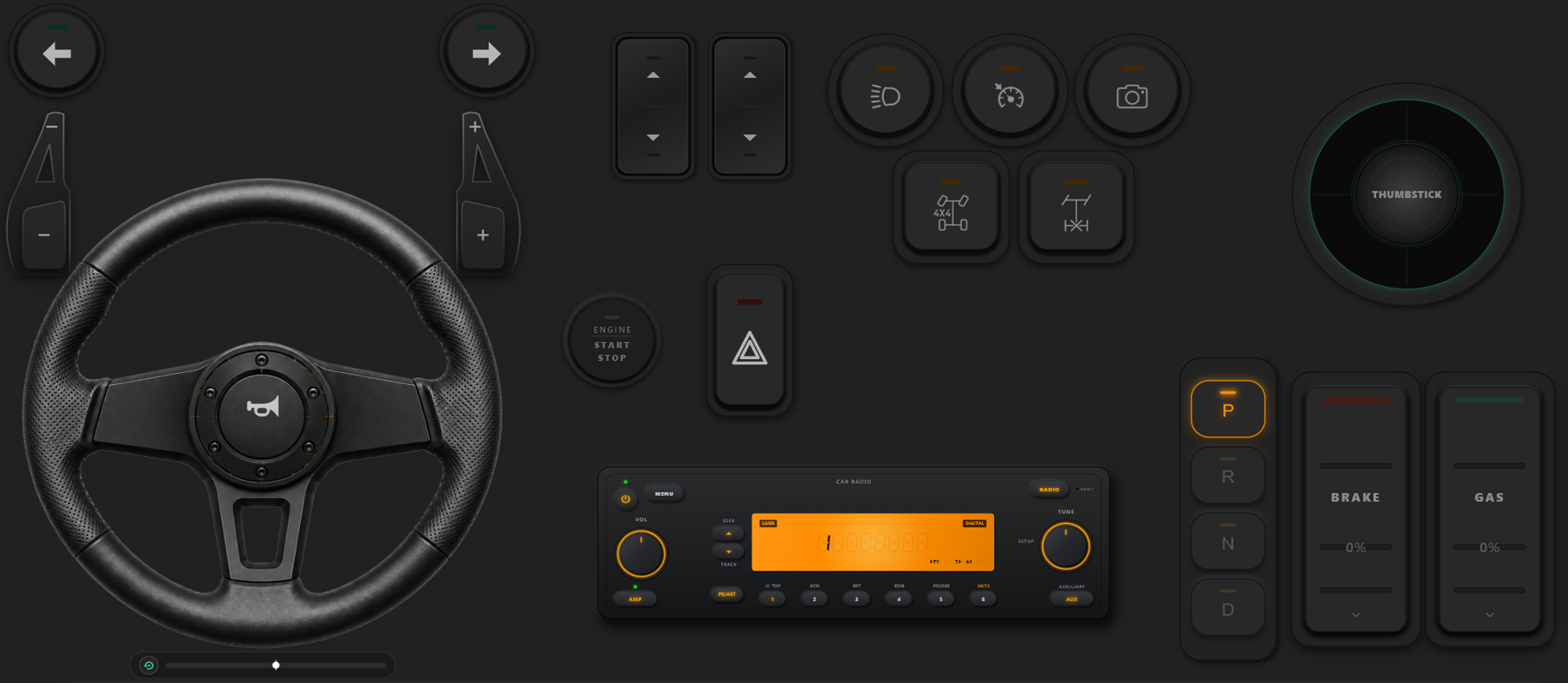
Costruttore di Controller Drag & Drop
- Crea modelli, pulsanti e assi personalizzati semplicemente trascinando gli elementi.
- Nessun limite all'aggiunta di pulsanti e assi: aggiungine quanti ne vuoi al modello.
Prendi il Pieno Controllo del Tuo Gioco
Scatena la massima libertà di configurazione. Cambia layout all'istante durante il gioco e calibra i controlli per corse o azione.
Cambio Immediato dei Modelli in Gioco
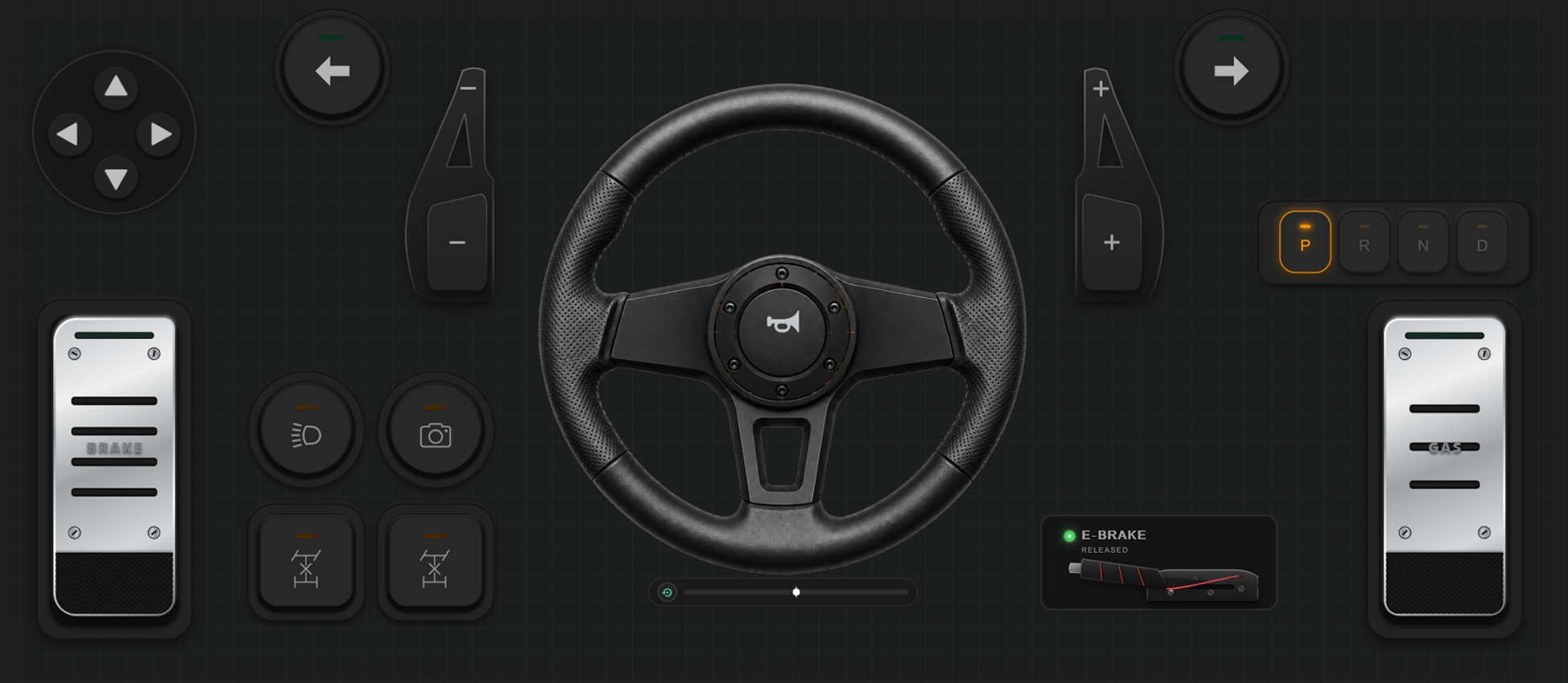
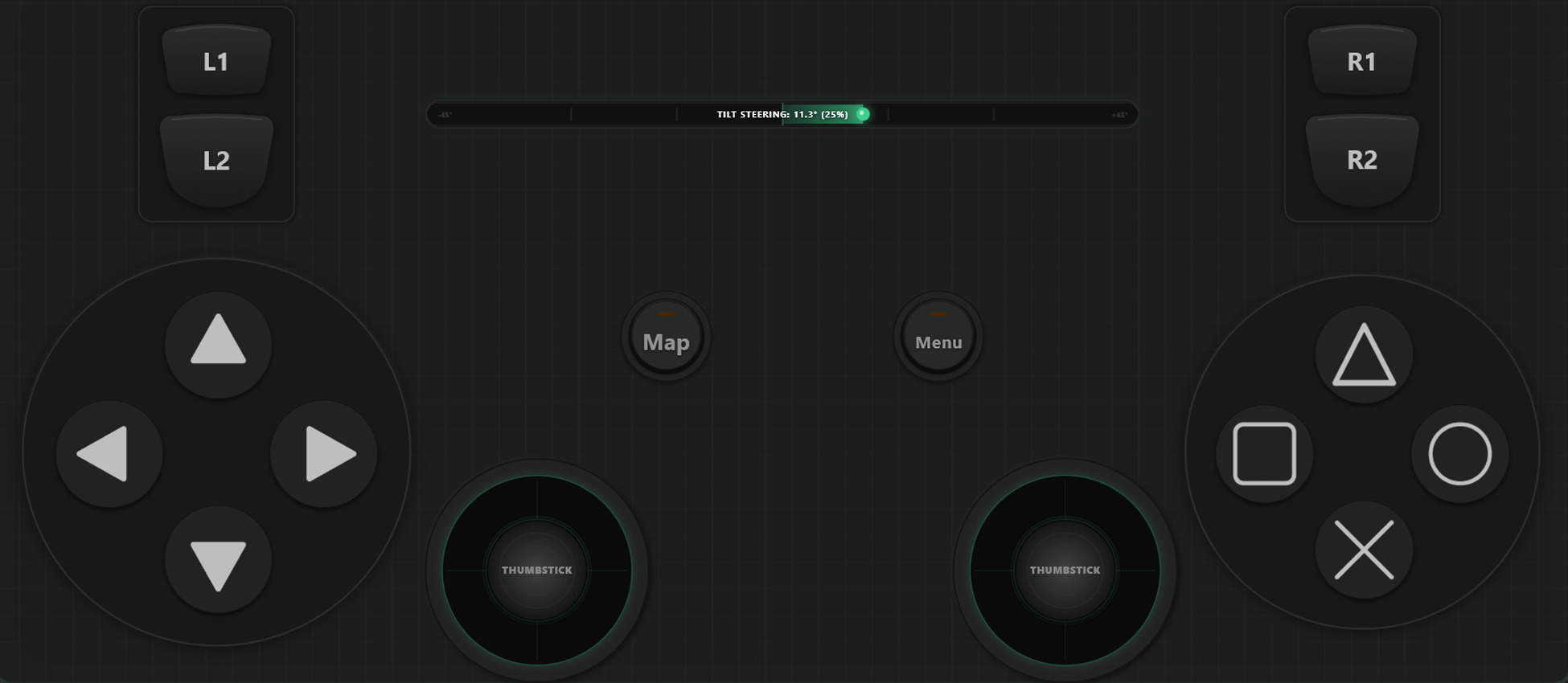
Crea e salva più modelli di layout da alternare al volo. In giochi come GTA V, cammina a piedi, passa al volante quando sali in auto e attiva i comandi di volo in aereo.
Calibrazione Assi e Volante Giroscopico
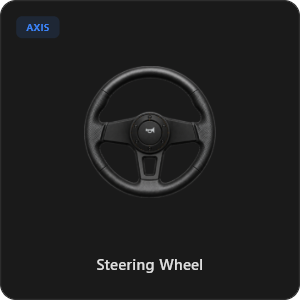
Regola ogni levetta, grilletto e volante con la massima precisione. Calibra linearità, sensibilità e zona morta. Attiva il volante virtuale con rotazione a 900 gradi e autocentraggio.
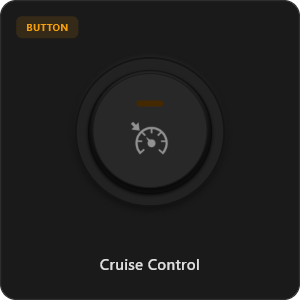
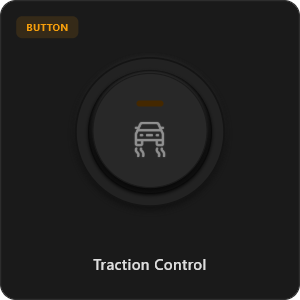
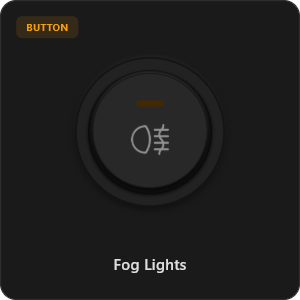
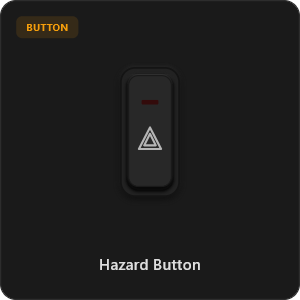
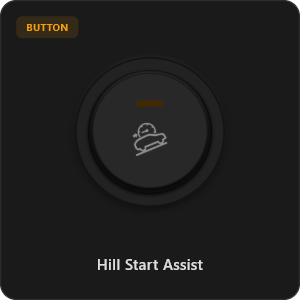
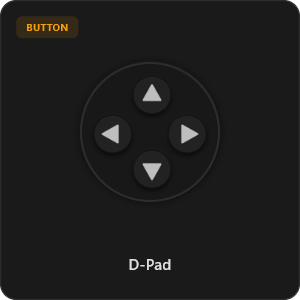
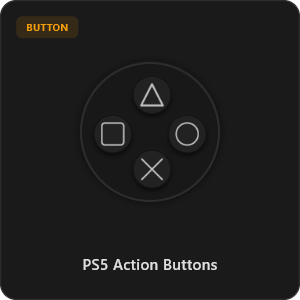
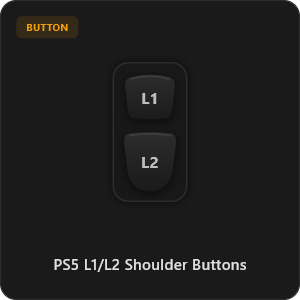
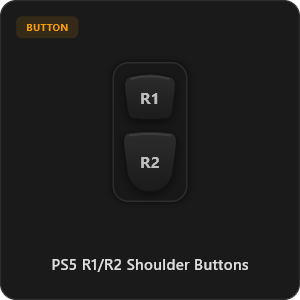
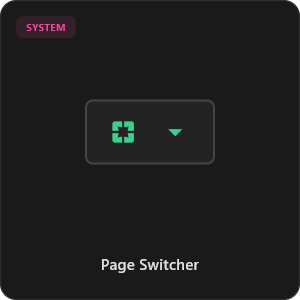
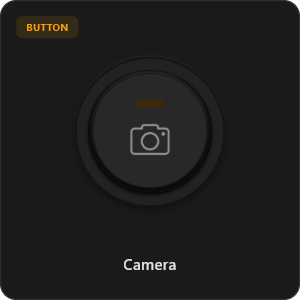
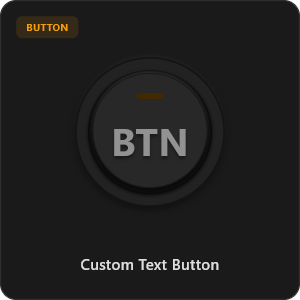
Oltre 44 Controlli Preconfigurati
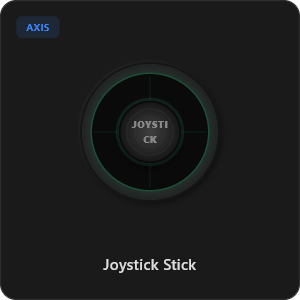
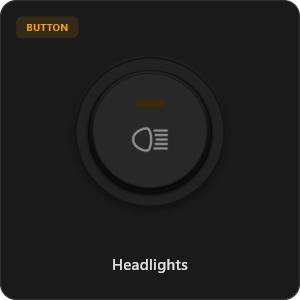
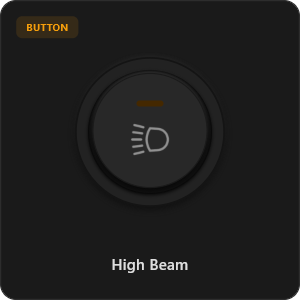
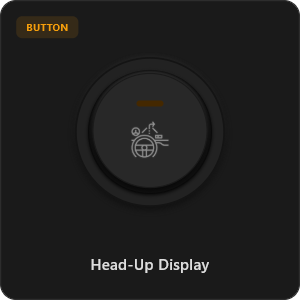
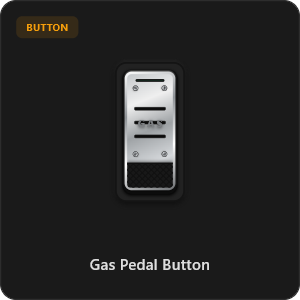
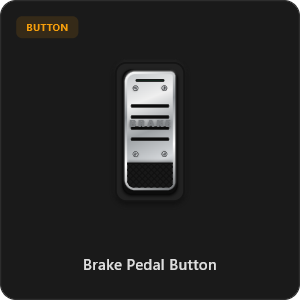
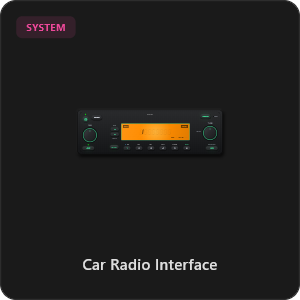
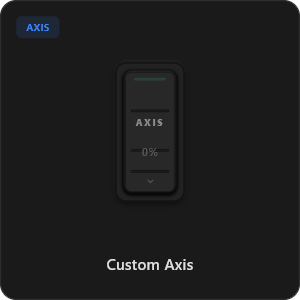
Trascina direttamente dalla nostra vasta libreria di componenti o personalizza ogni pulsante, interruttore e asse.
.png&w=3840&q=75)
.png&w=3840&q=75)
.png&w=3840&q=75)
.png&w=3840&q=75)
.png&w=3840&q=75)
.png&w=3840&q=75)
.png&w=3840&q=75)
.png&w=3840&q=75)
.png&w=3840&q=75)
.png&w=3840&q=75)
.png&w=3840&q=75)
.png&w=3840&q=75)
.png&w=3840&q=75)
Funziona con Qualsiasi Gioco








Progettato per il Gaming Professionale
Sperimenta un gameplay ultra-reattivo. RojX è stato creato da zero per eguagliare la risposta dell'hardware USB fisico.
100% Wireless Play
Turn your iOS or Android device into a PC game controller over Wi-Fi. Enjoy high-responsiveness with completely wire-free gameplay.
Drag & Drop Builder
Customize your own buttons, switches, and axes. Add as many controls to your custom templates as you want—there is no limit.
In-Game Template Switcher
Save multiple templates and switch on the fly. Create specific layouts for walking, driving, or flying in games like GTA.
Precision Axis Settings
Fine-tune every joystick and axis independently. Adjust linearity, sensitivity, and deadzones to match your driving or aiming style.
900° Steering & Gyro
Race with a virtual steering wheel featuring 900° rotation and auto-centering, or steer using your phone's internal gyroscope.
Ultra Low Latency
UDP-based network transmission ensures response times under 8ms over Wi-Fi, mirroring a physical USB hardware connection.
Padroneggia la Configurazione in Pochi Minuti
Guarda il nostro tutorial passo-passo per scoprire com'è facile trasformare il tuo smartphone in un controller PC premium a latenza zero.
Inizia in 3 Semplici Passaggi
Nessun driver complicato, nessuna configurazione difficile. Pronto a giocare in meno di 2 minuti.
Download PC Receiver
Download the lightweight RojX Receiver app onto your Windows PC to configure the virtual controller drivers in a single click.
Get the Mobile App
Install the RojX controller app on your Android or iOS device from Google Play or Apple App Store.
Connect & Play
Connect both devices to the same local Wi-Fi or via USB cable, launch your PC game, and start playing.
Scarica Controller RojX e Ricevitore PC
Scarica l'app mobile gratuita e il software host desktop per iniziare a giocare subito.
Windows PC Host Receiver
Required host client to bridge virtual inputs with Windows Xbox controller APIs.

Android Controller App
Full mobile controller app for Android with touch controls, gyro, and custom skins.

iOS Controller App
Mobile controller app for iPhone and iPad with native Apple motion sensors.

Domande Frequenti
Risposte alle domande più frequenti sui controller virtuali e la configurazione a bassa latenza.