
Ubah Ponsel Anda MenjadiPengontrol Game PC


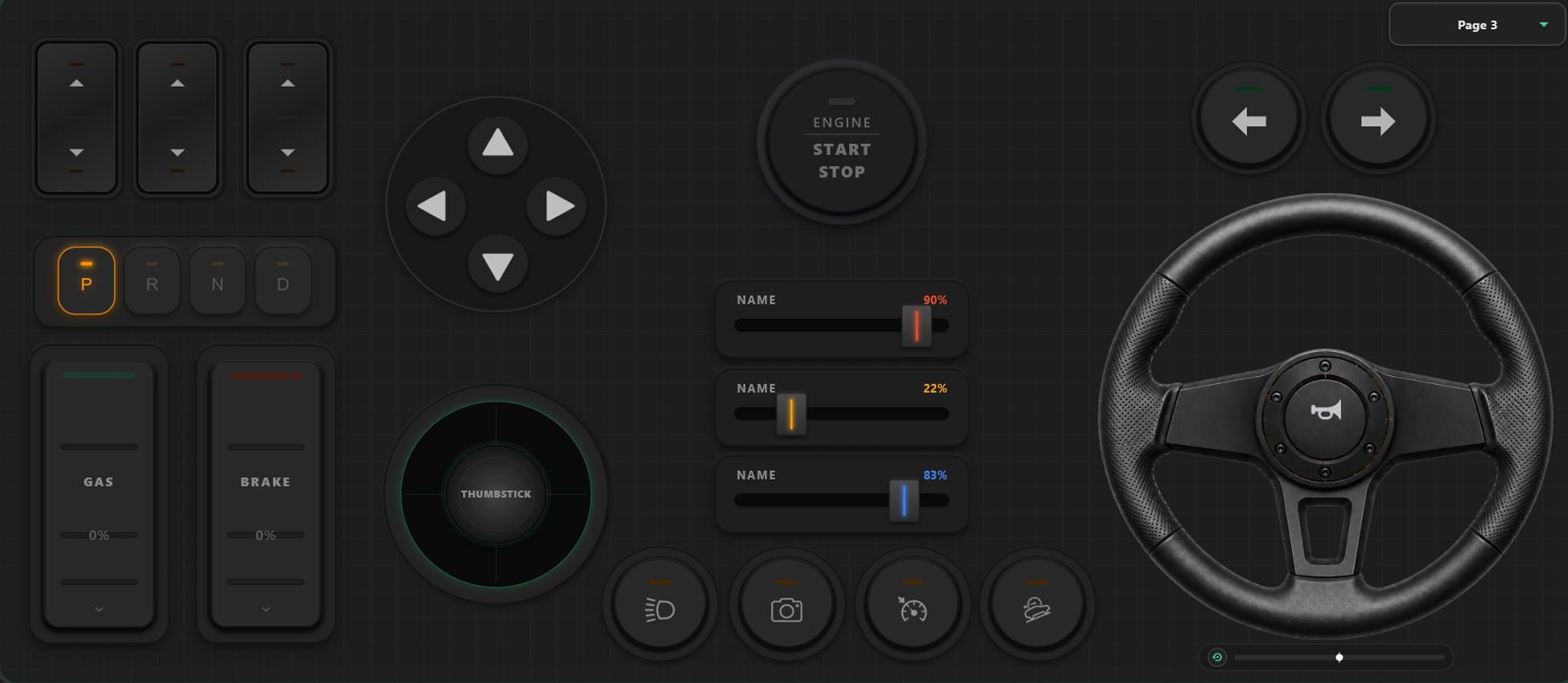
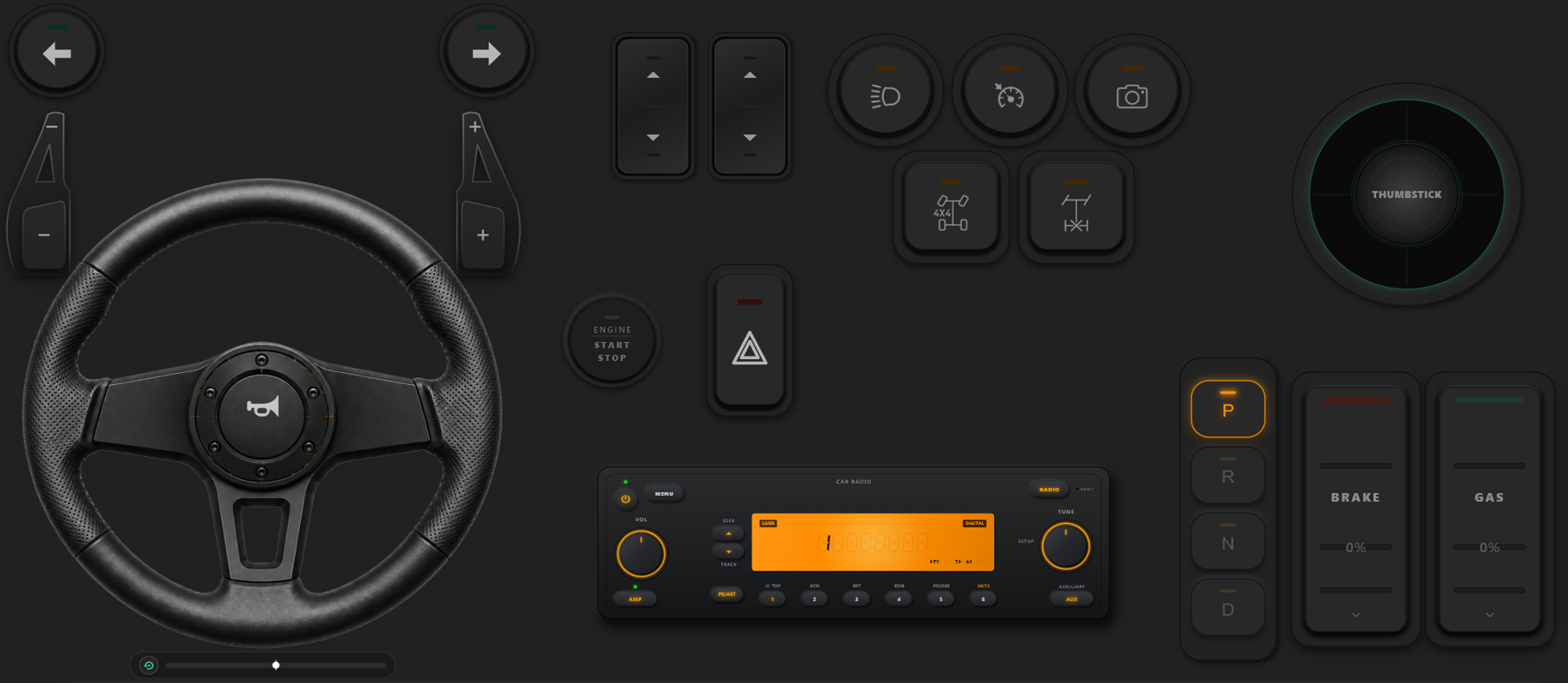
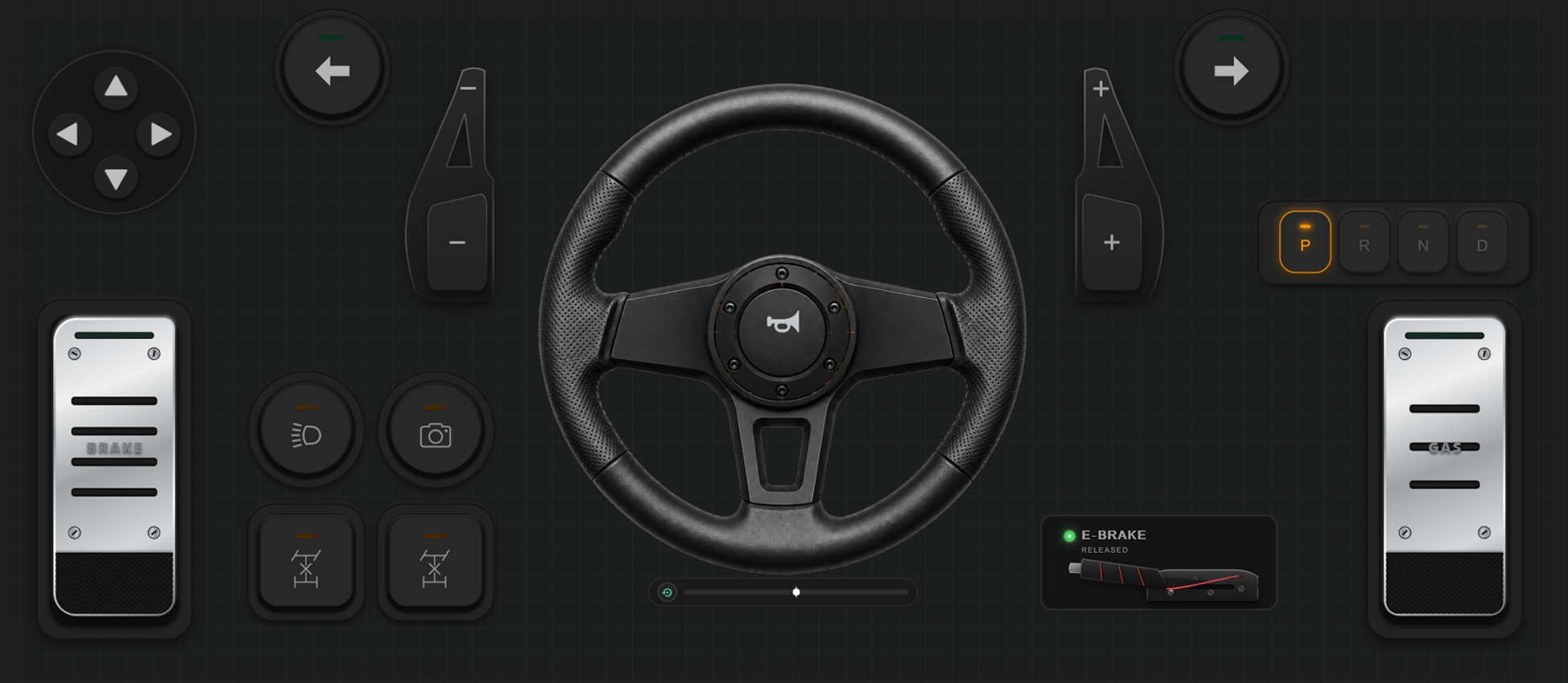
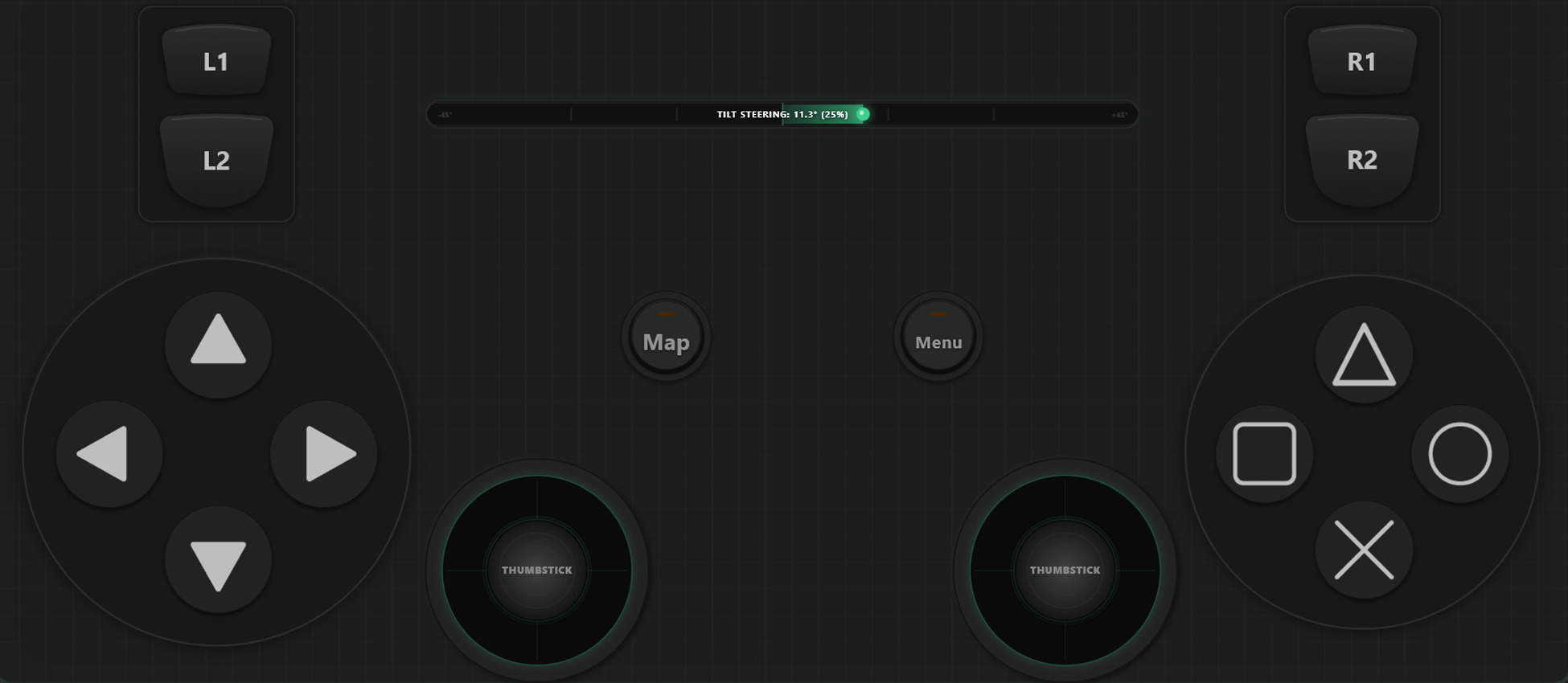
Alat Kustomisasi yang Canggih
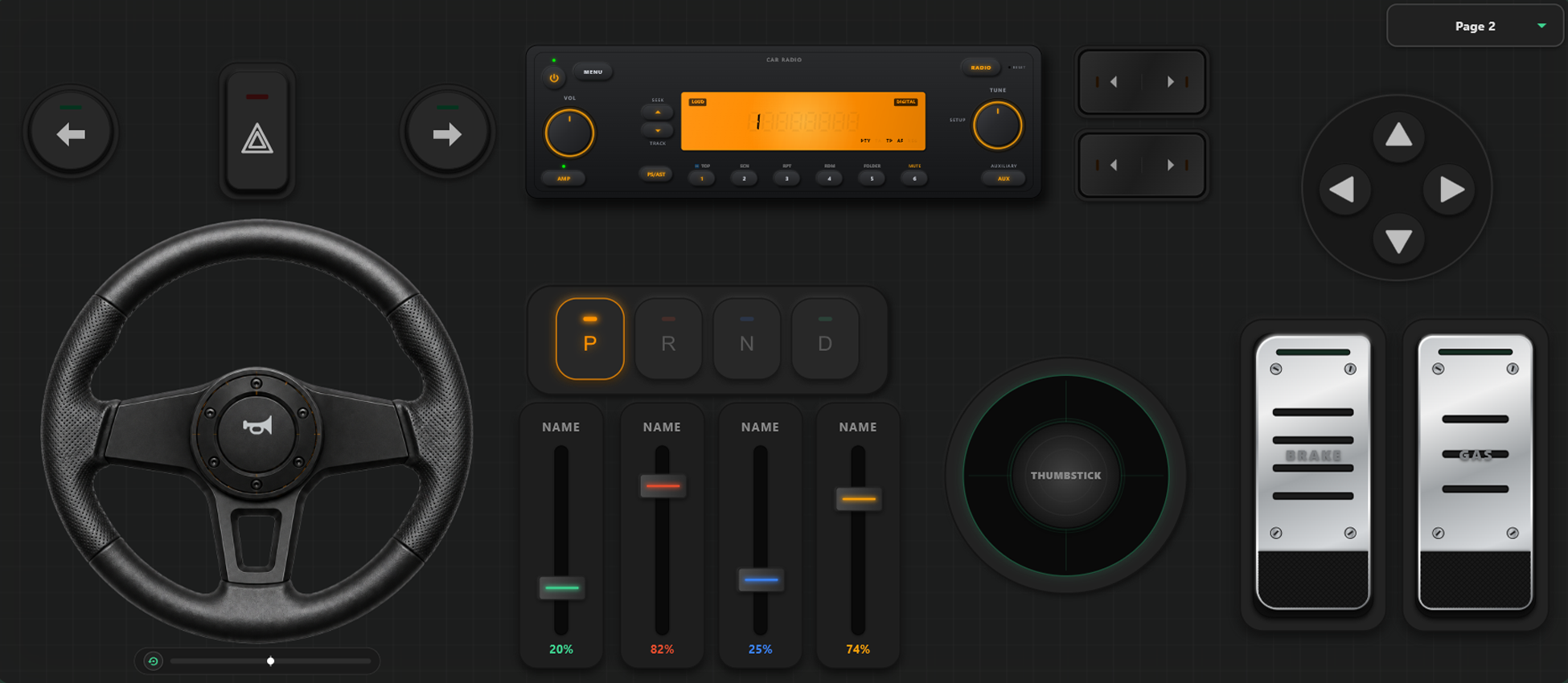
Pembuat Pengontrol Drag & Drop Kustom
- Pengguna dapat membuat templat, tombol, dan sumbu kustom hanya dengan drag and drop.
- Tidak ada batasan tombol atau sumbu; tambahkan sebanyak yang Anda inginkan ke templat.
Kendalikan Game Anda Sepenuhnya
Bebaskan potensi konfigurasi kustom. Ganti tata letak seketika saat bermain dan kalibrasi kontrol untuk gaya balap atau aksi Anda.
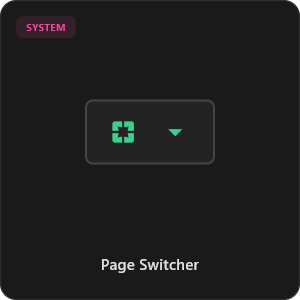
Pengalihan Templat Cepat dalam Game
Simpan beberapa templat untuk beralih kapan saja. Di game seperti GTA V, gunakan tata letak berjalan kaki, ganti ke setir mobil, dan beralih ke kendali pesawat saat terbang.
Kalibrasi Sumbu & Kemudi Giroskop
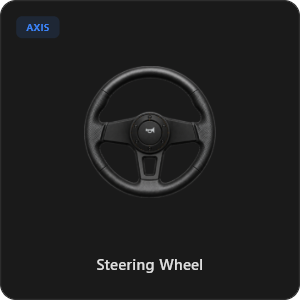
Sesuaikan setiap joystick, pemicu, dan roda kemudi dengan presisi mutlak. Kalibrasi linearitas, sensitivitas, dan deadzone. Setir virtual 900 derajat dengan pemusatan otomatis.
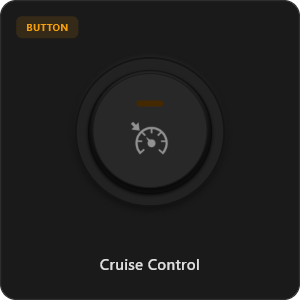
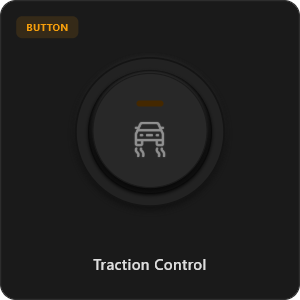
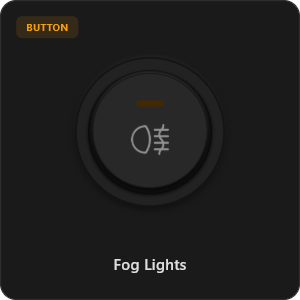
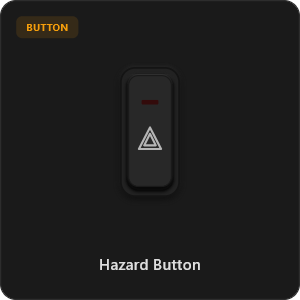
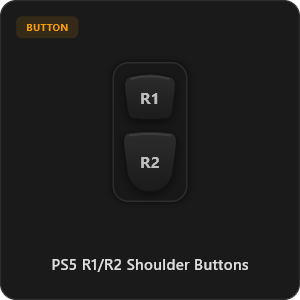
Lebih dari 44 Kontrol Siap Pakai
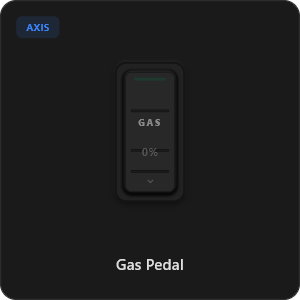
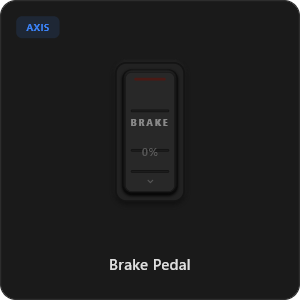
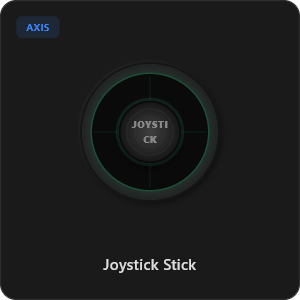
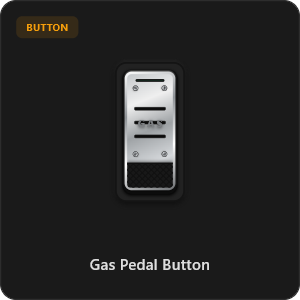
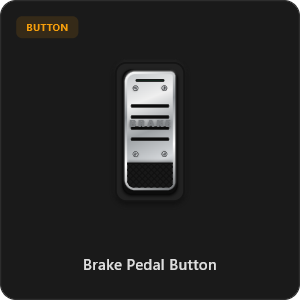
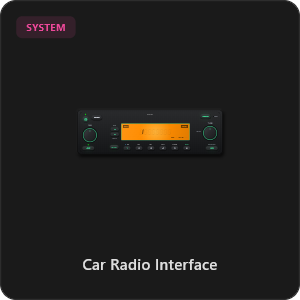
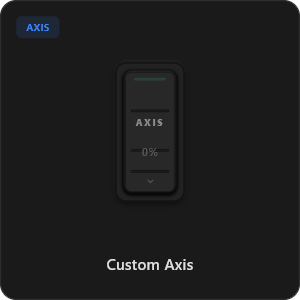
Tarik dan lepas langsung dari pustaka komponen kami atau sesuaikan setiap tombol dan sumbu sesuai selera.
.png&w=3840&q=75)
.png&w=3840&q=75)
.png&w=3840&q=75)
.png&w=3840&q=75)
.png&w=3840&q=75)
.png&w=3840&q=75)
.png&w=3840&q=75)
.png&w=3840&q=75)
.png&w=3840&q=75)
.png&w=3840&q=75)
.png&w=3840&q=75)
.png&w=3840&q=75)
.png&w=3840&q=75)
Bekerja dengan Game Apa Saja








Dirancang untuk Gamer Sejati
Nikmati gameplay ultra-responsif. RojX dirancang dari awal untuk menandingi kecepatan kontroler kabel USB fisik.
100% Wireless Play
Turn your iOS or Android device into a PC game controller over Wi-Fi. Enjoy high-responsiveness with completely wire-free gameplay.
Drag & Drop Builder
Customize your own buttons, switches, and axes. Add as many controls to your custom templates as you want—there is no limit.
In-Game Template Switcher
Save multiple templates and switch on the fly. Create specific layouts for walking, driving, or flying in games like GTA.
Precision Axis Settings
Fine-tune every joystick and axis independently. Adjust linearity, sensitivity, and deadzones to match your driving or aiming style.
900° Steering & Gyro
Race with a virtual steering wheel featuring 900° rotation and auto-centering, or steer using your phone's internal gyroscope.
Ultra Low Latency
UDP-based network transmission ensures response times under 8ms over Wi-Fi, mirroring a physical USB hardware connection.
Kuasai Pengaturan dalam Hitungan Menit
Tonton panduan langkah demi langkah kami untuk mengubah ponsel pintar Anda menjadi kontroler PC premium tanpa jeda.
Mulai dalam 3 Langkah Mudah
Tanpa driver rumit. Siap bermain dalam waktu kurang dari 2 menit.
Download PC Receiver
Download the lightweight RojX Receiver app onto your Windows PC to configure the virtual controller drivers in a single click.
Get the Mobile App
Install the RojX controller app on your Android or iOS device from Google Play or Apple App Store.
Connect & Play
Connect both devices to the same local Wi-Fi or via USB cable, launch your PC game, and start playing.
Unduh Kontroler RojX & Penerima PC
Dapatkan aplikasi seluler gratis dan perangkat lunak host desktop untuk segera mulai bermain.
Windows PC Host Receiver
Required host client to bridge virtual inputs with Windows Xbox controller APIs.

Android Controller App
Full mobile controller app for Android with touch controls, gyro, and custom skins.

iOS Controller App
Mobile controller app for iPhone and iPad with native Apple motion sensors.

Pertanyaan yang Sering Diajukan
Jawaban atas pertanyaan paling umum tentang kontroler virtual dan latensi rendah.