
अपने फोन को बनाएं एक शानदारPC गेमिंग कंट्रोलर


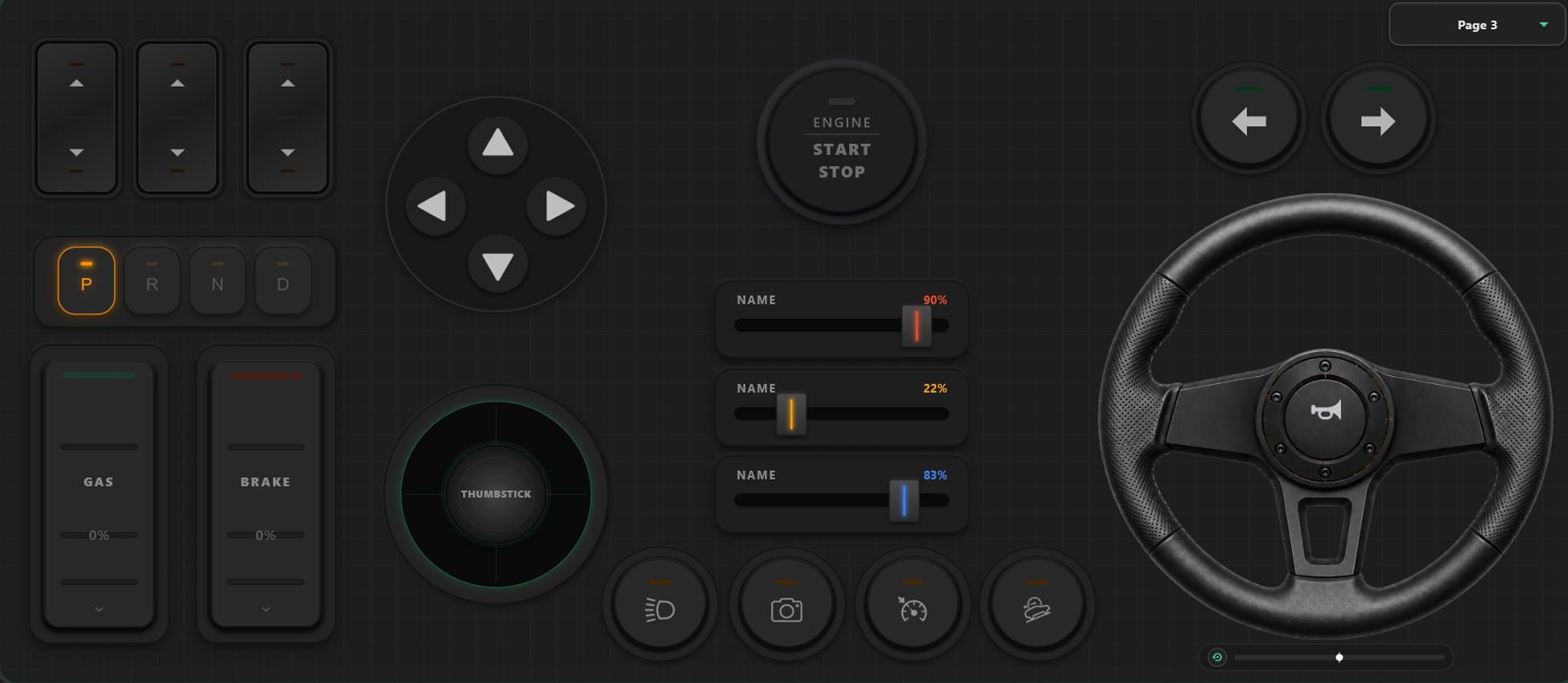
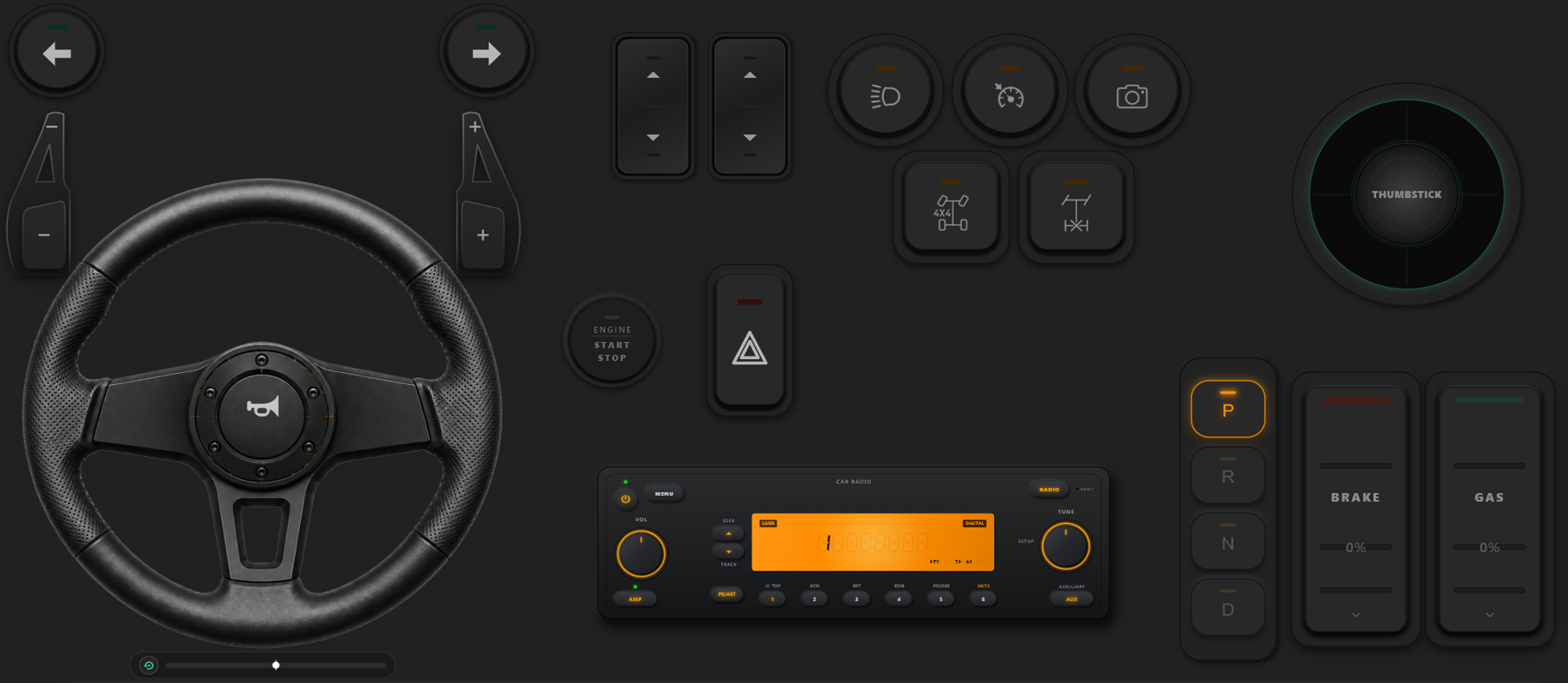
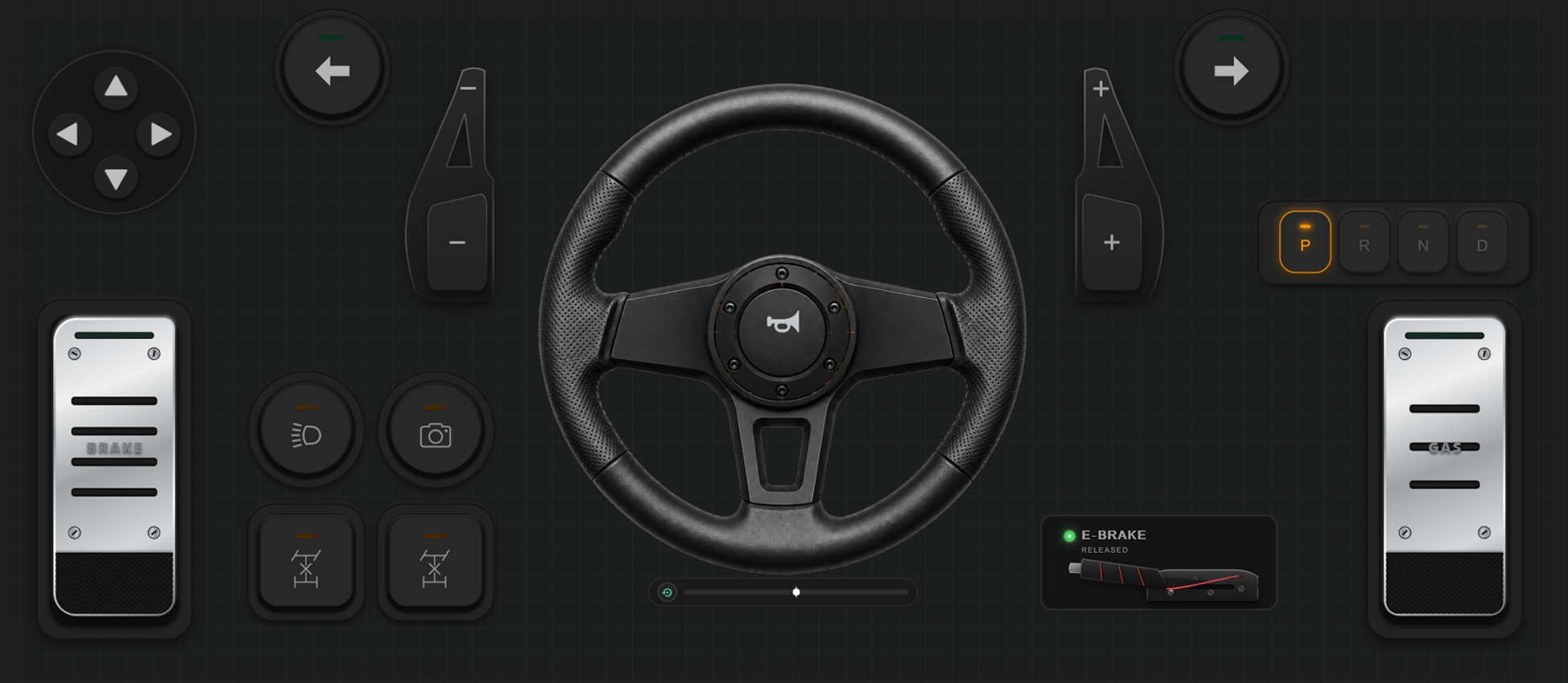
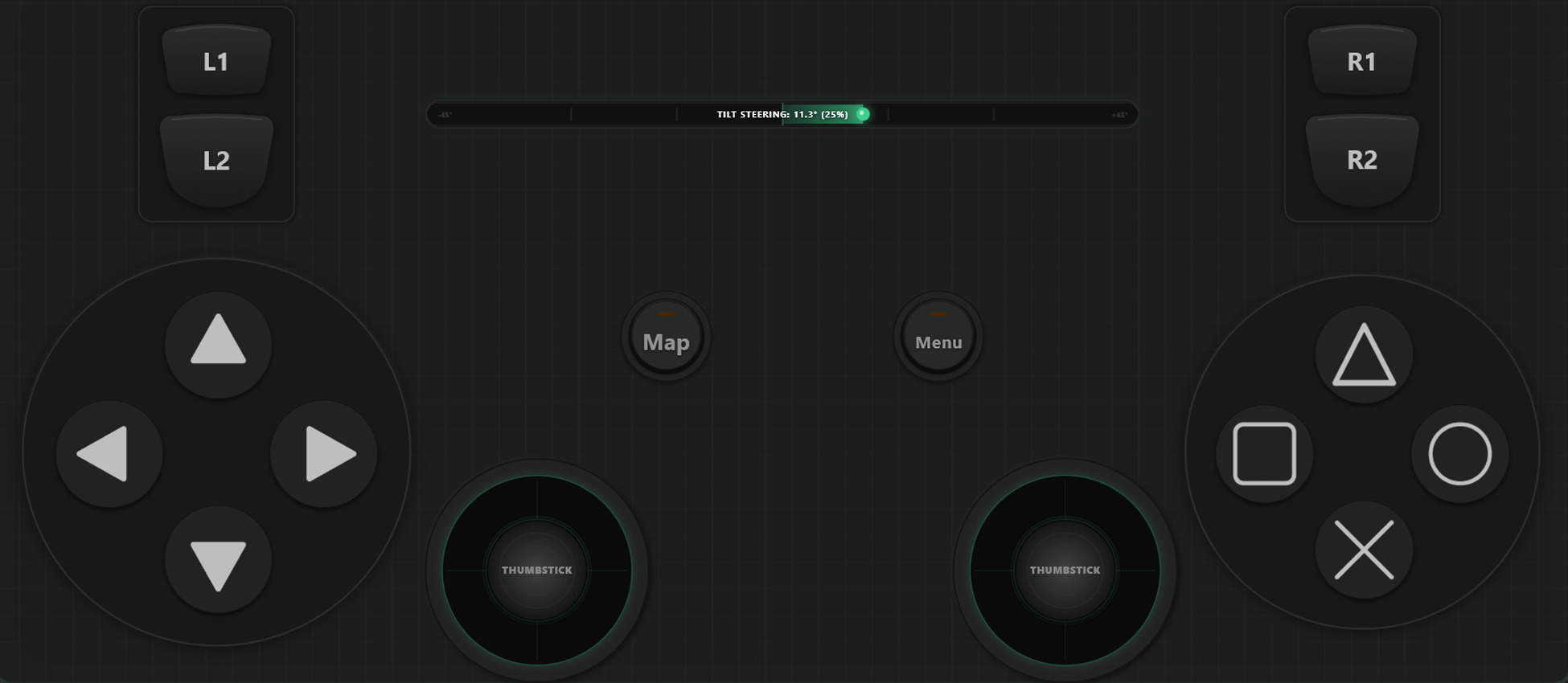
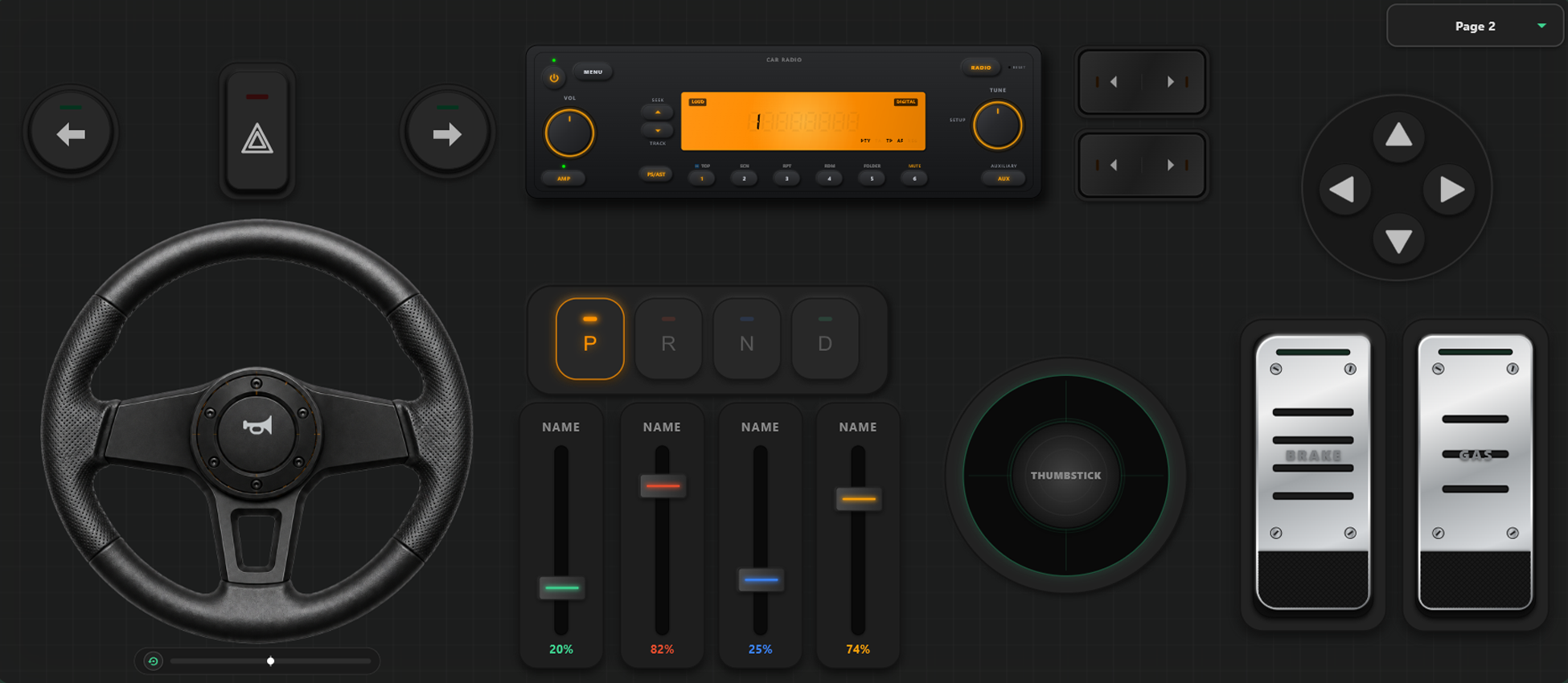
शक्तिशाली कस्टमाइज़ेशन टूल्स
कस्टम ड्रैग एंड ड्रॉप कंट्रोलर बिल्डर
- उपयोगकर्ता केवल ड्रैग और ड्रॉप करके अपना मनपसंद कंट्रोलर लेआउट बना सकते हैं।
- बटन या जॉयस्टिक जोड़ने की कोई सीमा नहीं है; जितने चाहें उतने नियंत्रण जोड़ें।
अपने गेम पर पूरा नियंत्रण रखें
गेम के दौरान तुरंत लेआउट बदलें और रेसिंग या एक्शन गेम के लिए सटीक नियंत्रण सेट करें।
गेम के दौरान तुरंत टेम्पलेट स्विचिंग
चलते-फिरते बदलने के लिए कई टेम्पलेट सहेजें। GTA V जैसे गेम में पैदल चलने के लिए अलग लेआउट, कार में स्टीयरिंग और प्लेन में फ्लाइट योक का उपयोग करें।
एक्सिस कैलिब्रेशन और जायरो स्टीयरिंग
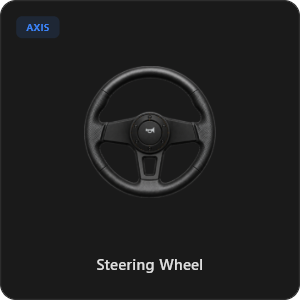
प्रत्येक जॉयस्टिक और स्टीयरिंग इनपुट को सटीक रूप से ट्यून करें। 900 डिग्री ऑटो-सेंटरिंग वर्चुअल स्टीयरिंग या फोन को झुकाकर जायरो से मोड़ें।
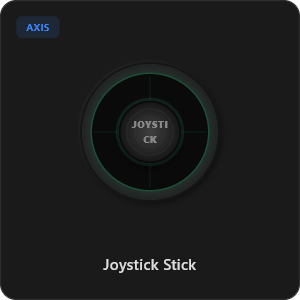
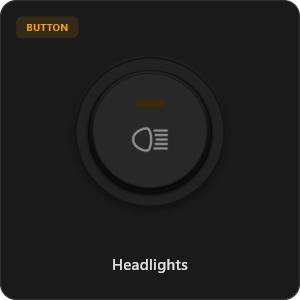
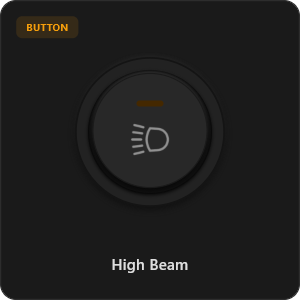
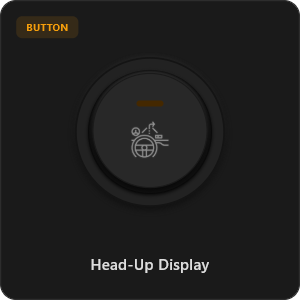
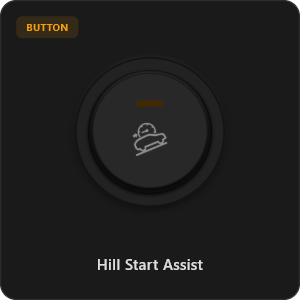
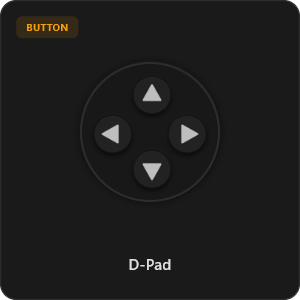
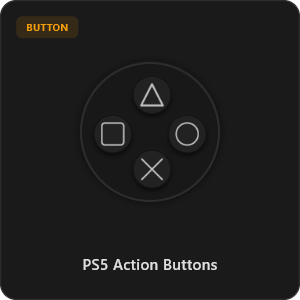
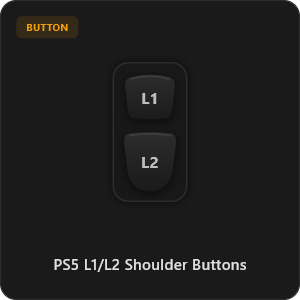
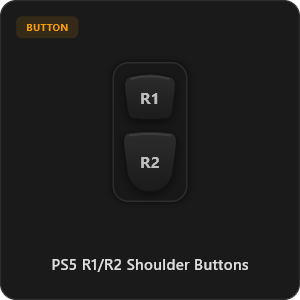
44 से अधिक तैयार कंट्रोल्स
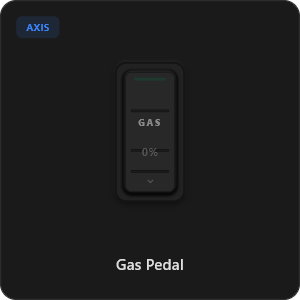
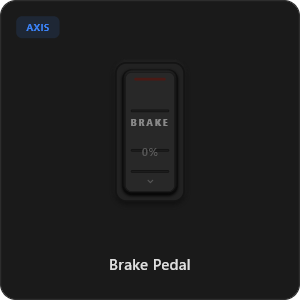
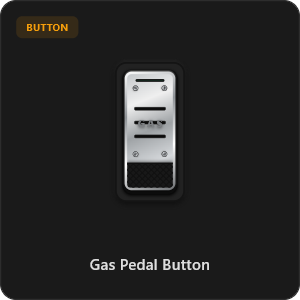
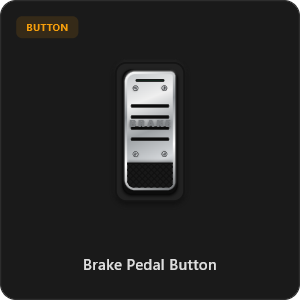
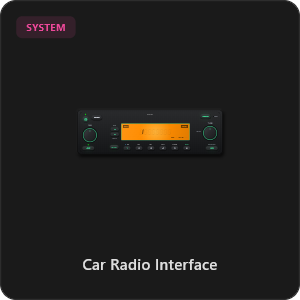
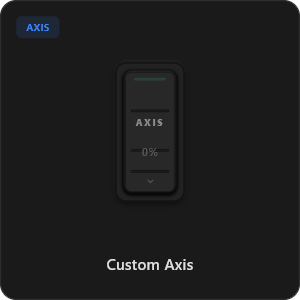
हमारी लाइब्रेरी से सीधे ड्रैग एंड ड्रॉप करें और अपनी पसंद का कंट्रोलर तैयार करें।
.png&w=3840&q=75)
.png&w=3840&q=75)
.png&w=3840&q=75)
.png&w=3840&q=75)
.png&w=3840&q=75)
.png&w=3840&q=75)
.png&w=3840&q=75)
.png&w=3840&q=75)
.png&w=3840&q=75)
.png&w=3840&q=75)
.png&w=3840&q=75)
.png&w=3840&q=75)
.png&w=3840&q=75)
किसी भी गेम के साथ काम करें








गंभीर गेमर्स के लिए विशेष रूप से निर्मित
अल्ट्रा-फास्ट रिस्पॉन्स टाइम का अनुभव करें। RojX वायर्ड यूएसबी कंट्रोलर की गति से मेल खाने के लिए बनाया गया है।
100% Wireless Play
Turn your iOS or Android device into a PC game controller over Wi-Fi. Enjoy high-responsiveness with completely wire-free gameplay.
Drag & Drop Builder
Customize your own buttons, switches, and axes. Add as many controls to your custom templates as you want—there is no limit.
In-Game Template Switcher
Save multiple templates and switch on the fly. Create specific layouts for walking, driving, or flying in games like GTA.
Precision Axis Settings
Fine-tune every joystick and axis independently. Adjust linearity, sensitivity, and deadzones to match your driving or aiming style.
900° Steering & Gyro
Race with a virtual steering wheel featuring 900° rotation and auto-centering, or steer using your phone's internal gyroscope.
Ultra Low Latency
UDP-based network transmission ensures response times under 8ms over Wi-Fi, mirroring a physical USB hardware connection.
कुछ ही मिनटों में सेटअप पूरा करें
हमारा स्टेप-बाय-स्टेप वीडियो देखें और जानें कि बिना किसी देरी के फोन को पीसी कंट्रोलर कैसे बनाएं।
3 आसान चरणों में शुरुआत करें
कोई जटिल ड्राइवर नहीं। 2 मिनट से भी कम समय में खेलने के लिए तैयार।
Download PC Receiver
Download the lightweight RojX Receiver app onto your Windows PC to configure the virtual controller drivers in a single click.
Get the Mobile App
Install the RojX controller app on your Android or iOS device from Google Play or Apple App Store.
Connect & Play
Connect both devices to the same local Wi-Fi or via USB cable, launch your PC game, and start playing.
RojX कंट्रोलर और PC रिसीवर डाउनलोड करें
तुरंत गेमिंग शुरू करने के लिए फ्री मोबाइल ऐप और विंडोज रिसीवर प्राप्त करें।
Windows PC Host Receiver
Required host client to bridge virtual inputs with Windows Xbox controller APIs.

Android Controller App
Full mobile controller app for Android with touch controls, gyro, and custom skins.

iOS Controller App
Mobile controller app for iPhone and iPad with native Apple motion sensors.

अक्सर पूछे जाने वाले प्रश्न
वर्चुअल कंट्रोलर और कम लेटेंसी सेटअप के बारे में मुख्य प्रश्नों के उत्तर।