
Muuta puhelimesiPC-peliohjaimeksi


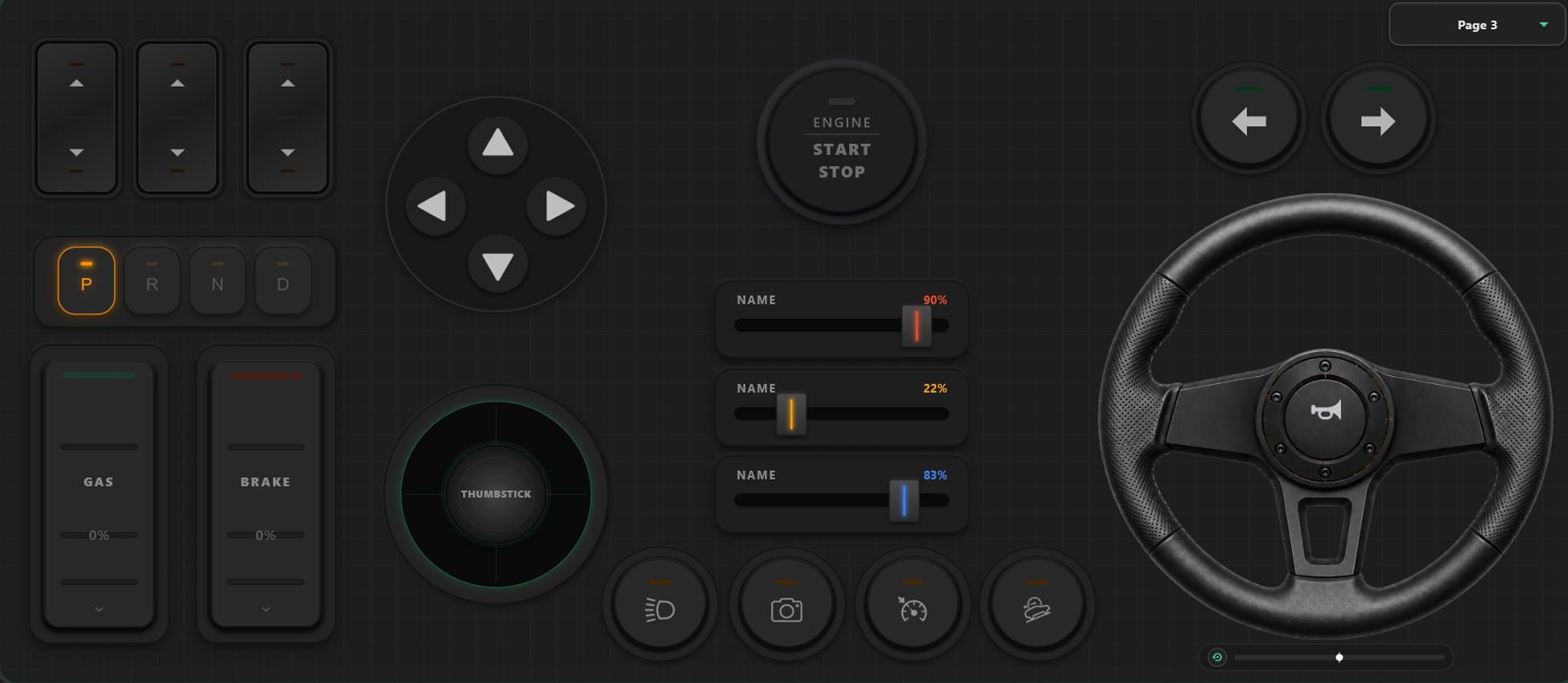
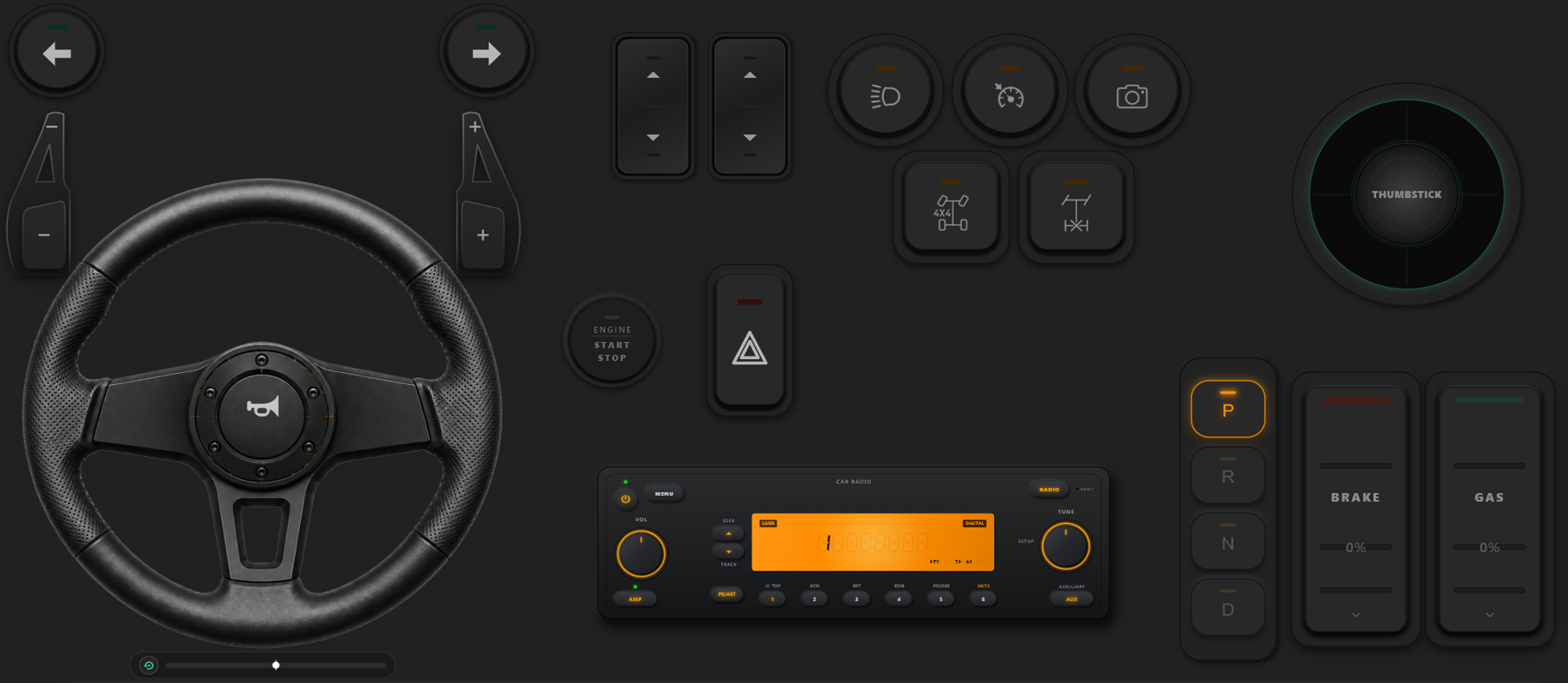
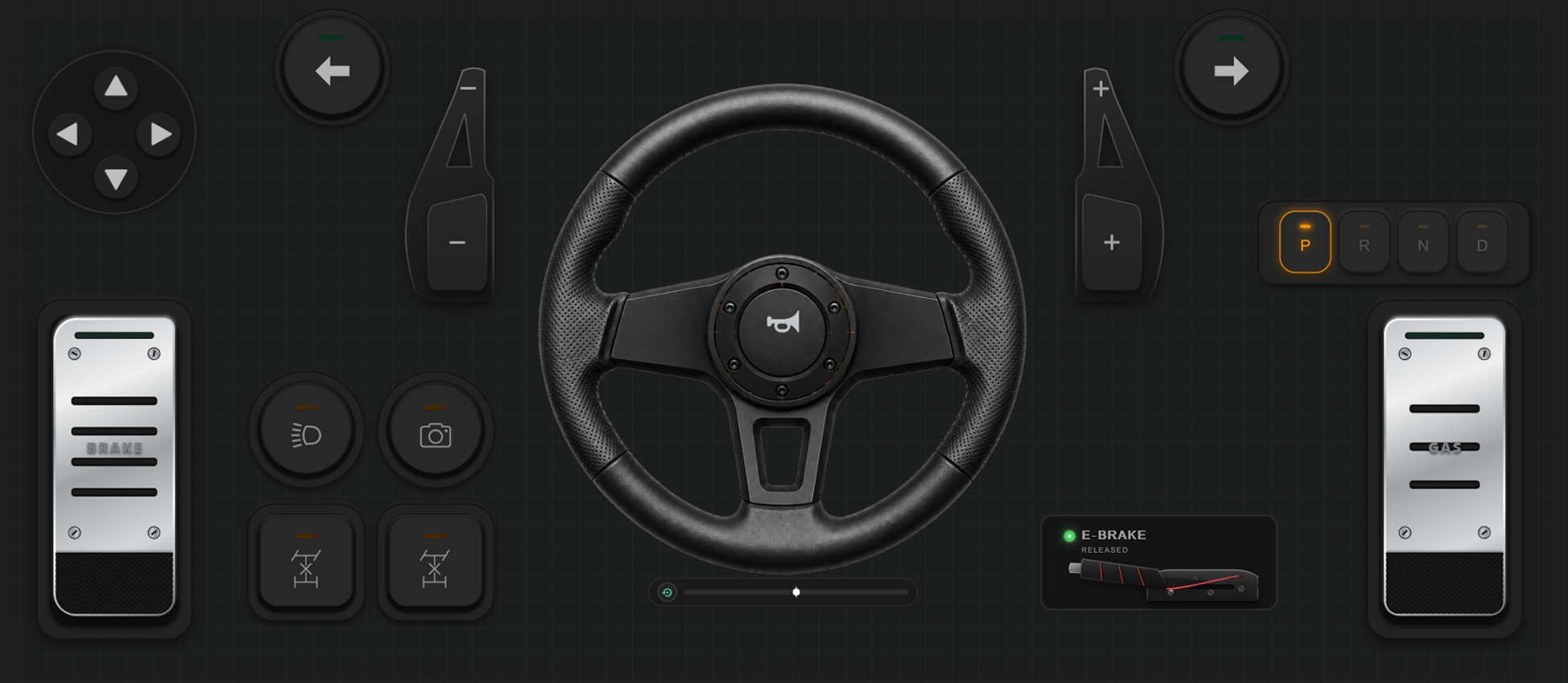
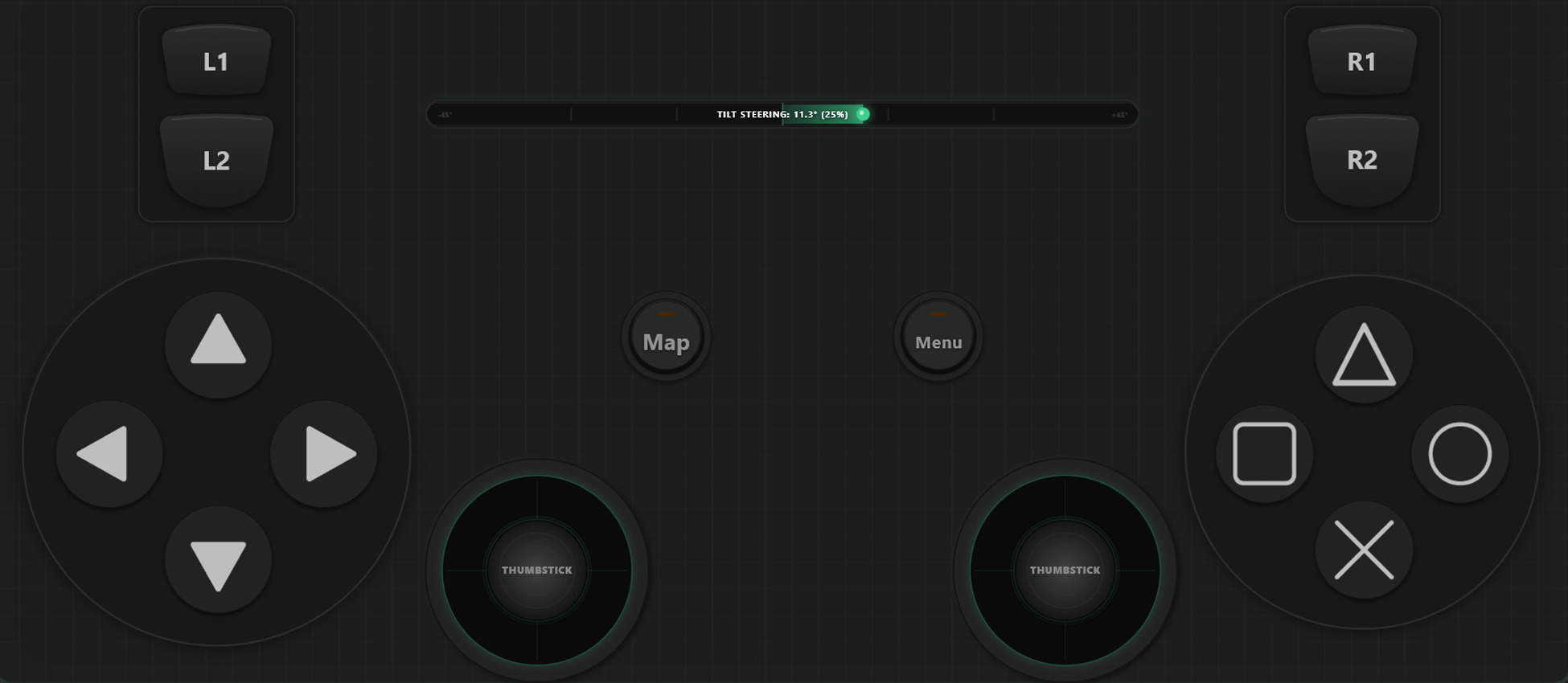
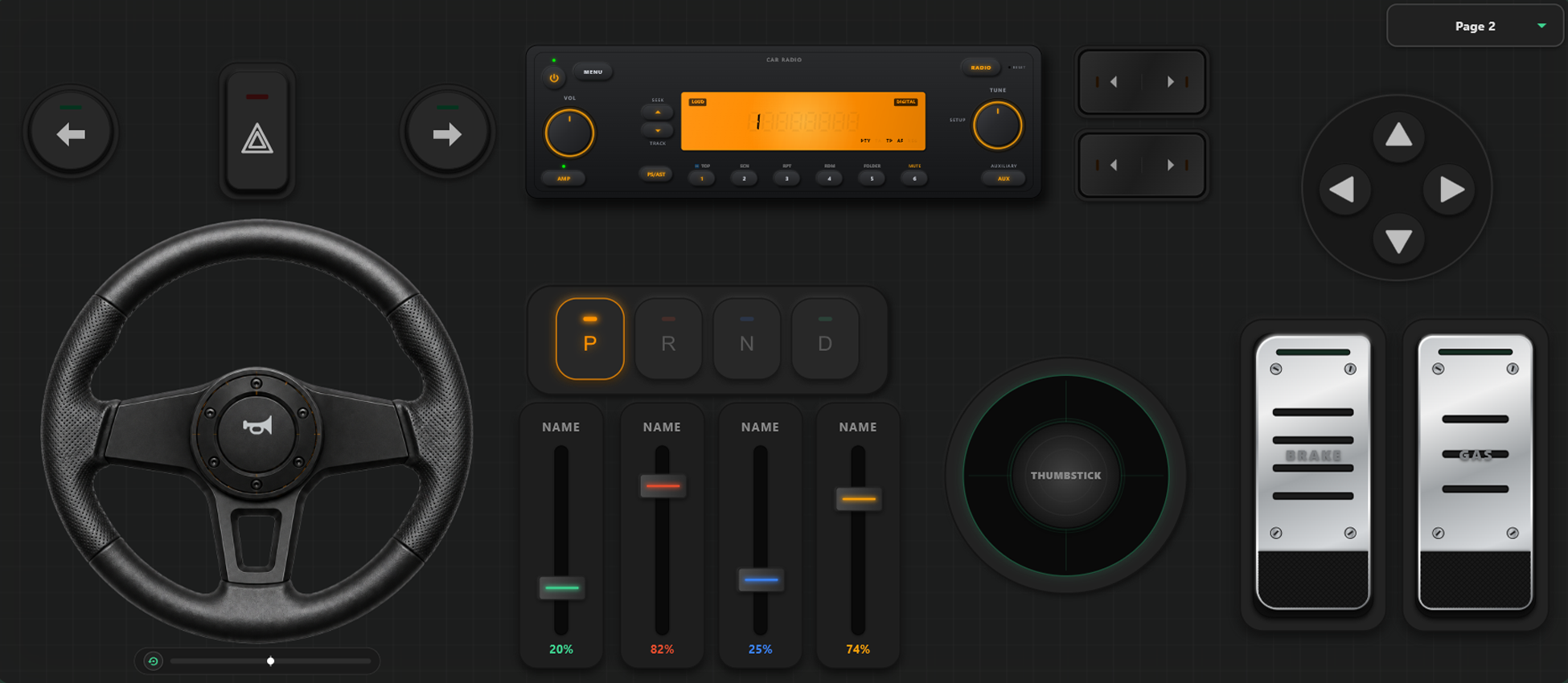
Tehokkaat Mukautustyökalut
Mukautetun Ohjaimen Rakennustyökalu
- Luo omia näppäinasetteluja ja ohjaussauvoja helposti vetämällä ja pudottamalla.
- Ei rajoituksia: lisää niin monta painiketta ja akselia kuin tarvitset.
Ota Pelisi Täyteen Hallintaan
Vaihda asetteluja lennossa suoraan pelin aikana ja säädä ohjaimet täydellisesti kilpa- tai toimintapeleihin.
Välitön Mallin Vaihto Pelin Sisällä
Tallenna useita asetteluja. GTA V:ssä voit liikkua jalkaisin yhdellä profiililla, vaihtaa rattiin autossa ja ohjaussauvaan lentokoneessa.
Akselien Kalibrointi ja Gyro-ohjauspyörä
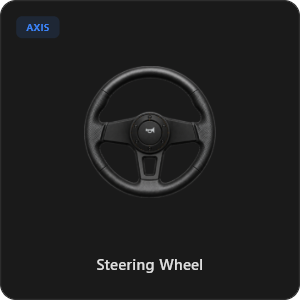
Hienosäädä jokaista ohjainsauvaa ja liipaisinta. 900 asteen virtuaaliohjauspyörä automaattisella keskityksellä tai ohjaus puhelinta kallistamalla.
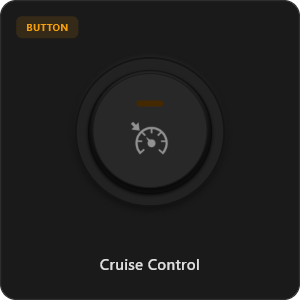
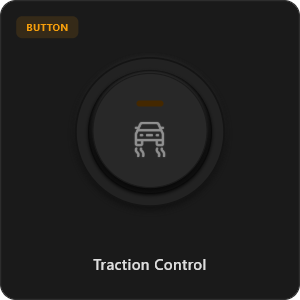
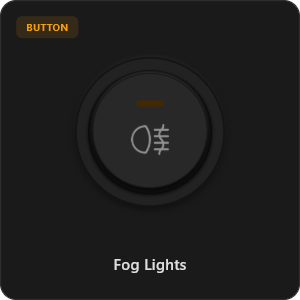
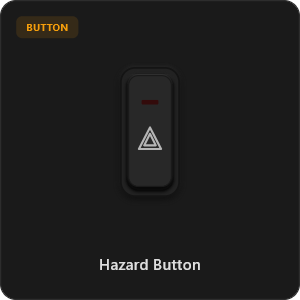
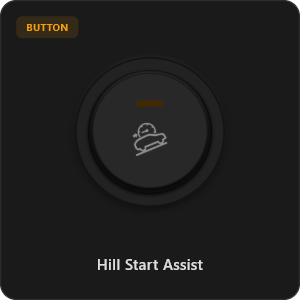
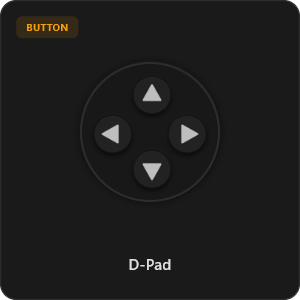
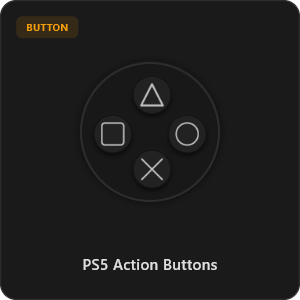
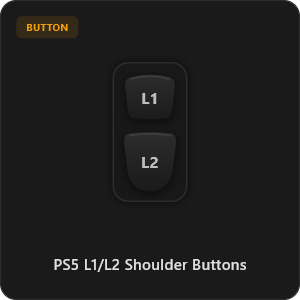
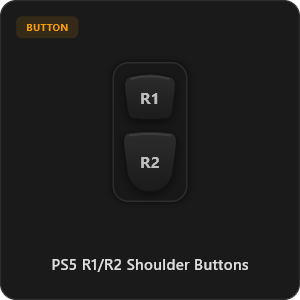
Yli 44 Valmista Ohjainkomponenttia
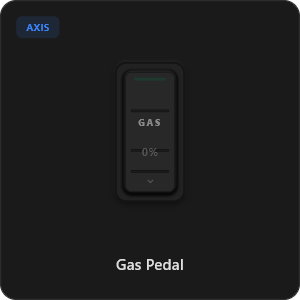
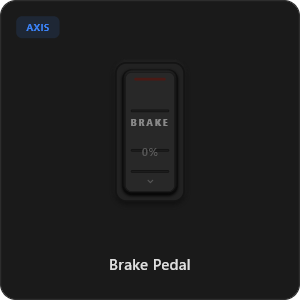
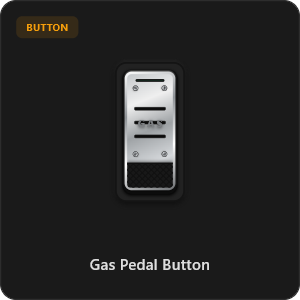
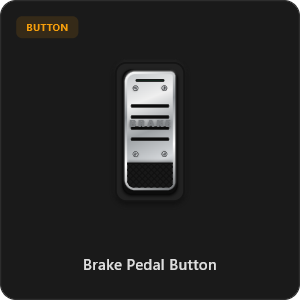
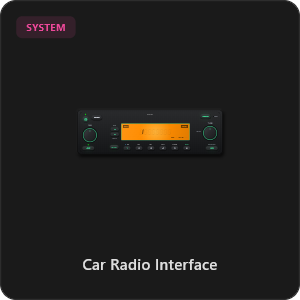
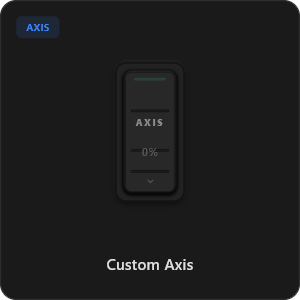
Vedä ja pudota komponentteja suoraan valikoimastamme tai mukauta jokainen painike haluamaksesi.
.png&w=3840&q=75)
.png&w=3840&q=75)
.png&w=3840&q=75)
.png&w=3840&q=75)
.png&w=3840&q=75)
.png&w=3840&q=75)
.png&w=3840&q=75)
.png&w=3840&q=75)
.png&w=3840&q=75)
.png&w=3840&q=75)
.png&w=3840&q=75)
.png&w=3840&q=75)
.png&w=3840&q=75)
Toimii minkä tahansa pelin kanssa








Suunniteltu Tosipelaajille
Koe huippunopea vaste, joka vastaa fyysistä USB-kaapeliyhteyttä.
100% Wireless Play
Turn your iOS or Android device into a PC game controller over Wi-Fi. Enjoy high-responsiveness with completely wire-free gameplay.
Drag & Drop Builder
Customize your own buttons, switches, and axes. Add as many controls to your custom templates as you want—there is no limit.
In-Game Template Switcher
Save multiple templates and switch on the fly. Create specific layouts for walking, driving, or flying in games like GTA.
Precision Axis Settings
Fine-tune every joystick and axis independently. Adjust linearity, sensitivity, and deadzones to match your driving or aiming style.
900° Steering & Gyro
Race with a virtual steering wheel featuring 900° rotation and auto-centering, or steer using your phone's internal gyroscope.
Ultra Low Latency
UDP-based network transmission ensures response times under 8ms over Wi-Fi, mirroring a physical USB hardware connection.
Käyttöönotto Muutamassa Minuutissa
Katso helppo opasvideomme ja muuta älypuhelimesi viiveettömäksi PC-ohjaimeksi heti.
Aloita 3 Helpolla Askeleella
Ei monimutkaisia ajureita. Valmis pelaamiseen alle 2 minuutissa.
Download PC Receiver
Download the lightweight RojX Receiver app onto your Windows PC to configure the virtual controller drivers in a single click.
Get the Mobile App
Install the RojX controller app on your Android or iOS device from Google Play or Apple App Store.
Connect & Play
Connect both devices to the same local Wi-Fi or via USB cable, launch your PC game, and start playing.
Lataa RojX Ohjain & PC-Vastaanotin
Hanki ilmainen mobiilisovellus ja Windows-ohjelmisto aloittaaksesi pelaamisen.
Windows PC Host Receiver
Required host client to bridge virtual inputs with Windows Xbox controller APIs.

Android Controller App
Full mobile controller app for Android with touch controls, gyro, and custom skins.
iOS Controller App
Mobile controller app for iPhone and iPad with native Apple motion sensors.

Usein Kysytyt Kysymykset
Vastauksia yleisimpiin kysymyksiin virtuaaliohjaimesta ja pienestä viiveestä.