
گوشی خود را تبدیل کنید بهدسته بازی حرفهای برای کامپیوتر


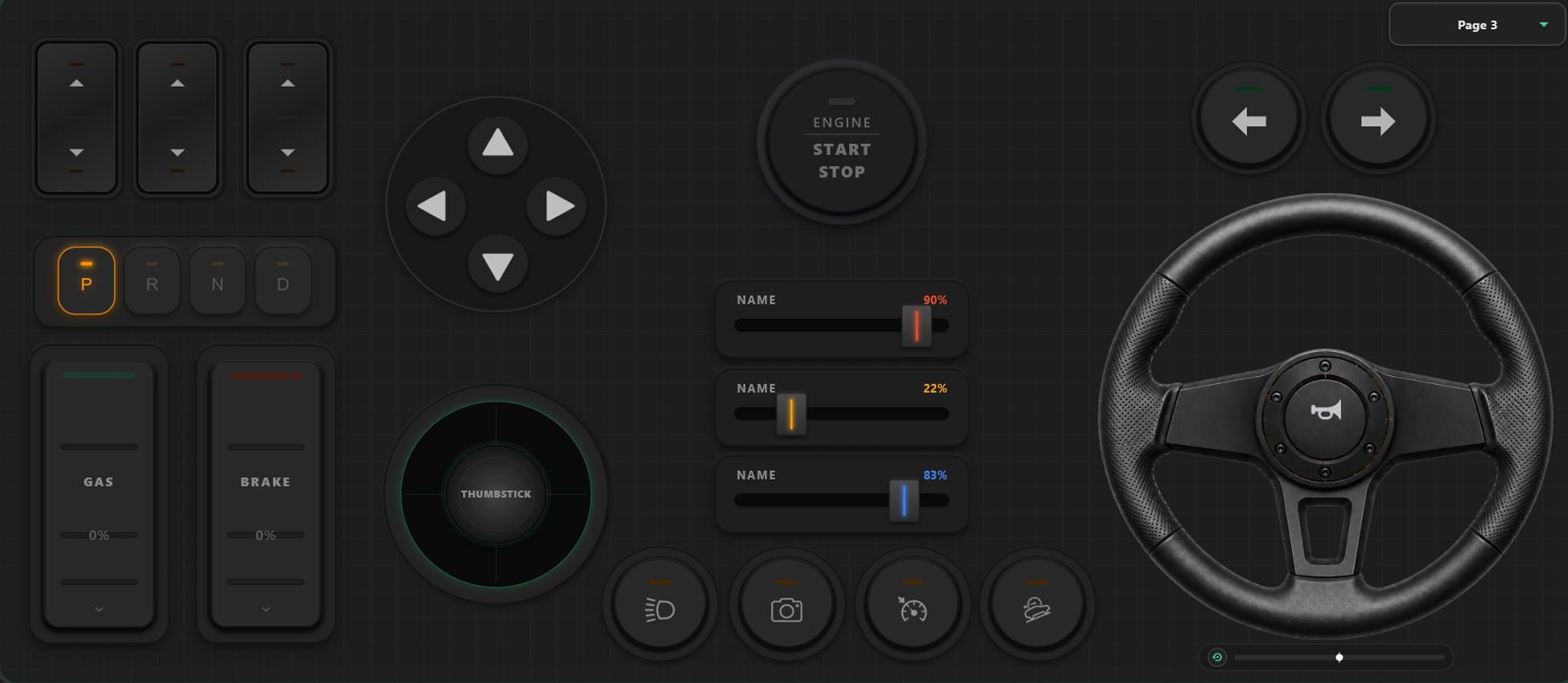
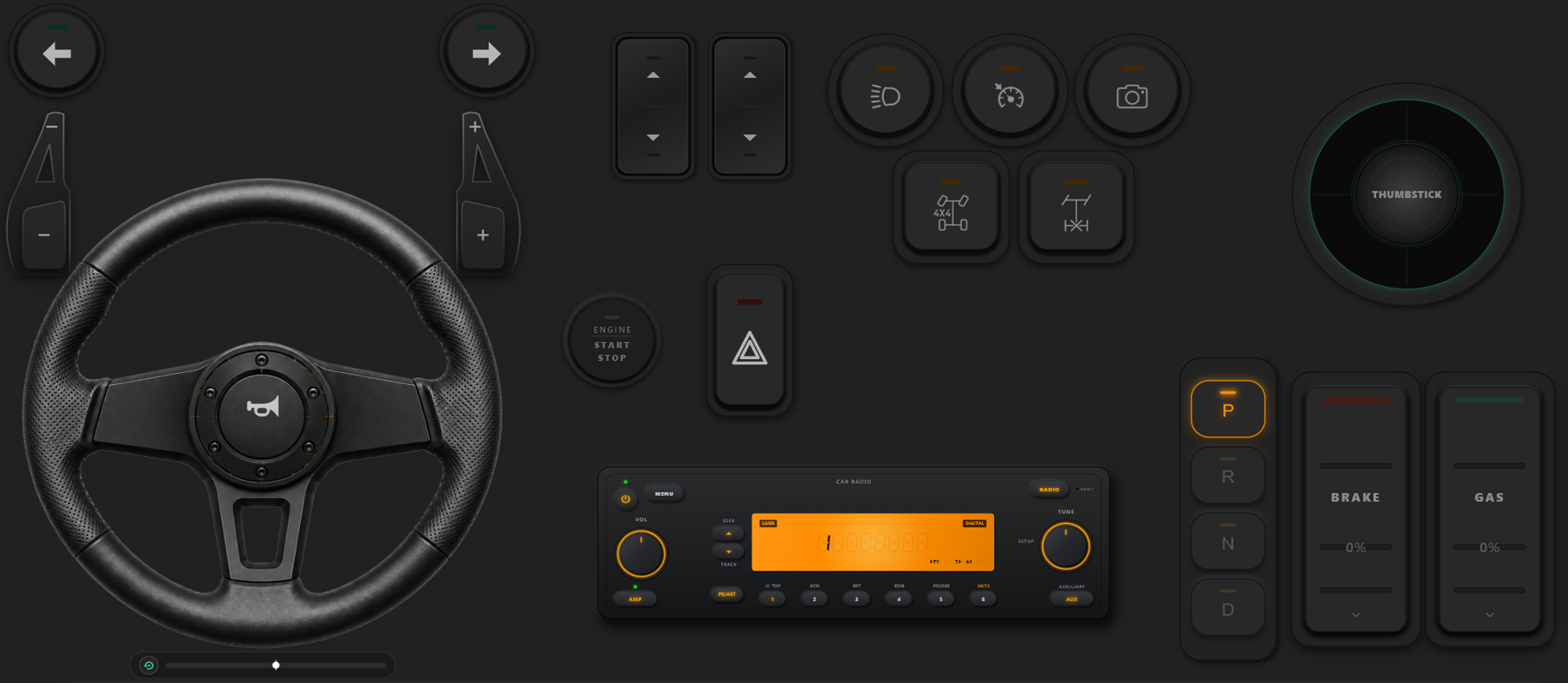
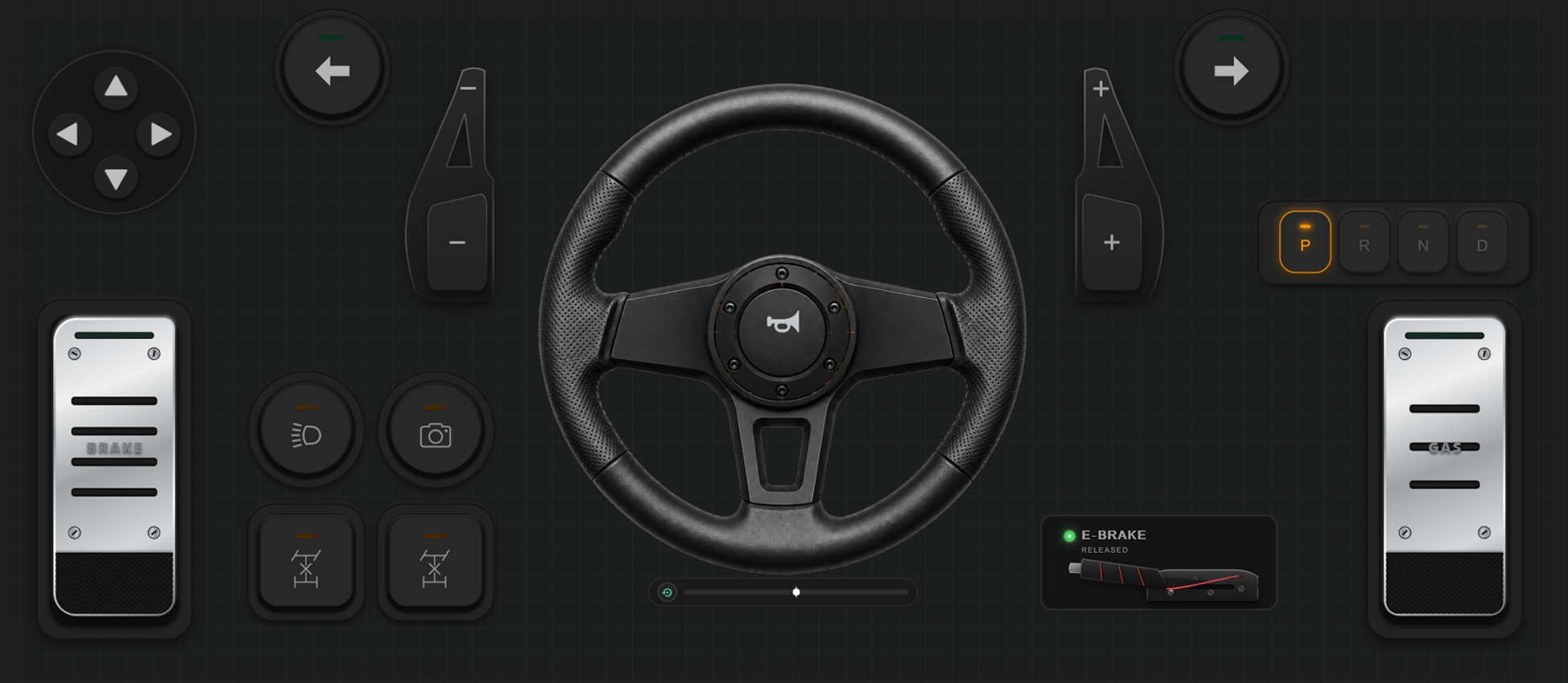
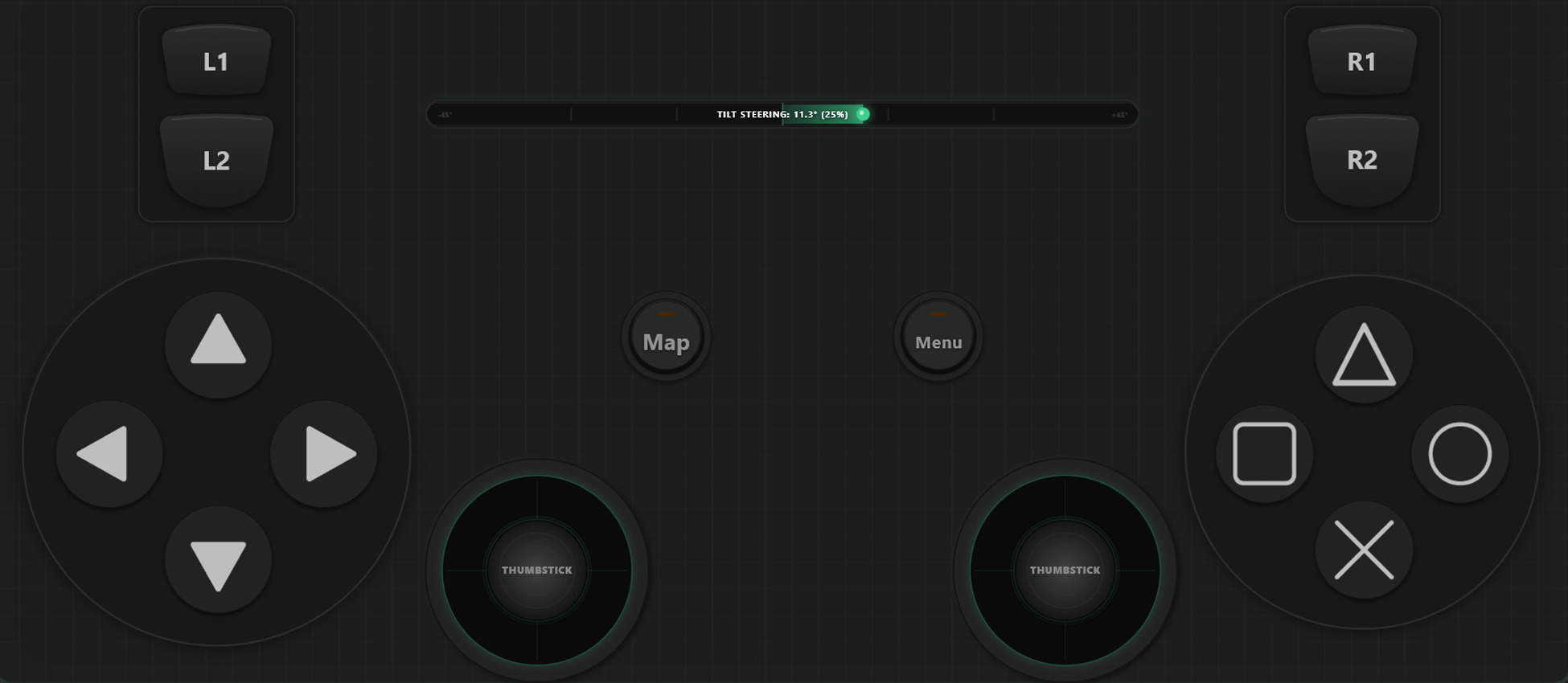
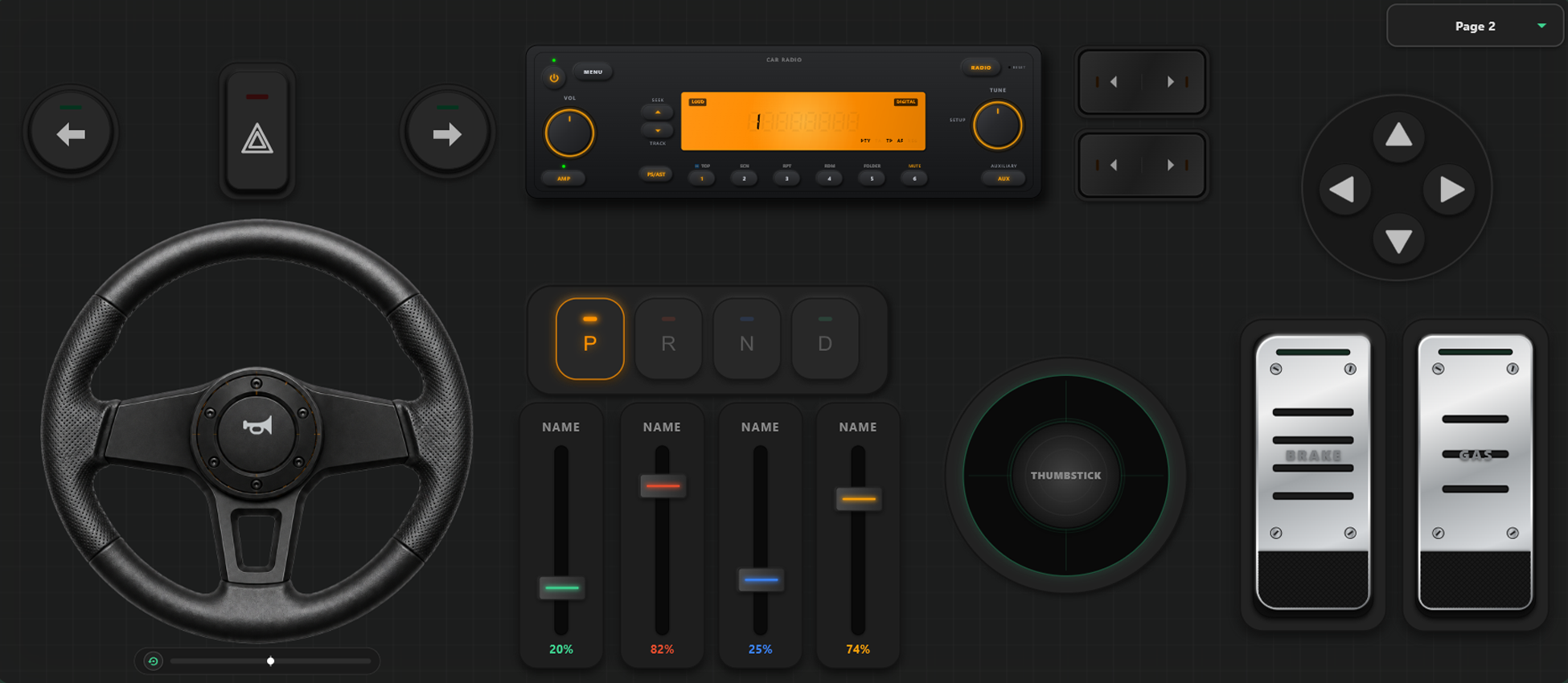
ابزارهای شخصیسازی قدرتمند
سازنده دسته بازی با کشیدن و رها کردن (Drag & Drop)
- کاربر میتواند قالب، دکمهها و محورهای کنترلی سفارشی را به سادگی با کشیدن و رها کردن بسازد.
- هیچ محدودیتی برای افزودن دکمهها و محورها وجود ندارد؛ هر تعداد که نیاز دارید اضافه کنید.
کنترل کامل بازی خود را به دست بگیرید
قدرت شخصیسازی بیپایان. در حین بازی بدون توقف چینش کنترلها را عوض کنید و دکمهها را برای مسابقه یا نبرد دقیقاً کالیبره نمایید.
تغییر آنی قالبها در جریان بازی
چندین قالب مختلف بسازید و ذخیره کنید تا در لحظه جابهجا شوید. در بازیهایی مثل GTA V، پیاده با چینش مناسب راه بروید، هنگام سوار شدن به ماشین به فرمان تبدیلش کنید و در هواپیما سکان پرواز را در دست بگیرید.
کالیبراسیون محورها و فرمان ژیروسکوپ
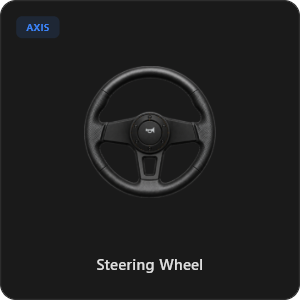
تمام ورودیهای جویاستیک، ماشهها و فرمان را با حداکثر دقت تنظیم کنید. خطیبودن، حساسیت و ناحیه مرده (Deadzone) را کالیبره کنید. فرمان مجازی ۹۰۰ درجه با قابلیت بازگشت به مرکز یا چرخش گوشی با ژیروسکوپ.
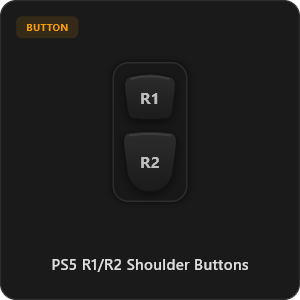
بیش از ۴۴ کنترل آماده
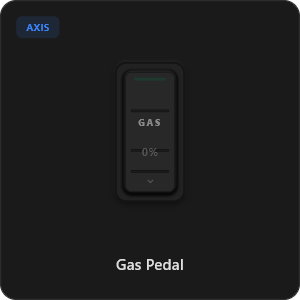
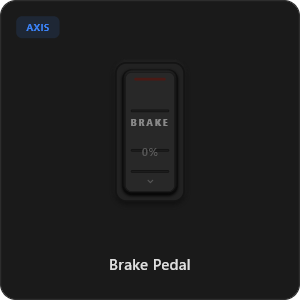
مستقیماً از کتابخانه رو به رشد ما کنترلها را بکشید و رها کنید، یا هر دکمه، کلید و محوری را شخصیسازی کنید.
.png&w=3840&q=75)
.png&w=3840&q=75)
.png&w=3840&q=75)
.png&w=3840&q=75)
.png&w=3840&q=75)
.png&w=3840&q=75)
.png&w=3840&q=75)
.png&w=3840&q=75)
.png&w=3840&q=75)
.png&w=3840&q=75)
.png&w=3840&q=75)
.png&w=3840&q=75)
.png&w=3840&q=75)
کار با هر نوع بازی








مهندسیشده برای گیمرهای حرفهای
پاسخدهی فوقالعاده سریع را تجربه کنید. RojX از پایه به گونهای ساخته شده تا با سرعت اتصال سیمی USB برابری کند.
100% Wireless Play
Turn your iOS or Android device into a PC game controller over Wi-Fi. Enjoy high-responsiveness with completely wire-free gameplay.
Drag & Drop Builder
Customize your own buttons, switches, and axes. Add as many controls to your custom templates as you want—there is no limit.
In-Game Template Switcher
Save multiple templates and switch on the fly. Create specific layouts for walking, driving, or flying in games like GTA.
Precision Axis Settings
Fine-tune every joystick and axis independently. Adjust linearity, sensitivity, and deadzones to match your driving or aiming style.
900° Steering & Gyro
Race with a virtual steering wheel featuring 900° rotation and auto-centering, or steer using your phone's internal gyroscope.
Ultra Low Latency
UDP-based network transmission ensures response times under 8ms over Wi-Fi, mirroring a physical USB hardware connection.
راهاندازی در چند دقیقه
ویدیوی راهنمای گامبهگام ما را ببینید و کشف کنید چقدر آسان گوشی شما بدون هیچ تاخیری به یک کنترلر قدرتمند PC تبدیل میشود.
شروع بازی در ۳ مرحله ساده
بدون نیاز به درایورهای پیچیده یا مراحل سخت. در کمتر از ۲ دقیقه آماده بازی شوید.
دانلود برنامه کامپیوتر
Download the lightweight RojX Receiver app onto your Windows PC to configure the virtual controller drivers in a single click.
Get the Mobile App
Install the RojX controller app on your Android or iOS device from Google Play or Apple App Store.
Connect & Play
Connect both devices to the same local Wi-Fi or via USB cable, launch your PC game, and start playing.
دانلود کنترلر و گیرنده کامپیوتر RojX
اپلیکیشن رایگان موبایل و نرمافزار هاست کامپیوتر را دریافت کنید و همین حالا بازی را شروع کنید.
Windows PC Host Receiver
Required host client to bridge virtual inputs with Windows Xbox controller APIs.

Android Controller App
Full mobile controller app for Android with touch controls, gyro, and custom skins.

iOS Controller App
Mobile controller app for iPhone and iPad with native Apple motion sensors.

سوالات متداول
پاسخ به پرتکرارترین سوالات درباره کنترلر مجازی و راهاندازی بدون تاخیر.