
Verwandle Dein Smartphone in einenPC Gaming Controller


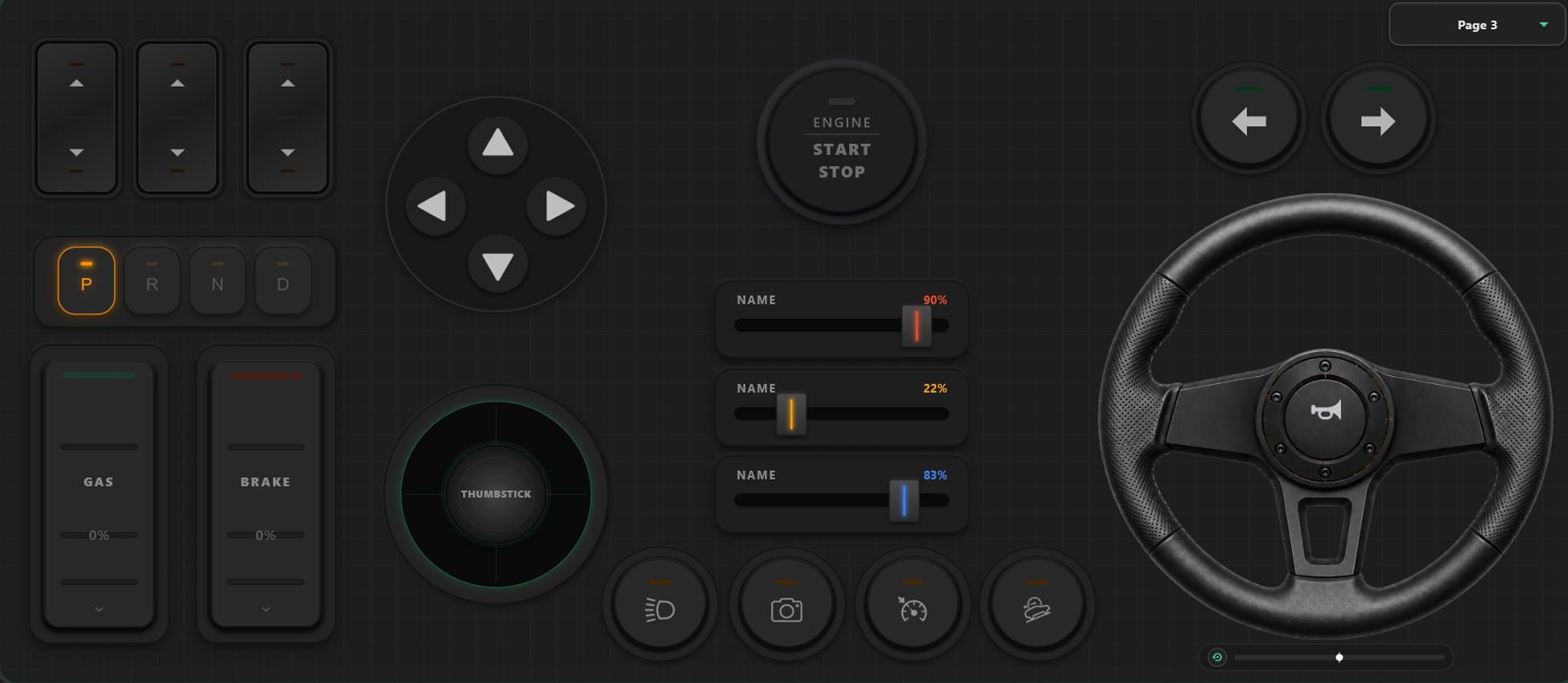
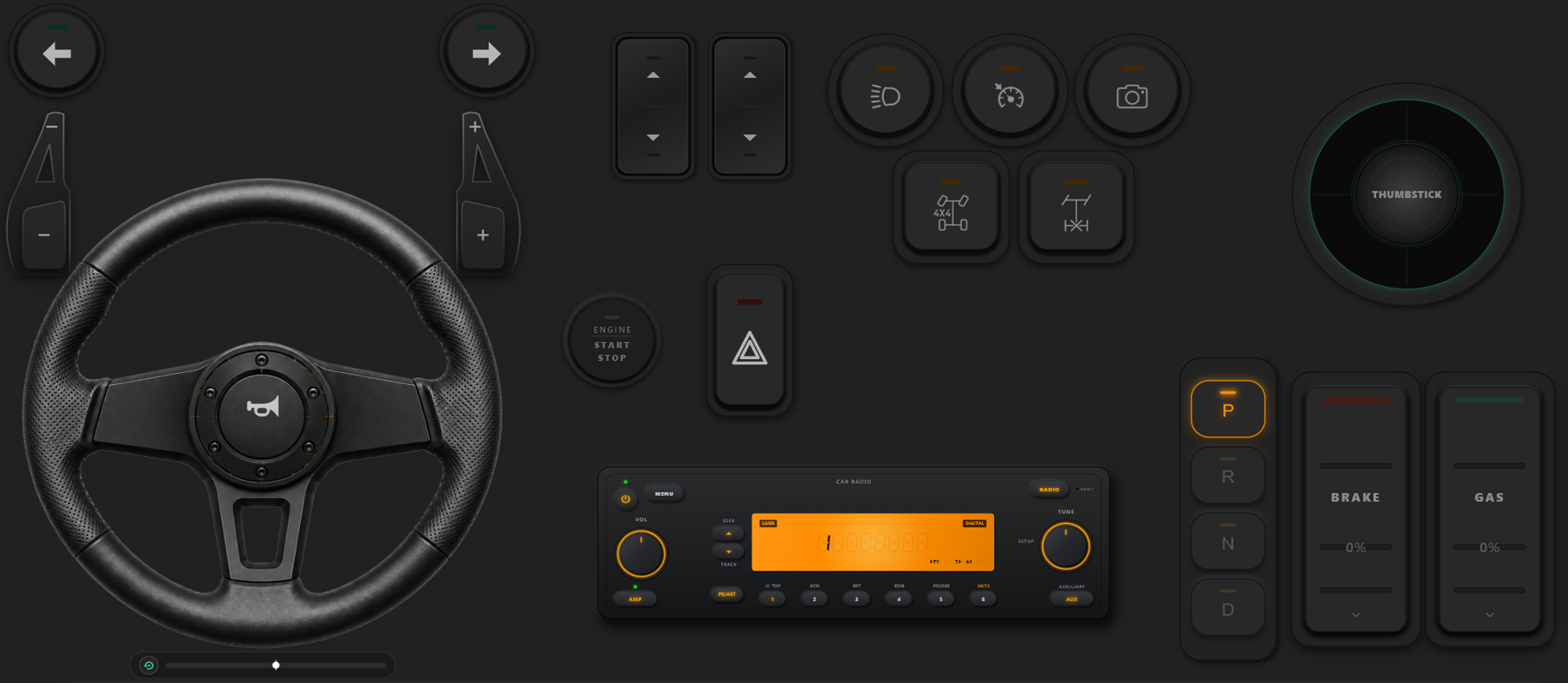
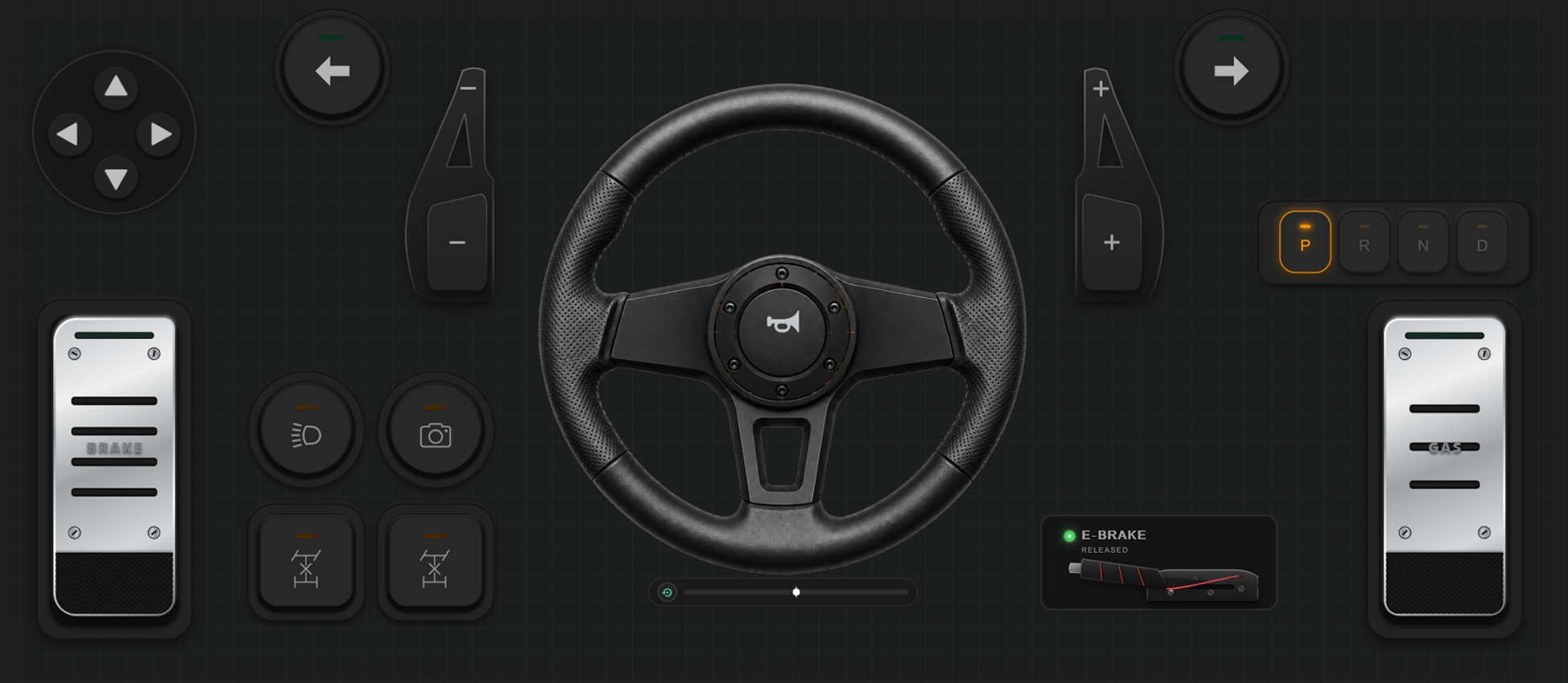
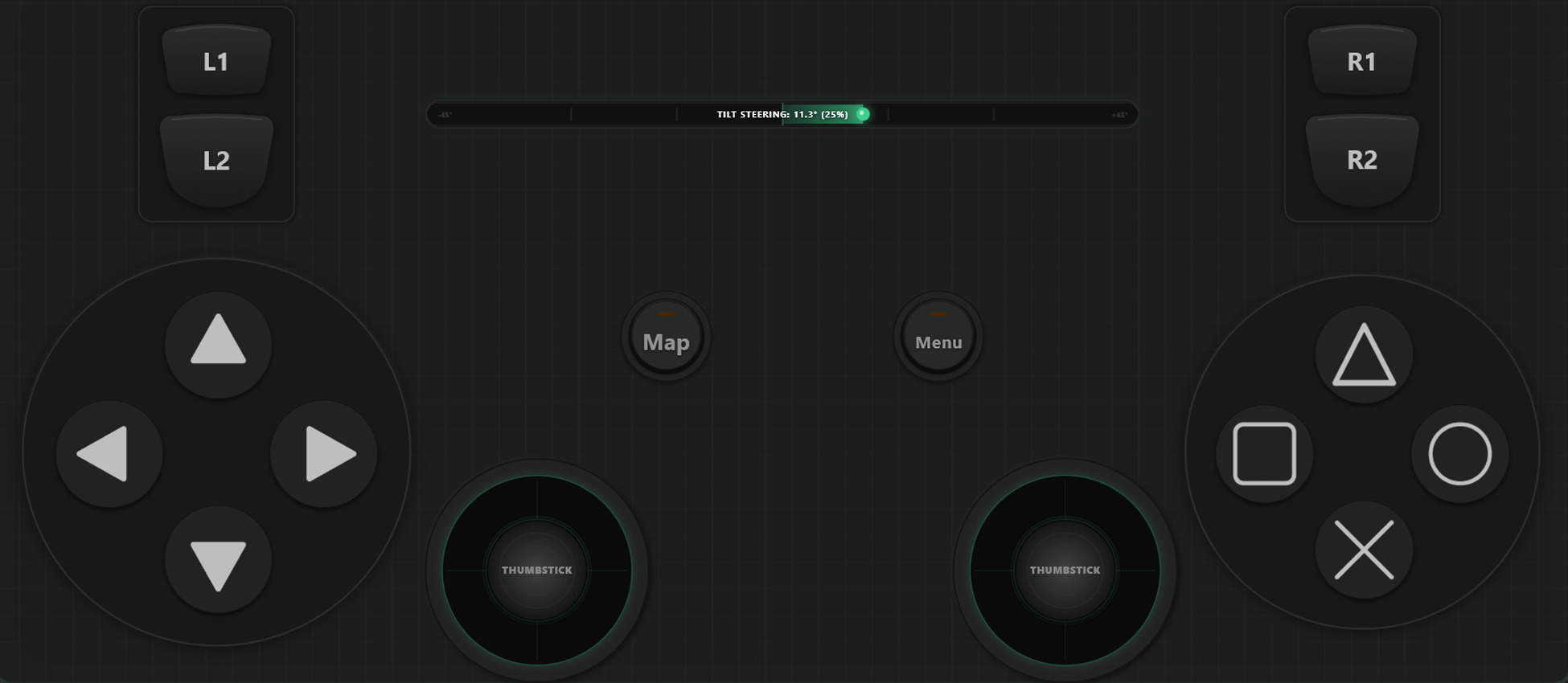
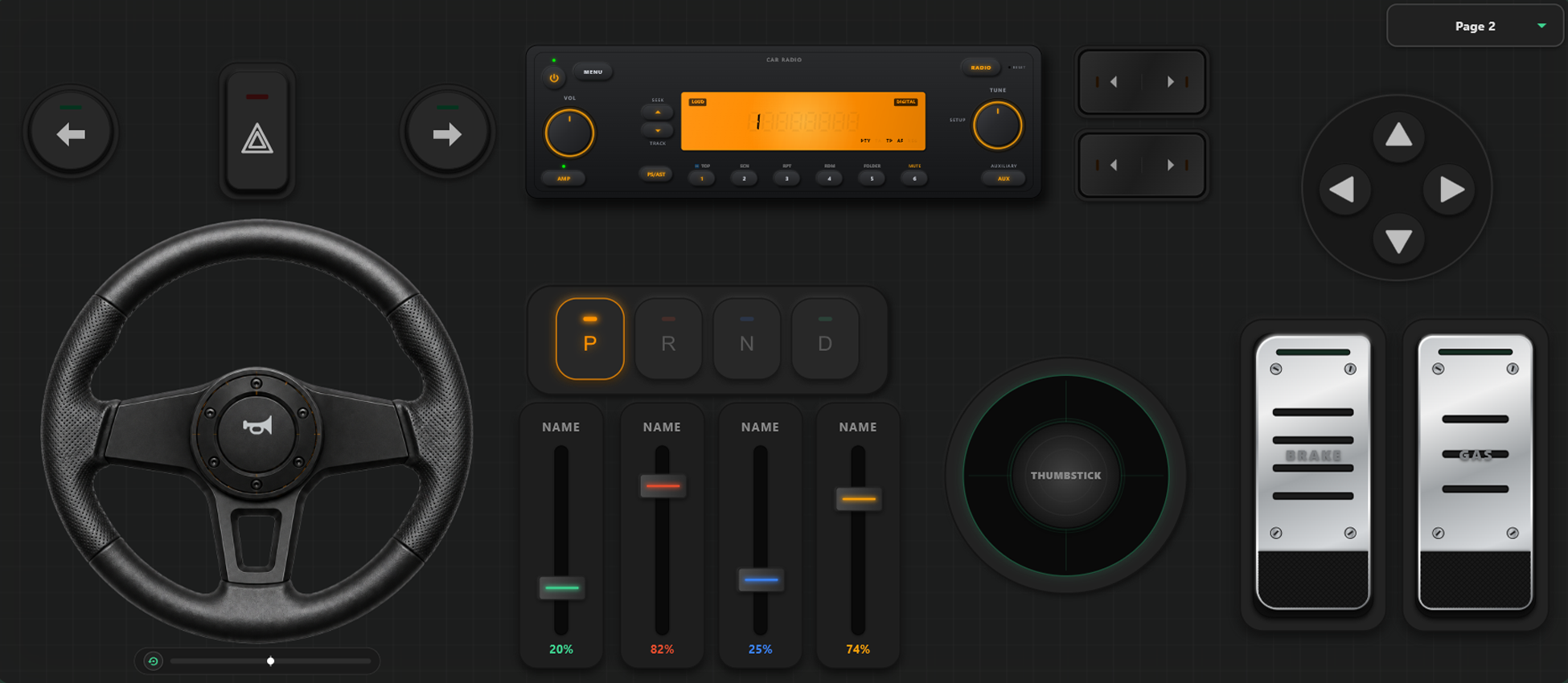
Mächtige Anpassungswerkzeuge
Benutzerdefinierter Controller-Builder
- Erstelle eigene Vorlagen, Tasten und Achsen-Controller ganz einfach per Drag & Drop.
- Keine Limits für Buttons und Achsen – füge so viele hinzu, wie du für dein Spiel brauchst.
Volle Kontrolle über Dein Spiel
Entfessle maximale Anpassungsfreiheit. Wechsle Layouts direkt im Spiel und kalibriere die Achsen perfekt für Racing oder Action.
Sofortiger Vorlagenwechsel im Spiel
Erstelle und speichere mehrere Layouts. In Spielen wie GTA V kannst du zu Fuß laufen, beim Einsteigen ins Auto zum Lenkrad wechseln und im Flugzeug den Flugstick nutzen.
Achsenkalibrierung & Gyro-Lenkrad
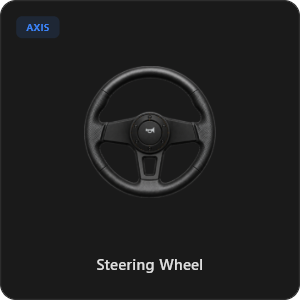
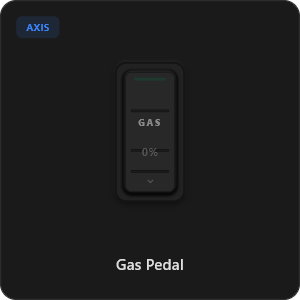
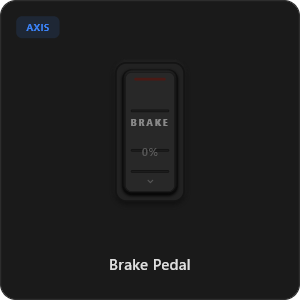
Justiere jeden Joystick, Trigger und jedes Rad auf absolute Präzision. Kalibriere Linearität, Empfindlichkeit und Deadzone. Nutze 900-Grad-Lenkung mit Auto-Zentrierung.
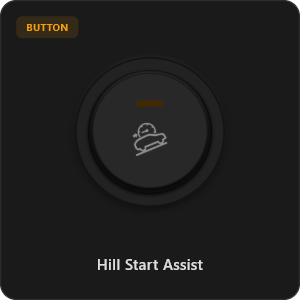
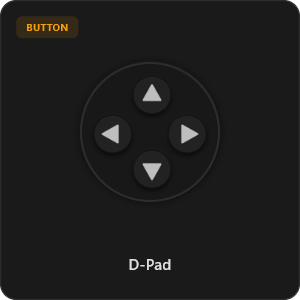
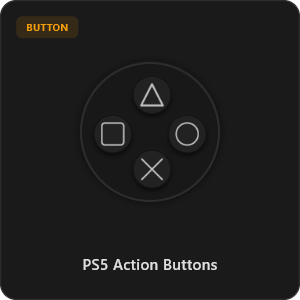
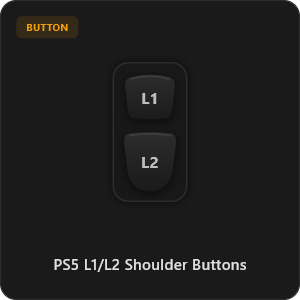
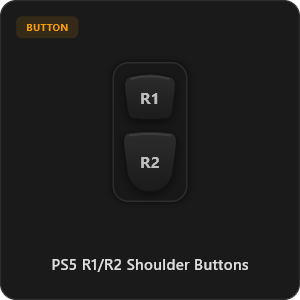
Über 44 Vorkonfigurierte Elemente
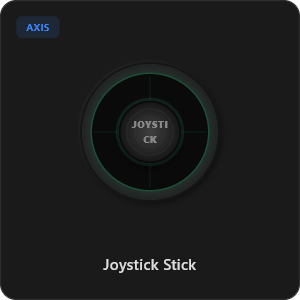
Ziehe Elemente direkt aus unserer Bibliothek oder passe jeden Knopf, Schalter und jede Achse individuell an.
.png&w=3840&q=75)
.png&w=3840&q=75)
.png&w=3840&q=75)
.png&w=3840&q=75)
.png&w=3840&q=75)
.png&w=3840&q=75)
.png&w=3840&q=75)
.png&w=3840&q=75)
.png&w=3840&q=75)
.png&w=3840&q=75)
.png&w=3840&q=75)
.png&w=3840&q=75)
.png&w=3840&q=75)
Funktioniert mit allen Spielen








Entwickelt für Anspruchsvolles Gaming
Erlebe extrem reaktionsschnelles Gameplay. RojX wurde von Grund auf für Kabel-ähnliche USB-Performance entwickelt.
100% Wireless Play
Turn your iOS or Android device into a PC game controller over Wi-Fi. Enjoy high-responsiveness with completely wire-free gameplay.
Drag & Drop Builder
Customize your own buttons, switches, and axes. Add as many controls to your custom templates as you want—there is no limit.
In-Game Template Switcher
Save multiple templates and switch on the fly. Create specific layouts for walking, driving, or flying in games like GTA.
Precision Axis Settings
Fine-tune every joystick and axis independently. Adjust linearity, sensitivity, and deadzones to match your driving or aiming style.
900° Steering & Gyro
Race with a virtual steering wheel featuring 900° rotation and auto-centering, or steer using your phone's internal gyroscope.
Ultra Low Latency
UDP-based network transmission ensures response times under 8ms over Wi-Fi, mirroring a physical USB hardware connection.
Setup in wenigen Minuten meistern
Schau dir unsere Schritt-für-Schritt-Anleitung an und erlebe latenzfreies PC-Gaming mit deinem Smartphone.
In 3 einfachen Schritten loslegen
Keine komplizierten Treiber. In unter 2 Minuten spielbereit.
Download PC Receiver
Download the lightweight RojX Receiver app onto your Windows PC to configure the virtual controller drivers in a single click.
Get the Mobile App
Install the RojX controller app on your Android or iOS device from Google Play or Apple App Store.
Connect & Play
Connect both devices to the same local Wi-Fi or via USB cable, launch your PC game, and start playing.
RojX Controller & PC Receiver herunterladen
Hole dir die kostenlose App und den Windows-Host, um sofort loszulegen.
Windows PC Host Receiver
Required host client to bridge virtual inputs with Windows Xbox controller APIs.

Android Controller App
Full mobile controller app for Android with touch controls, gyro, and custom skins.

iOS Controller App
Mobile controller app for iPhone and iPad with native Apple motion sensors.

Häufig Gestellte Fragen
Antworten auf die wichtigsten Fragen zu virtuellen Controllern und geringer Latenz.