
Proměňte telefon vOvladač pro PC hry


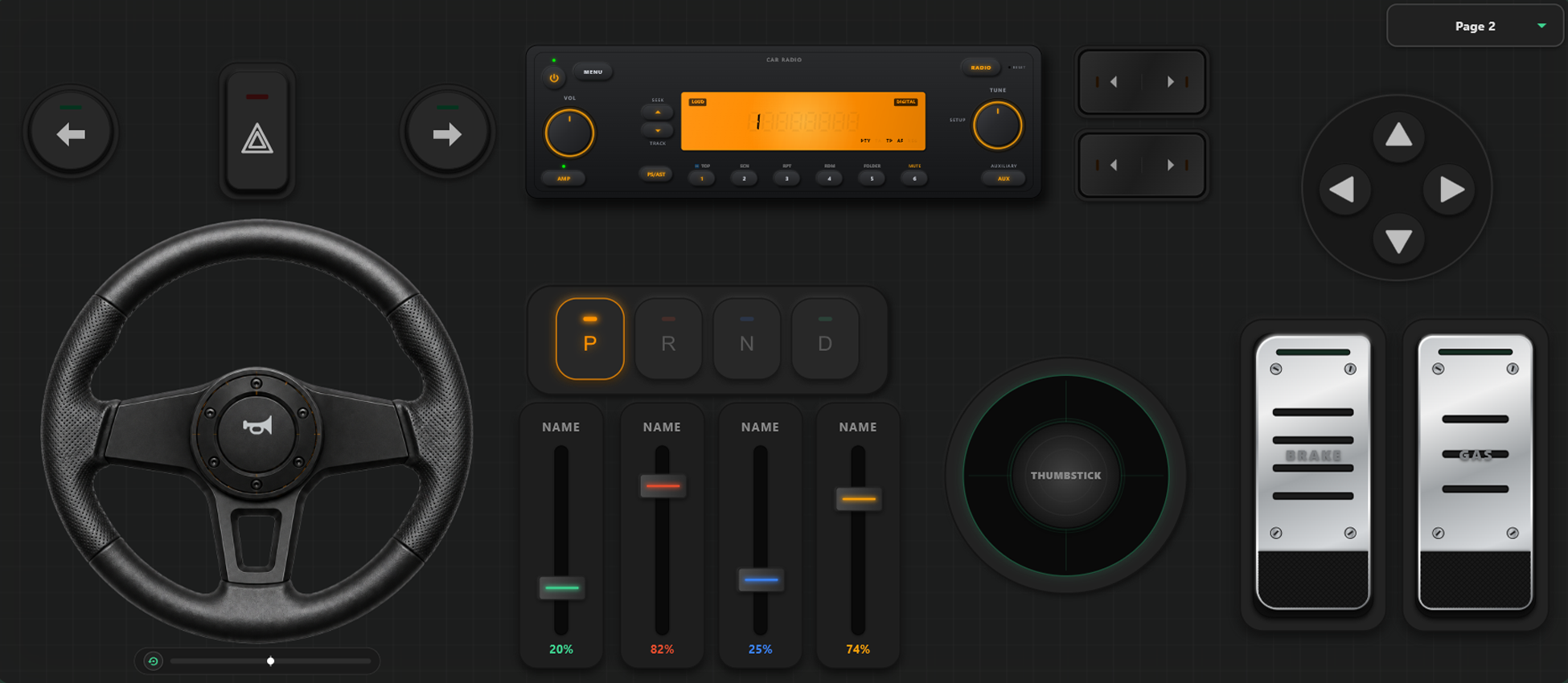
Výkonné Nástroje Přizpůsobení
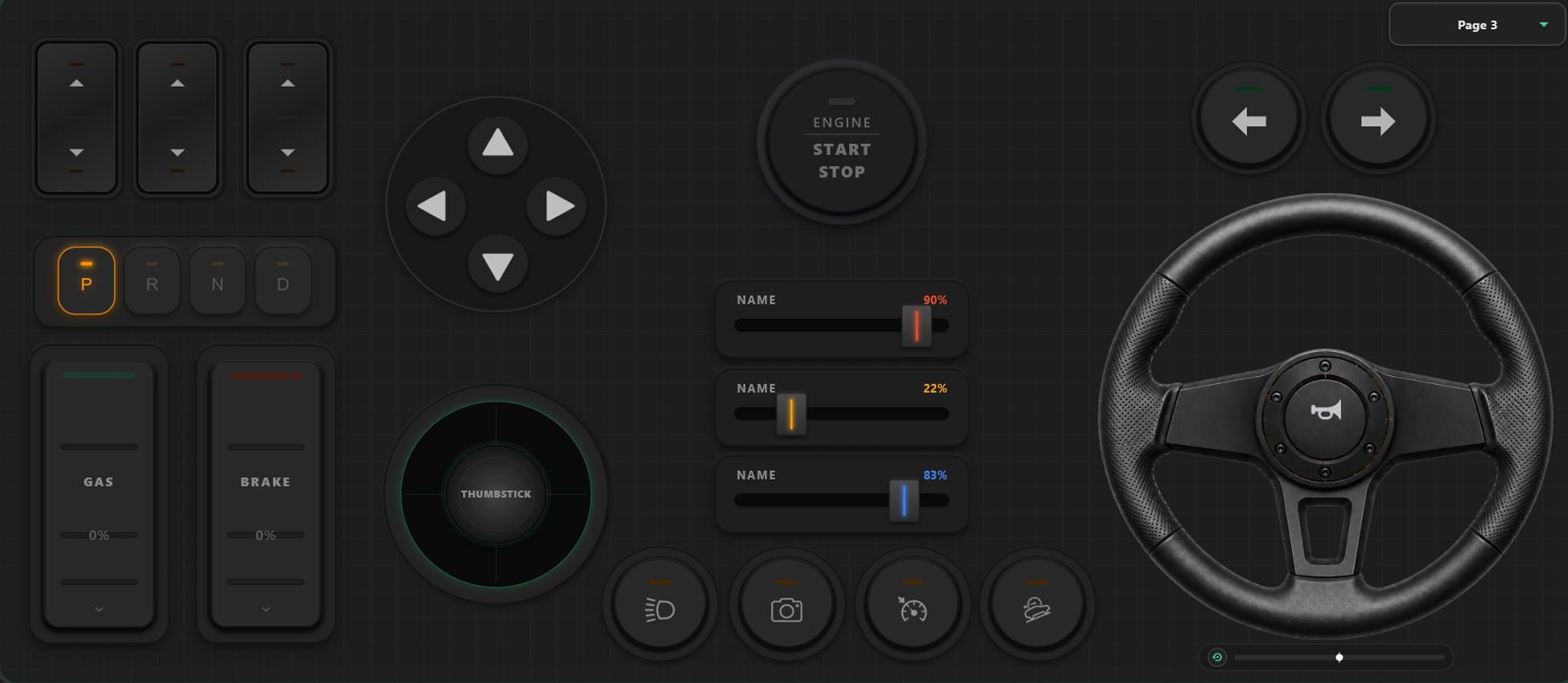
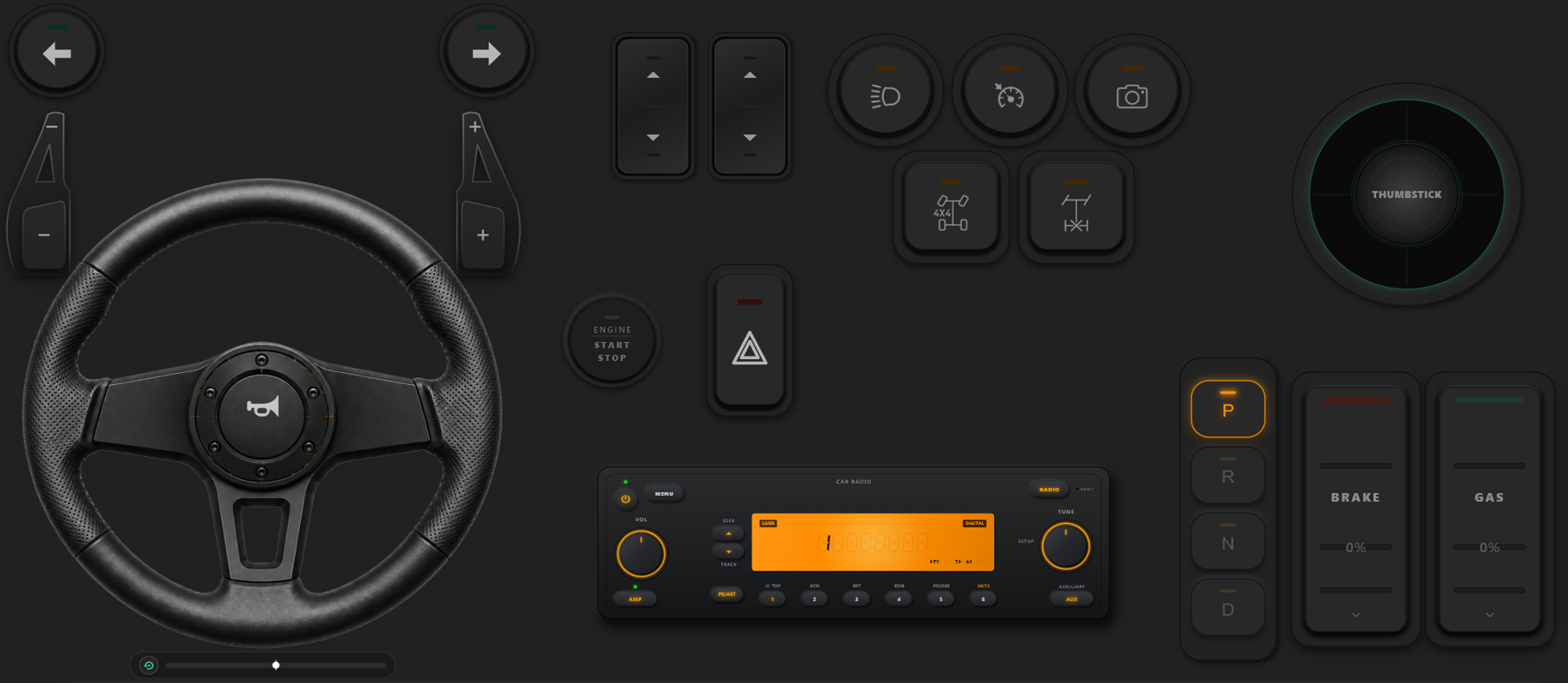
Vizuální editor ovladače
- Vytvářejte vlastní šablony, tlačítka a osy jednoduše přetažením prvků.
- Žádné limity: přidejte tolik tlačítek a os, kolik pro svou hru potřebujete.
Získejte Plnou Kontrolu nad Hrou
Měňte rozvržení tlačítek přímo během hraní a kalibrujte ovládání pro závody nebo akční hry.
Okamžité Přepínání Šablon ve Hře
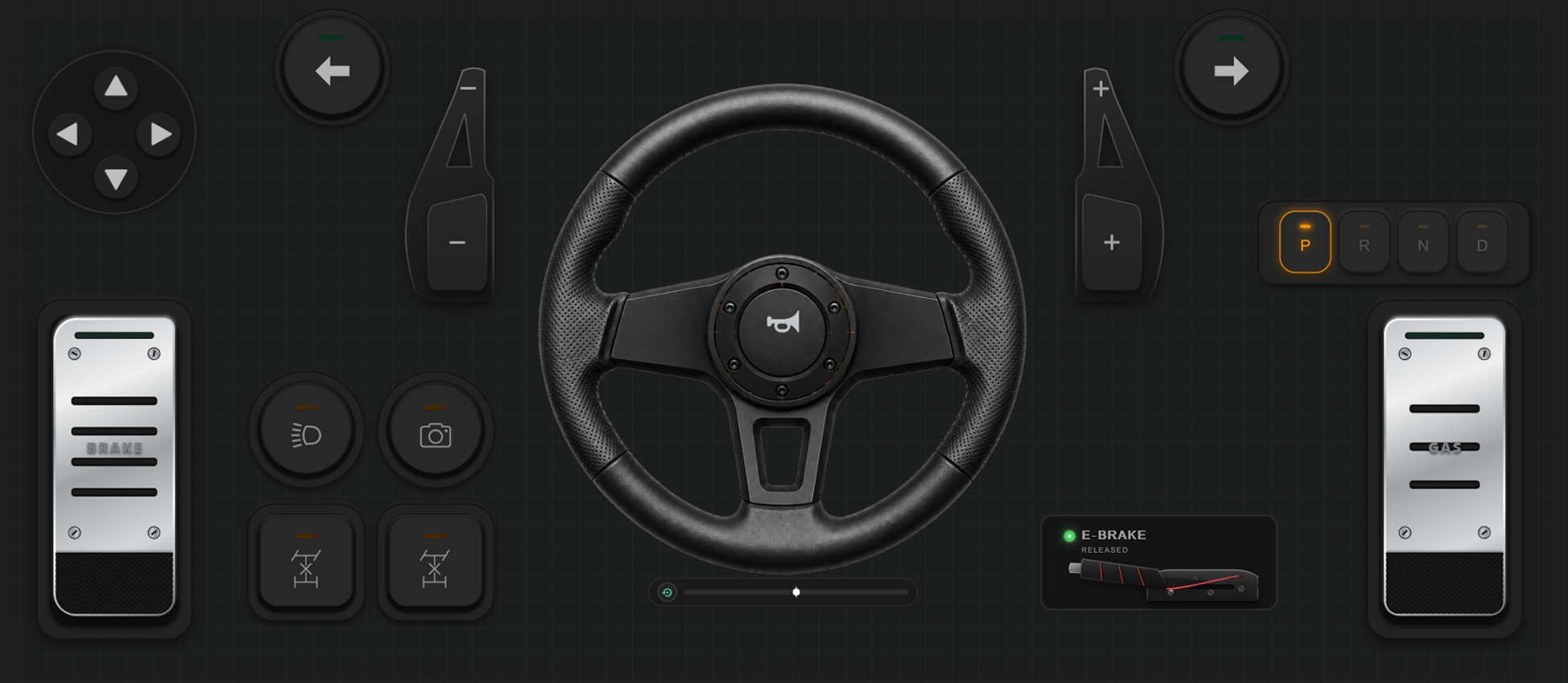
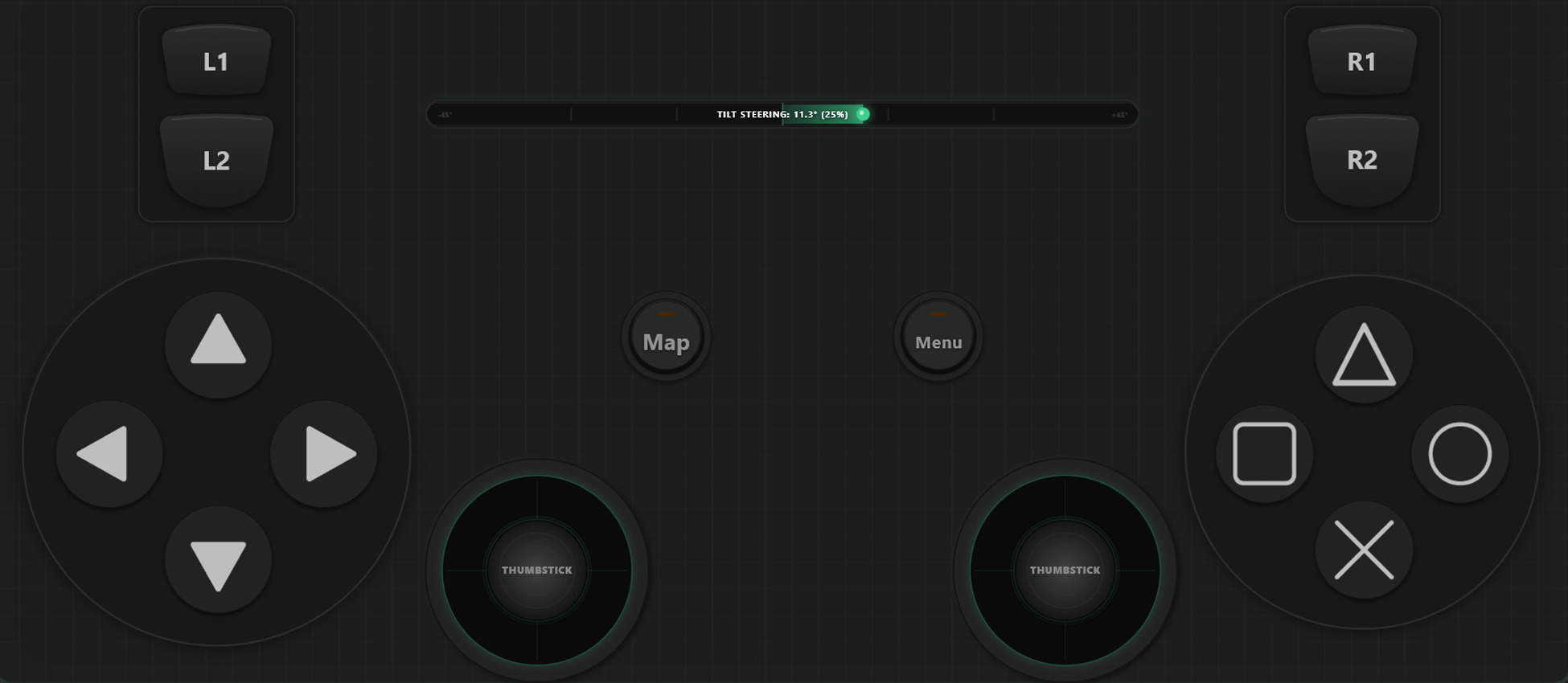
Ukládejte různé profily. V GTA V můžete chodit pěšky s jedním rozvržením, v autě přepnout na volant a v letadle na letecký joystick.
Kalibrace Os a Gyroskopický Volant
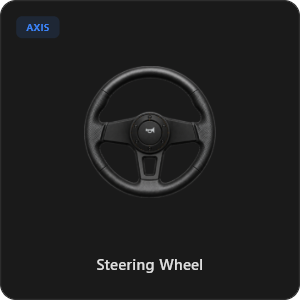
Jemně vylaďte každý joystick, spoušť i volant. Virtuální volant s 900 stupni rotace a automatickým centrováním nebo zatáčení náklonem telefonu.
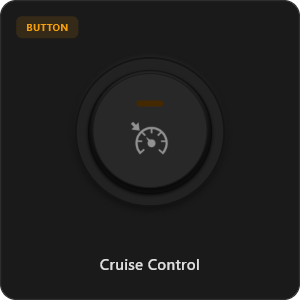
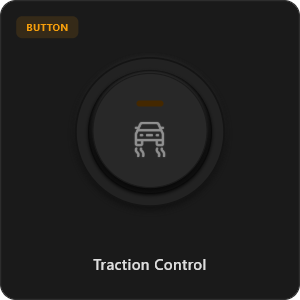
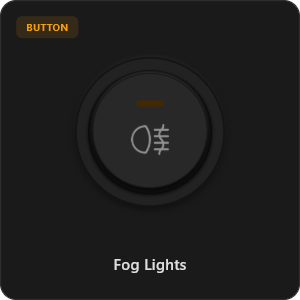
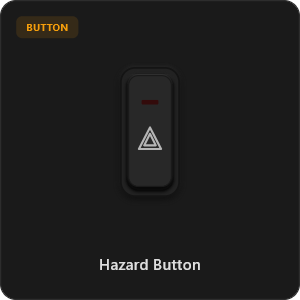
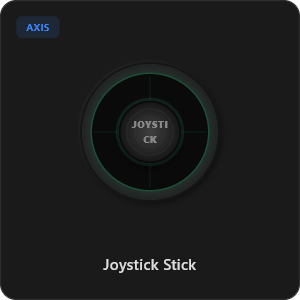
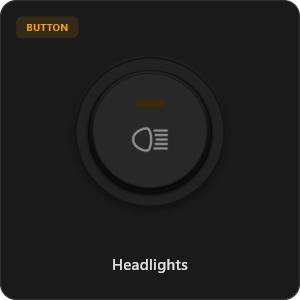
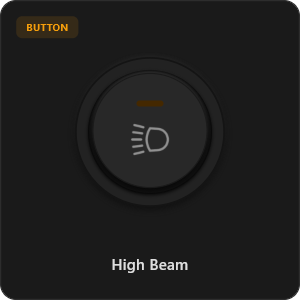
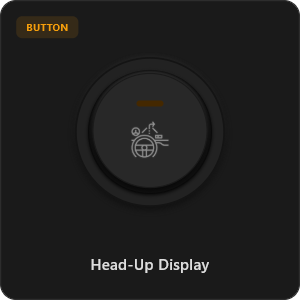
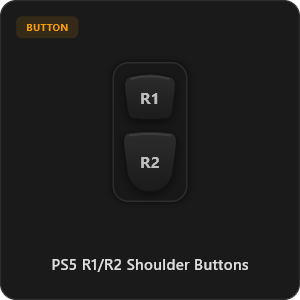
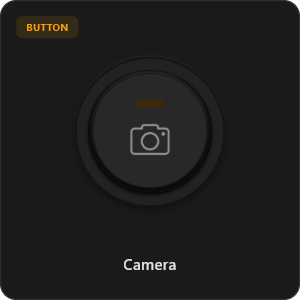
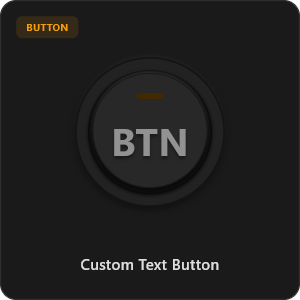
Více než 44 Přednastavených Prvků
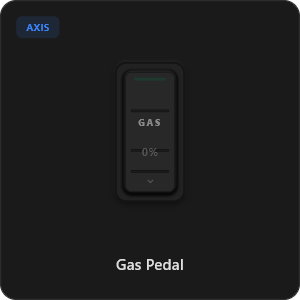
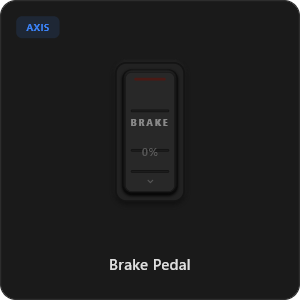
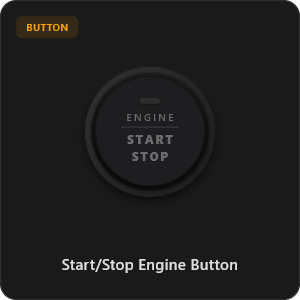
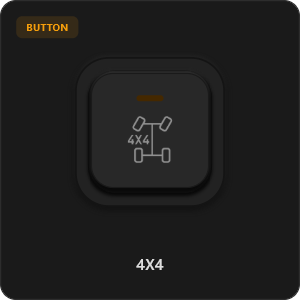
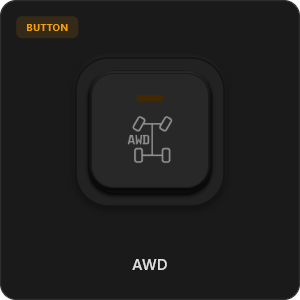
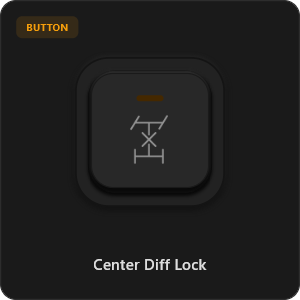
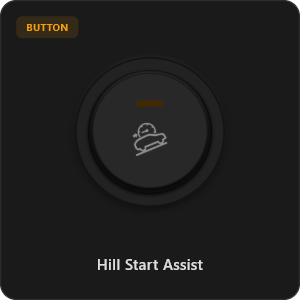
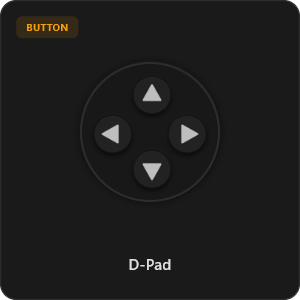
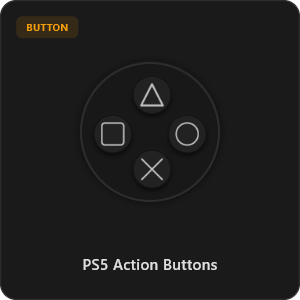
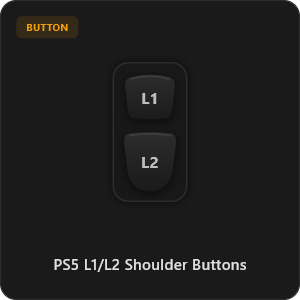
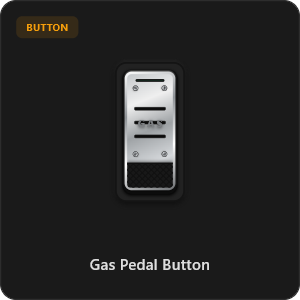
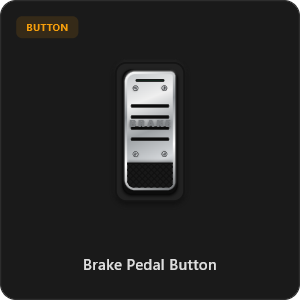
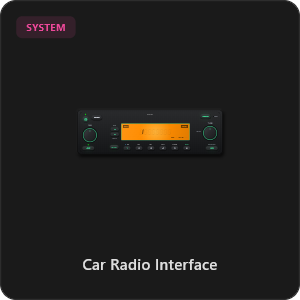
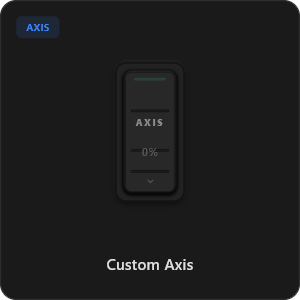
Přetahujte prvky přímo z knihovny nebo si upravte každé tlačítko a osu podle sebe.
.png&w=3840&q=75)
.png&w=3840&q=75)
.png&w=3840&q=75)
.png&w=3840&q=75)
.png&w=3840&q=75)
.png&w=3840&q=75)
.png&w=3840&q=75)
.png&w=3840&q=75)
.png&w=3840&q=75)
.png&w=3840&q=75)
.png&w=3840&q=75)
.png&w=3840&q=75)
.png&w=3840&q=75)
Funguje s jakýmikoliv hrami








Navrženo pro Náročné Hráče
Užijte si okamžitou odezvu srovnatelnou s fyzickým kabelovým USB ovladačem.
100% Wireless Play
Turn your iOS or Android device into a PC game controller over Wi-Fi. Enjoy high-responsiveness with completely wire-free gameplay.
Drag & Drop Builder
Customize your own buttons, switches, and axes. Add as many controls to your custom templates as you want—there is no limit.
In-Game Template Switcher
Save multiple templates and switch on the fly. Create specific layouts for walking, driving, or flying in games like GTA.
Precision Axis Settings
Fine-tune every joystick and axis independently. Adjust linearity, sensitivity, and deadzones to match your driving or aiming style.
900° Steering & Gyro
Race with a virtual steering wheel featuring 900° rotation and auto-centering, or steer using your phone's internal gyroscope.
Ultra Low Latency
UDP-based network transmission ensures response times under 8ms over Wi-Fi, mirroring a physical USB hardware connection.
Nastavení Během Pár Minut
Podívejte se na náš podrobný videonávod a zjistěte, jak snadno proměnit telefon v PC ovladač bez zpoždění.
Začněte ve 3 Jednoduchých Krocích
Žádné složité ovladače. Připraveno ke hraní za méně než 2 minuty.
Download PC Receiver
Download the lightweight RojX Receiver app onto your Windows PC to configure the virtual controller drivers in a single click.
Get the Mobile App
Install the RojX controller app on your Android or iOS device from Google Play or Apple App Store.
Connect & Play
Connect both devices to the same local Wi-Fi or via USB cable, launch your PC game, and start playing.
Stáhnout Ovladač RojX a PC Přijímač
Stáhněte si bezplatnou mobilní aplikaci a desktopový software a hrajte hned.
Windows PC Host Receiver
Required host client to bridge virtual inputs with Windows Xbox controller APIs.

Android Controller App
Full mobile controller app for Android with touch controls, gyro, and custom skins.
iOS Controller App
Mobile controller app for iPhone and iPad with native Apple motion sensors.

Často Kladené Otázky
Odpovědi na nejčastější dotazy ohledně virtuálního ovladače a minimální latence.