
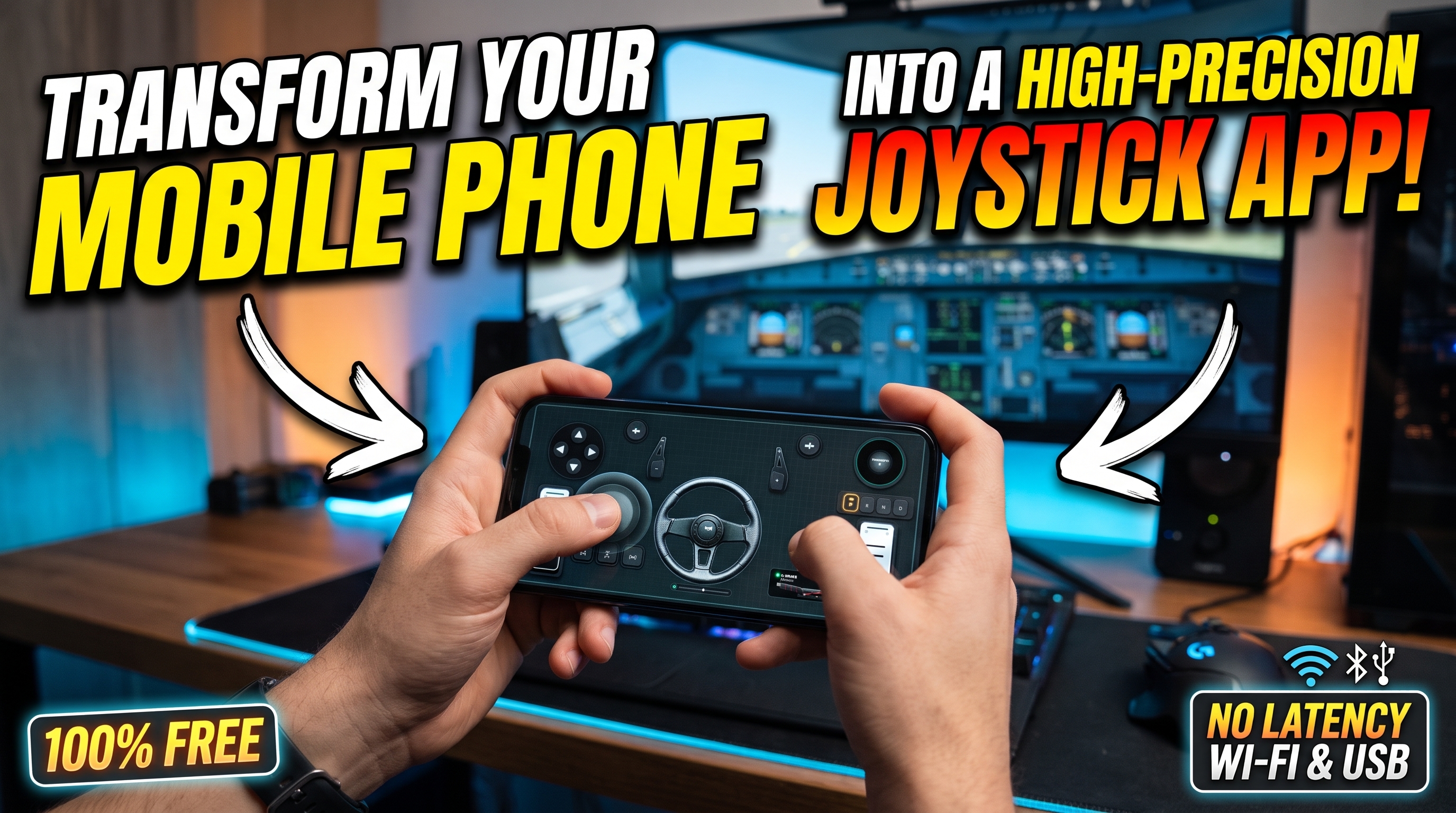



Transform Your Mobile Phone Into a High-Precision Sim Racing Wheel and Joystick App
Low-latency mobile telemetry and sensor-fusion algorithms have reached a level of maturity where physical peripherals are no longer the sole gateway to competitive PC racing. Instead of investing heavily in dedicated hardware, you can easily turn your smartphone into a high-performance joystick app and a fully articulate 900-degree virtual steering wheel using RojX. By leveraging the native inertial measurement unit (IMU) inside modern iOS and Android devices, combined with direct Wi-Fi UDP streaming or USB tethering, your phone transforms into a precise input device recognized by Windows as a native Xbox 360 controller.
Achieving true force feedback emulation and analog precision from a mobile device requires careful calibration. This masterclass dives deep into setting up the Free RojX Windows Host, configuring non-linear steering curves, eliminating input drift, and mastering advanced hybrid layouts.
#Establishing Sub-10ms Latency: USB Tethering vs. 5GHz Wi-Fi
Input lag is the ultimate enemy of sim racing. When you tilt your phone to initiate a counter-steer maneuver, every millisecond counts. RojX communicates with your PC via high-speed UDP data packets, bypassing the overhead of TCP protocols to achieve a staggering 3ms to 8ms response time.
To eliminate packet jitter and wireless congestion, choose your connection method based on your network environment:
- 5GHz Wi-Fi Direct / Local Subnet: Ensure your PC is connected via Ethernet and your mobile device is locked to a 5GHz Wi-Fi band (avoiding crowded 2.4GHz channels). This provides untethered freedom of movement with minimal latency.
- USB Tethering (Zero-Lag Mode): Connect your phone to your PC via a high-speed USB-C cable and enable USB tethering in your mobile settings. This forces local loopback communication through the physical bus, completely isolating your connection from RF interference and dropping latency down to the bare hardware floor.
Once connected, the RojX host receiver communicates directly with the ViGEmBus virtual bus driver on Windows 10 and 11, presenting your smartphone as an authentic Microsoft Xbox 360 controller to the operating system and any loaded game title.
⚠️ IMPORTANT: Windows Defender or third-party firewalls may occasionally block incoming UDP traffic on local ports. Ensure you allow the RojX host application through your firewall settings, and verify that both your PC and mobile device reside on the exact same local subnet.
#Calibrating 900-Degree Gyro Linearity for Precision Cornering
A raw 1:1 mapping of a phone's 90-degree physical tilt to a 900-degree virtual steering lock is practically unusable; it would make micro-corrections impossible and high-speed highway driving hyper-sensitive. To achieve fluid handling, you must configure a non-linear steering response curve.
Inside the RojX desktop manager, access the steering profile settings to tune your axis mapping:
- Deadzone Adjustment: Set a microscopic deadzone (1% to 2%) to filter out natural hand tremors when holding the phone steady on straightaways.
- Non-Linearity Curve (Gamma): Set your curve between 1.30 and 1.70. This compresses the sensitivity around the center axis, allowing for ultra-stable high-speed lane changes, while expanding the outer limits of the tilt angle so you can still haul the wheel around for tight hairpins and drifting.
- Auto-Centering Spring: Enable the software-driven spring return to mimic the mechanical self-centering forces of a real automotive steering rack.
If you are tackling complex logistics routes, check out our dedicated Euro Truck Simulator 2 Setup Guide for pre-optimized truck steering profiles. For physics sandboxes requiring extreme steering fidelity, refer to our BeamNG.drive Physics & Steering Guide.
#Gyro Steering Sensitivity & Curve Presets
| Driving Style | Steering Range | Sensitivity % | Non-Linearity (Gamma) | Center Spring Strength |
|---|---|---|---|---|
| GT / Circuit Racing | 540° | 65% | 1.45 | High (85%) |
| Rally / Off-Road | 360° | 80% | 1.20 | Medium (50%) |
| Heavy Trucking | 900° | 45% | 1.75 | Maximum (100%) |
| Arcade / Street | 270° | 90% | 1.00 (Linear) | Low (25%) |
#Building Custom Touch Layouts and Combining AI Head Tracking
Steering is only one half of the equation; managing throttles, brakes, gear shifts, and camera views requires a tactile interface. RojX allows you to overlay fully customizable touch buttons, sliders, and analog triggers on your phone's touchscreen alongside your gyro steering wheel.
- Virtual Pedals: Map the lower half of your screen or separate touch zones to progressive accelerator and brake axes. The software supports adjustable actuation curves so your thumbs act with smooth pedal travel rather than digital on/off switches.
- Multi-Template Switching: Save separate layouts for different vehicle classes—such as a dual-stick setup for flight simulators, a wheel-and-pedals hybrid for racing sims, and a gamepad template for open-world exploration. Transition instantly between configurations via the mobile dashboard.
- AI Webcam Head Tracking Integration: Elevate your immersion further by pairing your mobile driving setup with RojX's AI head tracking feature. Using your PC webcam, the software tracks your head movement in real-time, mapping yaw and pitch directly to in-game look angles without requiring clumsy head-mounted hardware. Learn more about configuring this in our AI Head Tracking Setup.
If you want a broader overview of transforming your mobile device into a standard gamepad for non-racing titles, read our guide on how to Turn Phone into PC Gamepad.
💡 PRO TIP: When mapping progressive brake pedals on a touchscreen, enable the 'Haptic Feedback' toggle in the RojX mobile app. Receiving subtle vibration pulses as you approach 80% braking force helps your muscle memory prevent lock-ups during threshold braking zones.
#Troubleshooting Matrix for Seamless Simulation
Even with robust architecture, environmental factors can occasionally disrupt telemetry streams. Use this quick-reference matrix to diagnose and resolve common operational hurdles:
| Symptom | Root Cause | Corrective Action |
|---|---|---|
| Steering drifts slowly to one side | IMU sensor thermal drift or surface tilt during boot. | Place phone flat on a stationary surface for 3 seconds and tap the 'Recenter Gyro' button in the app. |
| Noticeable input delay (>30ms) | Phone connected to a congested 2.4GHz Wi-Fi router. | Switch to a 5GHz Wi-Fi band or switch entirely to a physical USB tethering cable. |
| Game does not recognize inputs | ViGEmBus virtual driver not running or outdated. | Reinstall the latest RojX host package to ensure the virtual Xbox 360 driver initializes correctly. |
| Touch buttons feel unresponsive | Windows display scaling or overlay interference. | Run the RojX Windows host in Administrator mode and disable full-screen optimizations in your game title. |
By dialing in your non-linear steering curves, optimizing your local UDP connection via USB or 5GHz Wi-Fi, and utilizing custom touch layouts, your smartphone becomes a formidable input powerhouse. Download the latest receiver package and experience precision control today.
Turn your smartphone into a virtual 900° steering wheel right now
No expensive $300 wheel hardware required. Play Forza, Euro Truck Simulator 2, BeamNG, and Assetto Corsa with butter-smooth gyro steering and zero lag over Wi-Fi.
Point your iPhone or Android camera to install.